

 MuntashirAkon
Create .tmp directory during backup on internal storage, not SAF storage
- [x] I know what my device, OS and App Manager versions are
- [x] I know how to take logs
- [x] I know how to reproduce the issue which may not be specific to my device
Describe the bug If for eg. Nextcloud is selected as SAF storage, the .tmp directory is created on the SAF storage which has very slow i/o processing, causing unsuccessful app backups. Also the .tmp directory gets uploaded to the cloud leading to unnecessary wastage of bandwidth.
To Reproduce Steps to reproduce the behaviour:
- Go to 'Backup/Restore'
- Click on 'Backup Volume'
- Select Nextcloud or any other cloud storage provider as SAF storage
- See error
Expected behavior The .tmp directory is created on internal storage and the processed backup is pushed to the SAF storage.
Screenshots
If applicable, add screenshots to help explain your problem.
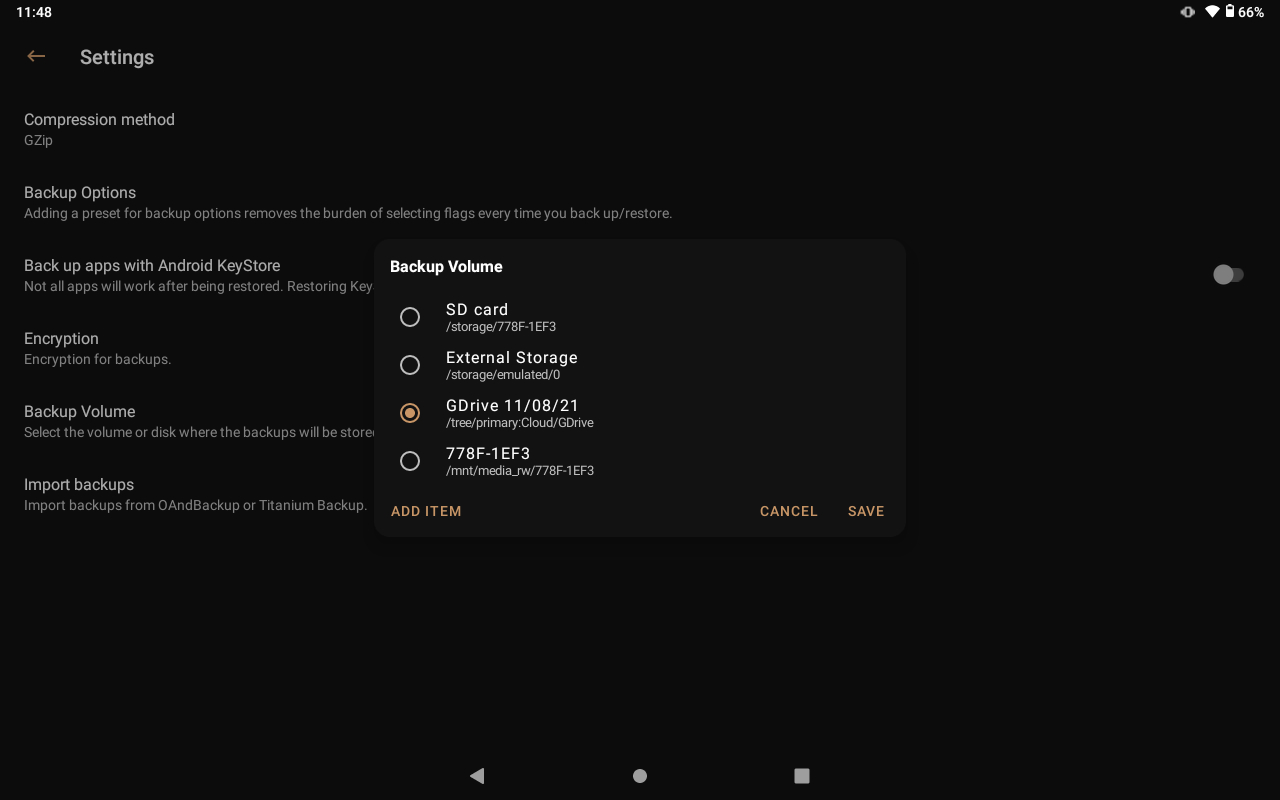
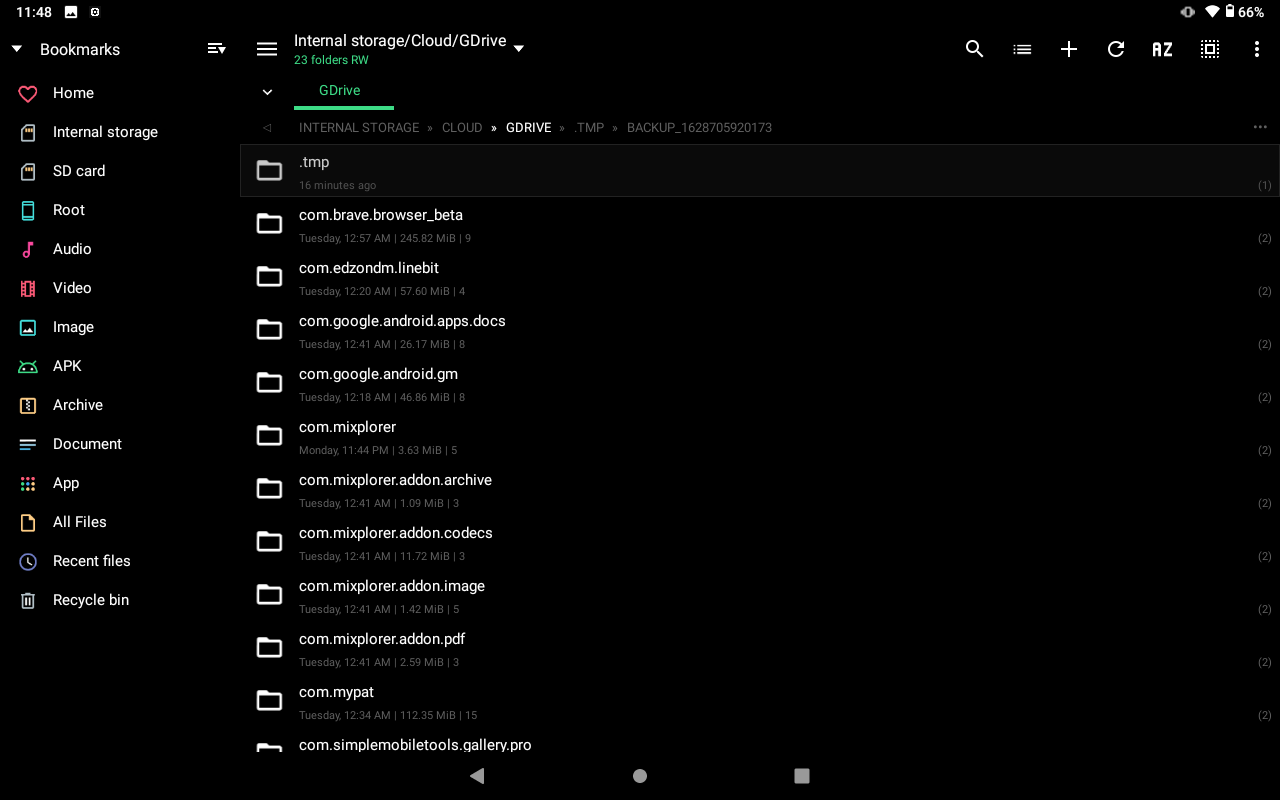
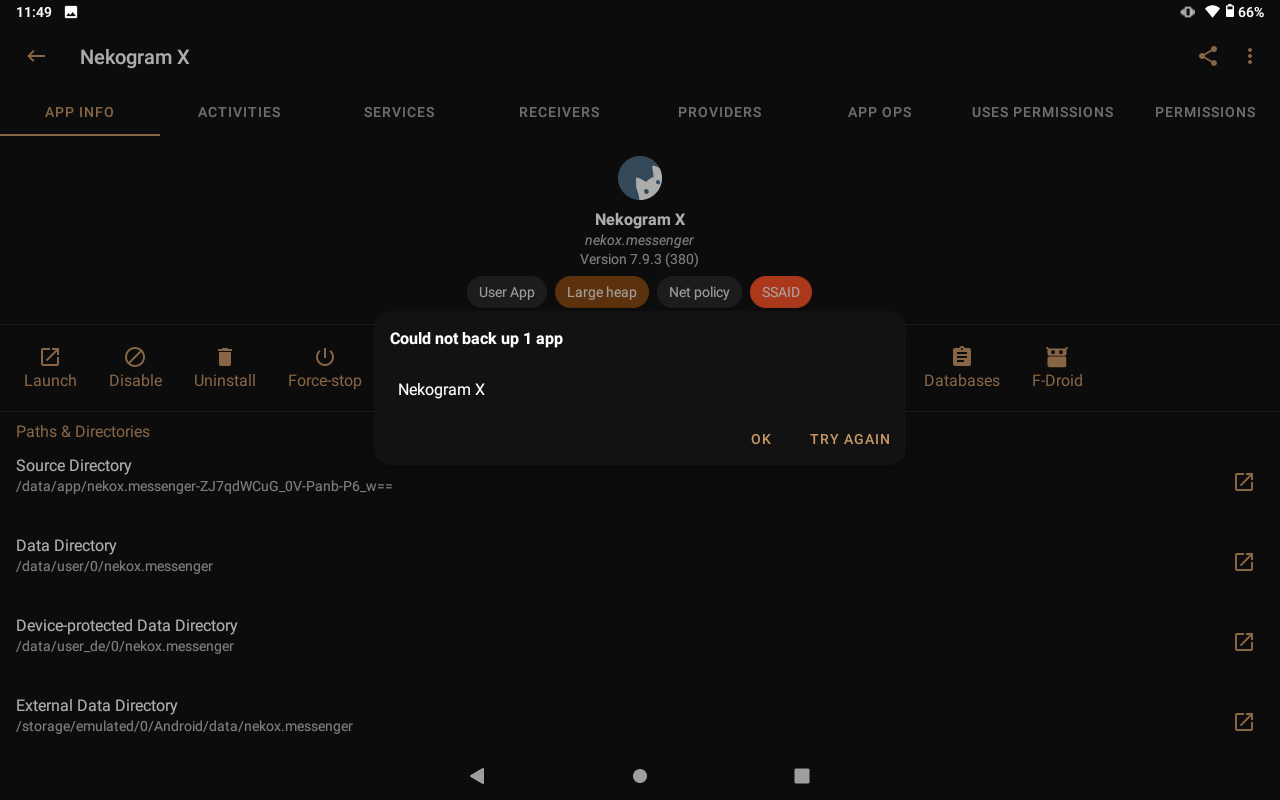
Crash logs If applicable, add crash logs to help us figure out the problem. No crash log, only get backup failed.
Device info
- Device: Lenovo Tab4 10 TB-X304L
- OS Version: Lineage OS 17.1
- App Manager Version: 2.7.0-1460-DEBUG
- Mode: root
Additional context Add any other context about the problem here. The cloud storage is mounted using rclone, but since OAndBackupX is able to successfully create backups, I don't think there are any problems there.

I knew somebody would raise this issue sooner or later! Changing .tmp directory isn't actually a good idea since this would arise lots of other issues. A possible solution is to create backup under the same directory (i.e. <package name>/<user id>[_<custom backup name>]) but with some other extensions, and rename it once the backup successfully finishes (because increasingly predictive designs of Google doesn't include aliasing or linking files/folder the way we could do in normal file management system, you are allowed to rename a file/folder without copying data if both source and target files/folders are located in the same directory), and finally, delete the previous backup residues (if any). This is nothing you'd see anywhere (except perhaps in some text editors or an FS that supports file history) but it is done to ensure that your old backups aren't lost if the newer backups fail for some reason. However, even if this is solved, another issue (#451) will remain for those who're encrypting their backups.
By the way, it's better if you've shared some logs regarding backup failure since SAF is still an experimental and a couple of logs would surely help in improving the feature. Thanks.

Sorry i forgot App Manager now has an inbuilt log viewer and thanks for the explanation. I have attached the full log below. 2021-08-12-01-45-37.log