
ModernFlyouts
 ModernFlyouts copied to clipboard
 ModernFlyouts-Community
Collapse playback control
Description of the new feature / enhancement
Sometimes playback control and the progress bar are not working, or people just don't want these two functions, there should be an option that allows me to collapse the "pause, previous and next" button so that modern flyout could take fewer screen spaces.
Scenario when this would be used?
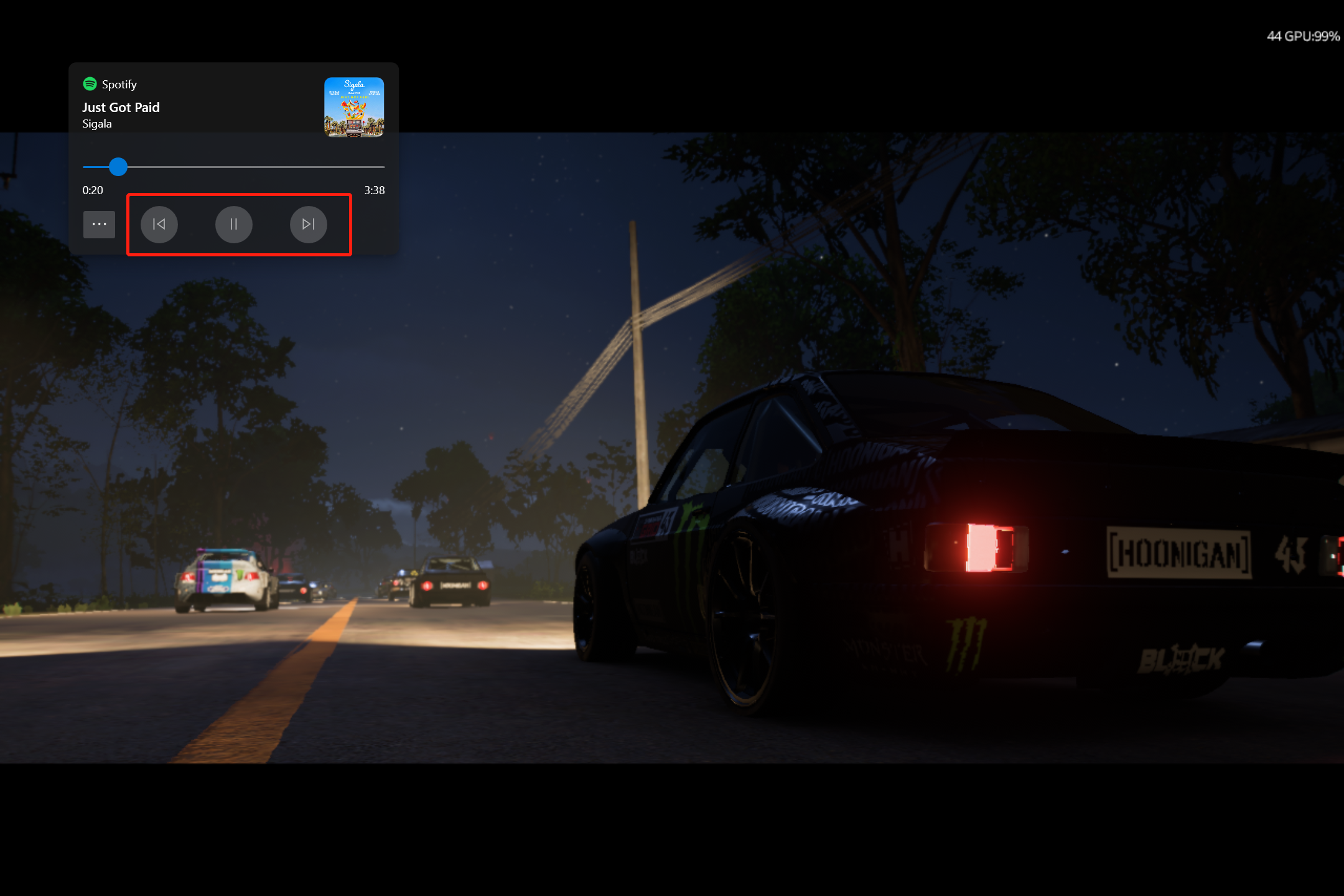
Additional context
This function actually was used in previous versions of the app when the progress bar and the playback control buttons were not available during that time, honestly, that flyout feels much better than this one from my perspective because less screen space was taken and I actually don't need all these new functions

@PIndividual great minds think alike, this was already planned for 0.12 https://github.com/ModernFlyouts-Community/ModernFlyouts/issues/148 - i presume this is what you were thinking. There may be some improvements with this in 0.11 as we are completely rebuilding the app, and there will be appearance and behavior changes.

Yeah, our ideas are similar, but I was thinking about only displaying the media info instead of media info with the control layout( including the progress bar, next/previous, and play/pause ) because that gives me a smaller layout which I really love to see, also because sometimes modern flyout seems cannot reach the media control.