

 ModernFlyouts-Community
Bug: Windows wizard triggers modern flyouts volume.
Describe the bug: When a windows wizard pops up modern flyouts volume is triggerd
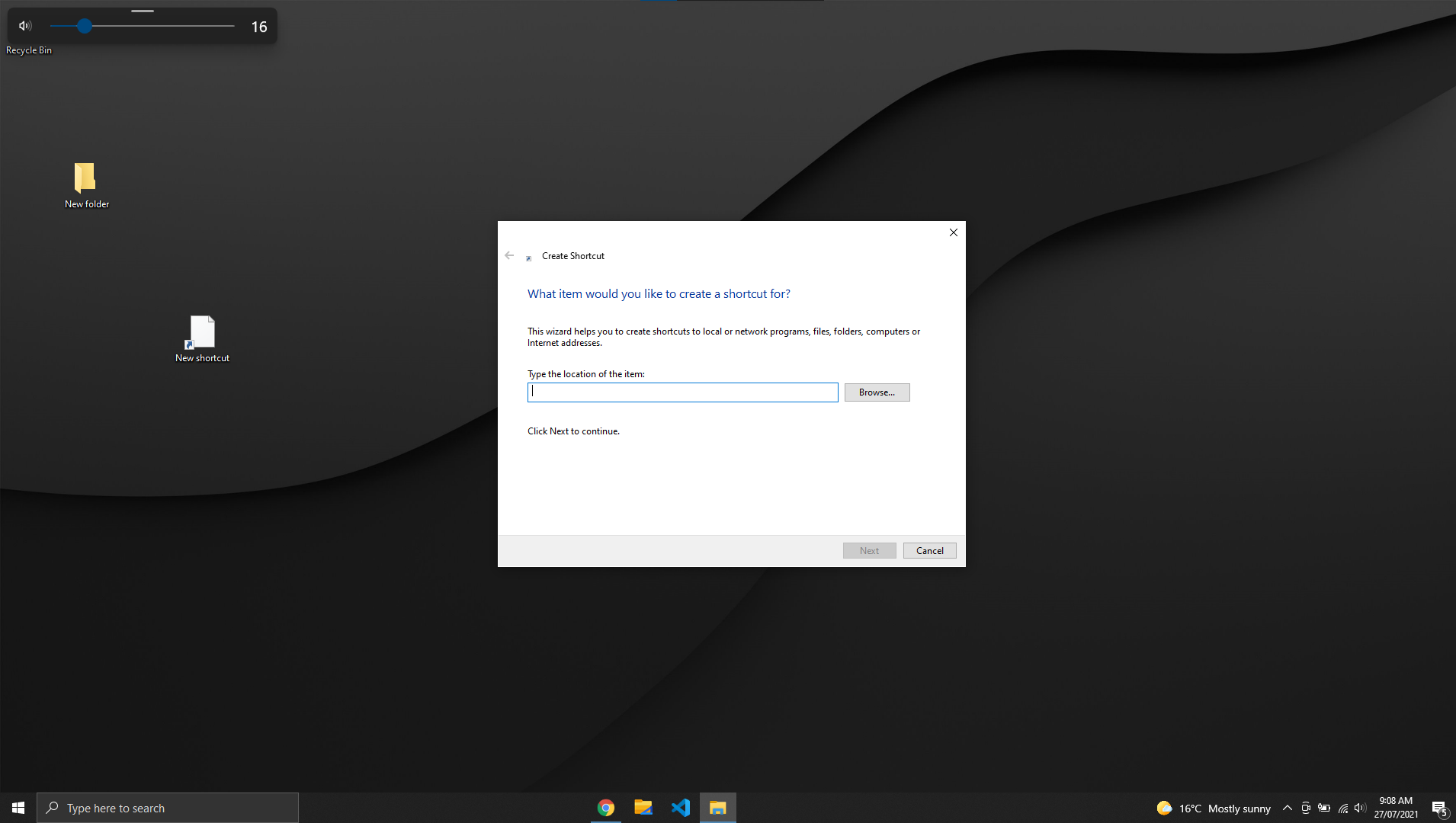
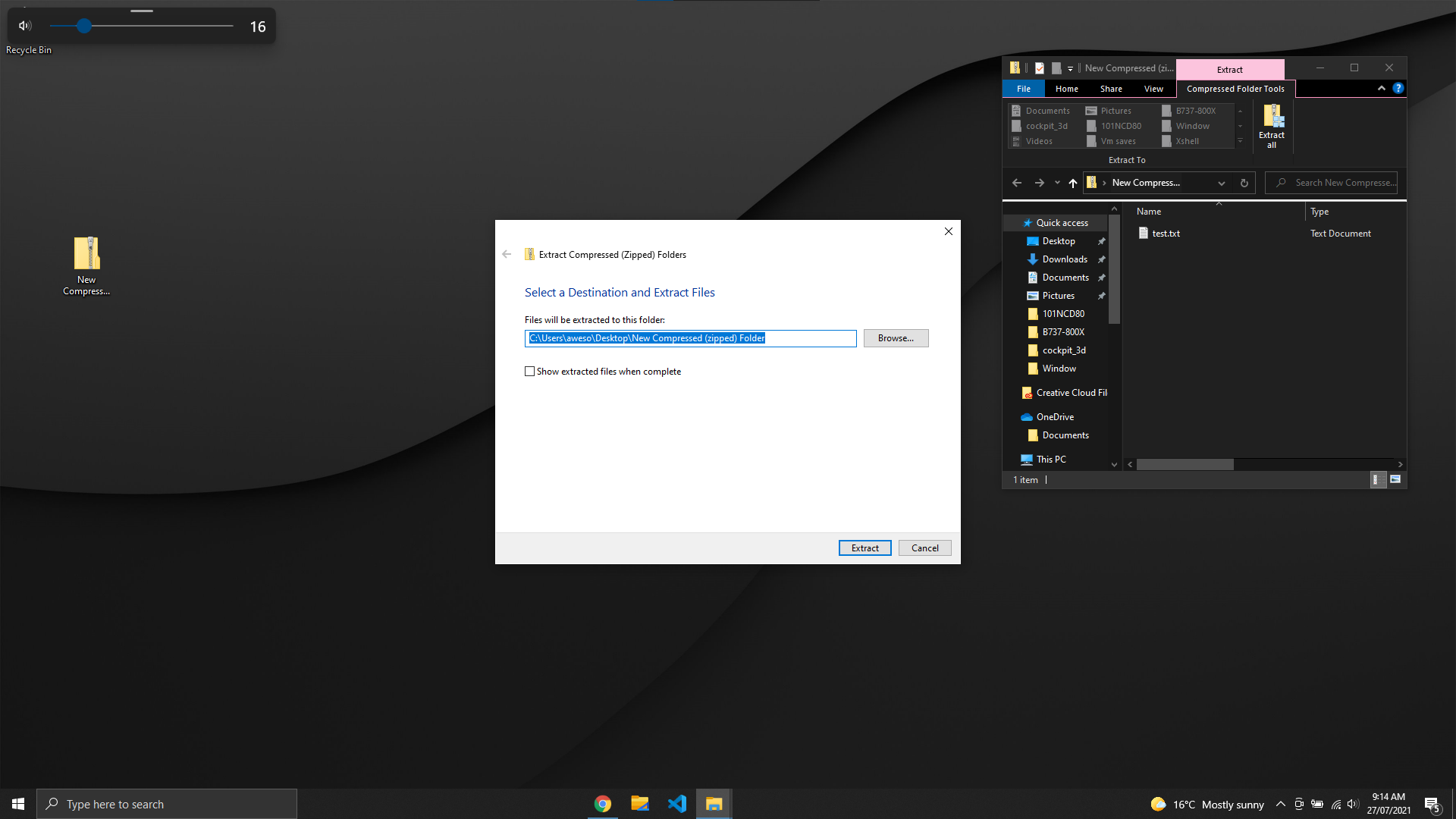
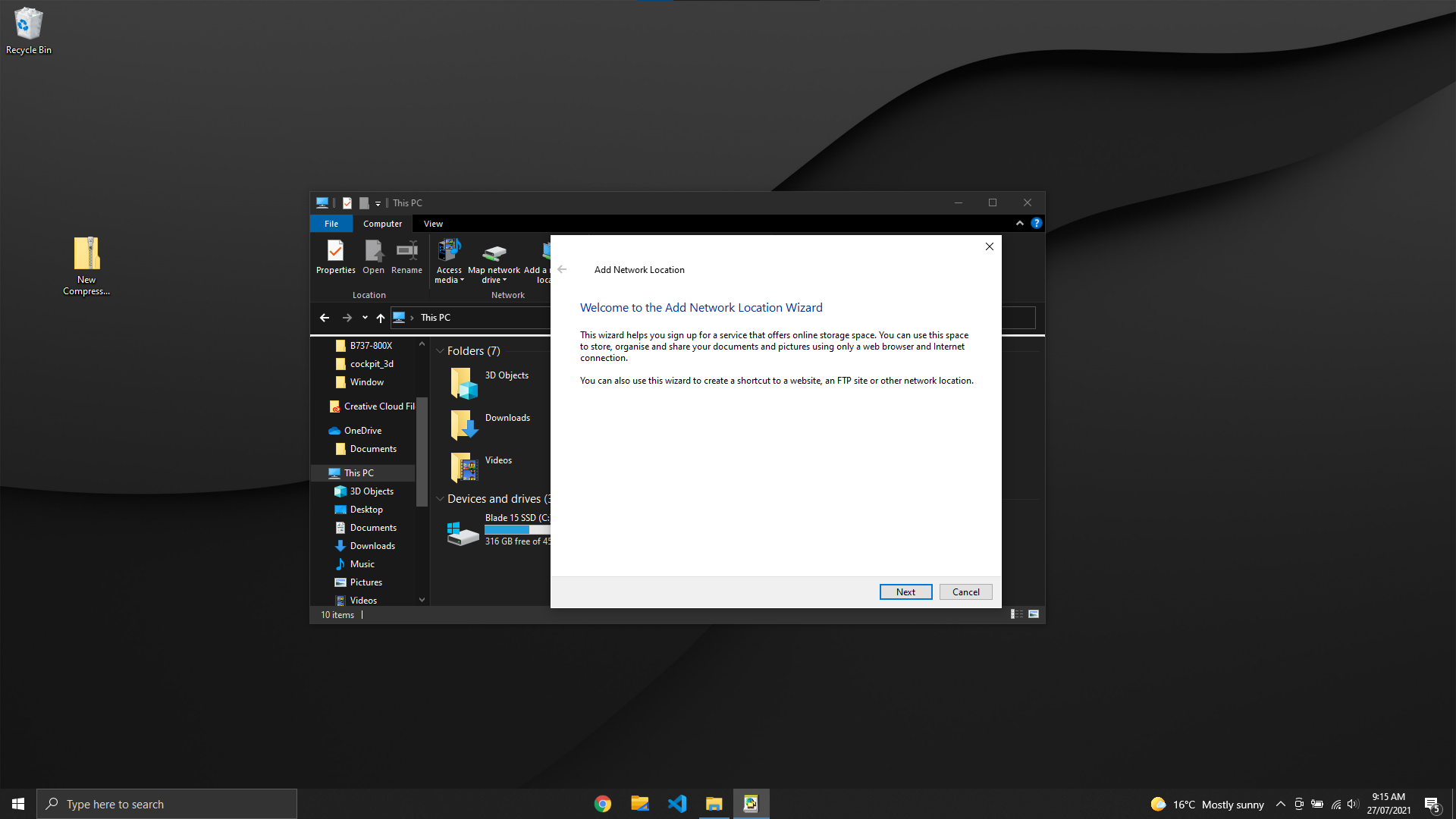
To Reproduce: Steps to reproduce the behaviour: right click on desktop> new>shortcut OR right click a zipped folder> extract zipped folder
Screenshots:
OS Version:
- Windows 10 Version:
ModernFlyouts Version: 9.3.0

Unable to reproduce I just tried it as well as frequently using these shortcuts on other computers and couldn't reproduce this.

We need more info, what os version etc.
Are you sure you didn't just accidentally trigger a volume change?
We need more info, what os version etc.
Are you sure you didn't just accidentally trigger a volume change?
Device name LAPTOP-PJTAG1MU Processor Intel(R) Core(TM) i7-10750H CPU @ 2.60GHz 2.59 GHz Installed RAM 16.0 GB (15.9 GB usable) System type 64-bit operating system, x64-based processor Edition Windows 10 Home Version 20H2 Installed on 19/06/2021 OS build 19042.1110 Experience Windows Feature Experience Pack 120.2212.3530.0
i did not touch my volume changer as i would need to press fn+f11 or fn+f12 on my keyboard
I got the same issue when extracting a zip file.
I have the 0.9.3 version of the app.
I have a surface laptop 3, with Windows 11 and the version 21H2


The bug seems to be fixed in my OS
Edition Windows 11 Home Version 21H2 Installed on 27/10/2021 OS build 22000.282 Experience Windows Feature Experience Pack 1000.22000.282.0
Reply to @Cyberdroid1
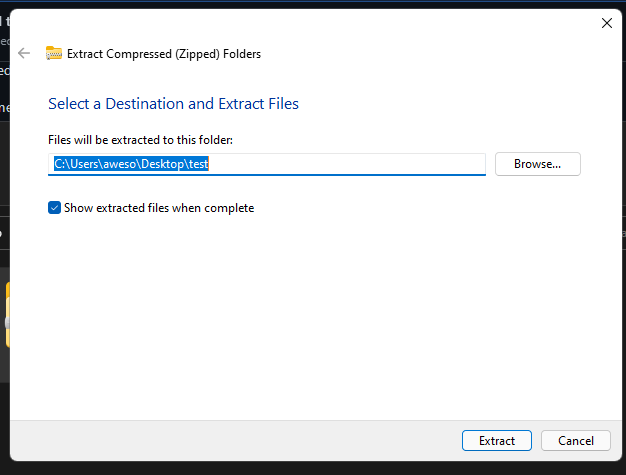
@SrPatinhas what software do you use for extracting zip files?
This is the software that causes the issue on their machine
Reply to @SrPatinhas
I got the same issue when extracting a zip file.
I have the 0.9.3 version of the app.
I have a surface laptop 3, with Windows 11 and the version 21H2
Can you try running "Create a shortcut" and see if it triggers the Modern Flyouts
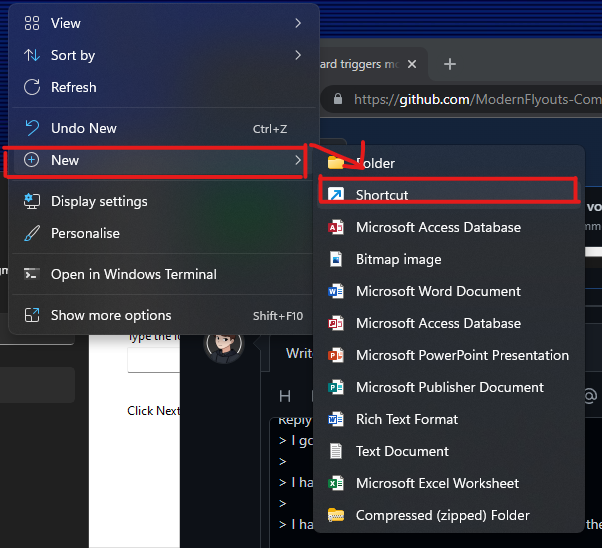
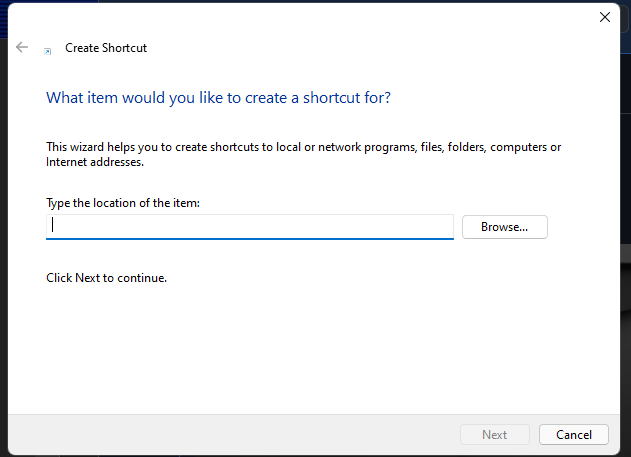
@awesomelewis2007 so I tried unzip again and create the shortcut like you asked, and it's not happenig. But on my other computer is, I will update it to the 21H1 and will confirm if is fixed or not after updating.
I Managed to reproduce the issue on windows 11
Edition Windows 11 Home Version 21H2 Installed on 27/10/2021 OS build 22000.282 Experience Windows Feature Experience Pack 1000.22000.282.0
I have the same issue and I'm currently using modern flyout 0.9.3.0 and windows 11 pro 21H2, quite sure it's not windows problem since the classic flyout not triggered (when creating shortcut), sometimes restarting explorer.exe fix the problem (But after I restarted the app and or restart the explorer again the problem appear again)
