
iOS-System-14-Theme
 iOS-System-14-Theme copied to clipboard
 MisutaaAsriel
Custom Mac OS 8 inspired and based theme for iPhone OS 14
🔗View Files • 🔗Widget Instructions • 🔗In-Depth Instructions (English)
Update 3: Changed directory structure. "Light" folder remains for compatibility with widget.
Update 2: Patched Widget for Display Bug, added light wallpaper. Thank you, 🔗Patty, for the assistance.
Update 1: Fixed wallpaper, Added Maps, Health, Reminders
Macintosh Classic theme for iPhone OS 14.0
iPhone OS 14用のMacintoshクラシックテーマ
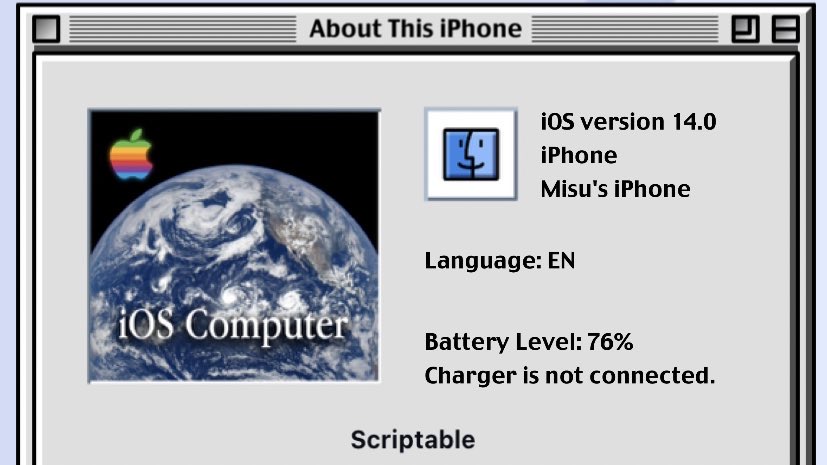
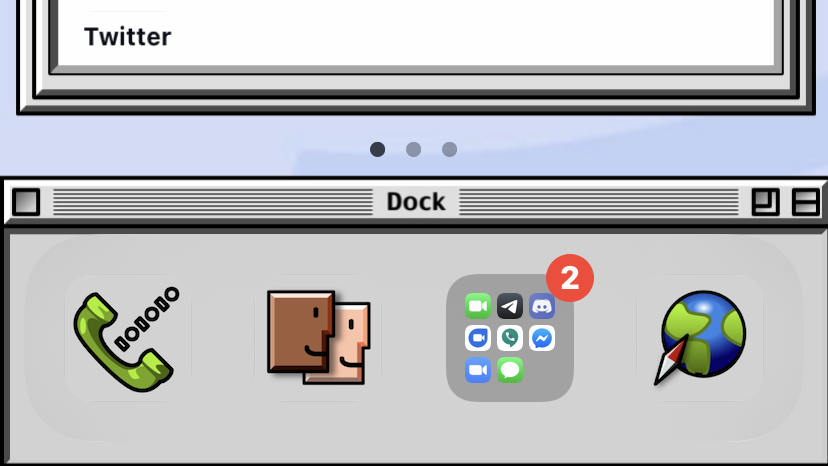
Macintosh Classic wallpaper, widget, and icon set for iPhone. Optimized for iPhone Xʀ.
iPhoneXʀ用に作られました。
Wallpaper
Widget
First, 🔗install Charcoal font via configuration profile. Add "🔗About this Widget.js" to 🔗Scriptable's directory in iCloud, or copy it's contents to a new script in 🔗Scriptable. Add 2x4 widget to home and set script to newly added widget script.
まず、🔗プロファイルを使用してCharcoalフォントをインストールします。「🔗About this Widget.js」をiCloudの🔗Scriptableのフォルダに追加するか、その内容を🔗Scriptable内の新しいスクリプトにコピーします。 2x4ウィジェットをホームに追加し、スクリプトを新しく追加されたウィジェットスクリプトに設定します。
Icons
Save 🔗desired icons to photos, and create shortcuts using Siri Shortcuts to launch the apps. Use "_Dock" icons for apps stored in the dock ONLY in dark mode. — See this walkthrough for more details.
🔗アイコンを写真に保存し、ショートカットアプリを使用して、家に追加してアプリを起動できるショートカットを作成します。ダークモードでのみドックに保存されるアプリには、「_ドック」アイコンを使用します。
Translation assisted by Google Translate. Google翻訳によって部分的に翻訳されています。
Metadata
30
Stars
2
Forks
Watchers
Owner
 MisutaaAsriel
Metadata
Custom Mac OS 8 inspired and based theme for iPhone OS 14