
uibooster-for-processing
 uibooster-for-processing copied to clipboard
 Milchreis
🚀 Creates fast and easy dialogs for utility tools for Processing

UiBooster is a lean library to create fast and easy dialogs for utility tools.
This project ports UiBooster 1.15.2 full functionally to the Processing eco-system as a library to create dialogs for your sketch fast as possible. With a lot of examples you will learn to use this library in less than five minutes.
If you like this project, and you want to keep me awake 🤪, than please support me on ko-fi

Breaking changes since version 1.12.0
In version 1.12.0 of UiBooster the ChangeListener and the FilledForm are changed. Please check your code after updating if you
used UiBooster in earlier versions before.
Breaking changes
- Now ChangeListener in form creation has 3 parameter: current form element, new value, your form
- you will have to add
Form formas third parameter to your listener - Here you can find an example
- you will have to add
FilledFormis renamed toForm- you will have to change all FilledForms to Form (also in imports)
- Here you can find an example
Supporter ❤️
A big thanks goes to the supporters of this project. I thank every single one of them for contributing to UiBooster.
- federico-pepe (GitHub)
- Devraj Joshi (Twitter)
- Ralf Leggett (Github)
- PlayStateWolff (Github)
- leuwenn (Github)
Installation
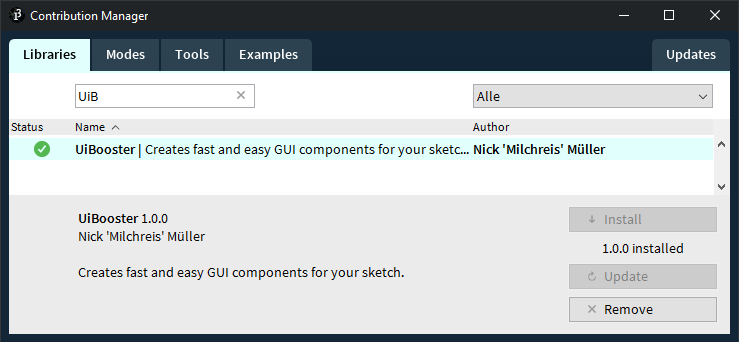
If you want to use this library in your processing sketch you can download it via the integrated Contribution Manager.
Documentation
The following examples show the usage of this library. If you interested in the javadoc documentation look here.
Components
- Information dialogs
- Text input dialog
- Confirmation dialog
- Password input dialog
- Selection dialog
- Multiple selection dialog
- Slider dialog
- Colorpicker
- FontChooser
- Datepicker
- File and directory selection dialogs
- Exception dialog
- List dialog
- Login dialog
- Waiting dialog
- Progress dialog
- Table dialog
- Gallery dialog
- Form dialog
- Splash screen
- System tray menu
- Notification
Information dialogs
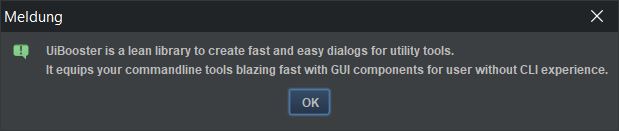
new UiBooster().showInfoDialog("UiBooster is a lean library to ....");
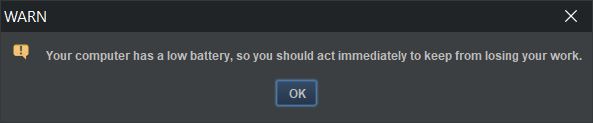
new UiBooster().showWarningDialog("Your computer has a low battery ....", "WARN");
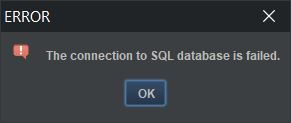
new UiBooster().showErrorDialog("The connection to SQL database is failed.", "ERROR");
Text input dialog
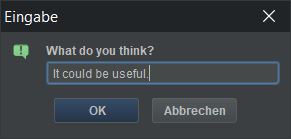
String opinion = new UiBooster().showTextInputDialog("What do you think?");
Confirmation dialog
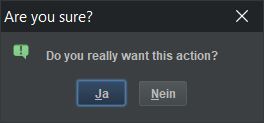
new UiBooster().showConfirmDialog(
                "Do you really want this action?",
                "Are you sure?",
                () -> System.out.println("Action accepted"),
                () -> System.out.println("Action declined"));
Password input dialog
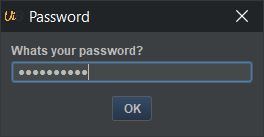
String password = booster.showPasswordDialog("Whats your password?", "Password");
Selection dialog
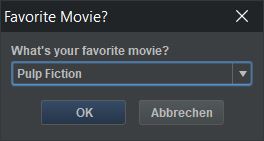
String selection = new UiBooster().showSelectionDialog(
        "What's your favorite movie?",
        "Favorite Movie?",
        Arrays.asList("Pulp Fiction", "Bambi", "The Godfather", "Hangover"));
Multiple selection dialog
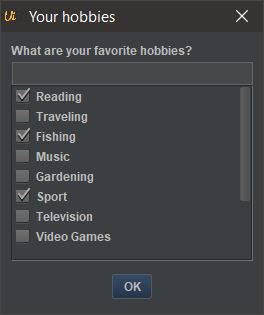
 List<String> selectedElement = new UiBooster().showMultipleSelection(
            "What are your favorite hobbies?",
            "Your hobbies",
            "Reading", "Traveling", "Fishing", "Music", "Gardening", "Sport", "Television",
            "Video Games", "Crafting", "Bird Watching", "Collecting");
Slider dialog
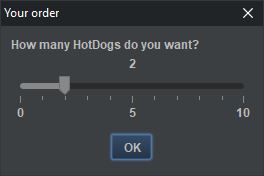
Integer numberOfHotDogs = new UiBooster().showSlider("How many HotDogs do you want?", "Your order",
                0, 10, 2, 5, 1);
Colorpicker
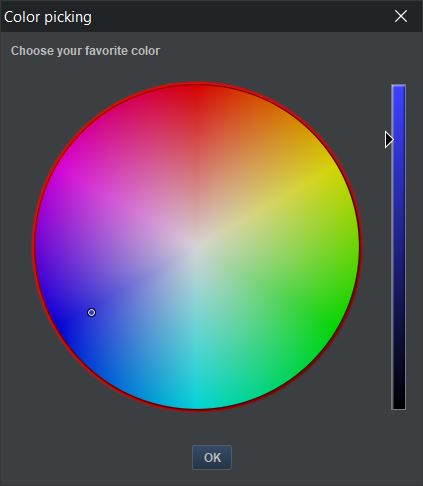
Color selectedColor = new UiBooster().showColorPicker("Choose your favorite color", "Color picking");
library by @dheid: colorpicker
Font Chooser
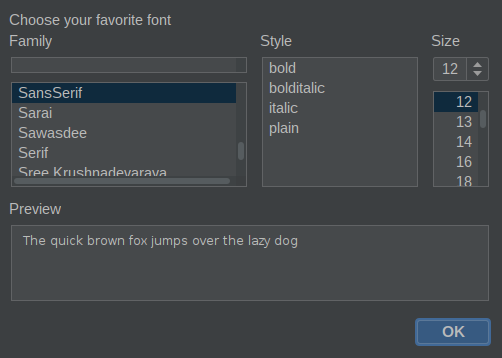
Font selectedFont = new UiBooster().showFontChooser("Choose your favorite font", "Font choosing");
library by @dheid: fontchooser
Datepicker
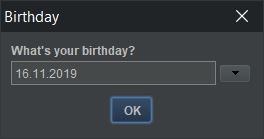
Date birthday = new UiBooster().showDatePicker("What's your birthday?", "Birthday");
File and directory selection dialogs
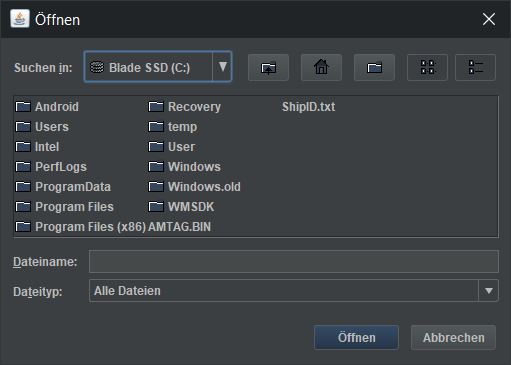
UiBooster booster = new UiBooster();
File file = booster.showFileSelection();
File directory = booster.showDirectorySelection();
File fileOrDirectory = booster.showFileOrDirectorySelection();
Exception dialog
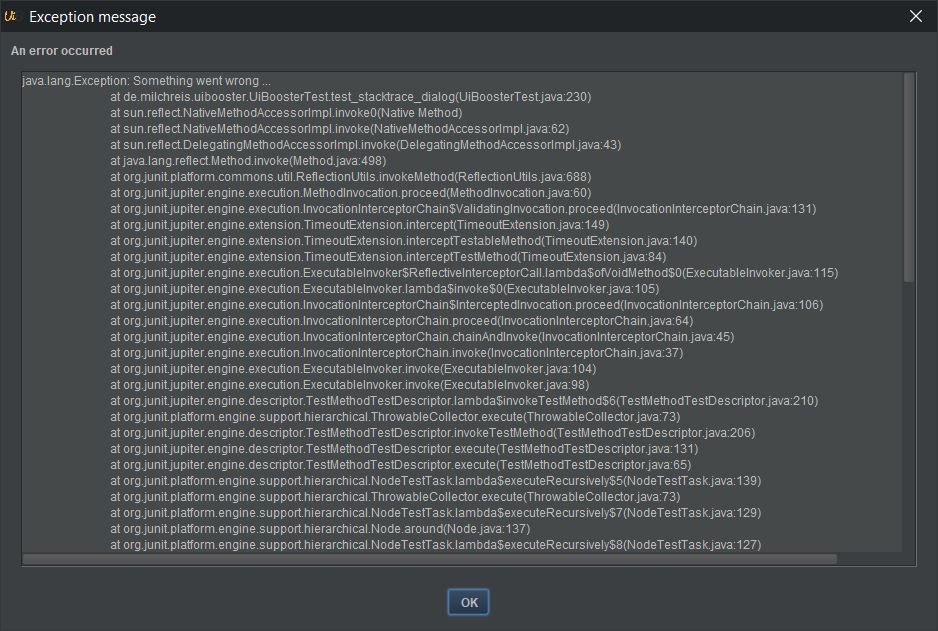
new UiBooster().showException(
    "An error occurred",
    "Exception message",
    new Exception("Something went wrong ...")
);
List dialog
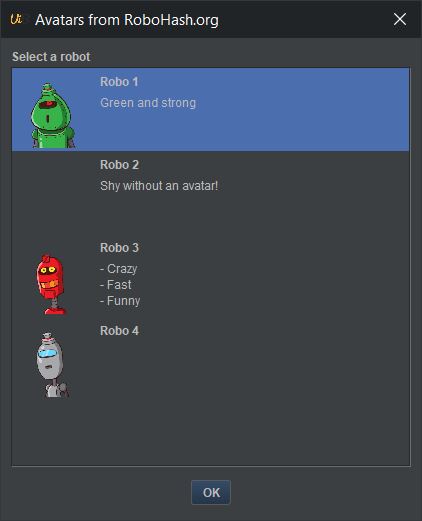
ListElement selectedElement = new UiBooster().showList(
    "Select a robot",
    "Avatars from RoboHash.org",
    element -> System.out.println("Selected: " + element.toString()),
    new ListElement("Robo 1", "Green and strong",         "src/test/resources/avatar1.png"),
    new ListElement("Robo 2", "Shy without an avatar!"),
    new ListElement("Robo 3", "- Crazy\n- Fast\n- Funny", "src/test/resources/avatar2.png"),
    new ListElement("Robo 4", null,                       "src/test/resources/avatar3.png")
);
Login dialog
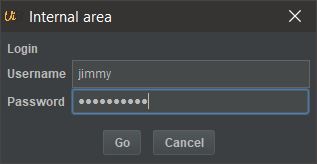
LoginCredentials credentials = new UiBooster().showLogin(
        "Login",
        "Internal area",
        "Username",
        "Password",
        "Go",
        "Cancel");
Waiting dialog

WaitingDialog dialog = new UiBooster().showWaitingDialog("Starting", "Please wait");
dialog.setMessage("Ready");
dialog.close();
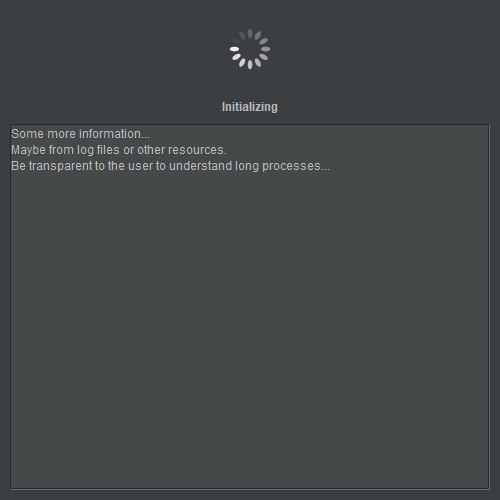
WaitingDialog dialog = new UiBooster().showWaitingDialog("Starting", "Please wait");
dialog.setMessage("Initializing");
dialog.setLargeMessage("Some more information...\nMaybe from log files or other resources. \nBe transparent to the user to understand long processes...");
dialog.close();
Progress dialog
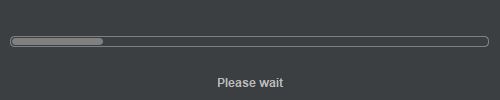
ProgressDialog dialog = new UiBooster().showProgressDialog("Please wait", "Waiting", 0, 120);
dialog.setProgress(10);
// ...
dialog.setProgress(120);
dialog.setMessage("Ready");
dialog.close();
Table dialog
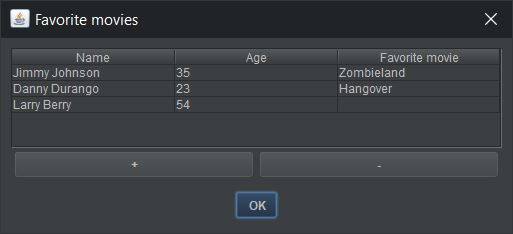
String[][] modifiedData = new UiBooster().showTable(    // showTableImmutable for immutable tables
        new String[][]{
                {"Jimmy Johnson", "35", "Zombieland"},
                {"Danny Durango", "23", "Hangover"},
                {"Larry Berry", "54", ""}
        },
        Arrays.asList("Name", "Age", "Favorite movie"),
        "Favorite movies");
Gallery dialog

new UiBooster().showPictures(
        "My picture",
        Arrays.asList(
            new File("/home/nick/pictures/img-01.jpg"),
            new File("/home/nick/pictures/img-02.jpg")
        )
);
Form dialog
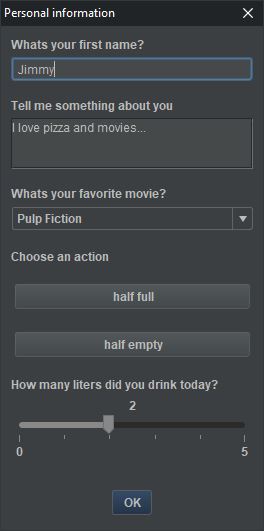
UiBooster booster = new UiBooster();
Form form = booster.createForm("Personal information")
            .addText("Whats your first name?")
            .addTextArea("Tell me something about you")
            .addSelection(
                    "Whats your favorite movie?",
                    Arrays.asList("Pulp Fiction", "Bambi", "The Godfather", "Hangover"))
            .addLabel("Choose an action")
            .addButton("half full", () -> booster.showInfoDialog("Optimist"))
            .addButton("half empty", () -> booster.showInfoDialog("Pessimist"))
            .addSlider("How many liters did you drink today?", 0, 5, 1, 5, 1)
            .show();

// use .run() instead of show() to open the formBuilder without blocking.
The form is very powerful and provides a lot of features:
- add your own elements (Example)
- put multiple elements in one row (Example)
- add a listener for any changes (Example)
- add a listener on window close (Example)
- set window setting, f.e. size and position (Example)
Splash screen

Splashscreen splash = new UiBooster().showSplashscreen("/path/to/your/splash.png");
// do your stuff
splash.hide();
System tray
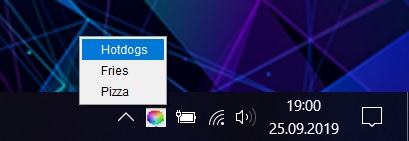
UiBooster booster = new UiBooster();
booster.createTrayMenu("Food", "screenshots/color.jpg")
        .withPopupMenu()
        .addMenu("Hotdogs", () -> booster.showInfoDialog("Sausage in a roll"))
        .addMenu("Fries", () -> booster.showInfoDialog("Fried potatoes"))
        .addMenu("Pizza", () -> booster.showInfoDialog("Dough with tomato sauce"));
Notification
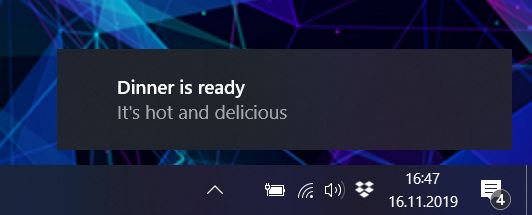
new UiBooster().createNotification("It's hot and delicious", "Dinner is ready");
Options
UiBooster booster = new UiBooster(
    UiBoosterOptions.Theme.DARK_THEME,
    "/path/to/your/custom-window-icon.png"
);
See some examples for UiBoosterOptions here
Contribution
Please report issues for bugs or feature requests with ideas for other useful dialogs. If you interested in the development process, take a look to the origin project UiBooster.
Updating UiBooster for Processing
The port of UiBooster works as copy from the original project with some package adjustments. An update script pulls the current UiBooster code and replace it with the code from this library. New features from UiBooster are added as examples, and the README.md has been updated.
This script updates the code. Attention: It removes the existing code!
cd ./update/
bash update-uibooster.sh
 Milchreis