

 Melvin-Abraham
Google OAuth Token keeps expiring, what to do against it?
Hi, it's pretty much in the title: After a couple days of using and not using it the OAuth Token needs to be reset. While this process is fairly simple it is annoying. What can I do to circumvent the token from expiring??


If app is set as published in google console you can set OAuth Tokens with longer expiry date.
Would need to be changed in code as well (it probably sets expiry in code since my token has been showing as expired in this app, even tho it worked in another) ;)
Otherwise it's only 7 days

Is there another authentication method which would work too? And I have not dealt with that yet, but does the OAuth Token flow have a way of refreshing the tokens. So that the old one gets invalid and you get a new one with the help of a refresh token and the client id.
https://cloud.google.com/apigee/docs/api-platform/antipatterns/oauth-long-expiration
They say that you can have the refresh token can last as long as 200 days

Interested in a solution to this as well. Will wait for someone smarter than me to come along...

Is there another authentication method which would work too? And I have not dealt with that yet, but does the OAuth Token flow have a way of refreshing the tokens. So that the old one gets invalid and you get a new one with the help of a refresh token and the client id.
https://cloud.google.com/apigee/docs/api-platform/antipatterns/oauth-long-expiration
They say that you can have the refresh token can last as long as 200 days
As I said above if you publish the app you get no expiry. Apparently after the program set expiration date (7 days) it still didn't ask me for new Token (most likely due to the code not forcing it after set expiration). On top of that it set expiration to Sunday, December 5, 53954 4:41:07am after it was past 7 days (I got token at 5th Dec 2021 4:41 am).
Coming to conclusion: Simply publishing app in Google Console and creatinh new Token after that will make it to not expire.
@Melvin-Abraham do you mind adding this information to README or smth?
Would be kind if you offer your published app, because you have already published it and it would simplify a lot.
I believe what @MichaelDavidGK is saying is you set the app to published in your own google console.
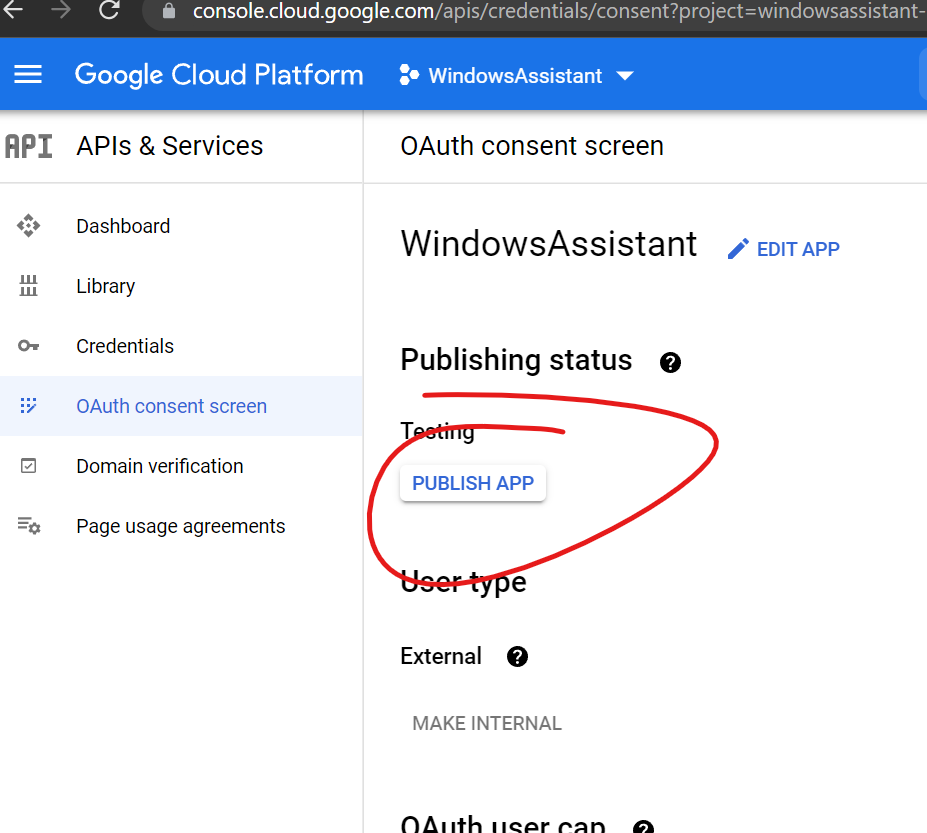

Yes I'm aware of that, but it would be far more efficient when there is just one Google Cloud Platform Application. Now everybody has to make an own one. And now everybody should publish his app. When it's published it is automatically accessible to everybody why haven hundreds of Applications when just one of them would work too. This would also reduce the setup time, because you don't need to create your own Application
There are limited API requests, user cap and other things, might also be security issue, so people would have to do it themselves anyway
If app is set as published in google console you can set OAuth Tokens with longer expiry date. Would need to be changed in code as well (it probably sets expiry in code since my token has been showing as expired in this app, even tho it worked in another) ;)
Otherwise it's only 7 days
Don't you need a domain for this? I tried one and it can't find my TXT or CNMAE record...
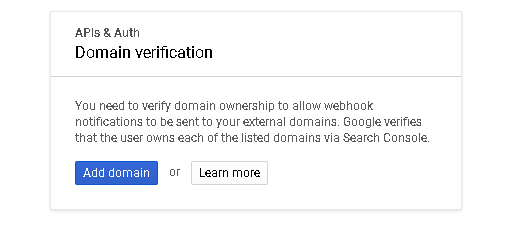 nope, mine is without any
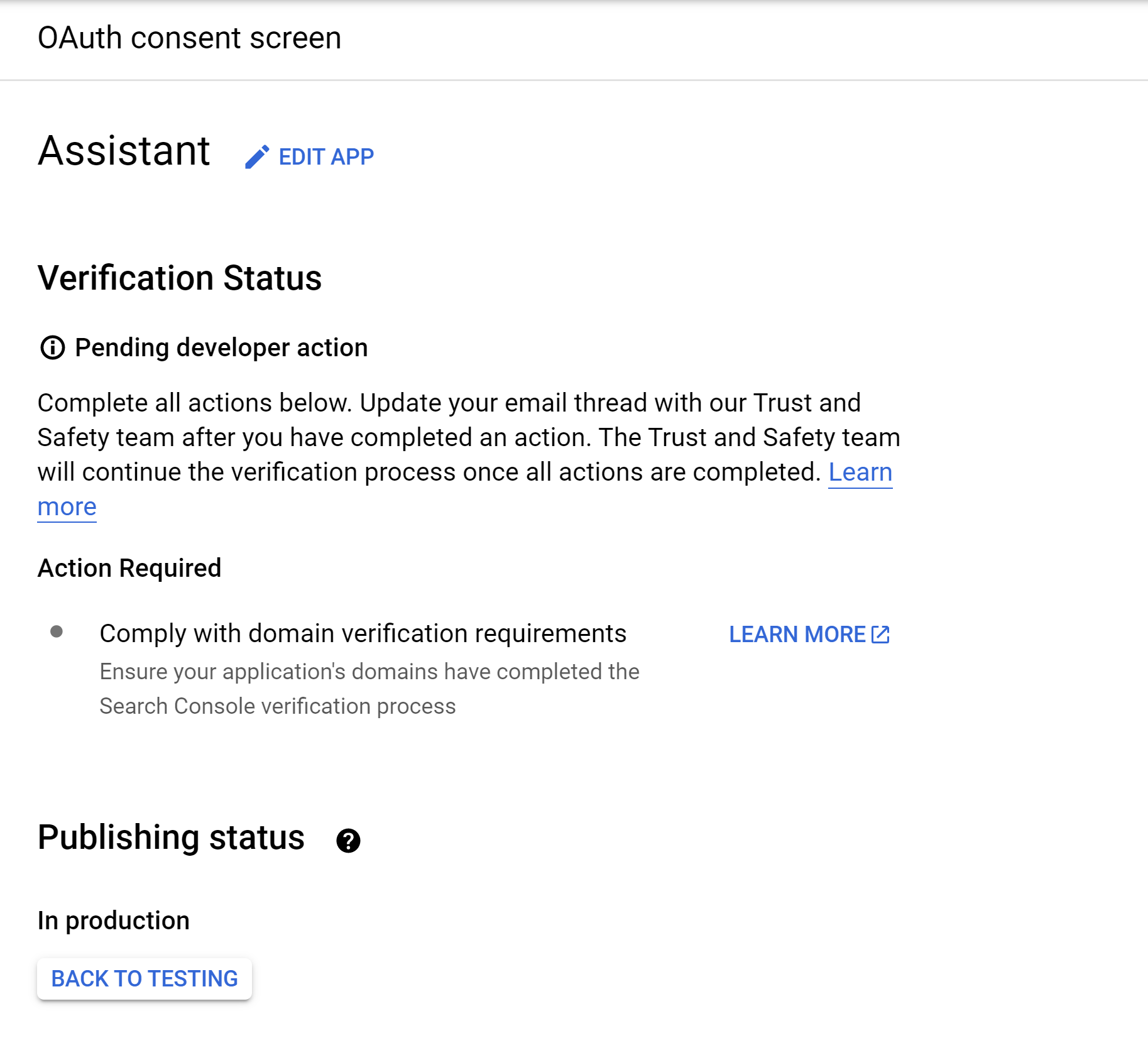 I hope this means it should still work.
Don't really know, it didn't ask me to add or verify my domain at all.
would be great if you can check and let us know back in 7-8 days (you still need to redo the auth token tho, as old token might still be 7 days one)
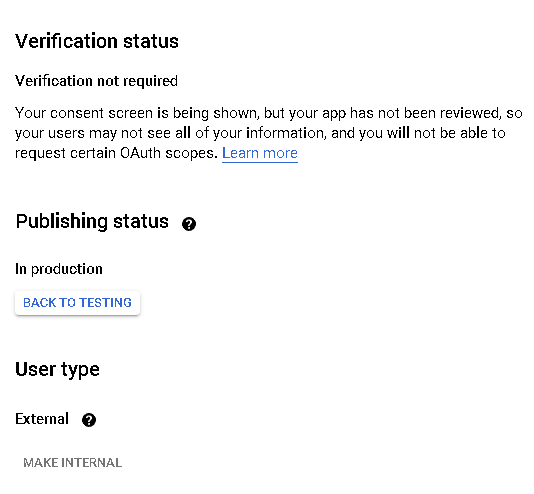
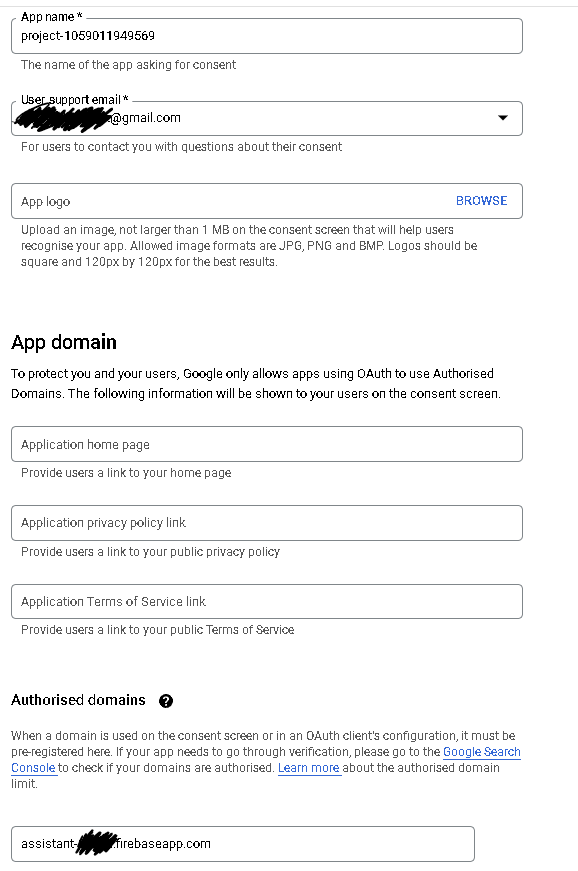
and this is how I filled in the form for publishing (the domain was filled automatically - project_id.firebaseapp.com)
There are limited API requests, user cap and other things, might also be security issue, so people would have to do it themselves anyway
Oh I didn't know that, but that makes sense
Does anyone know roughly how long it should take after you've pressed Publish App?
