
Blazorise
 Blazorise copied to clipboard
 Megabit
fontawesome - update the new icons
in the documentation, you already recommend using the new version 5.15.4, but the icons are out of date.
example:

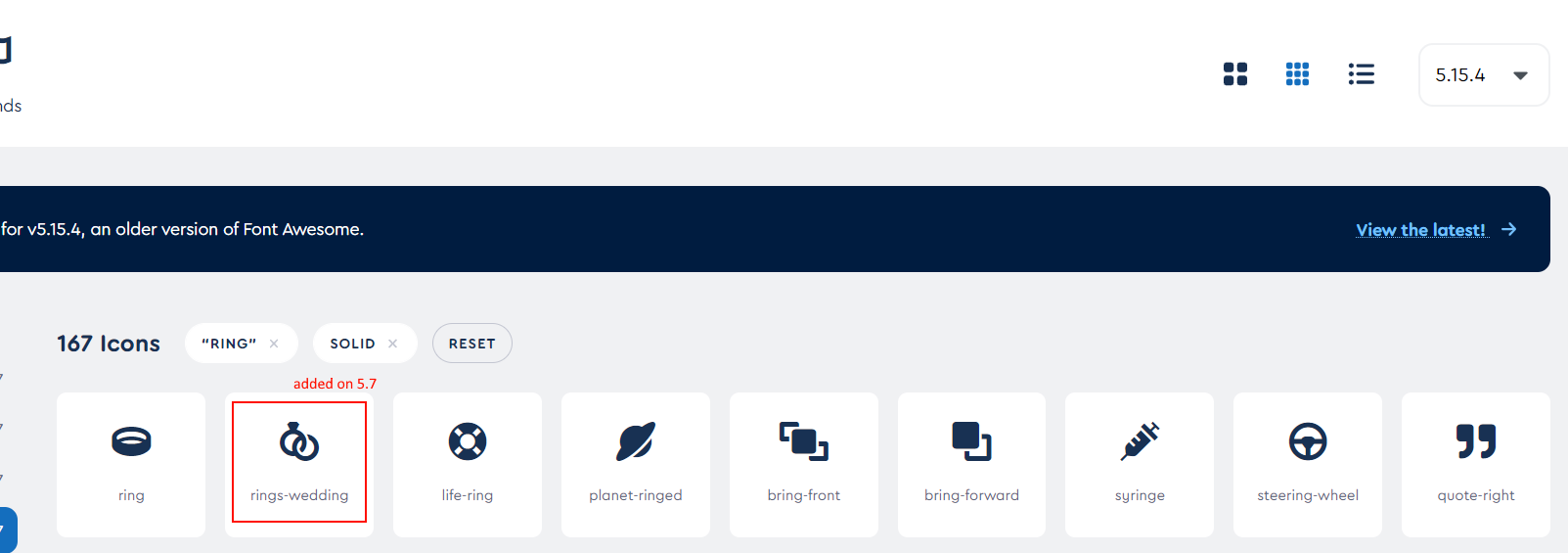

They're made with 5.15.x in mind, so that one should work. We can start thinking of adding additional icons in the future milestone.

do you mean this?

I had already tried. but nothing appears. and that ::before does not appear inside the < i /> like the other icons. I don't know what this is.
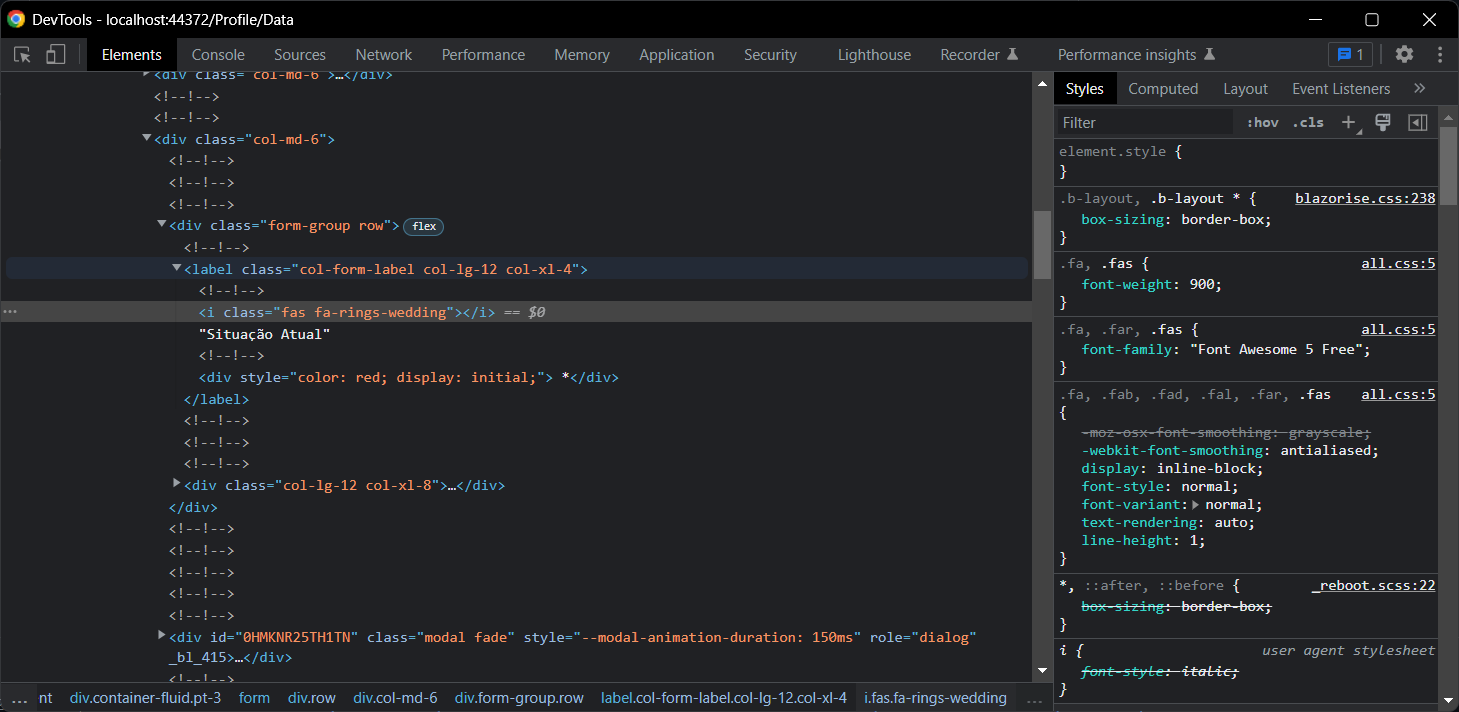
Since strongly types are not going to work then the only other way is to use it like
<Icon Name="@("fa-some-name")" />
Since strongly types are not going to work then the only other way is to use it like
<Icon Name="@("fa-some-name")" />
that's exactly what i did. It is not working. I commented on the previous post.
Hello @drma-dev Blazorise provides only a wrapper around how an icon should work for a specific provider with some helpers to make your life easier.
But as long as FontAwesome keeps working like it always did, based on an i html element, where all you need is to apply the class to the i element and have their css file updated for the icon you want to be using, then it's always possible for you to use their icons by providing the class in the Name Parameter just like @stsrki mentioned.
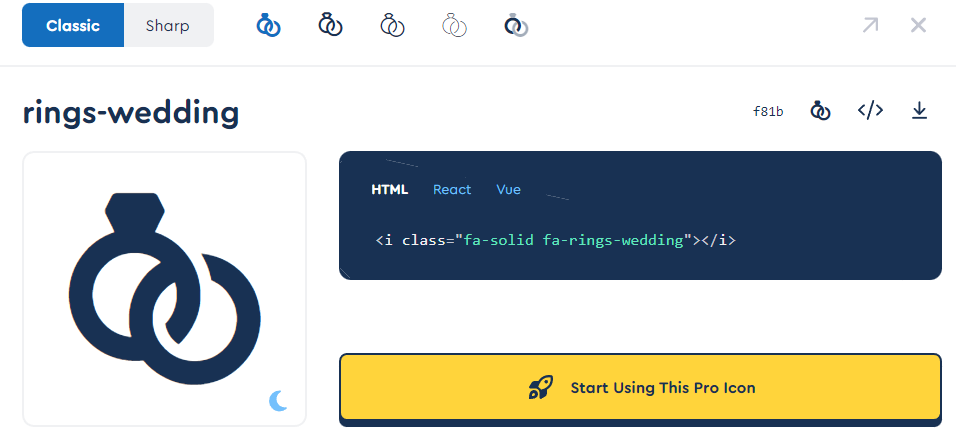
By looking at the icon you're trying, it seems like it is a "PRO Icon", meaning that you'll need to have access to a different css file other then the free provided version.

I am closing this issue, feel free to reopen if this does not help.
