MaxToyberman
Error: Ther certificate for this server is invalid
Hi everyone, I just started building app and using React-native-ssl-pinnig library to call api from server ssl, according to documentation library i has set up for android it works, but when When I set up it on ios, I get the following error:
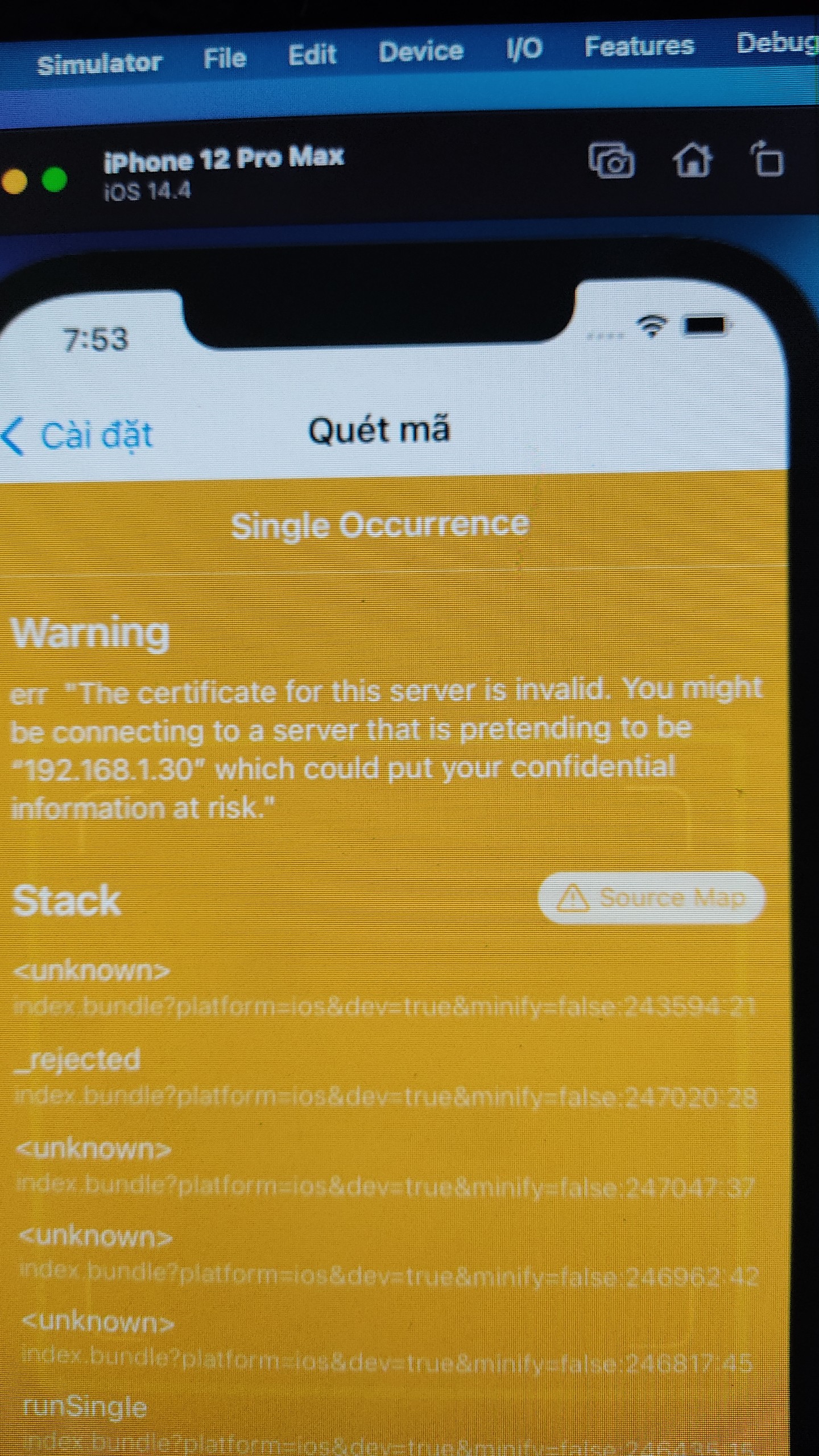 im using: React-native 0.60.5,
I did the steps in the documentation and the result is as follows:
im using: React-native 0.60.5,
I did the steps in the documentation and the result is as follows:
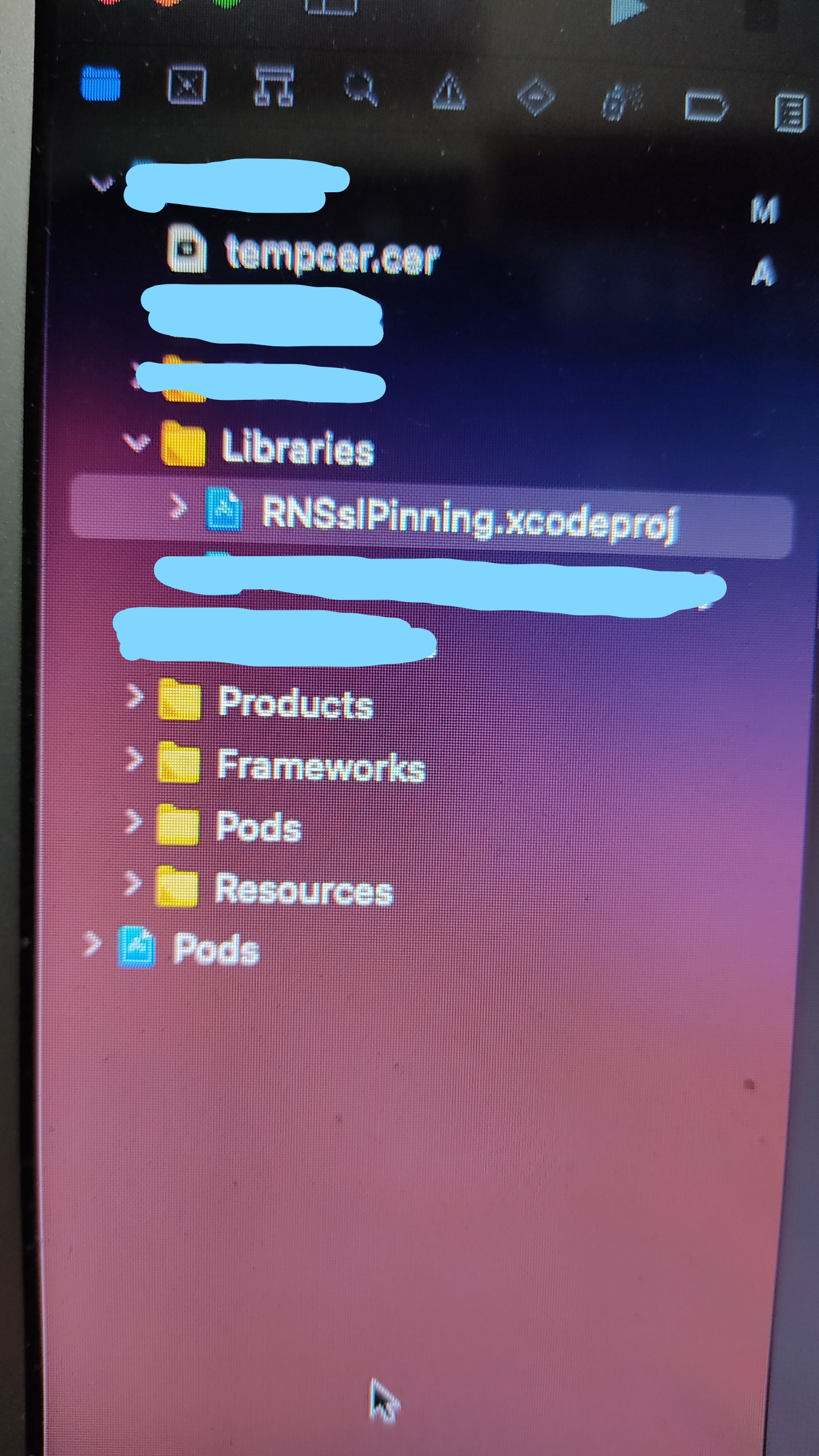
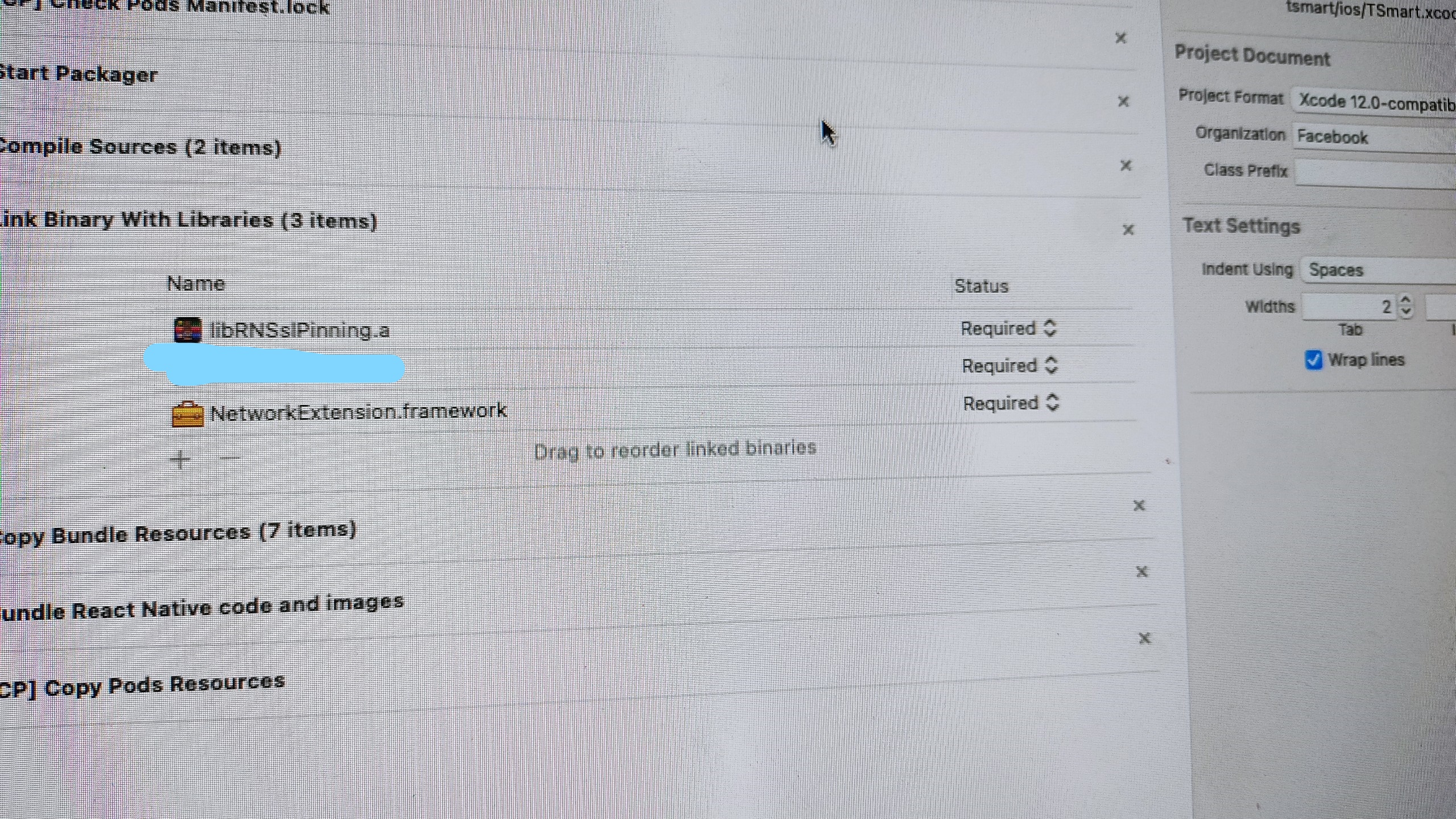 I tried creating another certificate and using it but it only works on android, ios it gives certificate error.
I'm a newbie, Hope everyone can help and thanks you
I tried creating another certificate and using it but it only works on android, ios it gives certificate error.
I'm a newbie, Hope everyone can help and thanks you


Stuck on same error. Please help if you find the fix. @FrancoPastor @vietnguyen402 @MaxToyberman

I am currently unable to fix this error. i'm looking for a way to fix it!
do you see the certificates in Bundle resources ? also, what is 192.168.1.30 ?


@MaxToyberman I tried
fetch("https://publicobject.com", { method: "GET" , pkPinning: true, sslPinning: { certs: ["sha256/AAAAAAAAAAAAAAAAAAAAAAAAAAAAAAAAAAAAAAAAAAA="] } })
and error: "The certificate for this server is invalid. You might be connecting to a server that is pretending to be “publicobject.com” which could put your confidential information at risk."

The certificate generated by using the key chain of Mac can solve this problem

Hi @eliot-ye,
can you be more specific, please?
Did you guys find a way how to fix this? Did anyone create a workaround?

in iOS, make sure that you add the certificate to the bundle resources. Go to Build Phases > Copy bundle resources > Add the certificate.

in iOS, make sure that you add the certificate to the bundle resources. Go to Build Phases > Copy bundle resources > Add the certificate.
Still facing this issue even after doing the above.
PS: we have been provided a certificate in .cer format, so not generating it from my mac