
MaterialDesignInXamlToolkit
 MaterialDesignInXamlToolkit copied to clipboard
 MaterialDesignInXAML
INotifyDataErrorInfo Error Message is overflowing the TextBox inside a DataGrid
Bug explanation
Is anyone here having the same problem when using INotifyDataErrorInfo where the Error Message of the TextBox is overflowing? No issue when using ValidationRules at all.
I have a DataGrid with 100 items, each item has a TextBox. In my ViewModel, I implemented the INotifyDataErrorInfo. For some reason, if all of the Error Message is shown below the TextBox, some of them are overflowing. I tried using ValidationRules but everything is fine, the problem occurs only when using INotifyDataErrorInfo.
Here is an example of the issue when all of the error is being shown.
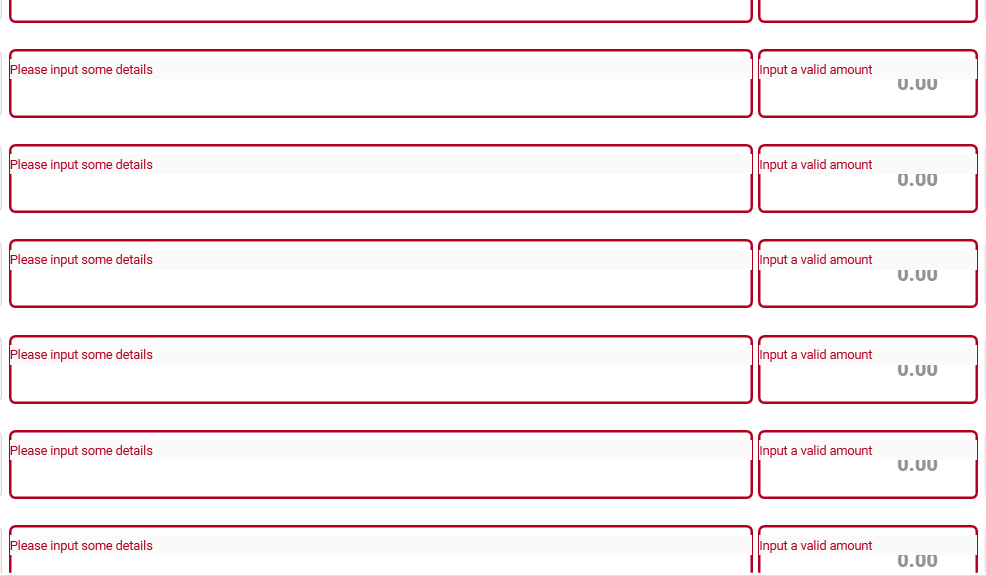
Could this be an issue with the DataGrid? The first 20 items are showing the error message in the correct position, but after that until the end of the items is not.
UPDATE: I tried to input the correct entry in the TextBox, then remove the text by clicking the clear icon of the TextBox. After that, the position of the Error Message is corrected, but then I tried to scroll and the problem occur again.
-
I tried typing some text.
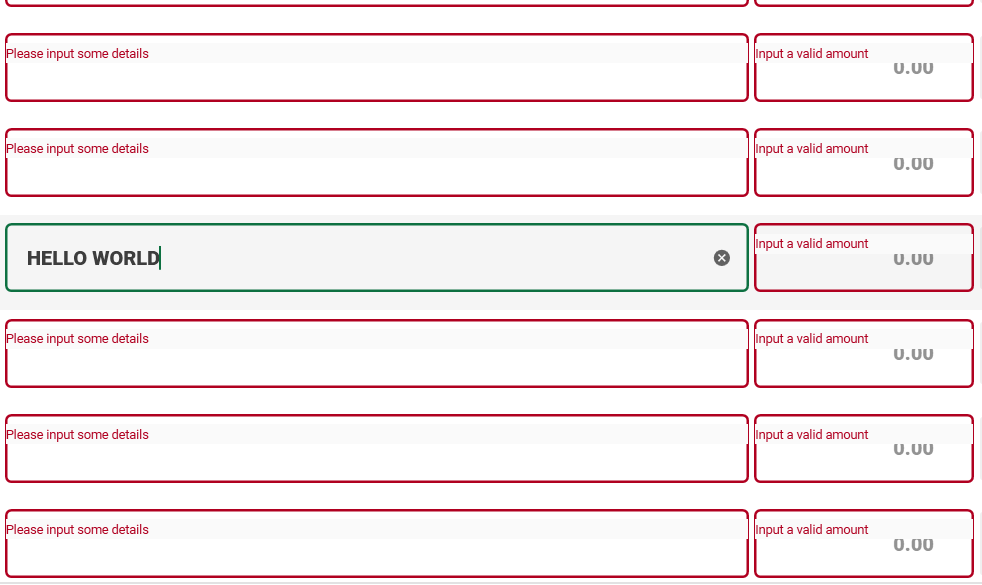
-
Then cleared the text by clicking the
clearicon. (Noticed that the position of the error message is corrected)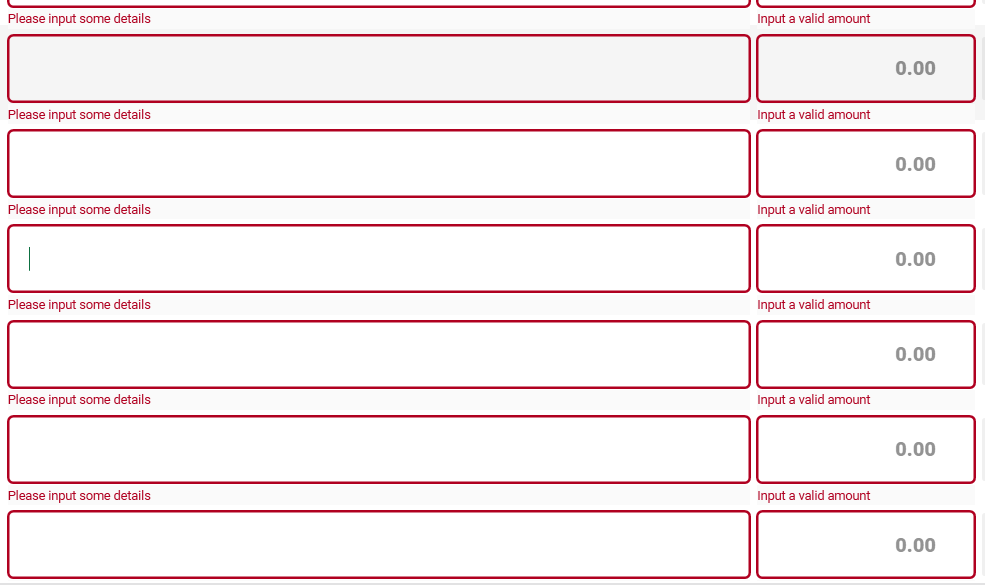
-
Retype some text. (Everything is fine as of now)
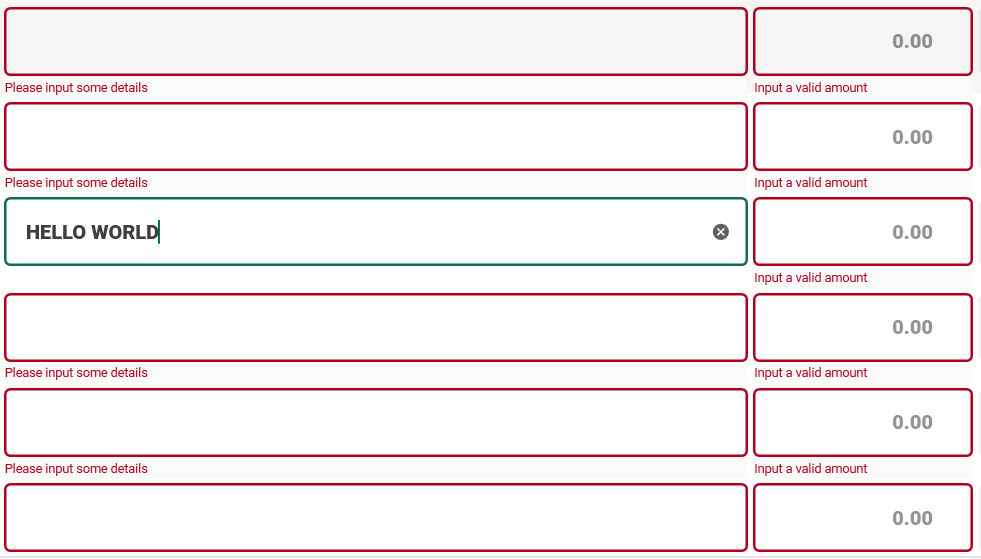
-
I tried to scroll, going down. (Problem occurred again)
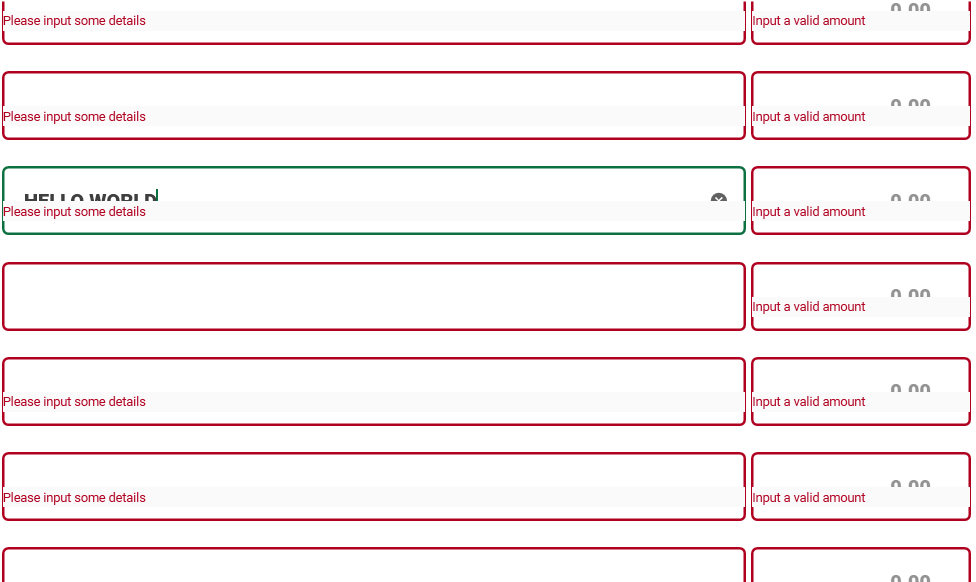
-
Then scroll again, going up. (Still the same problem)
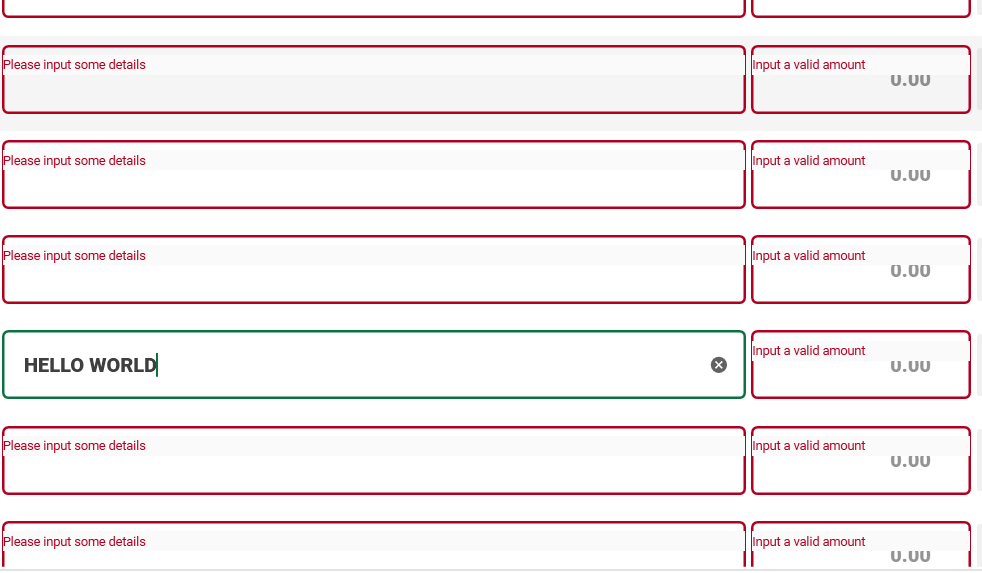
Version
using version 4.5.0

I think the problem is somehow related to Adorned Element. Overriding the ErrorTemplate solves my problem.
At first, I tried to use the below style to verify the issue.
<Style
    x:Key="TheNewStyle"
    BasedOn="{StaticResource MaterialDesignOutlinedTextBox}"
    TargetType="{x:Type TextBox}">

    <!-- Override ErrorTemplate -->
    <Setter Property="Validation.ErrorTemplate">
	<Setter.Value>
	   <ControlTemplate>
	      <StackPanel Orientation="Horizontal" SnapsToDevicePixels="True">
	         <Border Margin="0,55,0,0">
		   <TextBlock
                        FontSize="12"
                        Foreground="{StaticResource MaterialDesignValidationErrorBrush}"
                        Text="{Binding ErrorContent}" />

		    <AdornedElementPlaceholder /> <!-- Issue when using AdornedElementPlaceholder -->

	       </Border>
            </StackPanel>
         </ControlTemplate>
      </Setter.Value>
   </Setter>

</Style>

<!-- This is in my MainWindow.xaml -->
<TextBox Style="{StaticResource TheNewStyle" />
After removing the AdornedElementPlaceholder , the position of the error message become stable. Then I simply add a margin to the border Margin="0,55,0,0" to position the error message at the bottom of the TextBox. A little like hacky to me, I hope this problem solves in the next update.