
MaterialDesignInXamlToolkit
 MaterialDesignInXamlToolkit copied to clipboard
 MaterialDesignInXAML
DialogHost control embedded in a drawer control shows weird behaviour
- When having a DialogHost embedded in a Drawer control a strange behaviour can be seen when both are opened. Please see attached image which was captured using the latest WPF demo project:

- Next issue: when removing an user control which is holding an opened DialogHost from the visible tree the DialogContent is gone after putting the user control back on the drawing stack. Step 1) Go to the Dialogs menu and open any DialogHost control you prefer. Leave it open.

Step 2) Switch to a different menu via the Drawer. Step 3) Get back to the Dialogs menu.
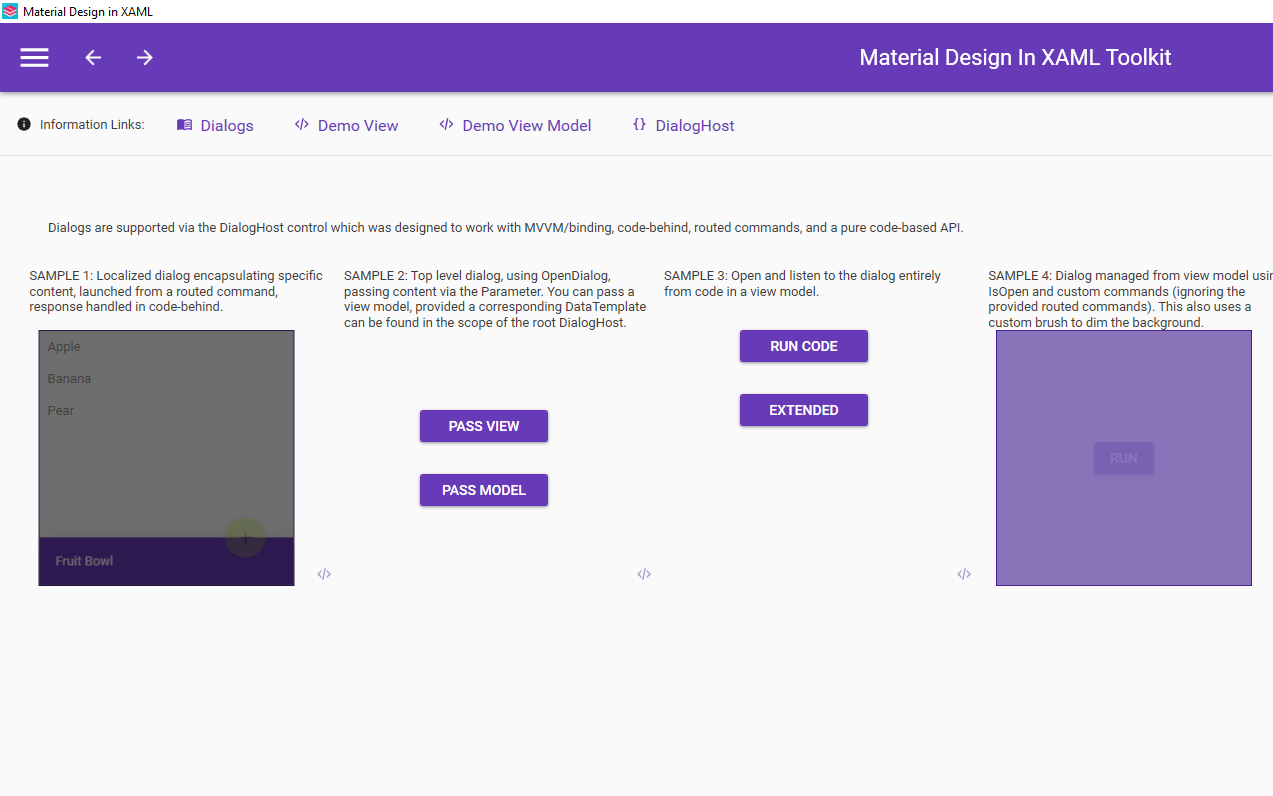
- In a project I have the IsOpen state of the DialogHost is getting lost (it closes itself) when removing a UserControl (containing the DialogHost) from the drawing stack even if its state is set statically to True in XAML.


@ben1976de @Keboo @punker76
 opLogin1.IsOpen = false; //first set false
 opLogin1.IsOpen = true;
can be show it~
@ben1976de @visualczm The reason for the first screenshot is, that the DialogHost uses a Popup to show the dialog. Popups are always on top of the window.

@punker76 Thank you for the answer
@ben1976de Question i.e
Run demo app
Setup1: Select dialogs page , Click sample4 run like i.e
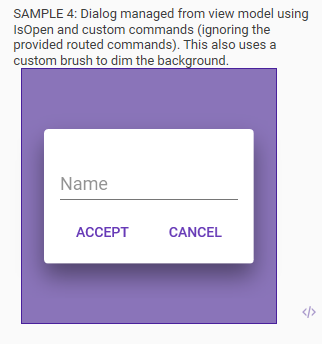
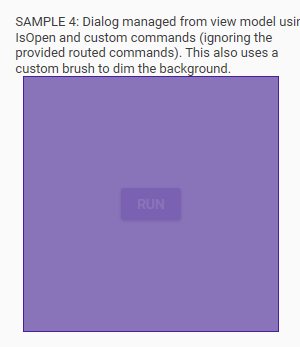
Setup2: Select others page , Then go back , Dialogs content lost, But dialogs exist i.e
My temporary solution
 opLogin1.IsOpen = false; //first set false
 opLogin1.IsOpen = true;
I think that when you switch between menus, dialog host (popup window) is totally vanishes and should be recreated. May be just close all dialogs before switching to other menu?
