KittiSeg
 KittiSeg copied to clipboard
 MarvinTeichmann
Pretrained model not working
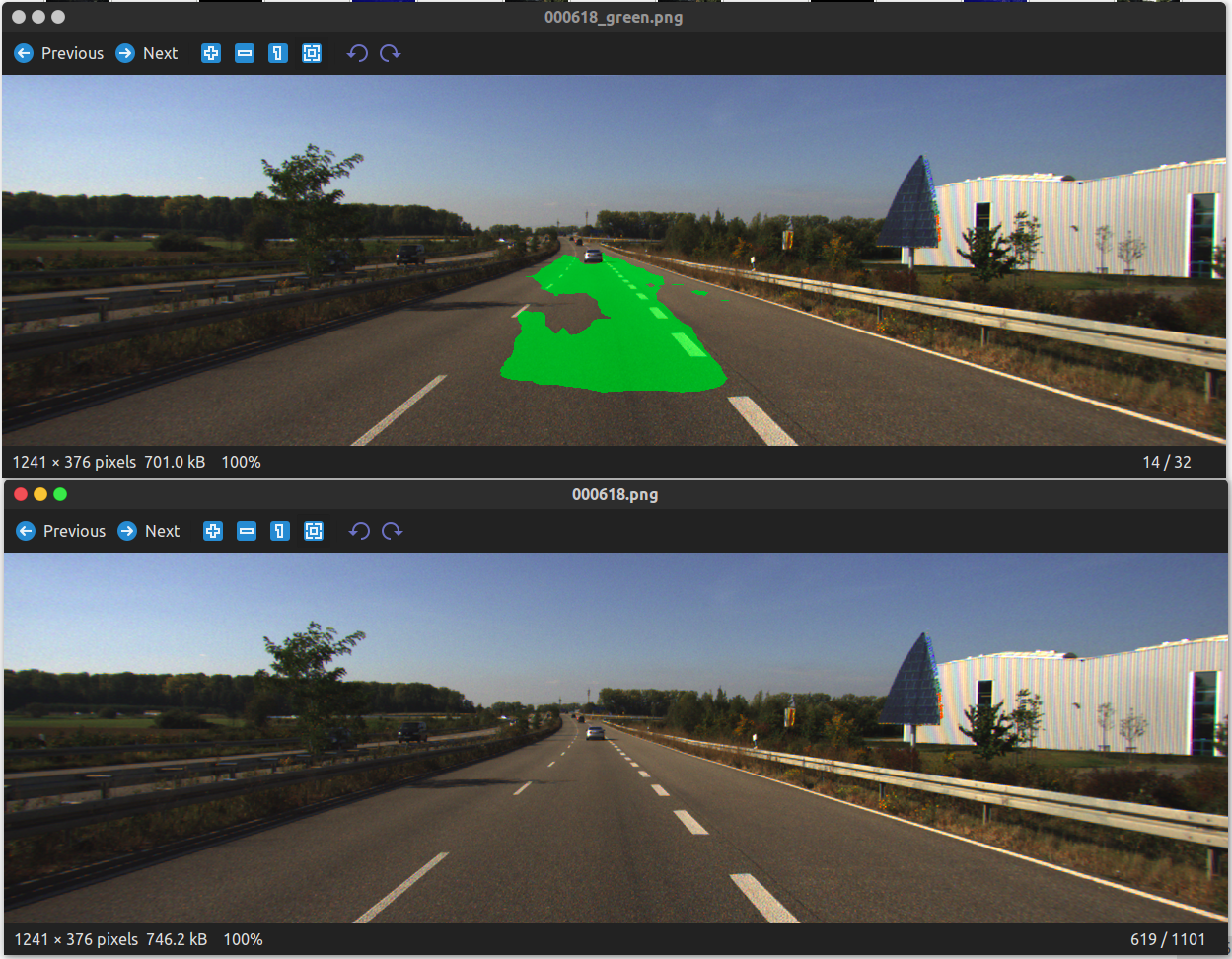
I segmented the following image using the pretrained model but didn't get good results. What could be the problem?
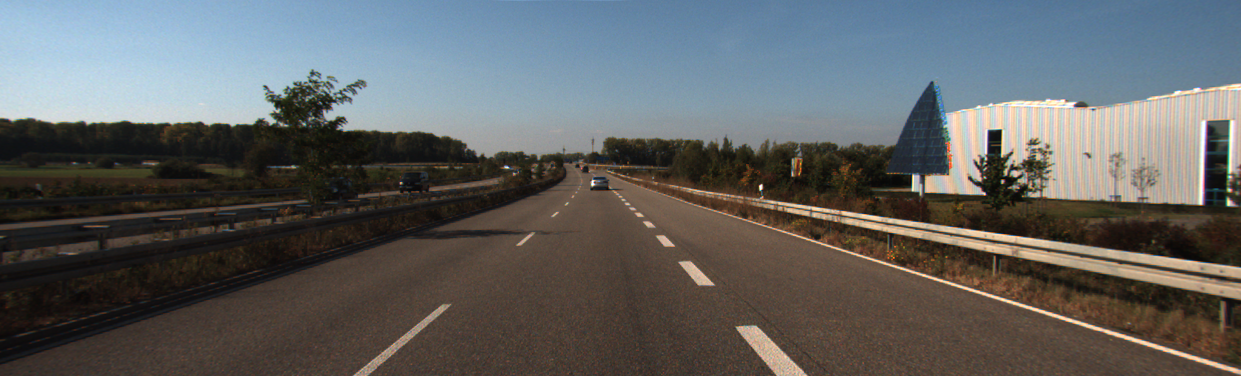

I have the same problem too.. There is probably some kind of specific format images must follow... so not every image work.. Did you manage to solve this?


I used the pretrained model for segmentation
i.e. python demo.py --input_image data/demo/test_image.png
@tejus-gupta On initial observation between the Kitti dataset images with your image, I noticed that the brightness was much lesser in your sample image. I increased the brightness and got much better results. You might have to use something from opencv to do this programmatically all the time.
Brighter test image
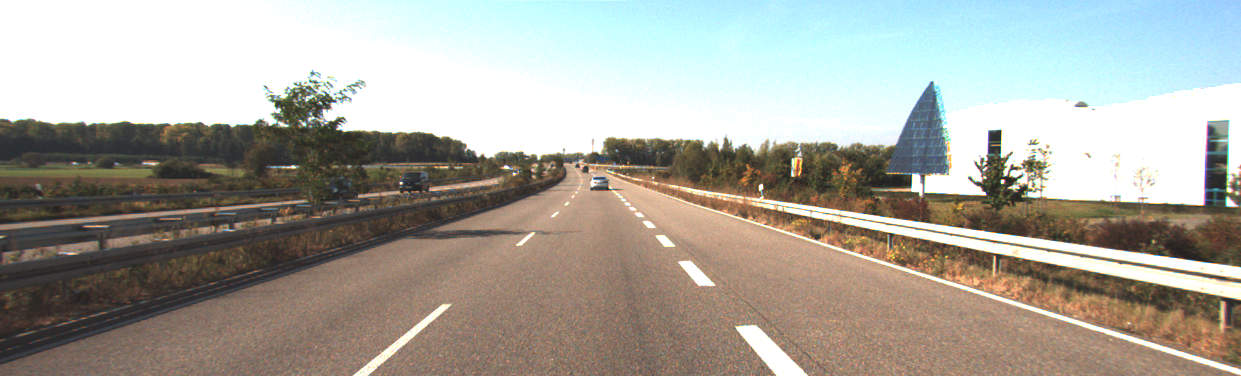 Raw output
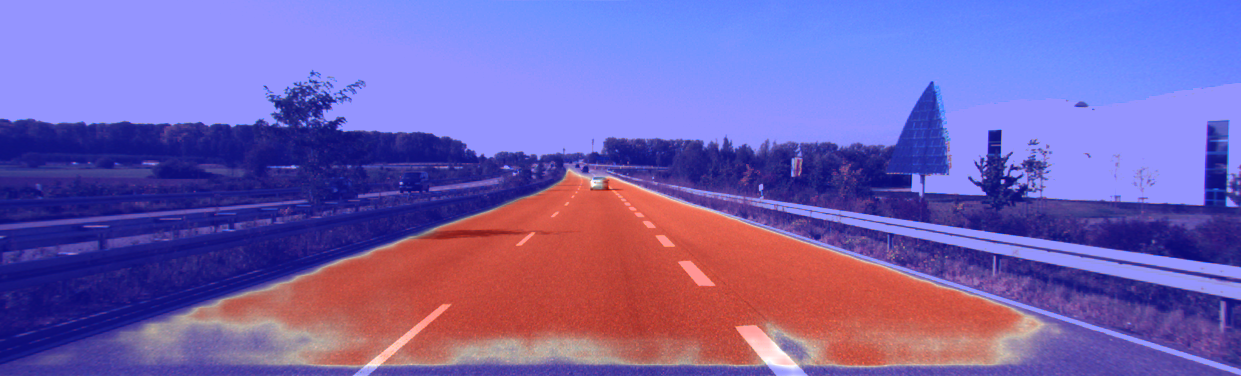
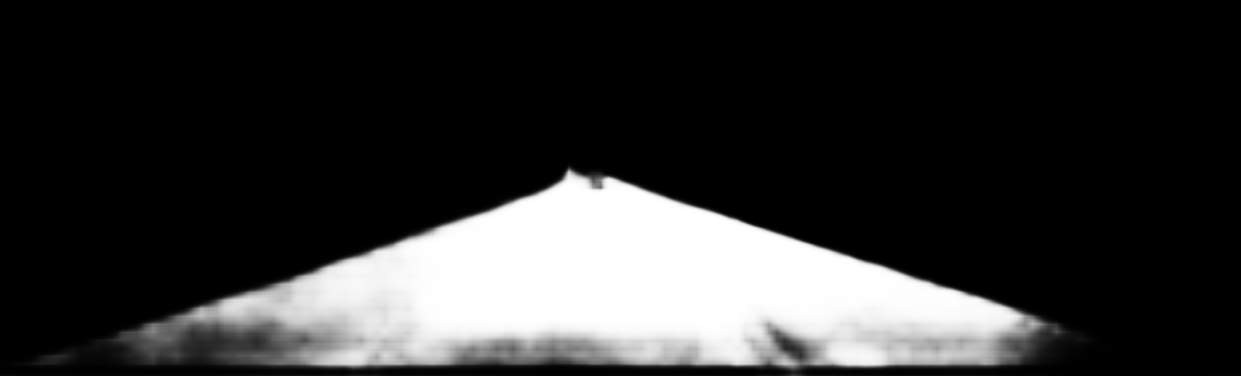 Red Blue intermediate image
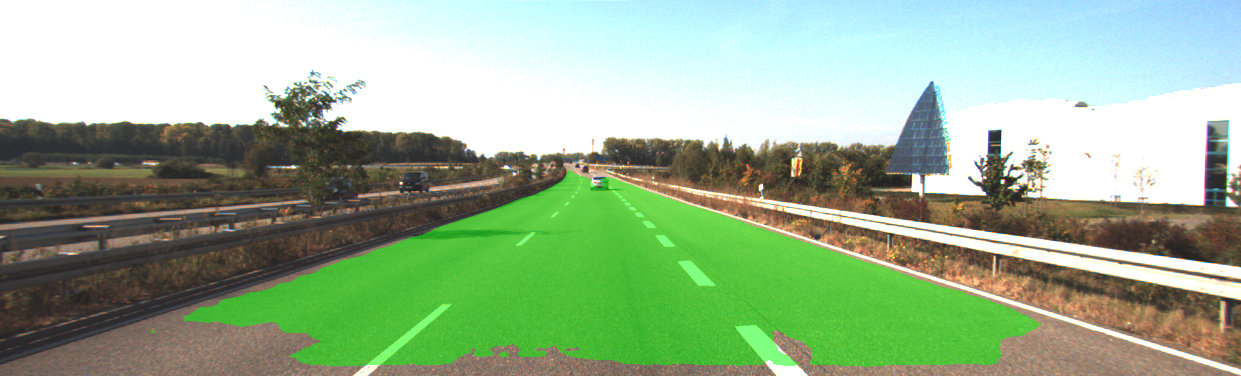
 Green Prediction with threshold > 0.5
FWIW, this piece of code makes the image brighter and still doesn't seem to improve the results for other dim-light input images.
def increase_brightness(img, value=30):
    hsv = cv2.cvtColor(img, cv2.COLOR_BGR2HSV)
    h, s, v = cv2.split(hsv)

    lim = 255 - value
    v[v > lim] = 255
    v[v <= lim] += value

    final_hsv = cv2.merge((h, s, v))
    img = cv2.cvtColor(final_hsv, cv2.COLOR_HSV2BGR)
    return img
Upon passing on these dim-light images, the output doesn't detect ANY road - and the same happens with the brightened image as well. Any other hunch on how we could possibly proceed to make it more robust?