

 MarlinFirmware
[BUG] Random glitches and blank screen with MKS MINI 12864 display
Did you test the latest bugfix-2.1.x code?
Yes, and the problem still exists.
Bug Description
MKS MINI 12864 have random glitches and blank display with MKS SGEN L V1 board. This happens about an 1-2 hours after start printing process. Logs don't have any errors. It doesn't matter which SD slot is used. I try LCD and ONBOARD. SD_SPI_SPEED = SPI_HALF_SPEED reduce bug but doesn't fix it. Lower values have same result as HALF SPEED. I tried more sd cards. Have the same result
Bug Timeline
Marlin 2.00
Expected behavior
Nice working display in all scenarious
Actual behavior
Display have little glitches in menu after inserting SD-Card and have blank display durings the printing.
Steps to Reproduce
- Turn-on printer
- Insert SD-Card
- Start printing
- Wait 1-2 hours
- Congrats! We have blank display!
Version of Marlin Firmware
bugfix-2.1.x 16.08.2022
Printer model
Tevo Tarantula Pro
Electronics
Upgraded to 32-bit board MKS SGEN L V 1,0 with tmc2208(XY) and tmc2209(E)
Add-ons
No response
Bed Leveling
No Bed Leveling
Your Slicer
Prusa Slicer
Host Software
SD Card (headless)
Don't forget to include
- [X] A ZIP file containing your
Configuration.handConfiguration_adv.h.
Additional information & file uploads
Full Electronics list: Based on 24V Power Supply Board: MKS SGEN L V1 LPC1768 Display: MKS_MINI_12864 V2.0 TMC2208 Drivers for X and Y axis TMC2209 Driver for E A4988 Drivers for Dual Z Stock Tevo Tarantula Pro stepper drivers Stock Tevo Tarantula Pro endstops.
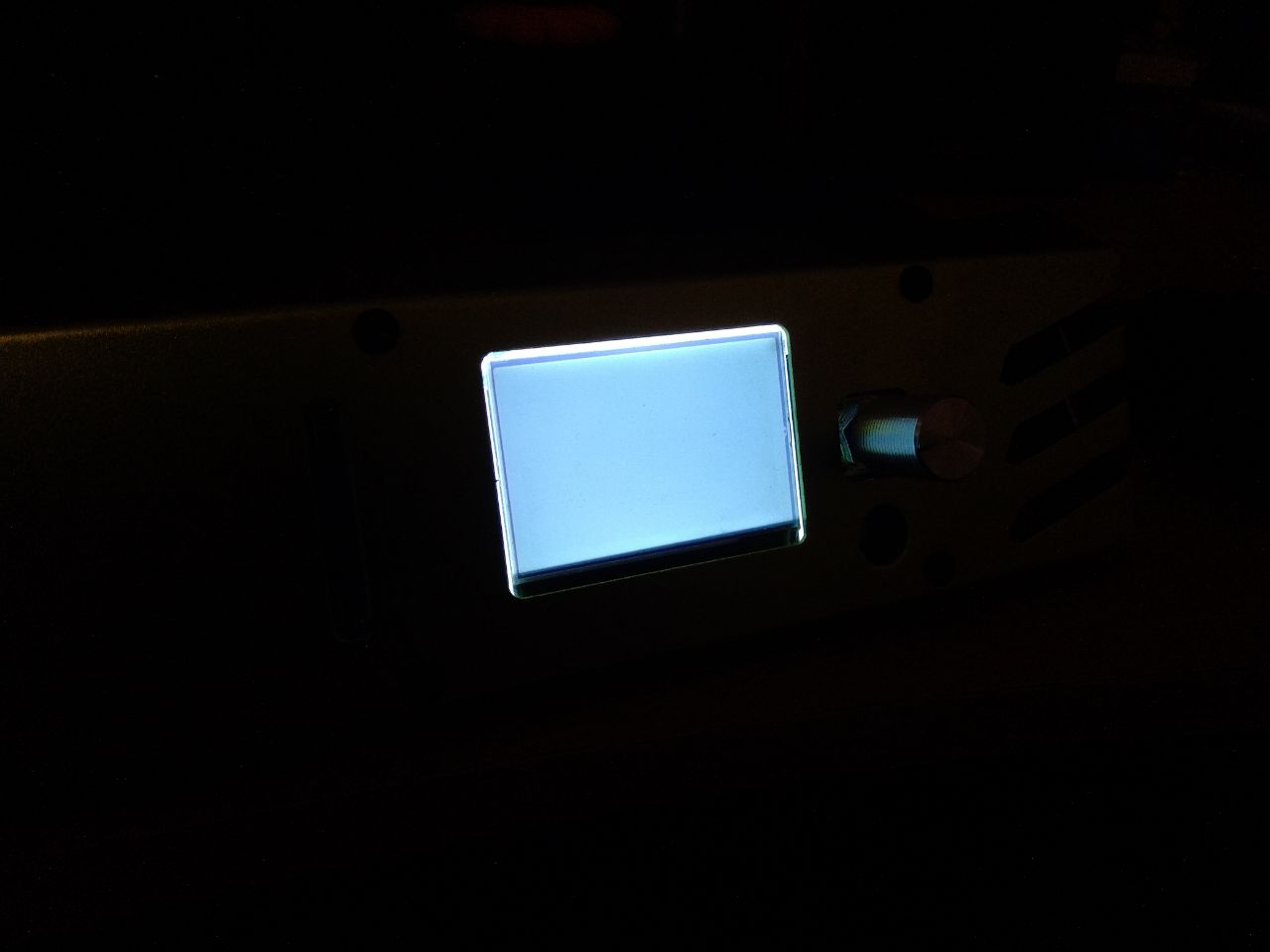

Could something be overheating? Try placing a fan to cool the controller and/or the LCD.

Fan for board is installed and works after power on supply. LCD is far enough away from board. He is cold
When LCD have blank state, printing continues and completes successfully. The printer also responds to commands in the terminal and processes them successfully. I can start printing again, but the screen will continue to be white.
LCD works nice with mega 2560 controller. MKS GEN L
This repo have many similar issues (all bug reports for lpc1768 and lpc1769 boards) that were closed due to user inactivity, but the bug in them was not fixed.
This was found by me before the release of marlin 2.00. Then this error was much more common than now.

i guess LCD_SPI_SPEED turns out too fast, try cranking it down
It taken from SD_SPI_SPEED.
https://github.com/MarlinFirmware/Marlin/blob/2d162e0639f74b3a4e66e8c80081622e3215fe9d/Marlin/src/HAL/LPC1768/u8g/u8g_com_HAL_LPC1768_hw_spi.cpp#L67
Lower values have same result as HALF SPEED.
does it actually use HW SPI on this board? i didn't look deep did you try shielding cable? how long is it?
does it actually use HW SPI on this board? i didn't look deep did you try shielding cable? how long is it?
soft spi only for FYSETC_MINI_12864 https://github.com/MarlinFirmware/Marlin/blob/9be1de54ae11b20cc3f47008080bc4afb80369c5/Marlin/src/pins/lpc1768/pins_MKS_SGEN_L.h#L366
// The MKS_MINI_12864 V1/V2 aren't exact copies of the MiniPanel.
// Panel management is in u8g_dev_uc1701_mini12864_HAL.cpp with
// extra delays added to remove glitches seen with fast MCUs.
Guess you'll have to try extra extra delays (which are different from overall SPI clock)
// The MKS_MINI_12864 V1/V2 aren't exact copies of the MiniPanel.
// Panel management is in u8g_dev_uc1701_mini12864_HAL.cpp with
// extra delays added to remove glitches seen with fast MCUs.
Guess you'll have to try extra extra delays (which are different from overall SPI clock)
How to do it?
I can confirm similar behavior with both MKS MINI 12864 v1 and v3 displays, but tested on MKS TinyBee board.
In both cases used same ribbon cable which worked fine on MKS Gen v1.4 (at least on Marlin 2.0.5).

play with U8G_ESC_DLY in u8g_dev_uc1701_mini12864_HAL_data_start
Ok. I will try it.
play with U8G_ESC_DLY in u8g_dev_uc1701_mini12864_HAL_data_start
I tried increase to 50ms with step 5ms. The same result.
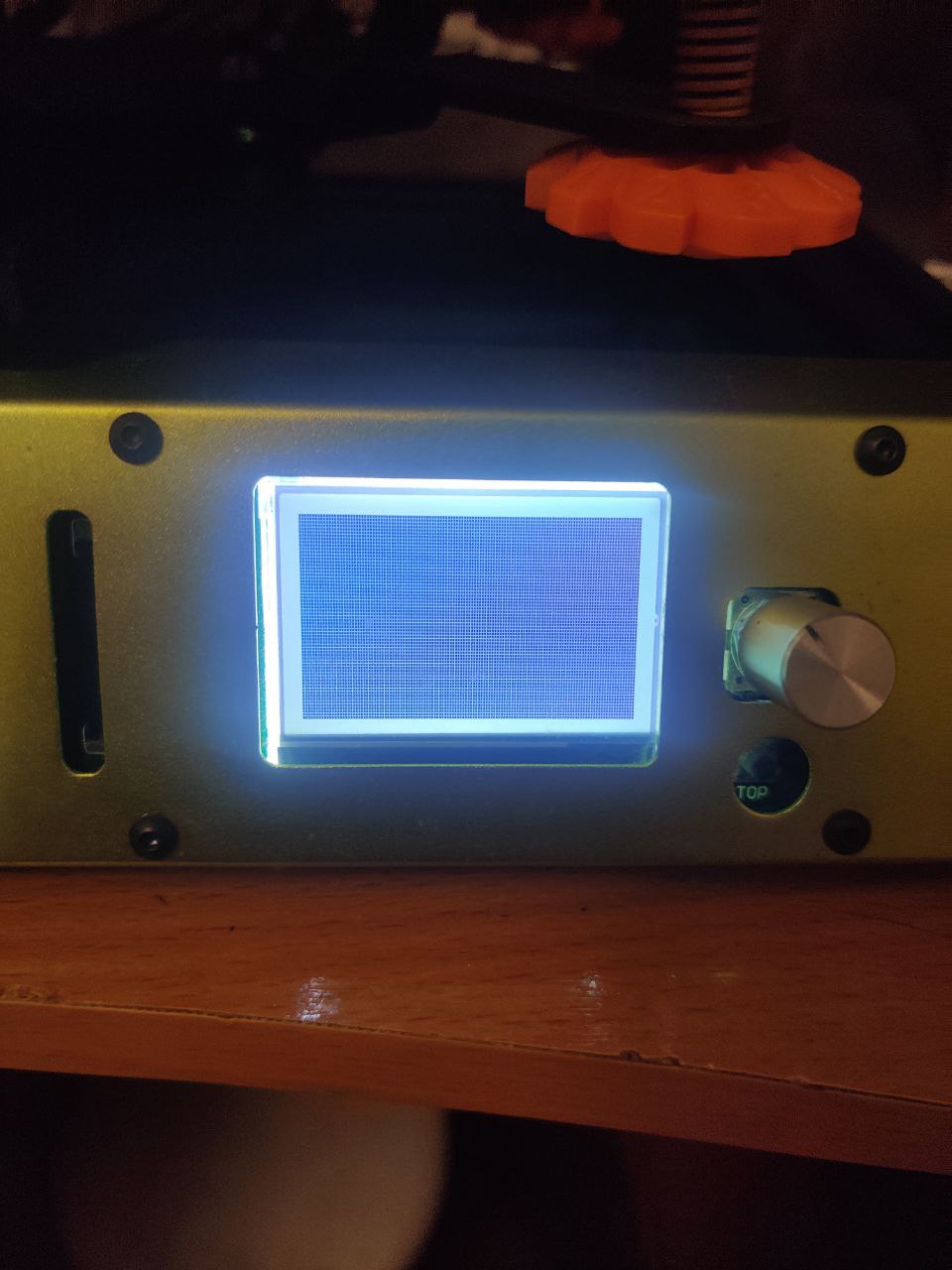
This photo was taken when the printer did not print anything. Just standby.
This issue has had no activity in the last 60 days. Please add a reply if you want to keep this issue active, otherwise it will be automatically closed within 10 days.
![github-actions[bot] avatar](https://avatars.githubusercontent.com/in/15368?v=4 "Published by a pub.dev verified publisher")
I think this problem is real. And I think it exists on more than the MKS MINI machine. I'm seeing the Double Click for Z-BabyStepping being ignored on my RepRap Full Graphic display. It kind of looks like something is not letting the LCD code get enough cycles.

This is an old issue. Having it with SKR 1.3 + MKS MINI for almost 3 years.
There are my observations:
- This is a screen only issue, printer keeps working fine. It is possible to navigate menu blindly even (by counting encoder clicks).
- It happens randomly, no matter idle or printing.
- If you do not reset a board- screen gets back to normal eventually.

On AVR boards SPI clock sped is 4Mhz wile on LPC1768 SPI_FULL_SPEED is 8Mhz, maybe this is source of a problem?
Could be tested dirty way by setting SPI_FULL_SPEED to 1 instead of 0 in the file: src\HAL\shared\HAL_SPI.h
...
#define SPI_FULL_SPEED      0   // Set SCK to max rate
#define SPI_HALF_SPEED      1   // Set SCK rate to half of max rate
#define SPI_QUARTER_SPEED   2   // Set SCK rate to quarter of max rate
#define SPI_EIGHTH_SPEED    3   // Set SCK rate to 1/8 of max rate
#define SPI_SIXTEENTH_SPEED 4   // Set SCK rate to 1/16 of max rate
#define SPI_SPEED_5         5   // Set SCK rate to 1/32 of max rate
#define SPI_SPEED_6         6   // Set SCK rate to 1/64 of max rate
...
Edit: There is probably better way to do it.
There is a section in Configuration_adv.h file:
#if ENABLED(SDSUPPORT)
  /**
   * SD Card SPI Speed
   * May be required to resolve "volume init" errors.
   *
   * Enable and set to SPI_HALF_SPEED, SPI_QUARTER_SPEED, or SPI_EIGHTH_SPEED
   *  otherwise full speed will be applied.
   *
   * :['SPI_HALF_SPEED', 'SPI_QUARTER_SPEED', 'SPI_EIGHTH_SPEED']
   */
  //#define SD_SPI_SPEED SPI_HALF_SPEED
Uncomment //#define SD_SPI_SPEED SPI_HALF_SPEED
this one actually defines SPI clock speed...
On AVR boards SPI clock sped is 4Mhz wile on LPC1768
SPI_FULL_SPEEDis 8Mhz, maybe this is source of a problem? Could be tested dirty way by settingSPI_FULL_SPEEDto 1 instead of 0 in the file:src\HAL\shared\HAL_SPI.h... #define SPI_FULL_SPEED 0 // Set SCK to max rate #define SPI_HALF_SPEED 1 // Set SCK rate to half of max rate #define SPI_QUARTER_SPEED 2 // Set SCK rate to quarter of max rate #define SPI_EIGHTH_SPEED 3 // Set SCK rate to 1/8 of max rate #define SPI_SIXTEENTH_SPEED 4 // Set SCK rate to 1/16 of max rate #define SPI_SPEED_5 5 // Set SCK rate to 1/32 of max rate #define SPI_SPEED_6 6 // Set SCK rate to 1/64 of max rate ...Edit: There is probably better way to do it. There is a section in
Configuration_adv.hfile:#if ENABLED(SDSUPPORT) /** * SD Card SPI Speed * May be required to resolve "volume init" errors. * * Enable and set to SPI_HALF_SPEED, SPI_QUARTER_SPEED, or SPI_EIGHTH_SPEED * otherwise full speed will be applied. * * :['SPI_HALF_SPEED', 'SPI_QUARTER_SPEED', 'SPI_EIGHTH_SPEED'] */ //#define SD_SPI_SPEED SPI_HALF_SPEEDUncomment
//#define SD_SPI_SPEED SPI_HALF_SPEEDthis one actually defines SPI clock speed...
This only reduces chance to get bug, but does not completely eliminate it.
Have been running Marling 2.1.2 for 3 days - no screen issues at all. Probably bug was fixed finally :)
This issue has had no activity in the last 60 days. Please add a reply if you want to keep this issue active, otherwise it will be automatically closed within 10 days.
This issue has been automatically locked since there has not been any recent activity after it was closed. Please open a new issue for related bugs.