
zhang
zhang
验证版本: UI Version: main d965f85 Server Version: main-ee acc51031d3 验证步骤: 1.系统设置,添加一个邮箱和密码 2.查看mysql里面的表,目前邮箱密码被加密记录 
https://github.com/actiontech/sqle/issues/568
复现版本: UI Version: release-1.2209.x 604e0ac Server Version: release-1.2209.x-ee 3f8ad37ce4 复现步骤: 1.在系统设置中填写smtp相关参数 2.然后关闭smtp功能 3.然后使用测试功能,往另一个邮箱发送测试邮件 4.实际另一个邮箱没有收到邮件 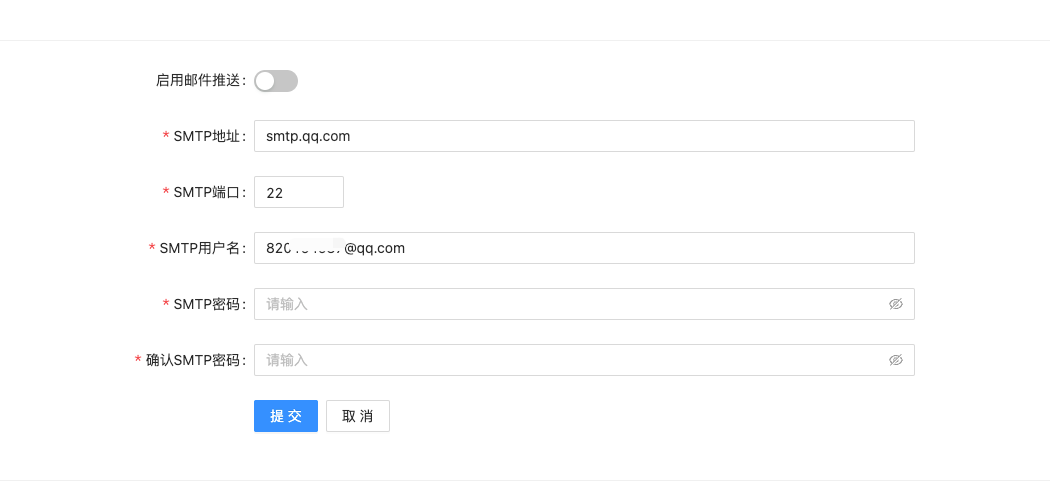 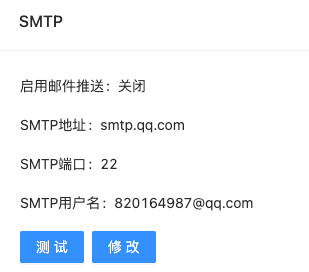 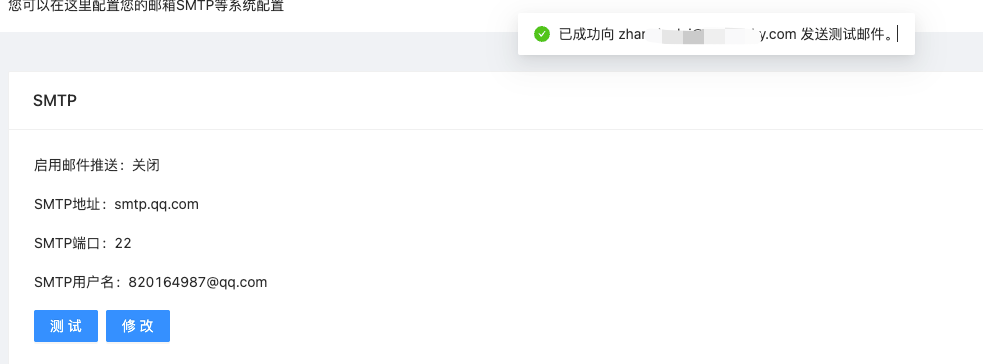
验证版本: UI Version: main 9ad6f1b Server Version: main-ee e4e5da233a 验证步骤: 1.在系统设置中填写smtp相关参数 2.然后关闭smtp功能 3.然后使用测试功能,往另一个邮箱发送测试邮件 4.界面提示stmp功能没有开启 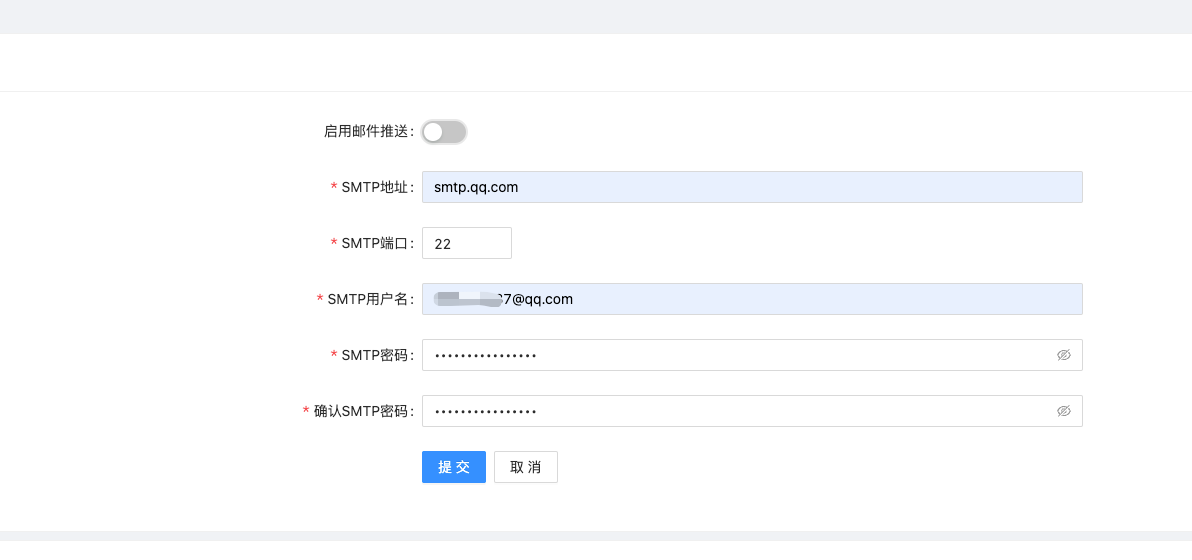 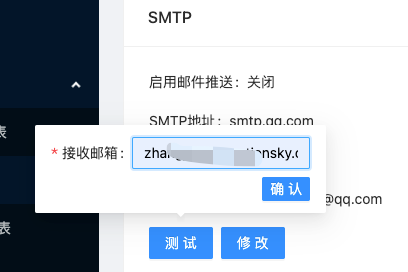 
临时解决手段:修改审批流程,去除该步骤
验证版本 UI Version: main e6c1ebf Server Version: main-ee fdad3476ba 验证步骤 使用上述出现问题的sql语句在工单内进行审核,发现并没有出现卡住的现象
我已经更新了最新微信,然后登录闪退一下在进入微信界面,就没有用插件功能了
按照上述给到的解决方法,执行命令出错 MacBookPro ~ % codesign --sign - --force --deep /Applications/WeChat.app /Applications/WeChat.app: replacing existing signature /Applications/WeChat.app: Permission denied In subcomponent: /Applications/WeChat.app/Contents/MacOS/Mini Program.app
现在有解决方案了吗?
刚刚重新安装了一遍,现在可以正常使用了 微信版本:Version. 3.6.2 (24457) 