

 MarcoG3
Error on Licensing Page
The process stopped after showing me the licensing options. It stucks there and doesn't continue any operations.
`Microsoft Windows [Version 10.0.17763.504] (c) 2018 Microsoft Corporation. All rights reserved.
C:\Users\User>cd C:\Users\User\Desktop\WhatsDump-master
C:\Users\User\Desktop\WhatsDump-master>python whatsdump.py --install-sdk
| | | | | | | | _
| | | | |__ __ | | | | | | _ _ __ ___ _ __
| |/| | ' \ / | __/ __| | | | | | | '_ _ | '
\ /\ / | | | (| | |_ \ |/ /| || | | | | | | |) |
/ /|| ||_,|_|// _,|| || || .__/
| |
|_|
v0.1 beta
[INFO] Downloading and installing Android SDK... [INFO] Android SDK url found: https://dl.google.com/android/repository/sdk-tools-windows-4333796.zip [################################] 152478/152478 - 00:00:46 [INFO] Extracting... [INFO] Android SDK successfully extracted in android-sdk/ [INFO] Updating SDK from manager... Warning: File C:\Users\User\Desktop\WhatsDump-master\android-sdk.android\repositories.cfg could not be loaded. [=======================================] 100% Computing updates... [INFO] Accepting SDK licenses.. Warning: File C:\Users\User\Desktop\WhatsDump-master\android-sdk.android\repositories.cfg could not be loaded. 6 of 6 SDK package licenses not accepted. 100% Computing updates... Review licenses that have not been accepted (y/N)? 1/6: License android-googletv-license:
Terms and Conditions
This is the Google TV Add-on for the Android Software Development Kit License Agreement.
- Introduction
1.1 The Google TV Add-on for the Android Software Development Kit (referred to in this License Agreement as the "Google TV Add-on" and specifically including the Android system files, packaged APIs, and Google APIs add-ons) is licensed to you subject to the terms of this License Agreement. This License Agreement forms a legally binding contract between you and Google in relation to your use of the Google TV Add-on.
1.2 "Google" means Google Inc., a Delaware corporation with principal place of business at 1600 Amphitheatre Parkway, Mountain View, CA 94043, United States.
- Accepting this License Agreement
2.1 In order to use the Google TV Add-on, you must first agree to this License Agreement. You may not use the Google TV Add-on if you do not accept this License Agreement.
2.2 You can accept this License Agreement by:
(A) clicking to accept or agree to this License Agreement, where this option is made available to you; or
(B) by actually using the Google TV Add-on. In this case, you agree that use of the Google TV Add-on constitutes acceptance of the License Agreement from that point onwards.
2.3 You may not use the Google TV Add-on and may not accept the Licensing Agreement if you are a person barred from receiving the Google TV Add-on under the laws of the United States or other countries including the country in which you are resident or from which you use the Google TV Add-on.
2.4 If you are agreeing to be bound by this License Agreement on behalf of your employer or other entity, you represent and warrant that you have full legal authority to bind your employer or such entity to this License Agreement. If you do not have the requisite authority, you may not accept the Licensing Agreement or use the Google TV Add-on on behalf of your employer or other entity.
... ... ...`


Hey there, i don't know if your still interested in a solution but i figured out the problem for windows 10. In android_sdk.py you need to find the following line: s2 = self._run_cmd_sdkmanager("--list") and expand it to: s2 = self._run_cmd_sdkmanager("--list", wait=False).
subprocess.Popen seems to have problems to detect the end of the progess in sdkmanager.bat --list. Therefore the subprocess stays permanently in proc.wait().
I don't provide a fix because i cannot estimate the impact to Linux and Mac OS. I hope this helps you anyway
Regards
Alexander

Hey there, i don't know if your still interested in a solution but i figured out the problem for windows 10. In android_sdk.py you need to find the following line: s2 = self._run_cmd_sdkmanager("--list") and expand it to: s2 = self._run_cmd_sdkmanager("--list", wait=False).
subprocess.Popen seems to have problems to detect the end of the progess in sdkmanager.bat --list. Therefore the subprocess stays permanently in proc.wait().
I don't provide a fix because i cannot estimate the impact to Linux and Mac OS. I hope this helps you anyway
Regards
Alexander
Hi Alexander, I have a question about your fix, how you change the code of android_sdk.py to use the program in Windows 10? I'm trying to run the windows executable release, because try to run source code in Windows is going me mad, I think the flag to install SDK seems is not working with source code, maybe is a flag exclusive for executable releases. So did you changed the code of android_sdk.py and recompiled to a new executable? Or is running source code since the beggining? Thanks for any help. :)

hi @gmattos , i have never tried the executable version. i was using the code within a locally installed python virtual environment. currently i don't know how to build a new executable for win from that. But you can run the android sdk commands independently of the python script / executable as pre steps to ensure valid preconditions. if you then start the executable the pre steps should be skipped. the raw python script behaves like that. never tried this with the executable. the individual steps you should be able to extract from the python file. but the best way should be a fix in the upstream code. maybe @MarcoG3 can handle this in no time. i hope it helps.

hi, again i have never tried it with the executable. it a pure guess. so here is one possible way. first of all run the exe file. it should create a android-sdk folder in which the sdk is downloaded. The download process should work. after successfully downloading the sdk files the next steps may fail. in this case do the following steps by hand in a console.
- sdkmanager with --update attribute
- sdkmanager with --update --licenses
this should fulfill the preconditions. you should try to run the executable again. et voila, it might work.
hi, again i have never tried it with the executable. it a pure guess. so here is one possible way. first of all run the exe file. it should create a android-sdk folder in which the sdk is downloaded. The download process should work. after successfully downloading the sdk files the next steps may fail. in this case do the following steps by hand in a console.
- sdkmanager with --update attribute
- sdkmanager with --update --licenses
this should fulfill the preconditions. you should try to run the executable again. et voila, it might work.
Thanks @alexxela1337, for those who might have problems with this. Running this on windows you have to go into the said android-sdk folder which is created where you executed the whatdump.exe and go down to tools/bin where the sdkmanager.bat is located.
And then you can call:
-
sdkmanager.bat --update
-
sdkmanager.bat --licenses
But when running install-sdk again it tells me that android-sdk/.android/repositories.cfg could not be loaded. And indeed the folders in .android are there but empty and there is no such file like repositories.cfg
the warning regarding the file repositories.cfg is not a problem at all. It's a deprecation warning of the android sdk and is somehow related to win 10. if the warning bothers you just create an empty repositories.cfg file.
Hm then i dont know why it keeps telling me "Cannot find WhatsDump AVD; install Android SDK and emulator packages with --install-sdk". Which i did already
whatsdump.exe --install-sdk is the correct command to install the dependencies. you can add --verbose flag to gather more information in case of failure. it may be related to the fact that an avd image needs to be generated. this can be achieved by using avdmanager.bat. this image should be placed in .andorid/avd. maybe it's necessary to add the flag --show-emulator to open the emulator in the end.
I have exactly the same problem on Windows 10 and am not able to use the Python master repository alternatively. Whatsdump-win-x86_64.exe is indefinitely waiting for Android SDK to finish installing and won't move on without Android AVD available.


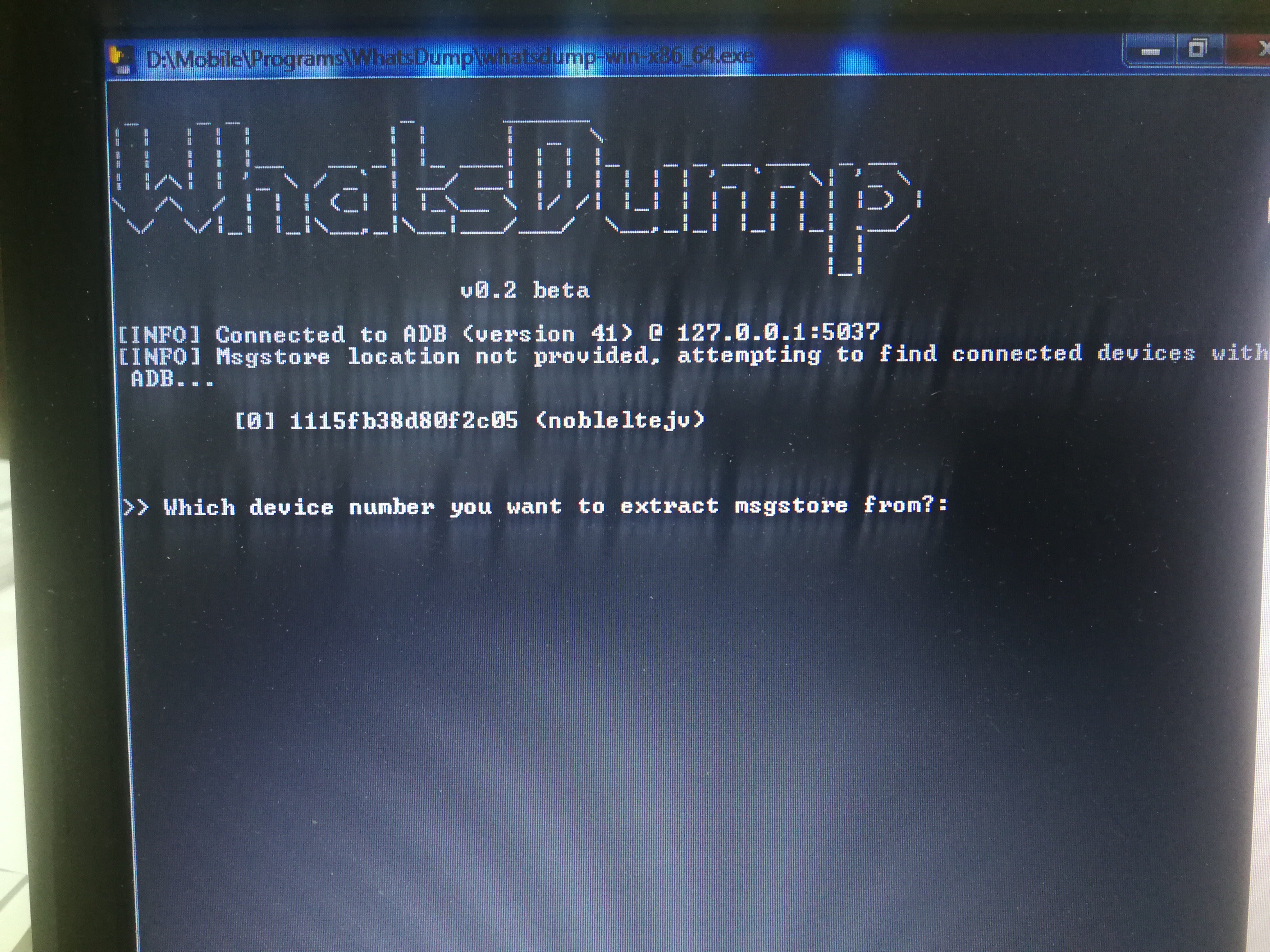
melmahdy12, please help with how to run avdmanager.bat to generate avd? Thanks.

Hello, I have the same problem. Here is the traceback :
Traceback (most recent call last):
  File "whatsdump.py", line 244, in <module>
  File "whatsdump.py", line 78, in main
  File "src\android_sdk.py", line 56, in install
  File "src\android_sdk.py", line 213, in _run_cmd_sdkmanager
  File "src\android_sdk.py", line 242, in _run_cmd
  File "src\android_sdk.py", line 264, in _run_raw_cmd
  File "subprocess.py", line 693, in wait
KeyboardInterrupt
[3772] Failed to execute script whatsdump
I tried things around wthout any success. Could anyone that was able to make it work on Windows give us a step by step guide ? This could help a lot of people and avoid a lot of questions. Thanks

Hello, I have the same problem. Here is the traceback :
Traceback (most recent call last):
  File "whatsdump.py", line 244, in <module>
  File "whatsdump.py", line 78, in main
  File "src\android_sdk.py", line 56, in install
  File "src\android_sdk.py", line 213, in _run_cmd_sdkmanager
  File "src\android_sdk.py", line 242, in _run_cmd
  File "src\android_sdk.py", line 264, in _run_raw_cmd
  File "subprocess.py", line 693, in wait
KeyboardInterrupt
[3772] Failed to execute script whatsdump
I tried things around wthout any success. Could anyone that was able to make it work on Windows give us a step by step guide ? This could help a lot of people and avoid a lot of questions. Thanks
Did you ever get a reply? Or does this tool just not work?

Hello, I have the same problem. Here is the traceback :
Traceback (most recent call last):
  File "whatsdump.py", line 244, in <module>
  File "whatsdump.py", line 78, in main
  File "src\android_sdk.py", line 56, in install
  File "src\android_sdk.py", line 213, in _run_cmd_sdkmanager
  File "src\android_sdk.py", line 242, in _run_cmd
  File "src\android_sdk.py", line 264, in _run_raw_cmd
  File "subprocess.py", line 693, in wait
KeyboardInterrupt
[3772] Failed to execute script whatsdump
I tried things around wthout any success. Could anyone that was able to make it work on Windows give us a step by step guide ? This could help a lot of people and avoid a lot of questions. Thanks
Did you ever get a reply? Or does this tool just not work?
Dude, I gave up to use it.