

 MacWarrior
Language does not switch to french in certain area see photos
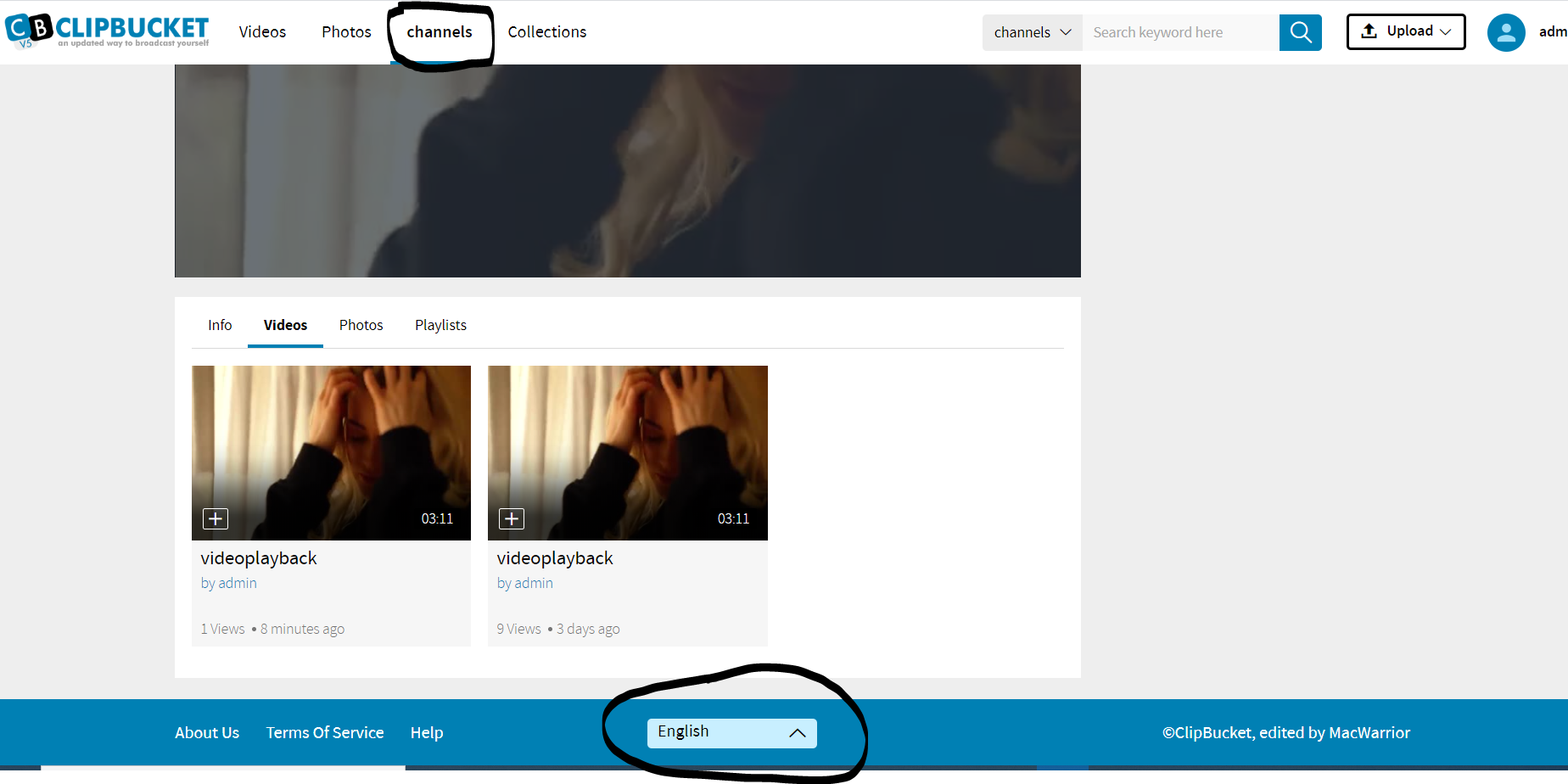
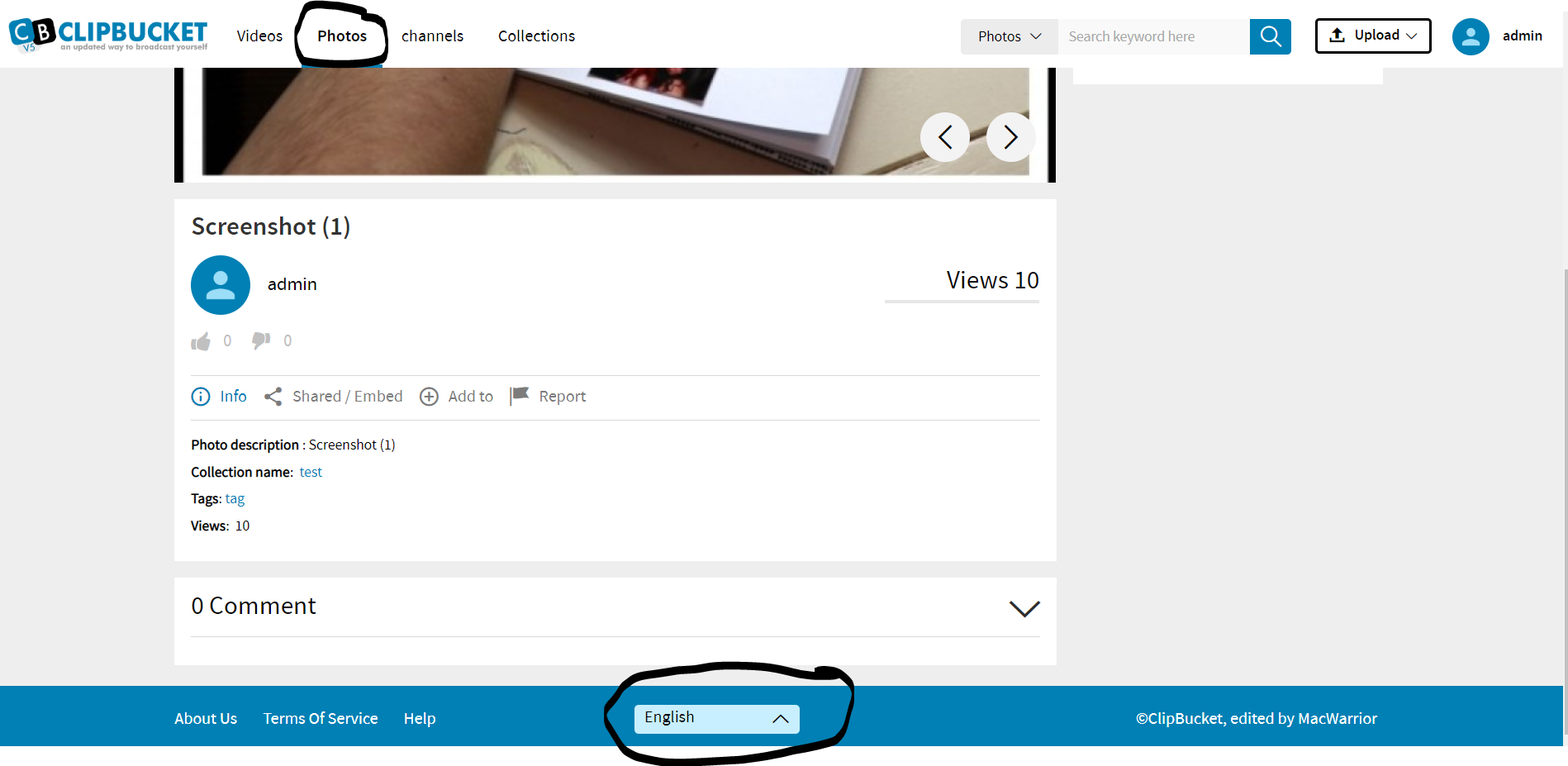
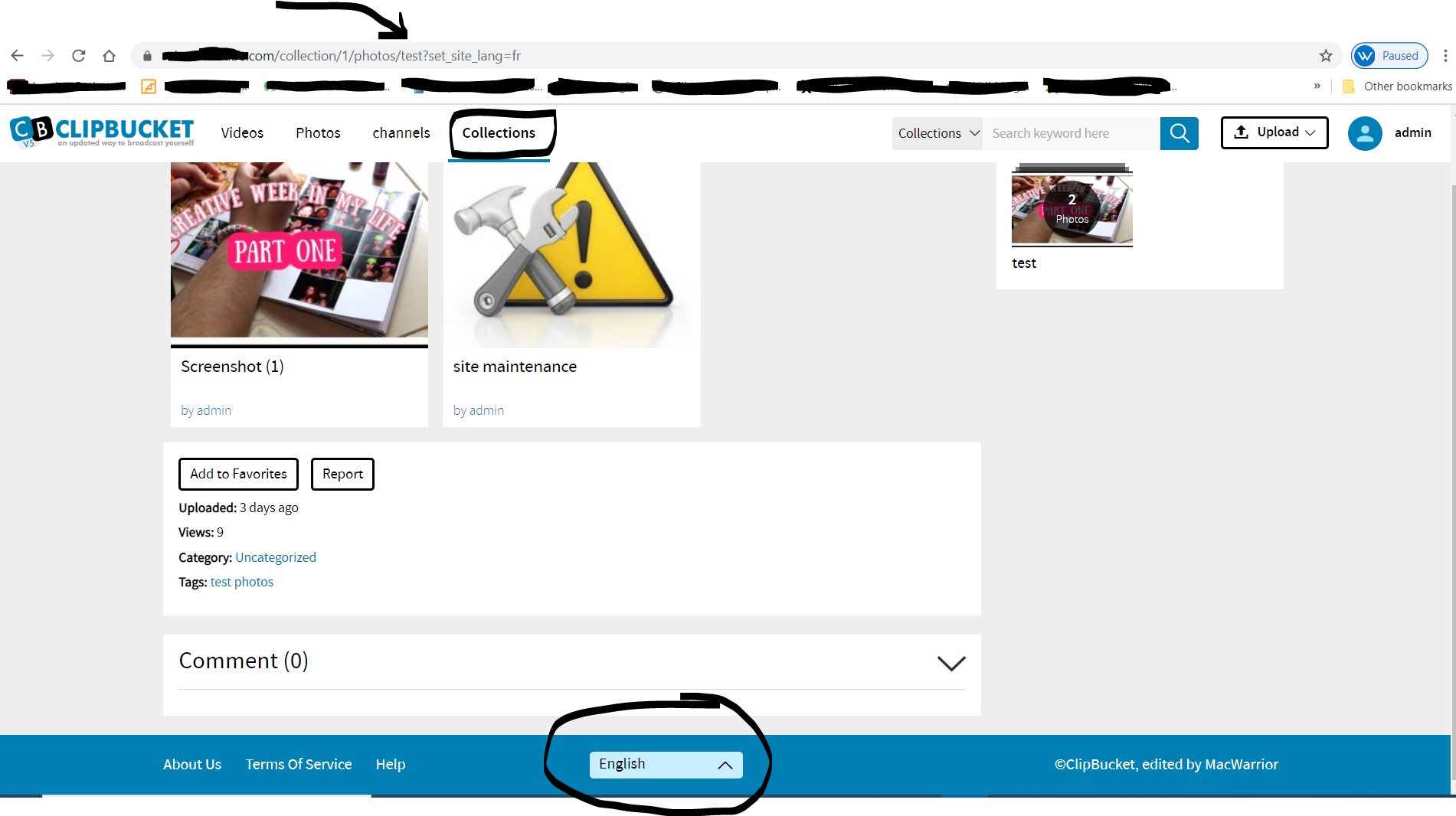
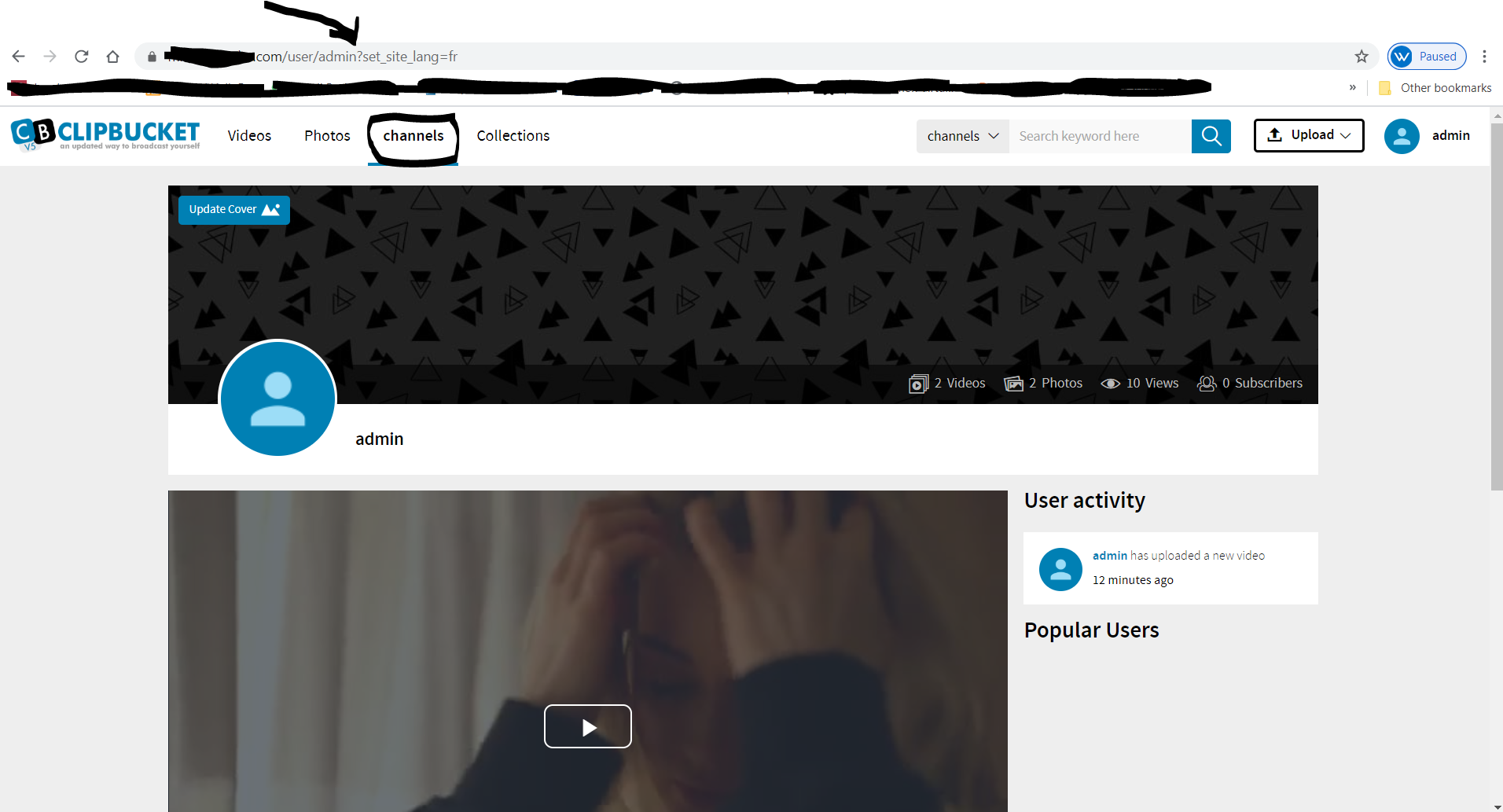
Hello, I tried to switch to Language French from viewing admin Channel did not allow to change, also when viewing photos not allow to change and collections not allowed to change examples below:
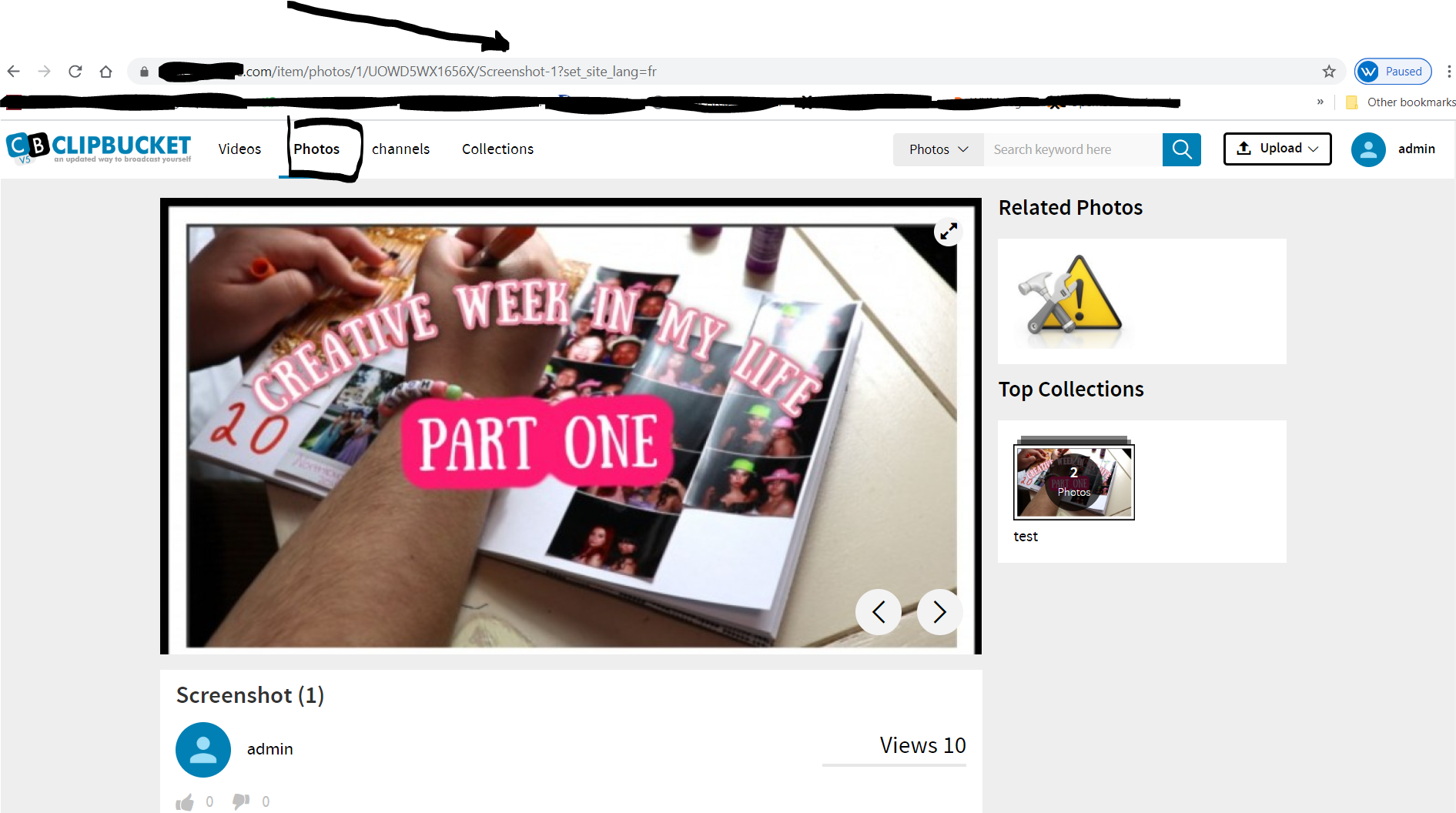

Hi,
This is stange...
- Are you in dev mode ?
- Do you have this file : /includes/langs/fr.lang ?
Will try to reproduce...
Best regards, MacWarrior.

@MacWarrior also I cannot export Language and I can not create any language. is it possible to know where the language files are? are they in database or in a file? what is the best way to create my language file in greek ?
is this work in progress? that's why we can not add any languages ?
thanks again, and Good Night Spiro
Hi,
Language use files, stored in /upload/includes/langs/*.lang
Language management is currently mostly HS ; there is traces of language management from file (currently working with files) AND with DB... All of this need a full refactor !
To create a new language, copy en.lang to whatever you want.lang and manually add an entry in the language table of your DB (By default, you have English and French in this table)
I did like this for french translation (which is absolutely not complete !)
If/when I will refactor the language/translation system, I'll use only DB translations and get rid of these .lang files
Best regards, MacWarrior.
Hi,
This is stange...
- Are you in dev mode ?
- Do you have this file : /includes/langs/fr.lang ?
Will try to reproduce...
Best regards, MacWarrior.
not in dev mode
-
just certain areas when you try to change language doesn't allow change.
-
funny thing when you select your user name on top right drop down and click on my channel then select french it works...
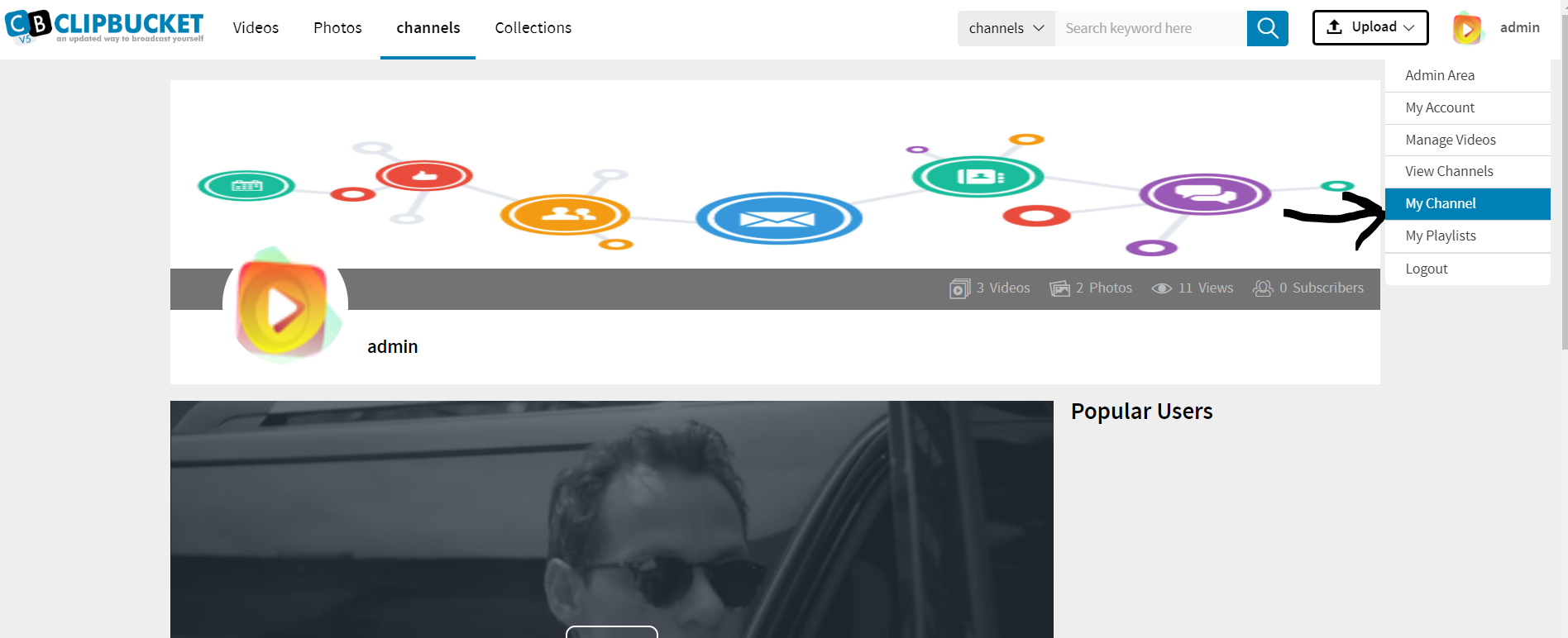
- but if you select Channels up top> and then select a User> then select >French language.. It does not work really weird.
If/when I will refactor the language/translation system, I'll use only DB translations and get rid of these .lang files
yes this would be like any other program yes?? we can create language in back office. just copy english version and rename it to greek spanish french etc, then we can edit each wording and save it in our language would be cool if that is possible thanks again im falling asleep writing, will return tomorrow :) thanks again enjoy your day my friend
UPDATE: also if you use SEO and select a user https://example.com//user/Spirog
then try to change it will not allow to change to French or another language just FYI