

 LuxCoreRender
Improve Displacement Implementation
I like the LuxCore render. It's progressing really well and getting better and better.
I want to offer a suggestion how to improve recent Height Displacement implementation.
What is the issue?
The issue is how displacement is calculated currently. It calculates displacement from 0 to 1 where 0 is no displacement and 1 if full strength of displacement.
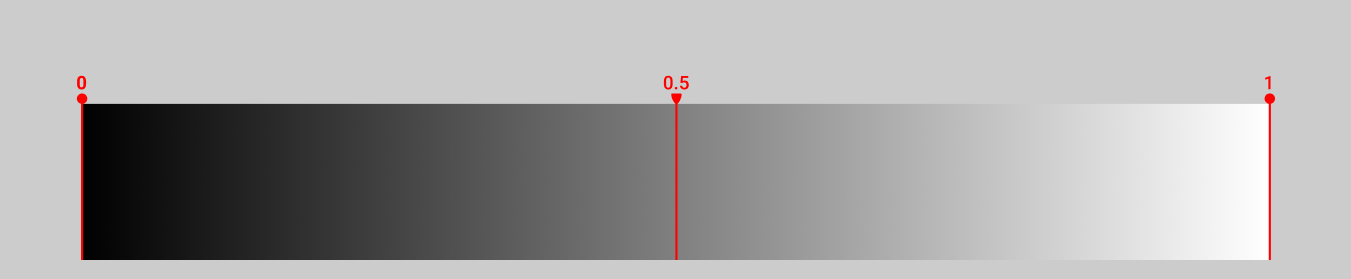
The displacement map I used for testing.

As a result we gets this:
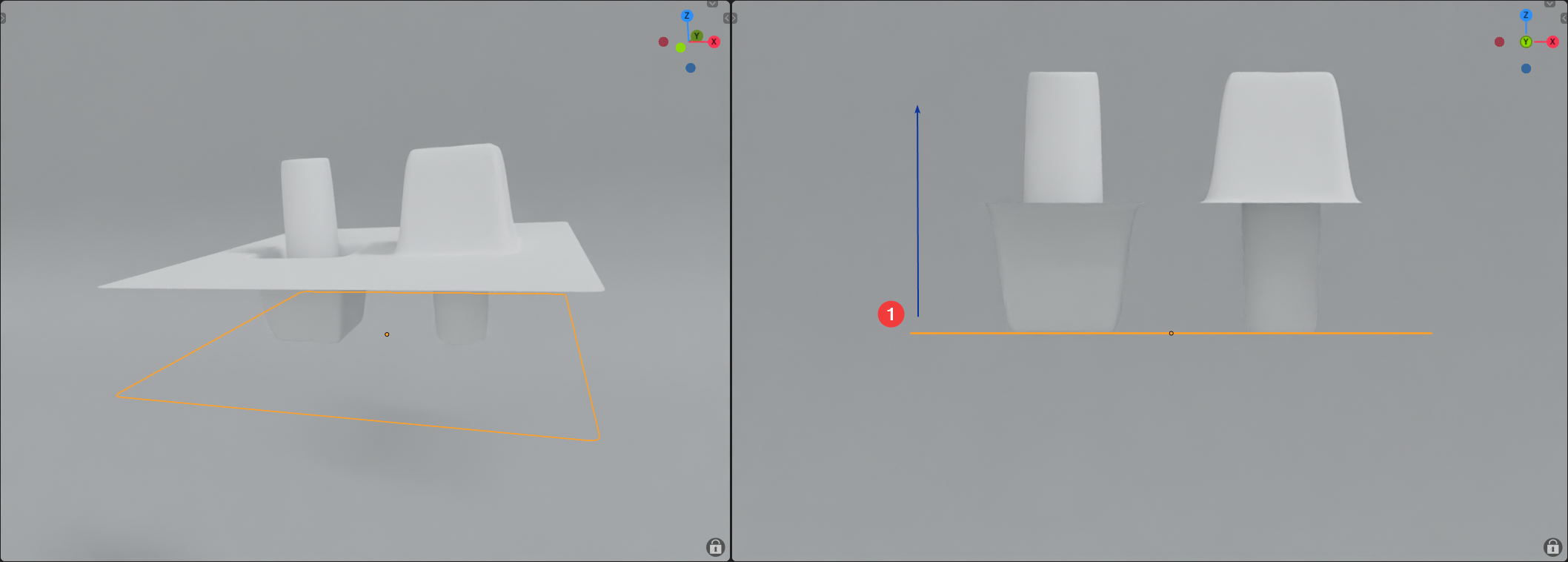
You see that it's calculated from surface normals only in positive (1) direction.
To compensate for this we need to define Midlevel where 50% gray is neutral or 0 point displacement. Everything less than 50% gray will push displacement in a negative direction and everything that is greater than 50% gray will push displacement in positive direction.
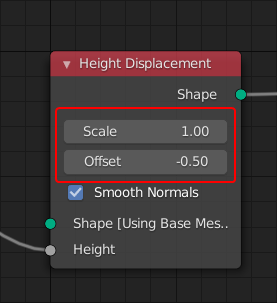
To make it work correctly you can use Offset of the Height Displacement node:
Now it works as expected:
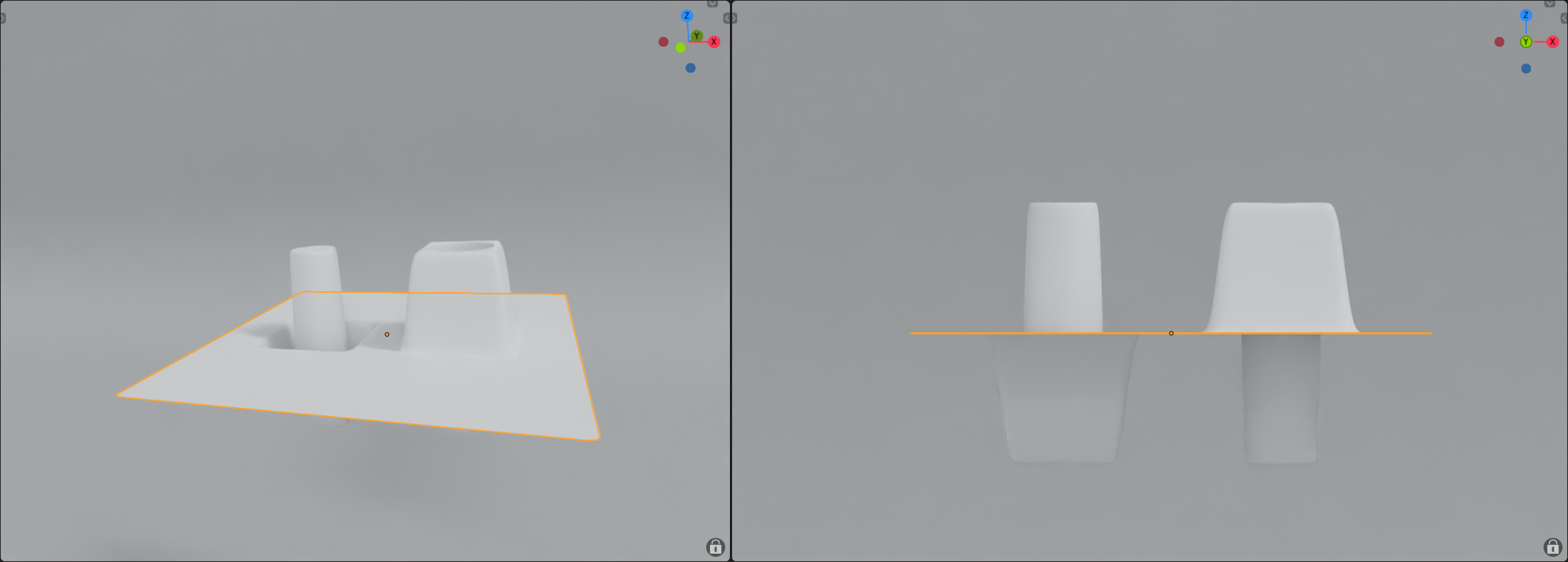
Well, not really, because if we decide to change the Scale to let's say 2 our Midpoint will shift.
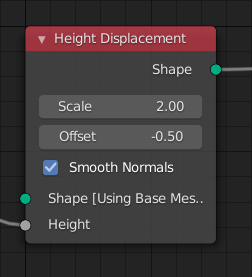
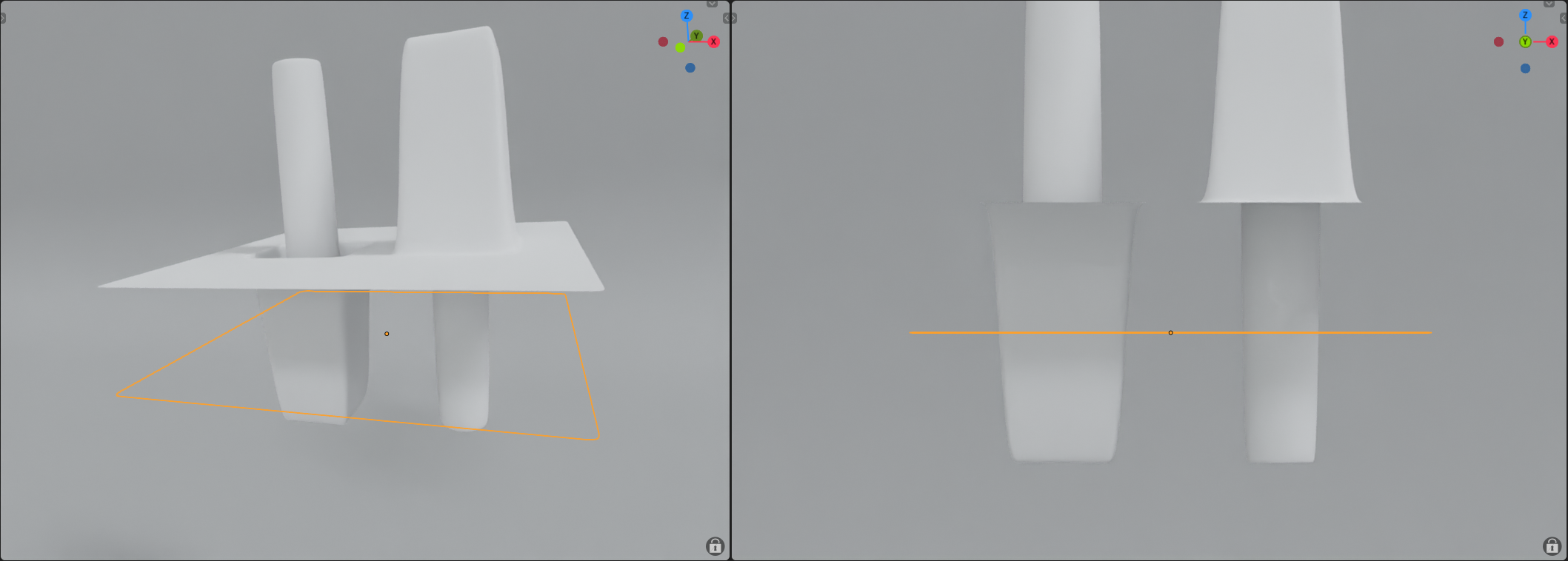
Now we need to recalculate our Offset for our Midpoint like this: Offset = Scale * -0.5
Ok. Let's do this.
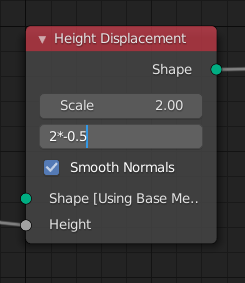
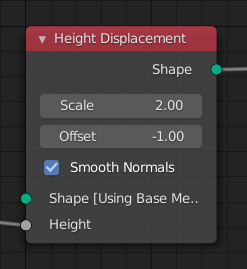
Now we corrected our Midpoint Offset.
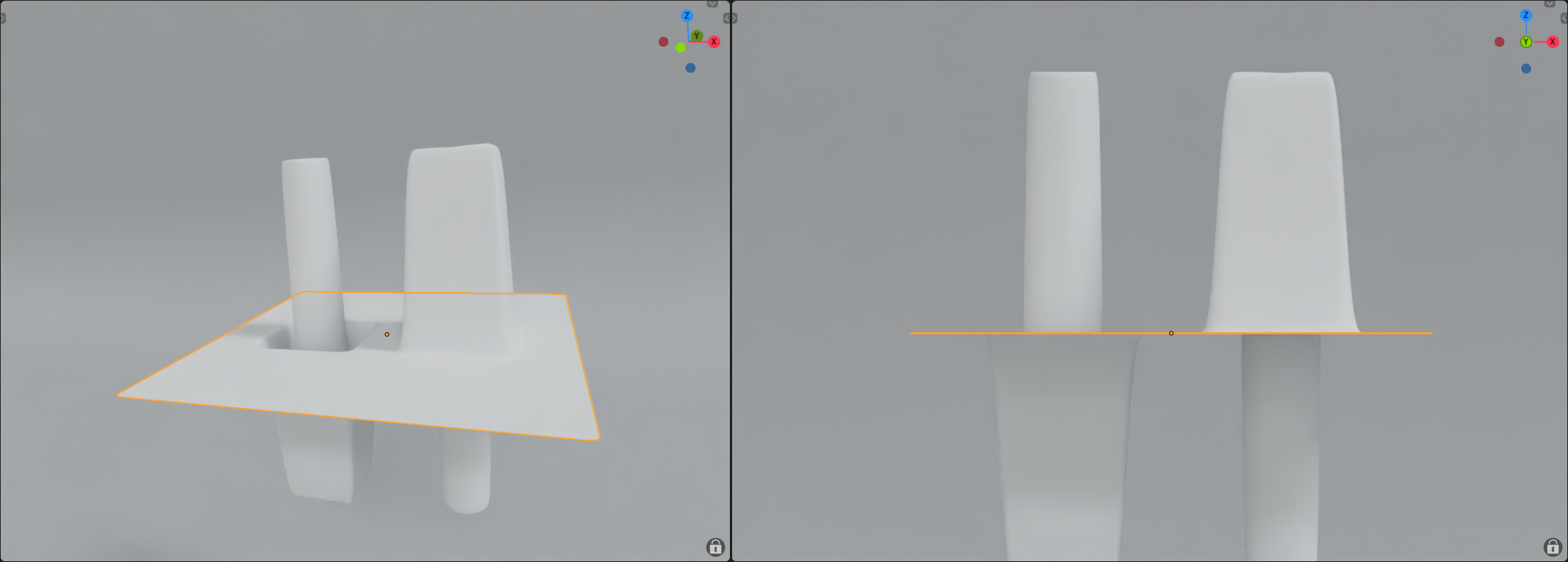
But to recalculate it every time is a terrible workflow. It's a lot of manual work.
It could be made easier with a math nodes. But there is no way to feed the values to Height Displacement node:
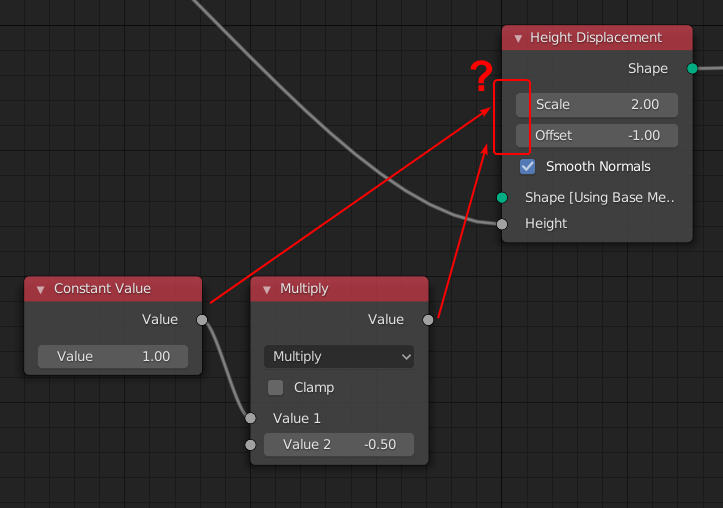
Still, even with exposed values and math nodes solution it's a bad workflow. You need to recalculate Offset for Midlevel each time and you go into negative numbers to fix the Offset which is a bad UX.
Proposition
- Expose Scale and Offset value of the Height and Vector Displacement nodes.
- Implement the Cycles' way to control displacement where you define the Midlevel and not Offset. Set nodes Midlevel to default 0.5 which will be 50% gray point or 0 displacement.
You can try my test scene to see what the issue is: Displacement.zip
Want to back this issue? Post a bounty on it! We accept bounties via Bountysource.
