
BlendLuxCore
 BlendLuxCore copied to clipboard
 LuxCoreRender
BUG: OpenCL Driver API error -30
.blend file: no need
Steps to reproduce:
- install latest LuxCore for Blender
- all run fine
- restart Blender, LuxCore does not render anymore
Screenshots or rendered images:
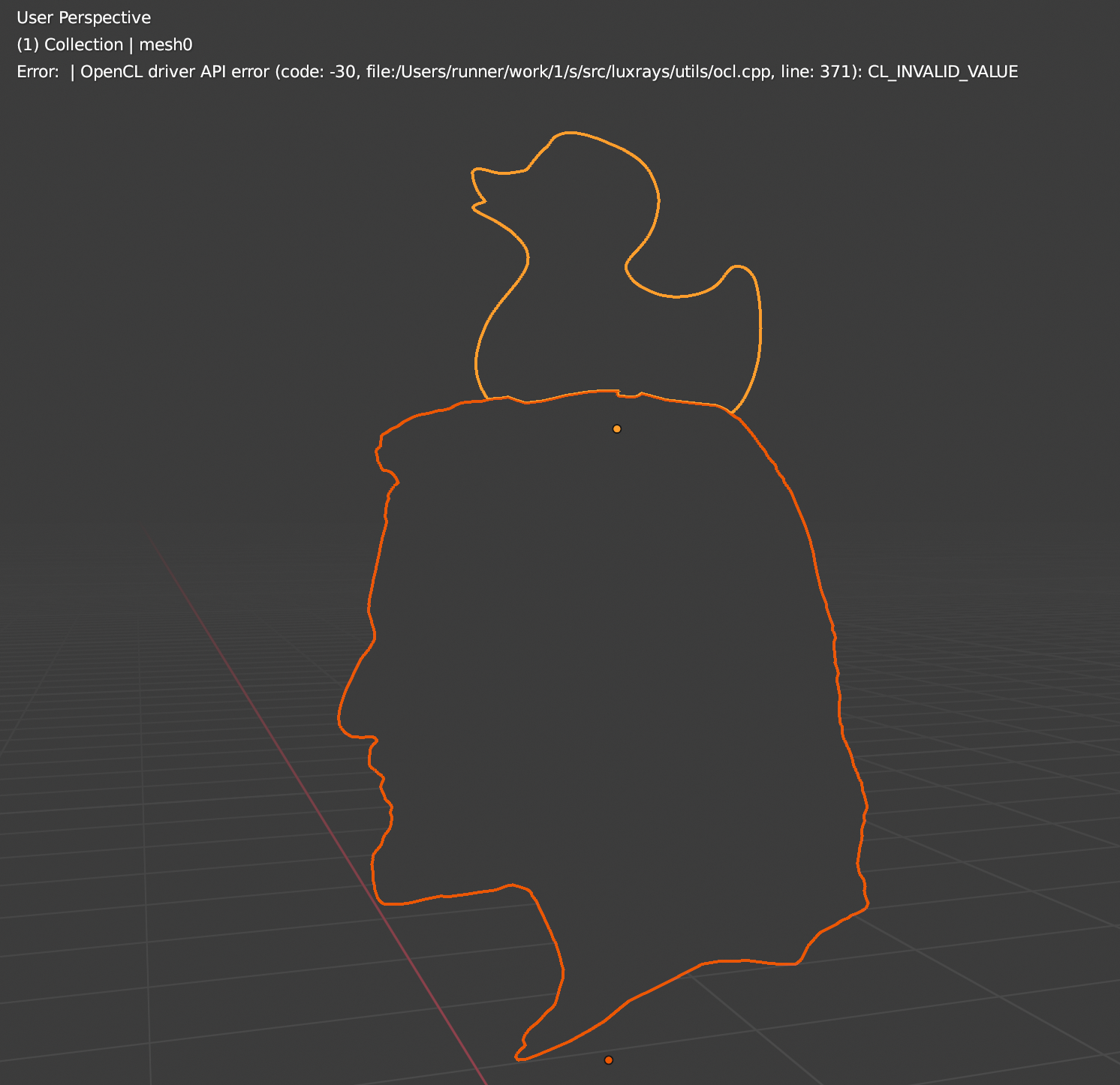
Error message from Blender console: OpenCL driver API error (code: -30, file:/Users/runner/work/1/s/src/luxrays/utils/ocl.cpp, line: 371): CL_INVALID_VALUE
OS: Blender version: 2.92 LuxCore version: 2.5


I confirm that too. Tried on Blender 2.83 (luxcore 2.4), Blender 2.90 (luxcore 2.4 and 2.5), Blender 2.91 (luxcore 2.5). I uninstalled Blender 2.91 and fresh installed it and the problem persist....It all suddenly happened without me doing something like update or else. Till few days back everything worked fine and today I have the dilemma to preinstall my Mac OS because of it. I am on Mac, Big Sur.

Follow up: Uninstalled all Blender apps and LuxCore versions, upgraded Big Sur from 11.2 to 11.6, uninstalled Xcode and installed the latest 13 beta ( all together about 13-14 hours ). Fresh installed Blender 2.90 and Blender 2.93. Tried to install again BlendLuxCore and getting the same result.
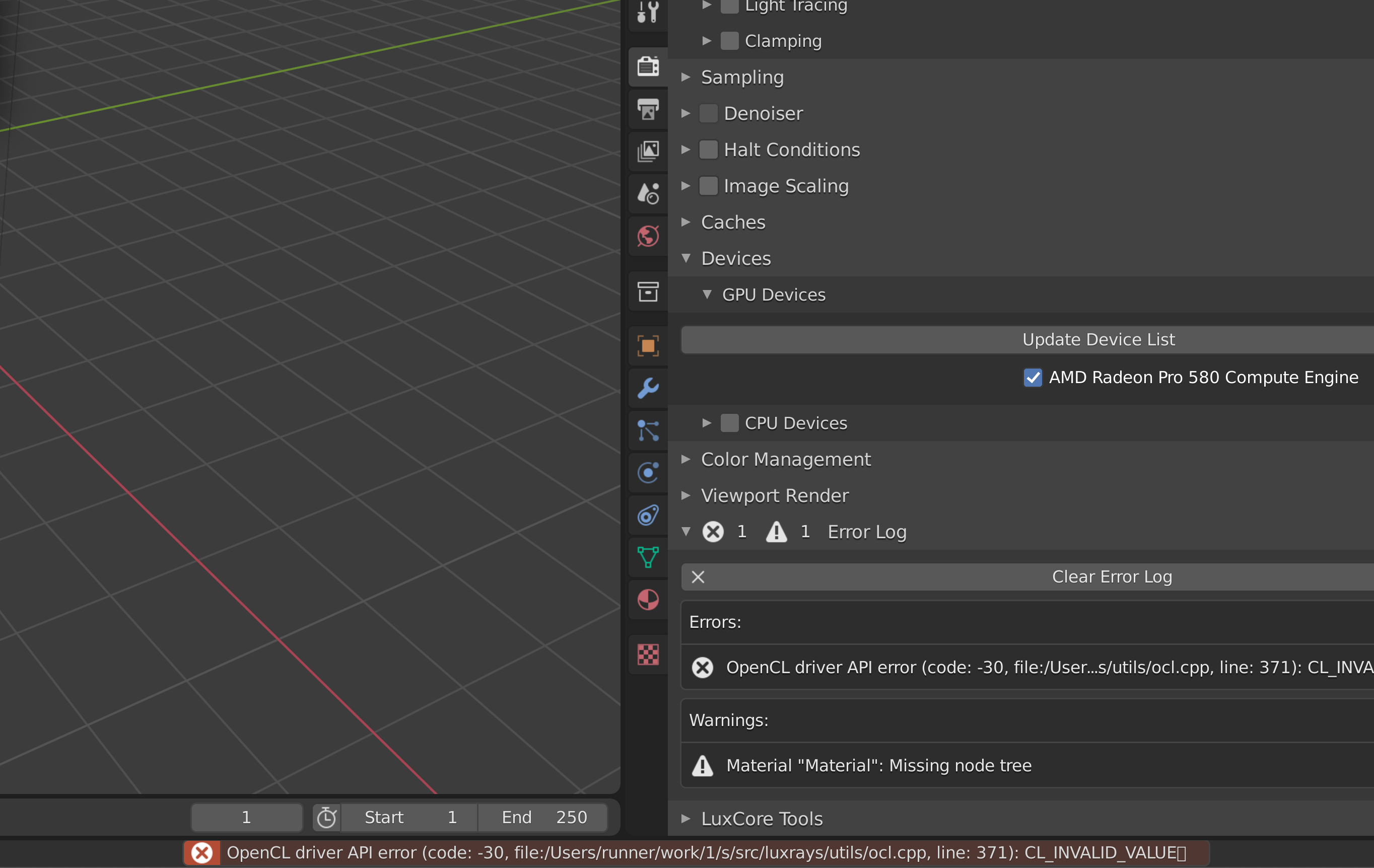
...so, apparently it is a BUG in LuxCore for Blender as you can see from this link: https://developer.apple.com/forums/thread/666465
Hate to break it to you but OpenCL bug-fixes in this vein have been permanently shelved. This is a driver bug at its core, and those won’t be fixed according the lead dev. Hopefully Monterey will solve your issue, until then you can hope that someone will come along and write a Metal backend for LuxCore to bring it into the Apple Silicon era.

Can confirm in 2022, this bug still happening. I might have the wrong version of the addon. Because it works fine at some point (even after closing and reopening Blender 3.1.2)... strange.