

 Lodestone-Team
Remember previous connected cores
I have Lodestone Core setup on a server and manage it from multiple computers using the local client app (both from Windows & Mac)
However, it seems to forget my connection to this core whenever I close and open the application. To get connected again, I have to jump through a lot of different steps:
-
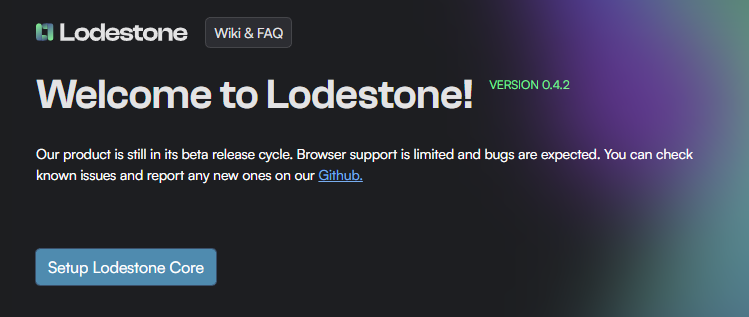
Click "Setup Lodestone Core": as it is the only option available after rebooting the application
-
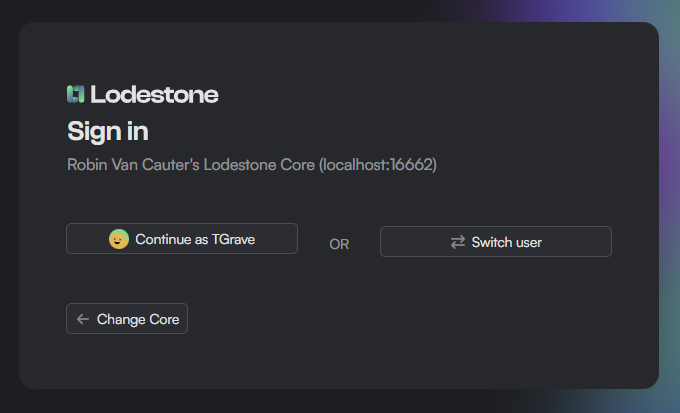
Click "Change core" (it does seem to auto discover my local core, which I don't use but had to setup to be able to get to the connect screen)
-
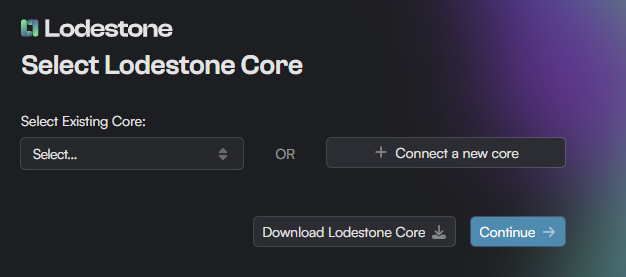
Click "+Connect a new core" (it is not available under "existing core")
-
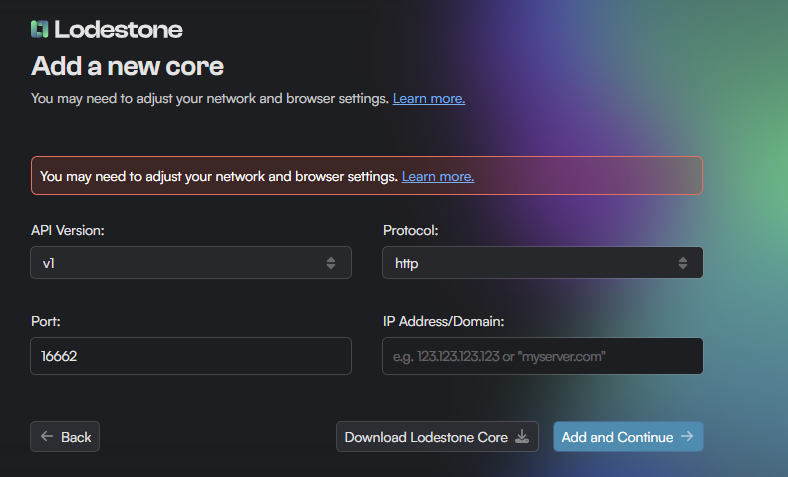
Fill in all of the connection information again
Some ideas to improve the experience:
- Show a list of previously connected cores on the first page
- Show a "Connect to new core" button on the first page (for people that don't want to setup a core on their local machine, ever)
- Allow saving / managing different Core credentials
- Maybe have a look at Lens (now OpenLens) which does something similar but for different Kubernetes environments, not saying it's got the best UX / UI, but the way they allow you to pin different "environments" to the left hand side so you can quickly switch between them is super useful (all tho very much a power user feature I suppose)

Thanks for the feedback!
Our current design leans towards guiding users to setup a local core, since remote management is available in our web app at https://lodestone.cc/, which does give users the option to "connect to a new core". This helps avoid confusion for those who might be less tech-savvy.

@Arcslogger, would you mind taking a look at this page and exploring options for combining it with the "landing" page?
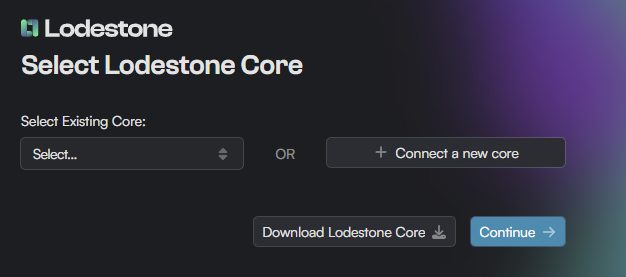
ah finally got around to reading your issue here @T-Grave. Thanks for bringing this up! This was definitely an oversight during the design process. We can definitely make the existing core selector a lot more visible
@Ynng sure I'll make an issue and add it into the design.
