

 LibreCAD
DXF2PNG
Added an option to run LibreCAD as console dxf2png tool which converts DXF files to PNG. Works similarly to the already existing dxf2pdf tool, though able to take only one DXF file as an input at a time (because there is no reason to make multipage PDF as the output is an image).
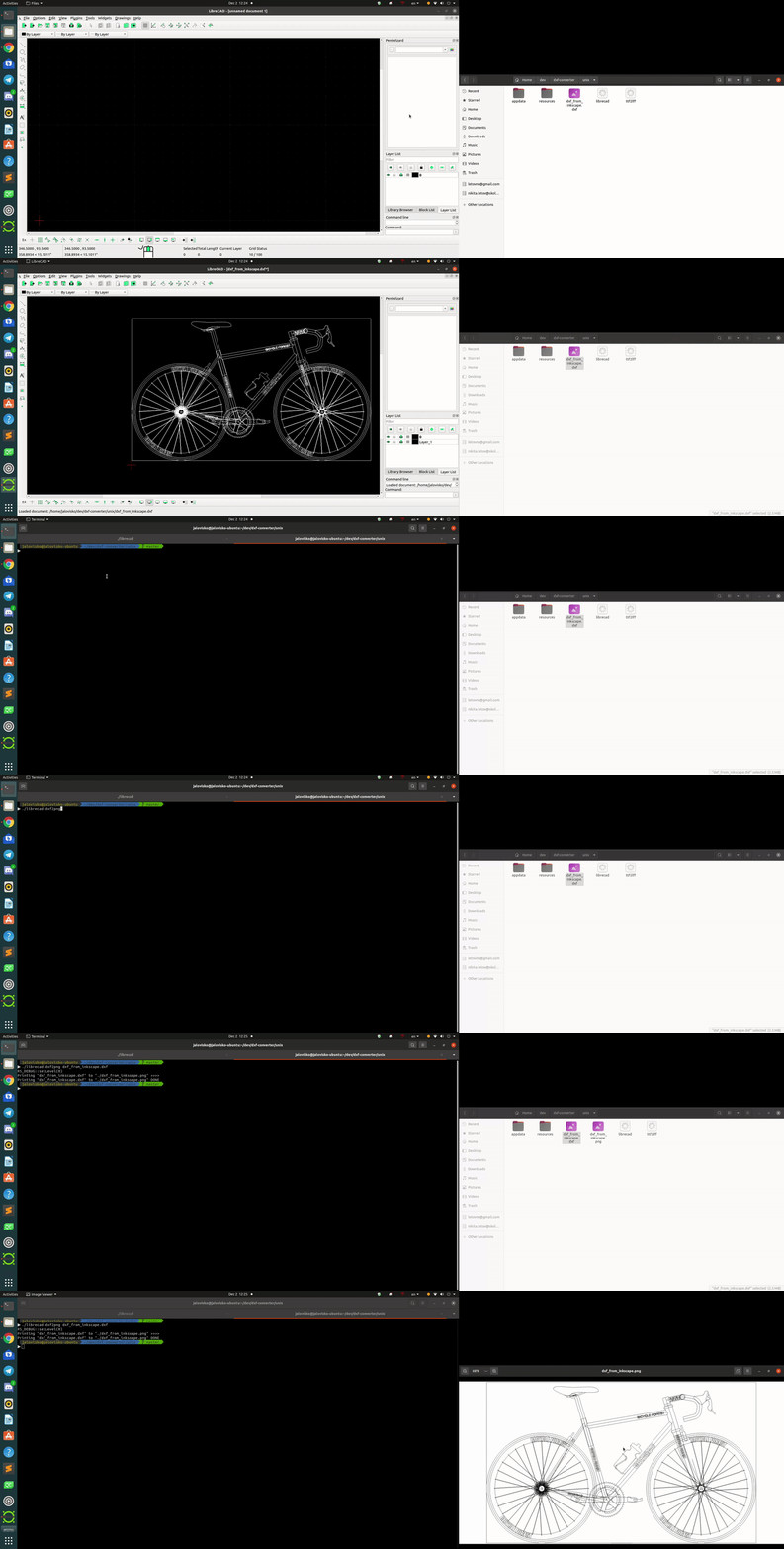
Can be ran as ./librecad dxf2png file_name.dxf. The output file is saved in the executable folder under the name of file_name.png. The default resolution is 2000x1000 but can be customized as ./librecad dxf2png file_name.dxf -r <WxH>. The output filename would be file_name.png if not customized as follows: ./librecad dxf2png file_name.dxf -o <output.png>.
The GIF animation attached shows how it works.

Note that this PR now conflicts with changes introduced by issue #1488 which changed the prototype for RS_System::init(). Fourth parameter for this function has to be a "const char *" post issue #1488, previously was a "const QString&". This causes a compilation error when PR #1293 is applied to the current LibreCAD git "master" branch (as of 2022-02-27, SHA1 ID 4602ec6a3ab852f2acf06e3950828bd56f18d99c).
Required correction to file librecad/src/main/console_dxf2png.cpp is:
@@ -90,11 +90,11 @@ int console_dxf2png(int argc, char* argv[]) QFileInfo prgInfo(QFile::decodeName(argv[0])); QString prgDir(prgInfo.absolutePath()); RS_SETTINGS->init(app.organizationName(), app.applicationName()); RS_SYSTEM->init(app.applicationName(), app.applicationVersion(),
XSTR(QC_APPDIR), prgDir);
XSTR(QC_APPDIR), prgDir.toUtf8().data());QCommandLineParser parser;
QString appDesc; QString librecad;

Having now successfully compiled LibreCAD with PR #1293 incorporated, the command line dxf2png action works for me with a few very simple test drawings. However when I try a more complex real-world drawing that I produced some time ago, the conversion fails with the following message:
Printing "test.dxf" to "./test.png" >>>> Segmentation fault (core dumped)
The drawing exports as a png with no errors when the action is selected from within LibreCAD using the "File/Export/Export as image" menu item.
DXF file causing the segmentation fault:
test.dxf.gz
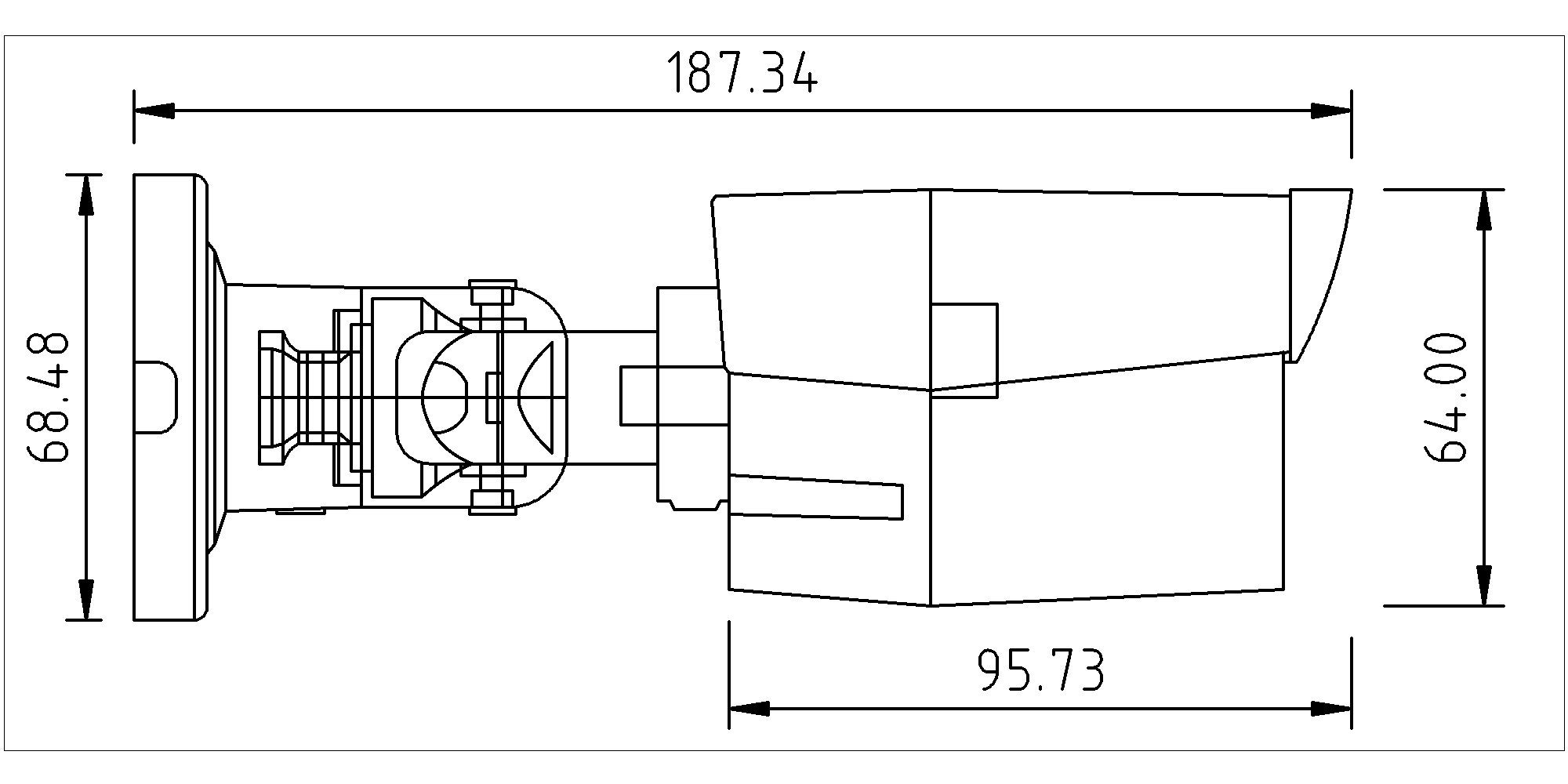
And as converted to png by using menu action within LibreCAD:
 I will investigate with more drawings when time allows...
