

 LayoutFarm
Add essential functions to GlyphLayout.
The current one is quite limited. I think as a text layout engine, at least the following functions should be added:
- layout text characters as one or multiple lines inside a rectangle, including alignment (nine position)
- given a point, get a index of the nearest character (hit-test)
- given an index of character, get the position of the caret/cursor
- reading direction-some languages reads from right to left
- calculate the exact size of specified text without rendering them-in this case, the user only cares about how much space the layouted glyphs will occupy, so no contours need to be exacted and only the size of each glyph is required. In the following picture, the size of dashed rectangle printed glyphs is the exact size of
啊rAbc. - font family
- font style/stretch/weight
Also many basic conceptions need to be documented, including
- coordinate system
- text position definition
- the scaling matters-I think it is related to dpi and the internal unit used in TrueType or OpenType.

How others design the text-layout API:
- DirectWrite provides
IDWriteLayout. - See how pango handles text-layout in a tutorial of Pango in GTK#.
- Also see how my DirectWrite C# warpper use DirectWrite.
@prepare's note I make the tasks here ...
- [ ] 1) layout text characters as one or multiple lines inside a rectangle, including alignment (nine position)
- [x] 2) given a point, get a index of the nearest character (hit-test) (see below)
- [x] 3) given an index of character, get the position of the caret/cursor (see below)
- [ ] 4) reading direction-some languages reads from right to left
- [x] 5) calculate the exact size of specified text without rendering them (see https://github.com/LayoutFarm/Typography/issues/23)
- [X] 6) font family below...
- [X] 7) font style, font weight below...

@zwcloud
- given a point, get a index of the nearest character (hit-test)
- given an index of character, get the position of the caret/cursor
Today, 17a71d8a8625f0548e28bf84c450c8da256fec1a, shows Gdi+ sample for test 2) and 3)

pic 1: (1) show sample textbox, then press key on it, you can use del/backspace/left/right/home/end buttons to navigate on the text. (2) green point => exact mousedown pos (for debugging), caret (3) will move to the most proper glyph index
I implement only the single line text box for testing only. This version is not focus on completeness and performance.
code .... see
- calculate the exact size of specified text without rendering them
solved, see https://github.com/LayoutFarm/Typography/issues/23
- reading direction-some languages reads from right to left
That's a very complex feature. See Bi-directional text. I hope this helps.
I'm testing the lastest GlyphLayout.
I'd like to suggest that dependency to Typography.Rendering should be removed from the GDI Winform demo, such as GlyphFitOutlineAnalyzer and GlyphFitOutline. Because for someone like me, TrueTypeInterpreter is always used-I don't use Pixelfarm. Now the code contains two pipelines(truetype interpreter and Pixelfarm renderer) that handles the rendering. Currently, it's easy to remove the code referencing Typography.Rendering but I'm afraid that, as the project gets bigger, the demo will become more and more complex and hard to understand and customise.
Maybe creating a separate demo is a better choice. Or just extract the pixelfarm part into a partial class if it is possible.
Thank you for your advice. please see=> e4c2b3a9831faa02370652e02d56e9301d4ac7e4
Now, No need for Typography.Rendering in WinGdi+ sample

pic 1: The WinGdi+ Example
GlyphLayout.MeasureString works as expected in my GUI framework. I'll test 2) and 3) later. I'm working on finishing the Android demo of Typography.
Just added two features that should also be implemented:
- font family Currently Typography needs font file path, but for a complete font library we should be able to find the actual font file according to font family. Both DirectWrite and pango use font family to determine the typeface used for text. See also how WPF handles font family.
- font style/stretch/weight They are also common features of a text layout engine. See also DWRITE_FONT_WEIGHT, DWRITE_FONT_STYLE and DWRITE_FONT_STRETCH.
sure :)
ref font folders
- macOS https://support.apple.com/en-us/HT201722
- ubuntu https://ubuntuforums.org/showthread.php?t=951250
- Windows https://superuser.com/questions/265101/font-folder-in-windows-vista-7
Any progress on layouting multiple lines inside a rectangle?
Haha ...,
no progression now,
:(
I'm tackling (and stucked) with the AutoHint #10 (3/3) and How to make a small glyph ( 8-10 pts) look sharp and easy to read. (this is a useful milestone, because it will link to #37)
when finish (soon, I think), I will return to this #24.
I think, for basic text layouting, you can refer to stb, especially, stb_rect_pack.
stb_rect_pack has been used in many UI projects to layout glyphs.
And why not just start from a simple model that JUST works and then dig into details? Auto hint is used to adjust the display effect, but not quite essential for text layout function.
Hello @zwcloud,

pic 1: (1) zwcloud's sample , (2) current Android demo with msjh.ttf
I think baseline of 啊 in (2) may not correct. It float up a little bit (Not sure).
What font name do you use in (1) ?

Any progress on (1)?
I'm going to implement layouting multiple lines inside a rectangle, based on current Typography.TextLayout.GlyphLayout, quickly and dirtyly. But I don't know much about typeface/glyph properties, such as hints, position techniques and bidi. So I think I will just ignore them and treat glyphs as rectangles, just like what is done in stb_rect_pack.
I think such behaviour will be the same as notepad, and that's good enough for me.
Hello @zwcloud
For Typography,
please visit the dev branch. There are many changes.
status:
Hints & Position: => Good enough for me for this version.
Bidi => Not implement yet.
VBO => is implementing in PixelFarm repo.
When the 'multipart VBO' technique finish I will bring the technique to this repo. And the dev branch will be merge to the master.
Sorry for late, 2-3 weeks ago, I had a busy jobs.
for This week I'm updating the Espresso & CefBridge.
Thank you for your interested and Welcome all PRs
:)
My dirty implementation of multiple line text-layout:
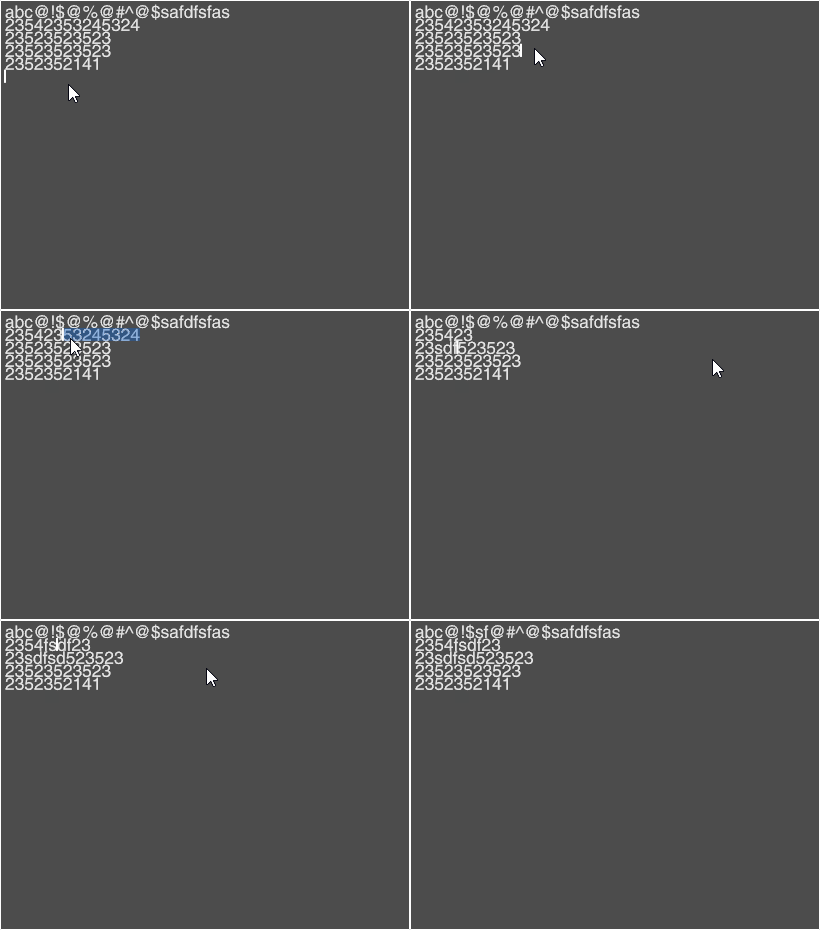
Only
- Positon and size of each layout glyph:
glyphPlans - height of a line:
lineHeight = (this.CurrentTypeFace.Ascender - this.CurrentTypeFace.Descender + this.CurrentTypeFace.LineGap)*scale;
were used to implement it. No hinting, position technique or other conceptions I don't know.
Hi @prepare For some reason, I gave up the exam. So I'm back!
It seems you have make a lot progress on text layout functions, right?
@prepare Having some problem when loading the noto font, tried NotoSans-Regular.ttf, I'm going to update the old Typography used in my project. Is the master branch of Typography stable enough or should I use a little earlier version?

Hi @prepare
It seems GlyphPlanList and related classes have changed a bit. Are there any important changes? For example, when should I apply the scale (TypeFace.CalculateScaleToPixelFromPointSize)? My app failed to layout glyphs horizontally. I'm still looking into the examples.
It seems the unit of GlyphPlan.ExactX is not the same as the old GlyphPlan.X property. Why do GlyphPlan.ExactX and GlyphPlan.AdvanceX have different unit?
@zwcloud,
Yes, There are some important changes about GlyphPlan / related features.
The new code is more reliable. I will update soon.
(now it is on latest branch of the PixelFarm)
I see. I'm looking forward to the new code. 😄
Update: I'm trying the latest branch.
@prepare I just tried the latest branch text_break but it seems to be identical to master for Typography.GlyphLayout and Typography.OpenFont. And they don't work well in my TypographyTextContext. All characters lay-outed are placed in the same place overlapped by each other.
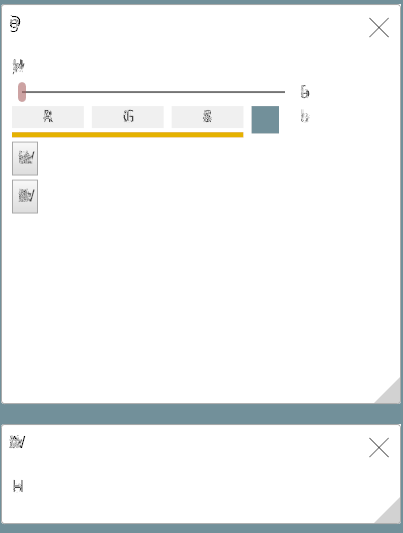
As for a single glyph, it is rendered well as before:
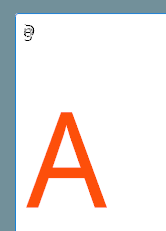
It works if I use an old version of Typography: https://github.com/LayoutFarm/Typography/commit/b0d71cba109825c078eea0576ff787a5d4a655c8 .
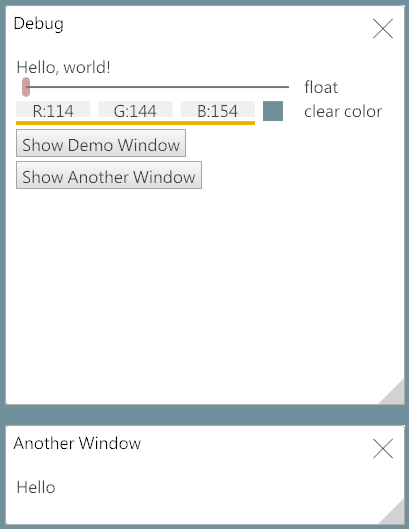
I need to use Typography.GlyphLayout and Typography.OpenFont directly in my TypographyTextContext to do basic glyph layout myself with line-breaks. The text-break and text-service branches seems to be under development and not usable. By the way, if you need help with the text-layout engine, please tell me how can I help. 😃
@zwcloud ,
code on latest (dev) branch (text-break) is not complete.
I will update it soon.
What's the status of text-layout now? I want to help. I saw a Typography.TextFlow project but didn't find a working example project.
@zwcloud ,
Text layout features are developing and testing in
- PixelFarm, (single line, multi-line text editor) and
- HtmlRenderer project (html text flow layout, rich text)
I will bring it back to Typography.TextFlow project.
If you want to contribute your code=> lets do it :) I'm happy to merge your contributions/ideas to the project.