

 LasseD
GLOSSMAP support
It appears we are close to accepting our first part on the Parts Tracker that uses the GLOSSMAP feature of the TEXMAP spec. Since I am not aware of any other LDraw viewer that supports GLOSSMAPs (LDView and LeoCAD do not, LDCad is unknown), it would be helpful if this software supported GLOSSMAPSs images.


Unfortunately, since there aren't any current LDraw programs that support GLOSMAP, the author is reluctant to put in the effort to make one. Since the author is Travis Cobbs, he's aware of LDView's limitation but he also made no mention if he plans to implement. I figured I'd ask here since I found the TODO comments in the code.
Do we have a part where it would make sense to use a glossiness map? As I understand it, we have discussed surfaces where roughness would have been useful (such as on slope bricks), but that was always voted down.
The immediate use case is for textures of patterns with metallic ink. This is the part that sparked the discussing regarding glossmaps: https://www.ldraw.org/cgi-bin/ptdetail.cgi?f=parts/2454aps5.dat
In that case, glossness/roughness map would not work. Instead the value of "metallness" has to be adjusted according to the png: https://threejs.org/docs/#api/en/materials/MeshStandardMaterial.metalness
Think of it this way. A standard brick is extremely glossy, while a rubbet tire is not. However. A metallic part is not just glossy, it is "shiny". Take the Strata Scooter for instance. It has prints on the scooter and on the torso of the figure where the metallic print reflects differently than the remaining of the model: https://brickhub.org/i/94
The spec has this to say:
The second optional PNG is used as a glossmap. It should be a single channel image where the value indicates the amount of specularity to add at the part of the texture map (RG and B are currently ignored – but reserved – in gloss maps, and the A (alpha) channel determines the amount of gloss at a given texel)
Travis seems to think this feature is suitable for what we want to do but there's no way to test it since there aren't any programs that support it.
If I did exactly what the spec says, then the best fit seems to be: https://threejs.org/docs/#api/en/materials/MeshPhongMaterial.specular
I can set this up, and then you can try it out to see if the result matches your expectations. MeshPhongMaterial behaves differently to StandardMaterial, so you might get an acceptable result this way.
I have added glossmap to the branch "GLOSSMAP_support_Issue_56": https://github.com/LasseD/buildinginstructions.js/tree/GLOSSMAP_support_Issue_56
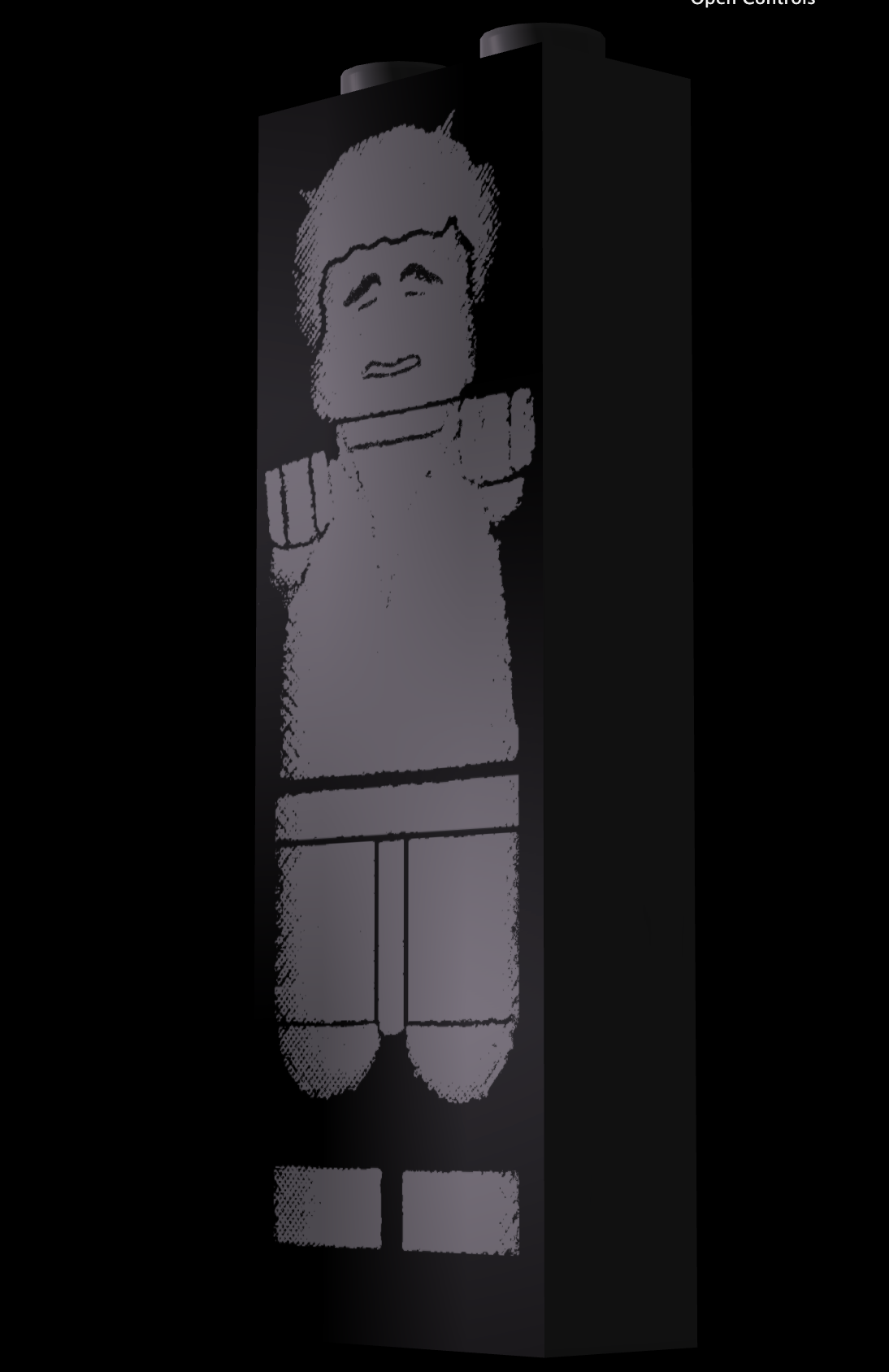
In the test file you can see how test3.png is used to make a very clear GLOSSMAP difference, causing upper-left and lower-right part of the part to appear glossy, while the remaining appears black.
However. I doubt this is the effect you are looking for. Perhaps metalness map in standard material is a better fit? In any case, we still have the issue of the texture not filling the full face plate, causing us to either have to live with a transparent border around the figure, or color blending as shown here.