
Mockman
 Mockman copied to clipboard
 LanceGin
Manage and start the mock servers on your local platform easily

中文文档




Mockmanis a powerful and convenient tool that helps you to manage and start mock servers locally.With the app, you can easily configure the routes, request format and response of a mock server
Screenshot
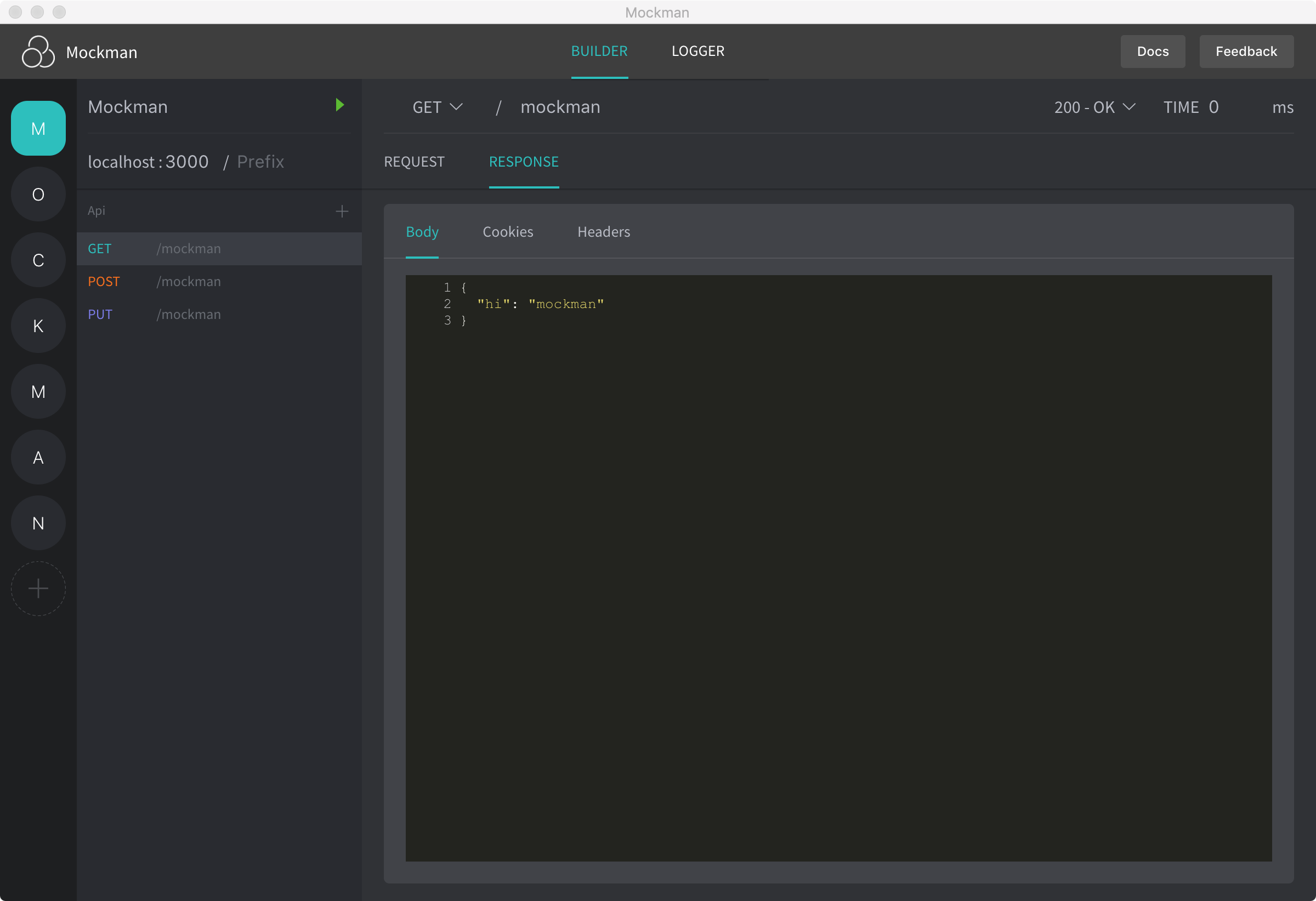
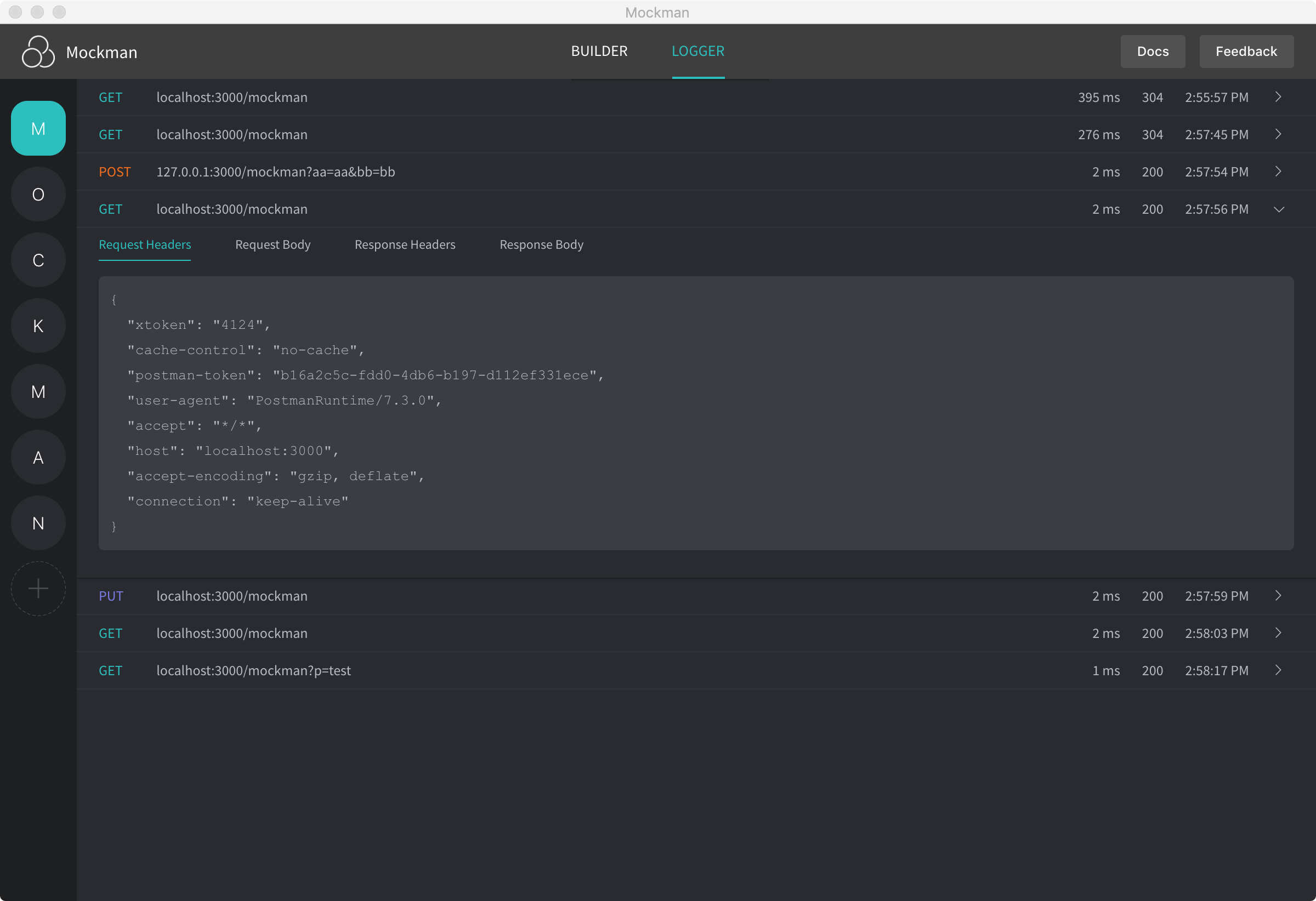
Usage

- Create your mock server -
click the add button - Configure the
name,portandprefixof your move server, make sure the port is not in use, or Mockman will give you a error notification. - Add some apis for your mock server.
- Configure the
method,route,response code,latency,required request optionsandreponse dataof each api. - Start the server -
click the start button. - After all, you can test your api locally.
Where will your api data be stored?
Your data will be stored as a
sqlite fileabsolutely on your local, the path will be different on different operation system.
%APPDATA%for Windows$XDG_CONFIG_HOME or ~/.configfor Linux~/Library/Application Supportfor macOSBe attention before you start https server
- Mockman is using
self-signed-certificationto create https server- Install rootCA on your client and trust it before you send https requests
Todos
Server
- [x] ipcMain && ipcRender communication
- [x] dababase support
- [x] create a new mock
- [x] update a mock
- [x] remove a mock
- [x] query a mock info
- [x] create an api
- [x] update an api
- [x] remove an api
- [x] query an api info
- [x] start an express server with a mock config
- [x] handle errors while starting the server
Client
- [x] brand header dislay
- [x] mock sider display
- [x] mock-detail and api-list display
- [x] api-detail display
- [x] create a new mock
- [x] update a mock
- [x] remove a mock
- [x] query a mock info
- [x] create an api
- [x] update an api
- [x] remove an api
- [x] query an api info
- [x] request params check list
- [x] response k-v input group
- [x] response code editor
- [x] add blur event to jsonEditor
- [x] add a log panel to show the logs of an active mock server process
- [x] add https support
- [ ] group the apis with tag
- [ ] check the conflict of all mocks
- [ ] Export/Import mock or api configurations
License

Contribute
# install the dependencies
npm install

# serve with hot reload at localhost:9080
npm run dev

# build mockman
npm run build

# run unit tests
npm test

# lint all JS/Vue component files in `src/`
npm run lint
 LanceGin