
activity-browser
 activity-browser copied to clipboard
 LCA-ActivityBrowser
Error when creating and renaming a new database parameter
I currently experience an issue when trying to create and rename a database parameter.
Creating a parameter works, however, when trying to rename it or when trying to change the database the following error occurs:
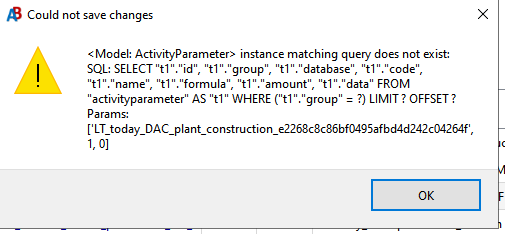
The parameter "LT_today_DAC_plant_construction" was an activity parameter in my model but I deleted it at one point. Before, a similar error occurred indicating another activity parameter that still existed in the model.
I also found that when creating a new project and importing the database, the error does not occur in the beginning. Only when uploading a new version of the database to this project, the error message occurs.
I appreciate every idea or hint on what might cause the error and how to solve it.
Edit: Moreover, that the error (but with a different activity parameter) even occurs when all databases (aside from the biosphere3 db) are deleted from the project.
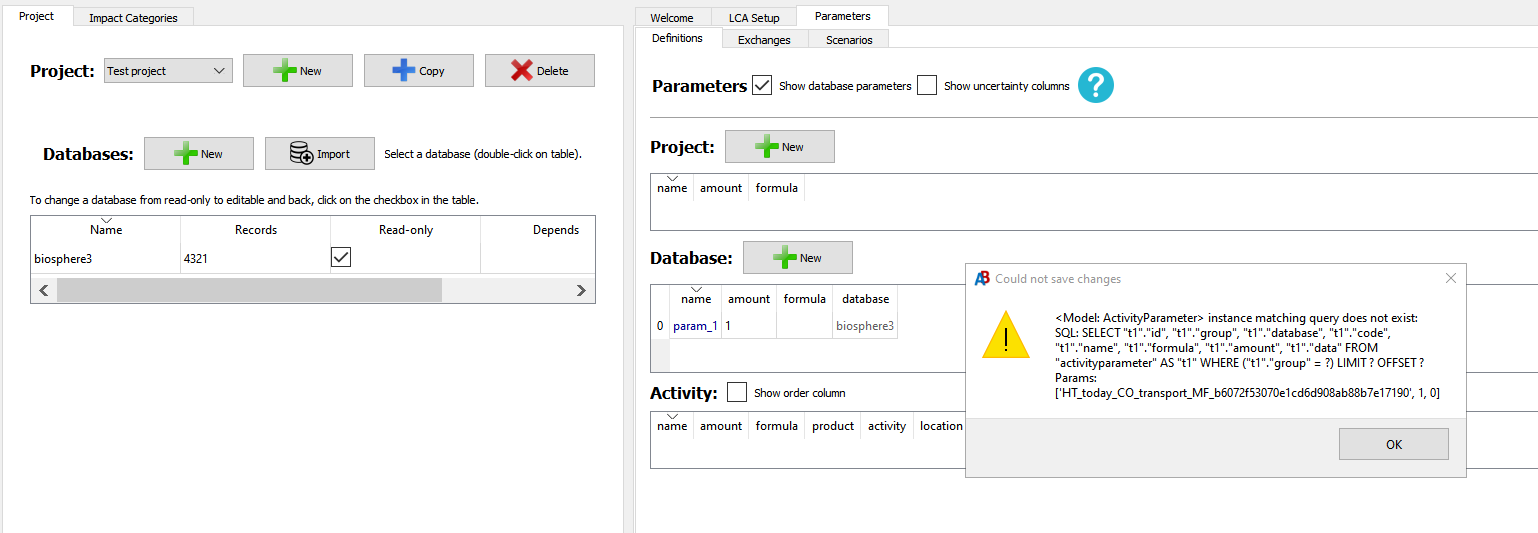

Thanks for sharing the issue. Would it be possible for you to share the database file that gives you problems? We might be able to help better when we're looking at the same file.

I'm unfortunately unable to replicate the issue and can make new parameters and rename them/change databases. However, if you want to start fresh without parameters, what I'd recommend is to export the database as a .bw2package and then re-importing it. That format cannot store parameters, so this should allow you to start with a clean slate.

Thank you for the advice @marc-vdm! My current workaround was to create a new project and import the excel there. As after importing the first time, creating new parameters in AB works, this is a feasible approach. I just cannot edit the model in excel and reupload it to the same project. But indeed your idea would also be a way to deal with the issue. Thanks!
@StpdFox I am using v. 2.6.3