

 Kong
Kong
Client Certificate Authentication During OAuth 2.0
Expected Behavior
Using OAuth 2 Authentication, with Implicit Grant Type.
When the popup browser shows the OAuth 2 login, my organization requires Client Certificate Authentication. Typically in a browser it would prompt to select a certificate if multiple were present on the system, like the image below.

After taking a brief look at the code I noticed that Insomnia uses electron.BrowserWindow to display the popup . Which does support Client Certificate Selection.
Actual Behavior
When the popup browser shows for OAuth 2 login, there is no prompt for certificate selection. It continues with the redirect without any selection which then causes the server to throw an error of "Access Denied". Since it wasn't passed a certificate to validate.
Reproduction Steps
No response
Is there an existing issue for this?
- [X] I have searched the issue tracker for this problem.
Additional Information
There might be a similar issue #1250, however we don't use Smart Cards and I am unclear where in the Insomnia app this occurred, as my specific issue is with OAuth 2.
Insomnia Version
2022.4.2
What operating system are you using?
macOS
Operating System Version
macOS 12.4
Installation method
downloaded from insomnia.rest
Last Known Working Insomnia version
No response

Hi @NicholasMata, I see how this is confusing. In Insomnia, you can set the client certificate via the document settings. In the debug view, click on the down arrow next to the workspace name
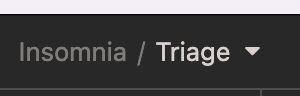
Then click on "Document Settings"
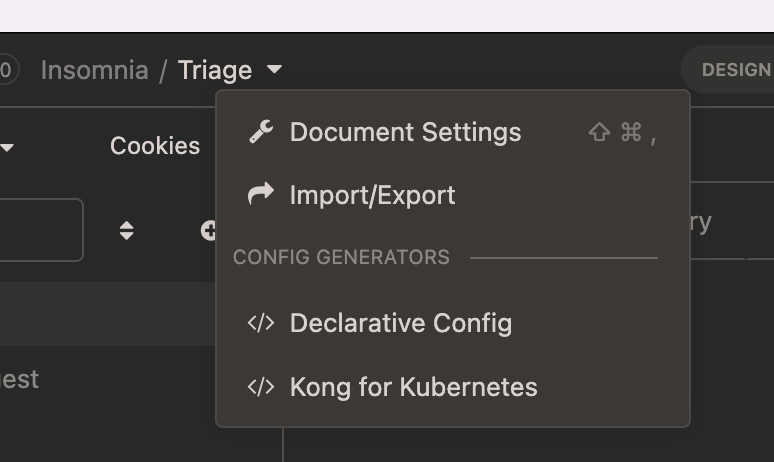
Click on the "Client Certificate" tab. In that view click on "New Certificate" button.
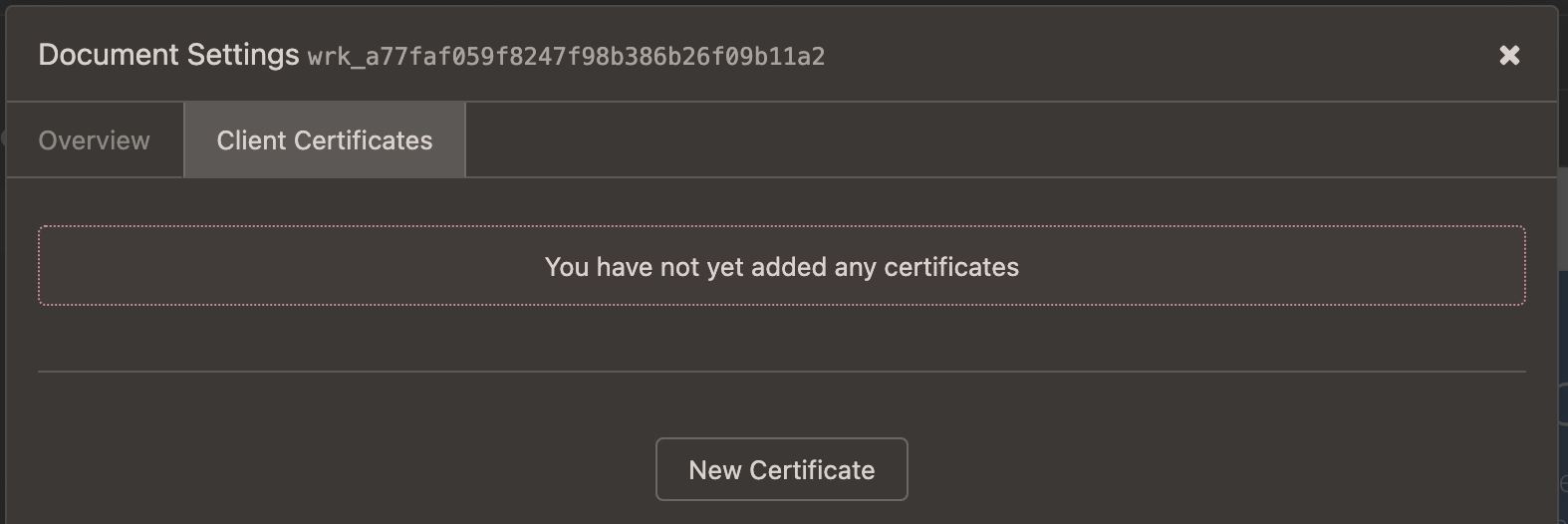
In the "New Certificate" view, upload the certificate file to the appropriate option (CRT file, Key File, or PFX). Also, specify the host address, which from your image looks like "https://certauth ... ".
After you hit "Create Certificate", Insomnia will use that certificate for requests made with the host specified for related requests in the collection associated with the Document setting.

@wongstein You are correct however I don't believe those certificates apply to the OAuth 2.0 Authorization window popup. At least I was unable to get them to work in this window. When I reviewed the code I didn't see anything that implements it for the OAuth 2.0 Authorization popup.
I do have a PR #4961 for a possible solution. I believe the reason is because the OAuth 2.0 popup is a new BrowserWindow.
Ah drats. Okay, we are still blocked on reviewing your PR by not having a testing environment to confirm that it's working. So sorry, I'll try to find some time to do some digging to see if there's anything easy I can grab around the internet that can replicate this pop up box. I've been having a rather hard time finding something off the shelf, all the stuff I've tried expects the certificate to sent within the original request and doesn't implement a second-action flow of pop up boxes.
Whoops I seem to have read your PR responses way too fast (or not at all, sometimes that happens). I was able to confirm that your PR works, and I've sent it to the team for review. Thanks for the contribution! Hoping to see this in a couple of betas from now!