

 KevinVan720
Is it possible to import simple svg that has just one path?
Thanks for the package, it looks great! I have a couple of existing svgs that are super simple, just one path. How do I convert that to the json and import it, is that possible?

Hi. This package is purposed for creating border shapes (must be a closed path). If your path is simple enough, you can try to recreate it here: https://fluttershape.com/ (in Bezier mode) and export it as JSON. Sorry I didn't implement an svg import feature.

No probs, it works though! The problem I have is the morphable doesn't smooth the lines so it looks very blocky compared to the svg. I may be missing something though as I'm not really a graphics person.
I wrote this function that converts a raw path (copy and paste from the svg!) Maybe it helps someone
Map<String, dynamic> morphableConvertCoOrdinates(String coOrdinates) {
  var blim = coOrdinates.replaceAll("\r", "");
  var blah = blim.replaceAll(RegExp('\\s+'), ' ');
  var splut = blah.split(" ");
  var result = splut.map(
    (e) {
      var x = e.split(",");
      return {
        "pos": {"dx": double.tryParse(x[0]), "dy": double.tryParse(x[1])}
      };
    },
  ).toList();

  var json = {
    "type": "Path",
    "border": {"color": "ff000000", "width": 0, "style": "none", "strokeCap": "butt", "strokeJoin": "miter"},
    "path": {
      "size": {"width": 600, "height": 600},
      "nodes": result
    },
  };

  return json;
}
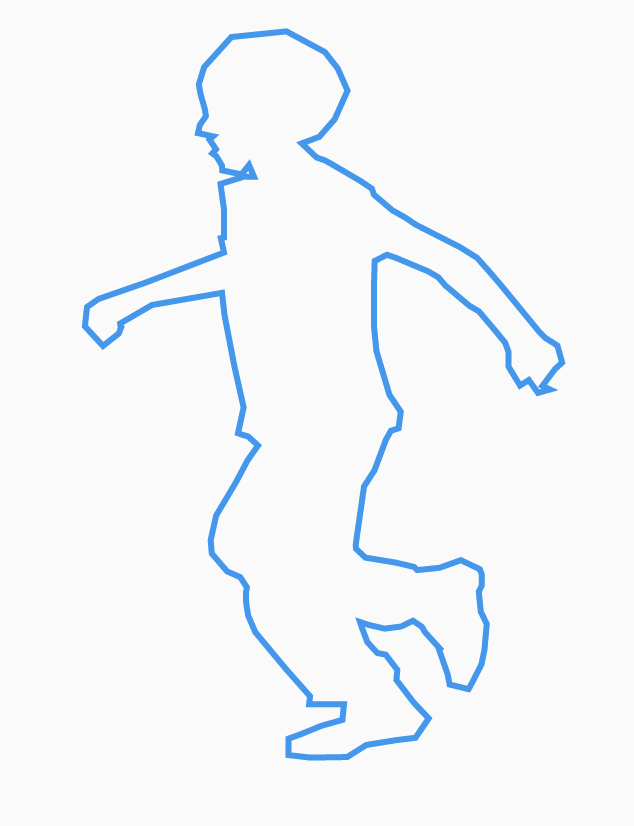
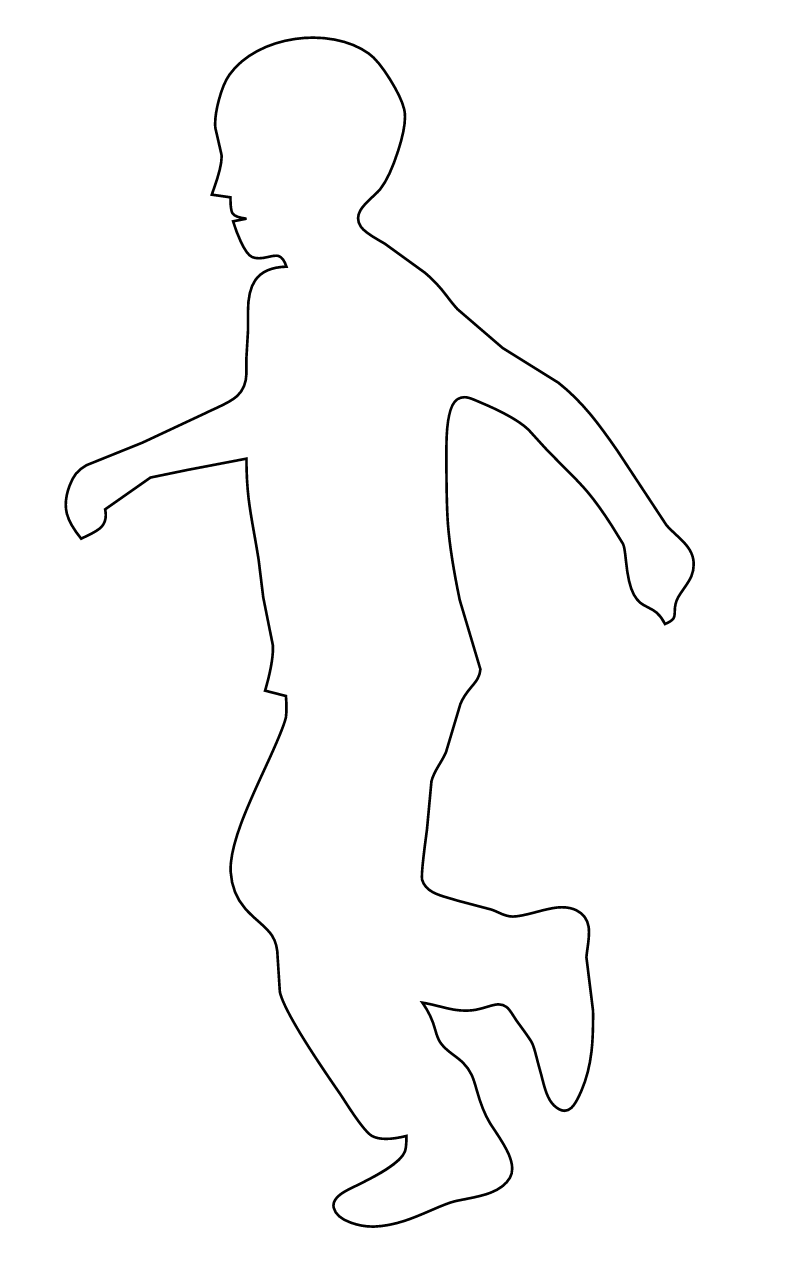
actually this works in converting the list of svg co-ordinates (I previously misunderstood how the svg worked). I could add it somewhere as a pull request if you think it might be cool.
Offset _getXY(String coOrdinates) {
  var split = coOrdinates.split(",");
  return Offset(double.parse(split[0]), double.parse(split[1]));
}

Map<String, dynamic> morphableConvertCoOrdinates(String coOrdinates) {
  var nodes = coOrdinates.split("\n").where((element) => element.length > 10).toList();

  var result = nodes.map(
    (e) {
      var nodeLine = e.trim();
      var positions = nodeLine.split(" ");

      return {
        "prev": {"dx": _getXY(positions[0]).dx, "dy": _getXY(positions[0]).dy},
        "pos": {"dx": _getXY(positions[1]).dx, "dy": _getXY(positions[1]).dy},
        "next": {"dx": _getXY(positions[2]).dx, "dy": _getXY(positions[2]).dy},
      };
    },
  ).toList();

  var json = {
    "type": "Path",
    "border": {"color": "ff000000", "width": 0, "style": "none", "strokeCap": "butt", "strokeJoin": "miter"},
    "path": {
      "size": {"width": 600, "height": 600},
      "nodes": result
    },
  };

  return json;
}
btw, I really like it! I think if you update your examples you should do something like this.
https://user-images.githubusercontent.com/4139336/219431014-cc0ae078-9b0d-4ece-b9fb-4cb3ade68fe9.mov
@atreeon could you provide a full example ? How about the performance ?
Thanks
