

 KeepSafe
Support for Multi Window Mode / DEX
- [x] I have verified the issue exists on the latest version
- [x] I am able to reproduce it
Version used: 1.12.0 current master
Android version: 8.0
It affects Multi Window Mode, Split Screen, Samsung DEX Station mode, ...
The TapTargetView is not entirely shown. Note, that the height of the cut off area is exactely the same size as the space from top of the screen to top of the window.
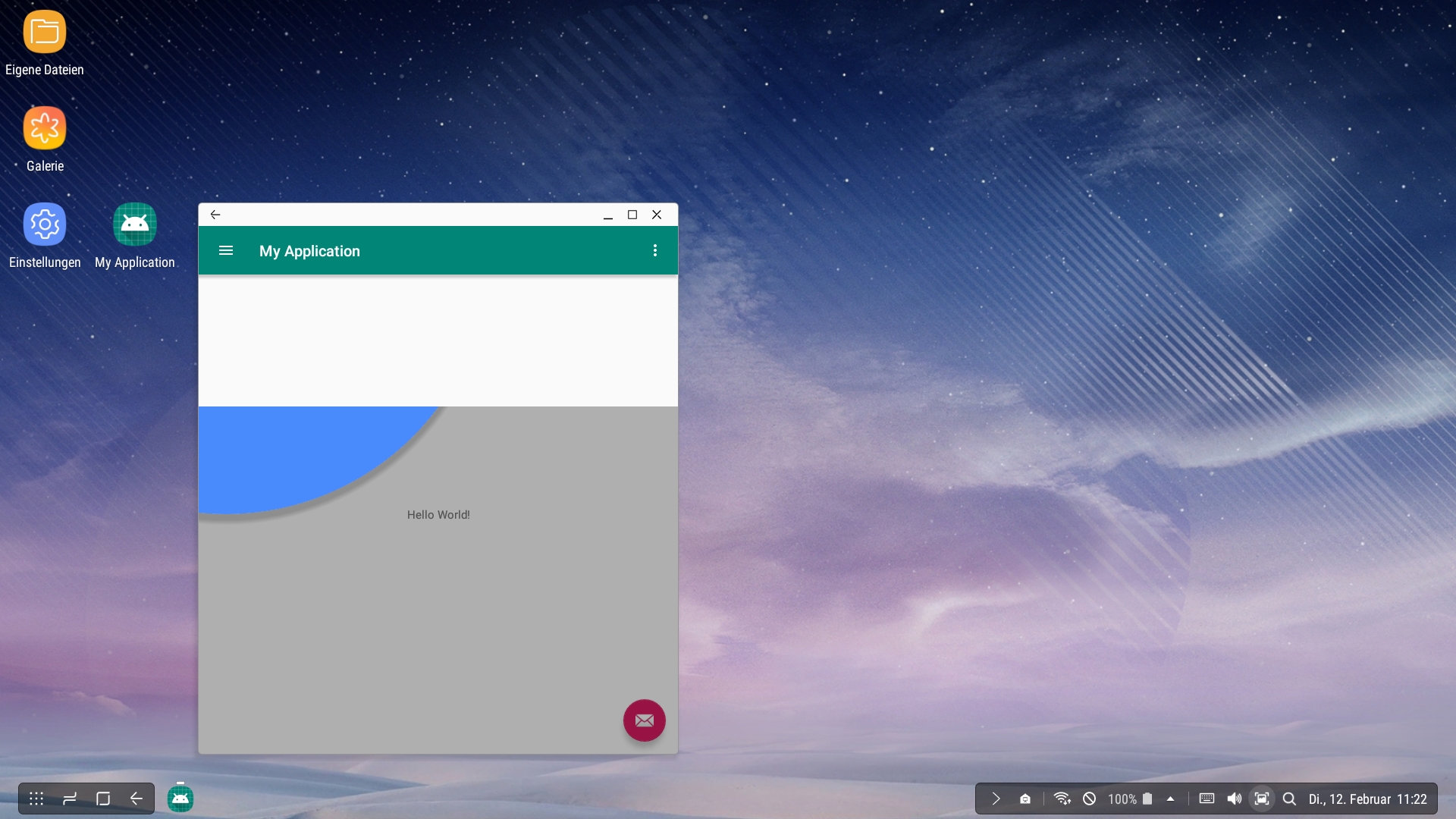
Furthermore, I am not able to move the window while the TapTargetView is shown, and I am not able to click any buttons on the window title bar either.
Also see Issue #91
@zawadz88 already proposed a fix there (at least for the display issue): https://github.com/zawadz88/TapTargetView/commit/ef3303b741ce841c956aaae809e8e815040bcefa
He uses coordinates relative to the window instead relative to the screen. I think this is the way to go. This fixes the display issue in multi window mode for me.
There is still the issue that the TapTargetView blocks window operations. The TapTargetView is attached to the decor view and therefore stretches over the window title bar. That is why I am unable to move the window / click on the close button. Maybe attaching it to the content view would be a solution?
