

 KartikTalwar
gmail.get.email_data failing for some reason
I believe I found a bug but want to make sure my code is correct.
gmail.observe.on('view_thread', () => {
  const emailData = gmail.get.email_data()
  console.log(`${emailData}`)
})
Based on the documentation I believe that when I click an email thread, emailData should return an object which contains data about the email.
When I click an email thread the code executes at the proper time. Unfortunately I get the following in the console. The GET seems to be receiving an undefined param which results in an erroneous response format. The behavior is the same even if I move lines 2-3 out of the observer.


Hey Brantron.
Thanks for the report. Thanks for the code-sample and the stack-trace. That's good info :)
- Does this always fail? (Because I can't reproduce with the code provided)
- Is this a new project or is this something which used to work?
- Are you using latest Gmailjs?
- Have you recently upgraded to latest version? (And if so what did you use?)
- Etc
Basically anything to make it easier to narrow down the problem. Could you also outline what exactly you're trying to achieve?
Maybe there are other ways which doesn't have the same problems. For instance, if you subscribe to the view_email sub-observer, you will receive a api.dom.Email-instance with the event, which might contain the information you need.
If that doesn't do it... Could you provide a little more data/examples to outline this but:
The GET seems to be receiving an undefined param which results in an erroneous response format.
Full query URL for once would be a good start. Second ... What format is the response? JSON? HTML? Can you provide a screenshot from the network-tab in your developer console?


Hi, I am also facing same issue in my project. I am using updated gmail.js file and trying to get "email_ids()". For this I have used below code
var gmailSave = new Gmail($); var email_ids = gmailSave.get.email_ids();
After running above code I got this error

I have debugged it in gmail.js file, Then I found some issue with URL in "api.helper.get.email_data_pre" function.
URL -
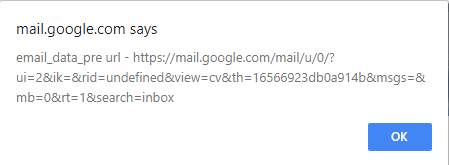
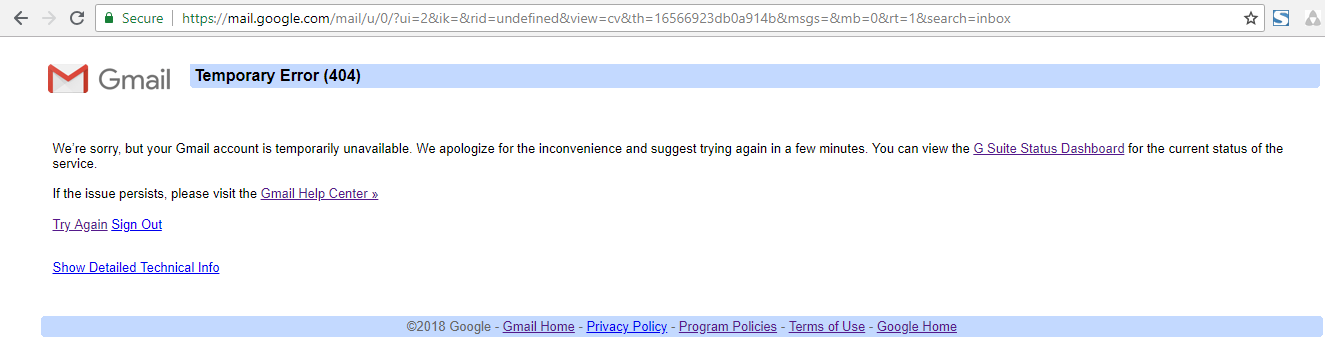
After hitting this URL manually I am getting temporary error message.
Temporary Error -
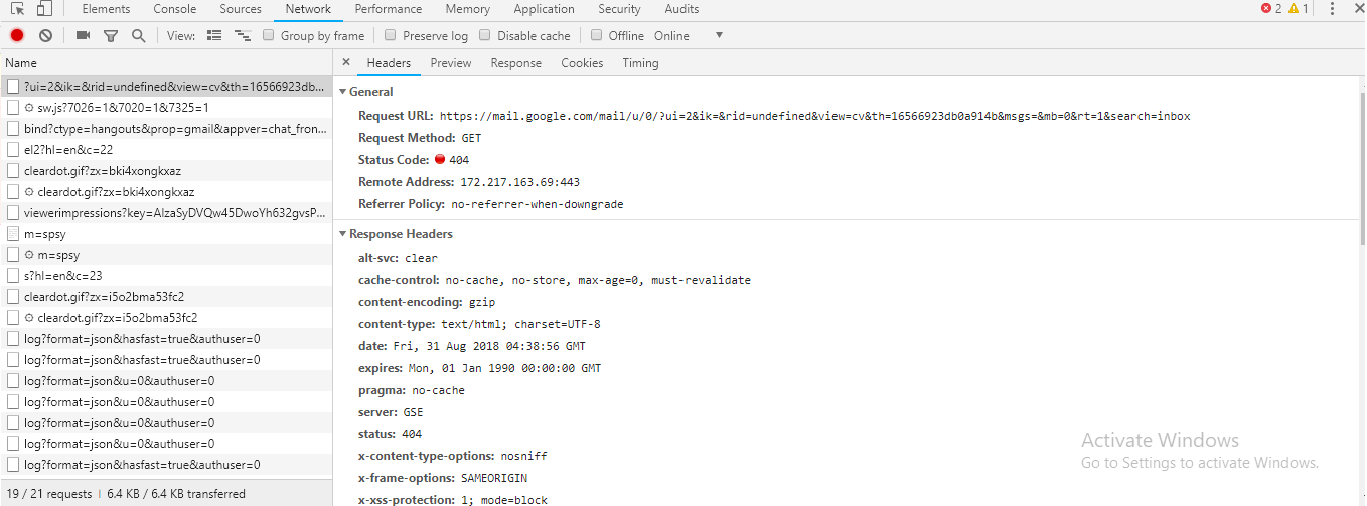
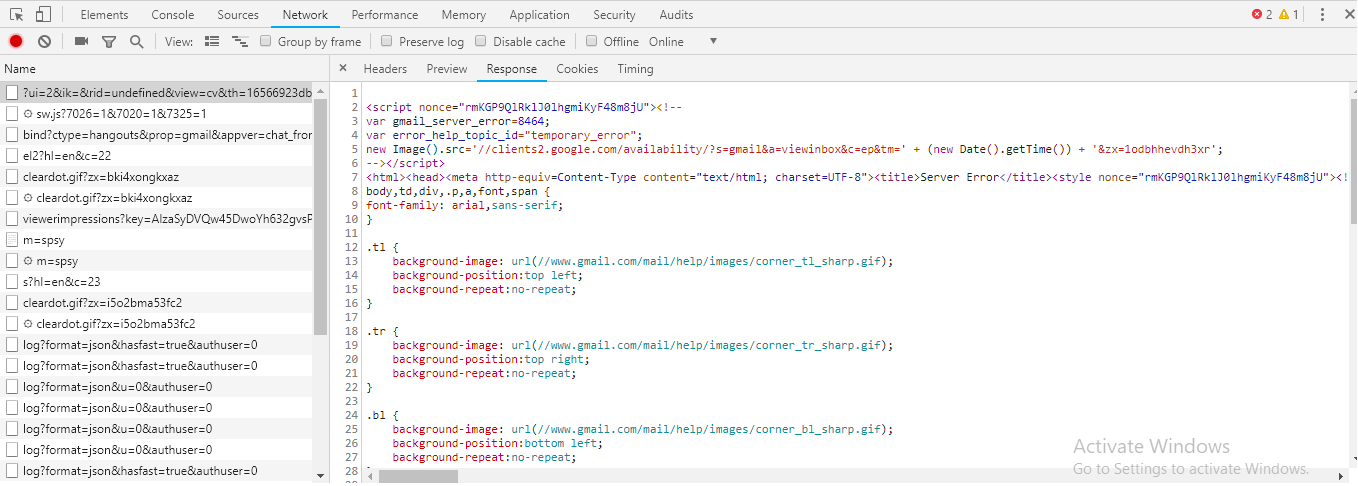
I have also captured network activities.
Headers -
Response -
Please help.

If you just build the boilerplate project and install that in your browser, this leaves you a working gmail-instance available in the web developer console.
Can you reproduce the error by loading that extension and manually entering the code you've demonstrated here?
If not, it's probably related to how you load your code and when you execute it.
Hey!
I hope i can help. Just go to : https://github.com/o-x-y-g-e-n/gmail-extension/blob/master/dist/extension.js
Scroll to the bottom most. Locate a comment 'shivam gohel'.
Yes, i had to manually write that code to make it work. I hope it helps.
The code in your dist-folder does not match the code in the src folder, which is always suspicious. Try cleaning up your code. Ideally the dist-folder shouldn't be committed at all.
From the error-message you're getting, it seems like you're not providing any ID. Maybe you should add some logging to verify the incoming ID in the "open_email" observer?
Also, your code (in dist) has at least issue: Trying to obtain email-ID from DOM while DOM is being rendered, instead of just using the ID variable you already have. Are there any particular reason you do this?
At best it will make your code slower and more error-prone. At worst it will provide you with inconsistent results.
Yes, i had to manually write that code to make it work. I hope it helps.
That probably means it's related to how you load your code.
Try not registered the observer inside the load-observer when everything should be ready.
Getting the same issue here. I also tried it with the boilerplate project. Following were the commands that I tried in the console:
var emailID = gmail.get.compose_ids()[0];
var emailData = gmail.get.email_data(emailID);

As discussed to great lengths in a previous issue, google has effectively obsoleted all XHR-based APIs we’ve used in the past. This particularly includes anything related to gmail.get.email_data().
Now it’s 2019 and it should be considered fundamentally broken.
Consider replacing all use of gmail.get.email_data() with gmail.new.get.email_data().
Please note data-format differs, it has some limitations and it’s not a simple drop-in replacement.
Also: compose-ids are not interchangeable with email-ids. They differ significantly.
Also: compose-ids are not interchangeable with email-ids. They differ significantly.
What's the best way to extract the metadata and the content of the email being composed?
gmail.get.composes().
That returns an array of rich objects. Check the documentation.

Maybe it works. If it does, good for you I guess? :smile:
If it stops working, we have some new APIs which hopefully are not broken.