
vim-tmuxlike
 vim-tmuxlike copied to clipboard
 Karmenzind
A vim plugin that mimics the actions of tmux. Control buffers and tabs like tmux panes.
vim-tmuxlike
Add tmux operating habits to vim.
If you are quite addicted to tmux, you might need this plugin to make your vim work a bit like tmux.
TOC
- Intro
- Installation
- Configuration
- Others
Intro
Prefix key
Just like <prefix>(usually CTRL-B) in tmux, there's a prefix key in vim-tmuxlike.
I use <c-a>(CTRL-A) as the default prefix key. You need to change it if you have the same keymap in tmux.
Features
Tmux users may be familiar with these basic operation.
Every keymap should start with <prefix>.
hjklLeftDownUpRightchange bufferHJKLenter resize-mode and smoothly resize current window with direction key (vim only; nvim version still WIP)
?open vim-tmuxlike's helppageztoggle buffer zoom mode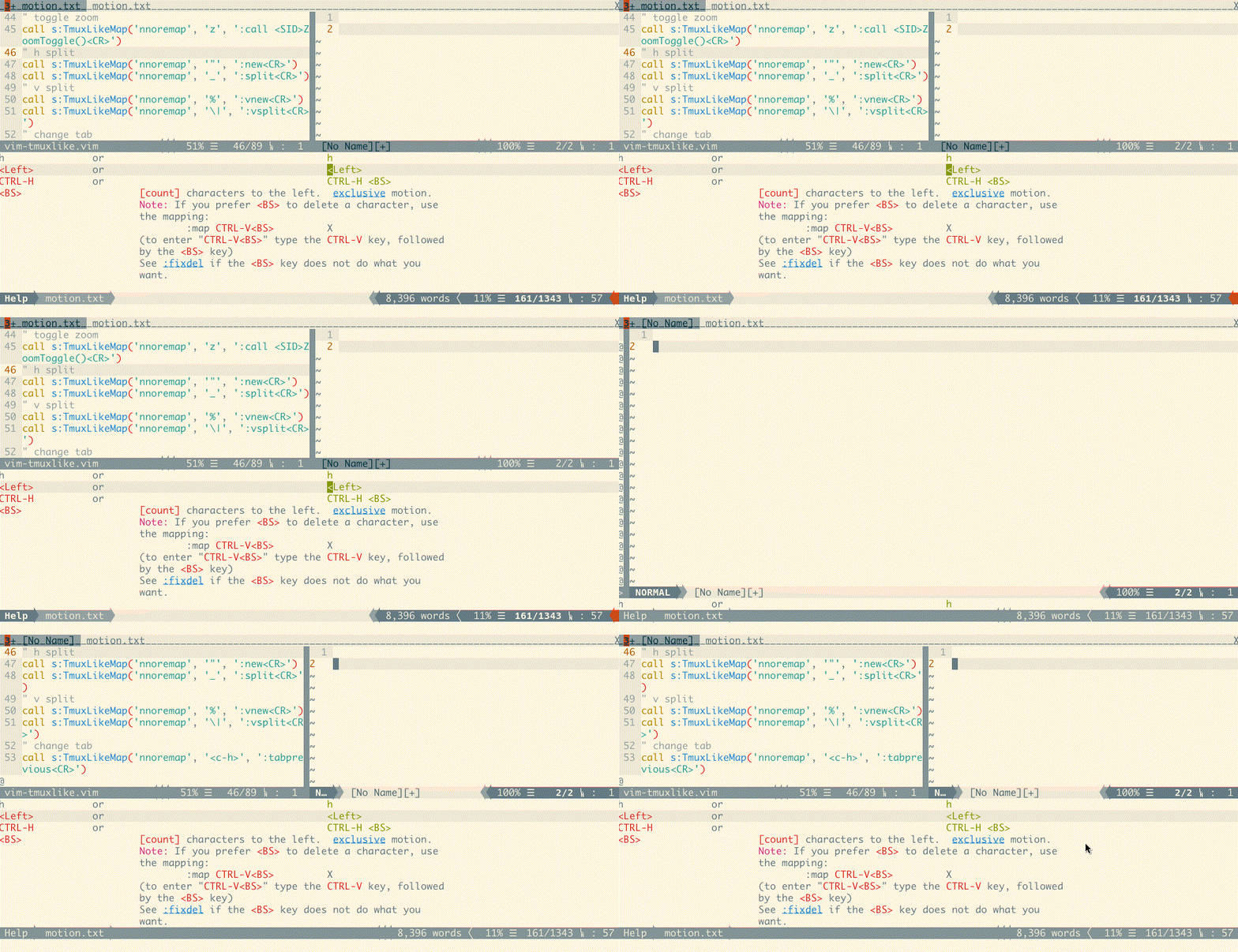
%split window; open new buffer oh the right side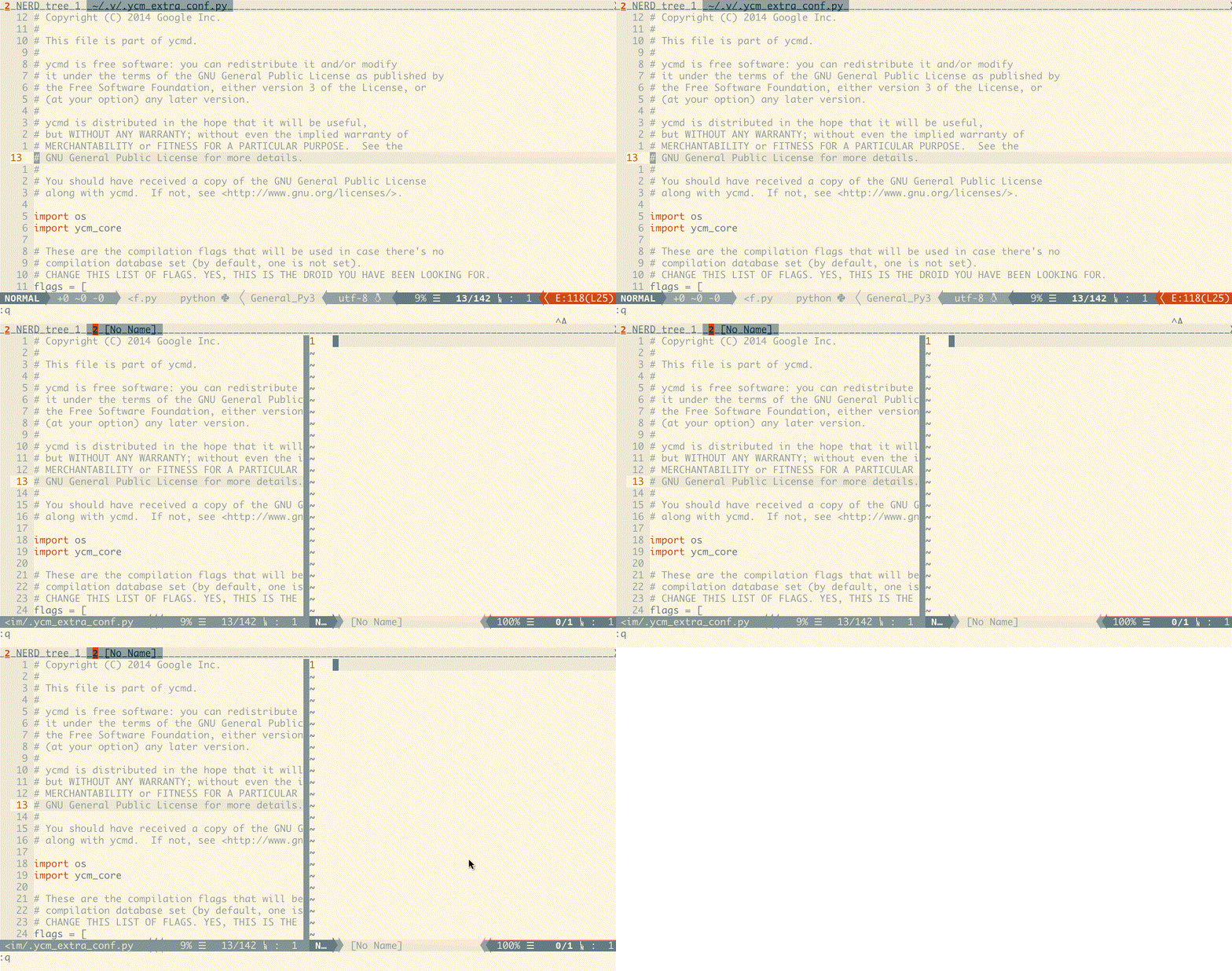
|split current buffer oh the right side (custom:g:tmuxlike_key_vsplit)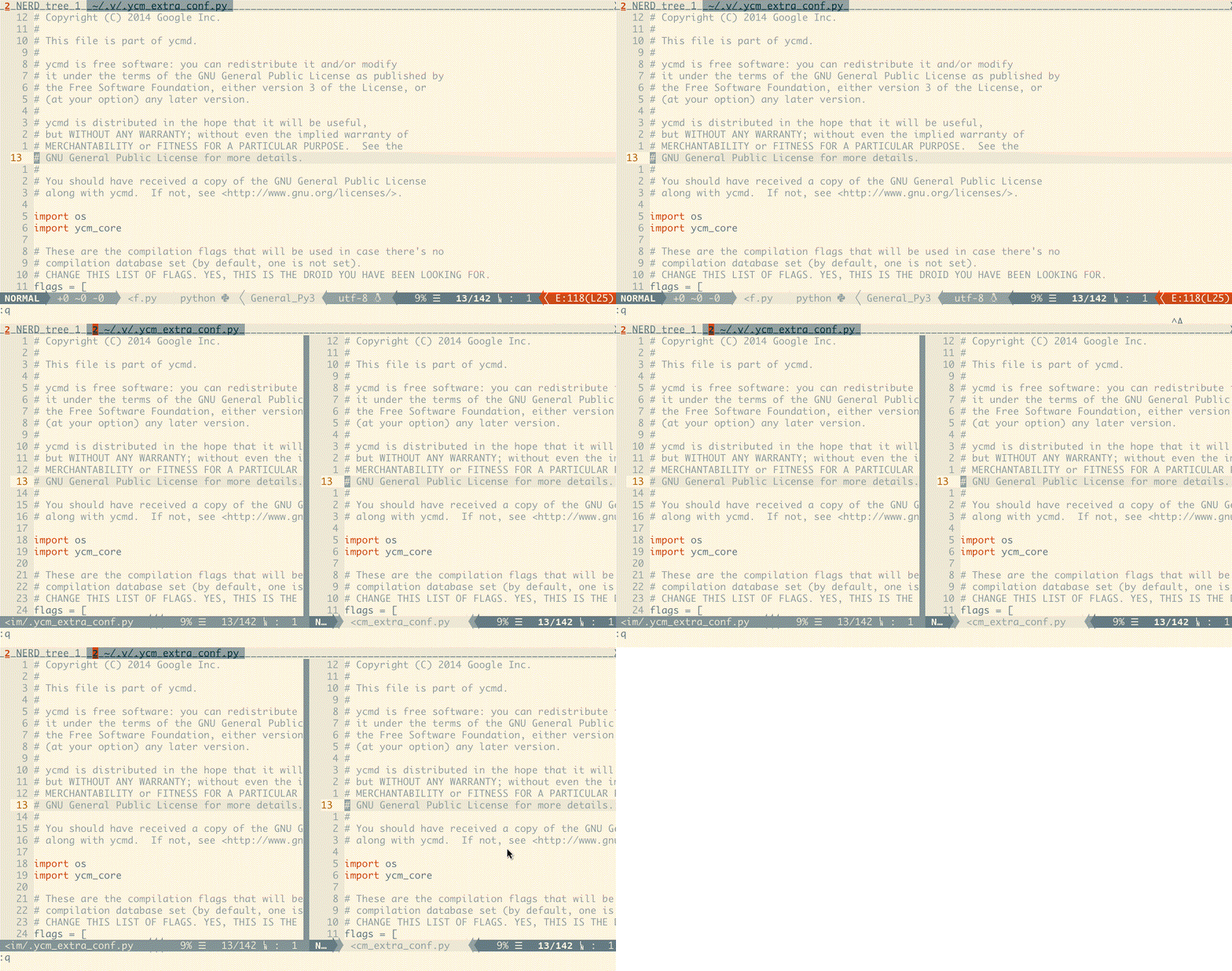
"vertically split window; open new buffer downside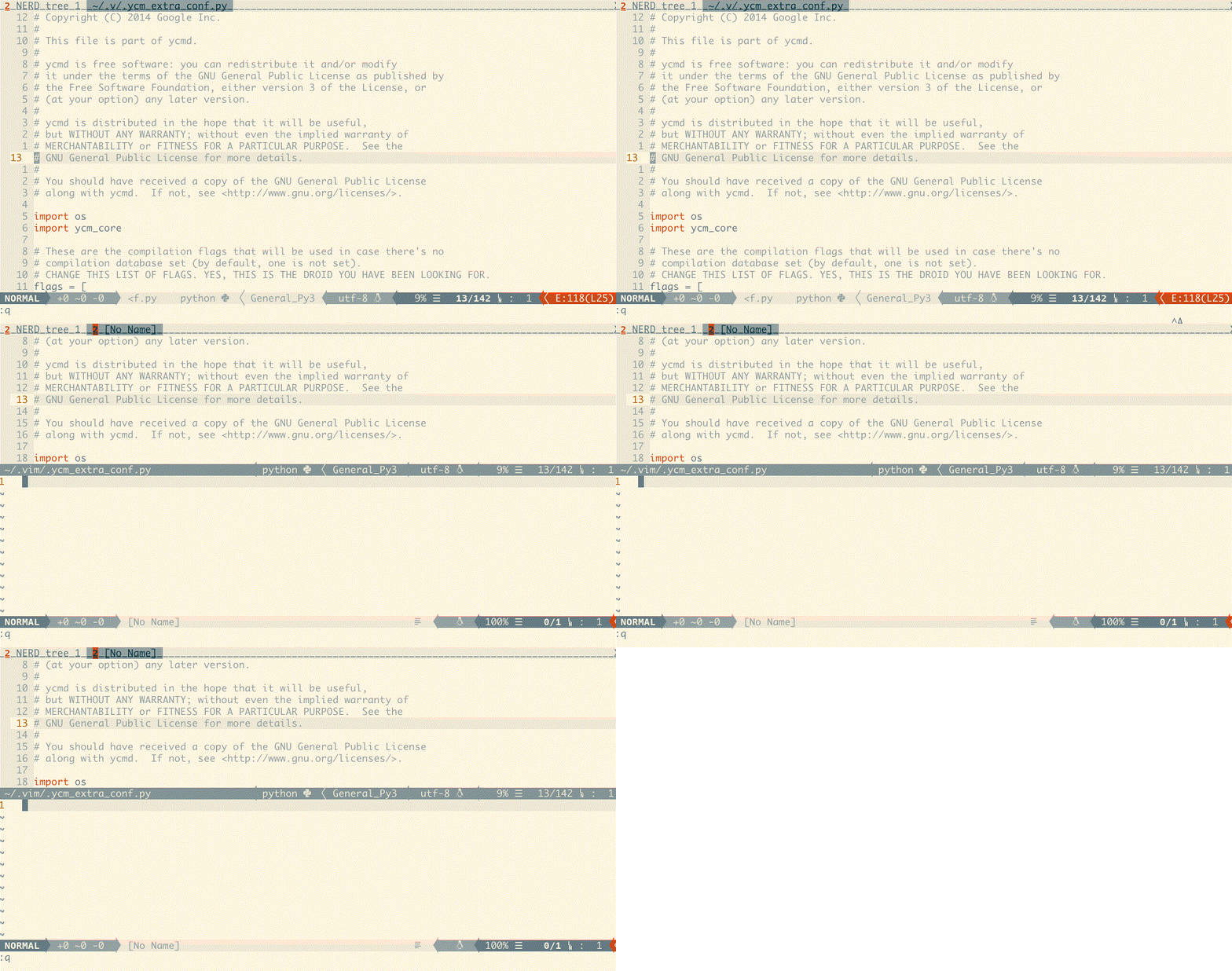
_split current buffer downside (custom:g:tmuxlike_key_hsplit)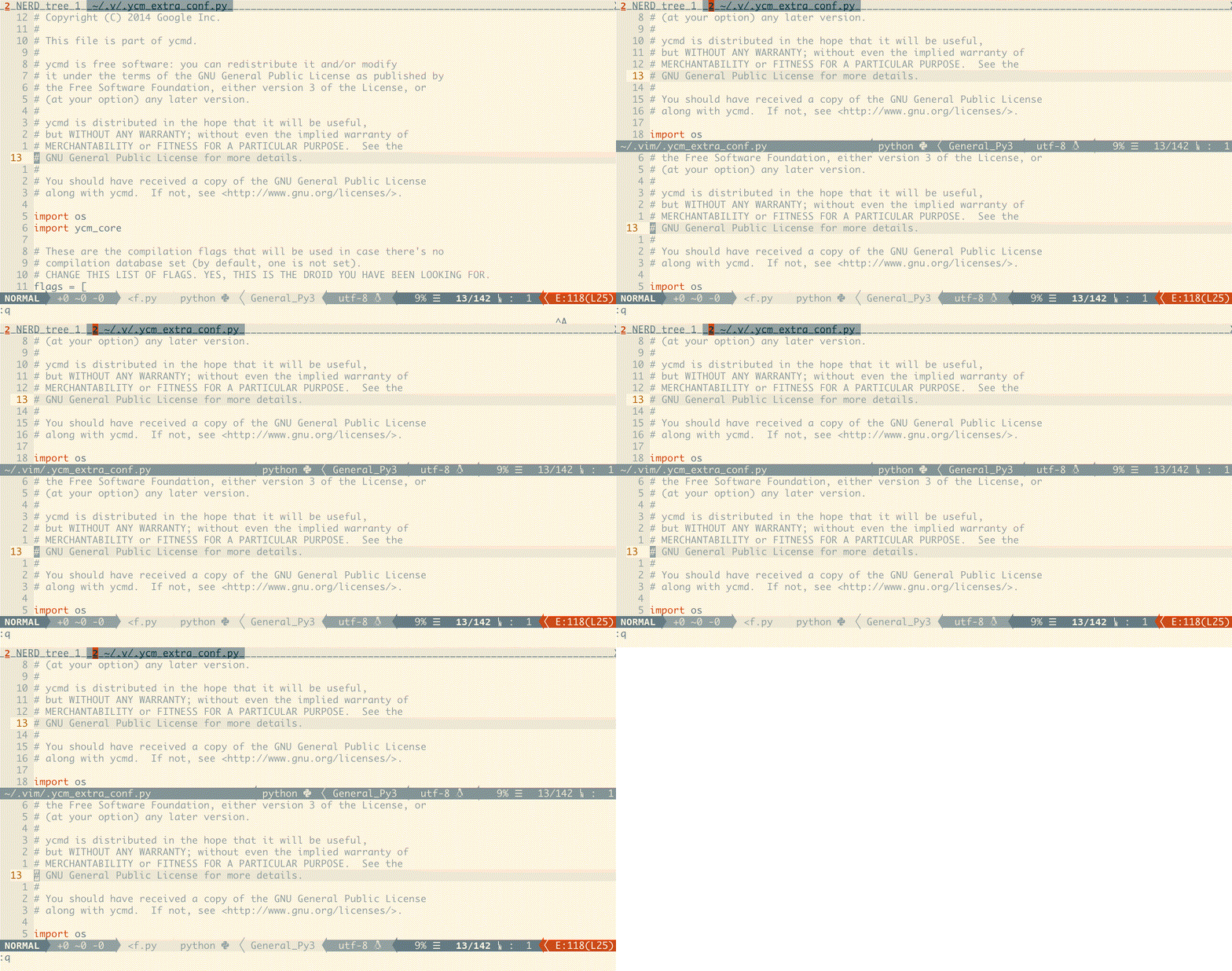
copen a new tab with an empty window after the last tab<c-h><c-p>select previous tabn<c-n><c-l>select next tabxforcely close current buffer&forcely close current tab~show history messages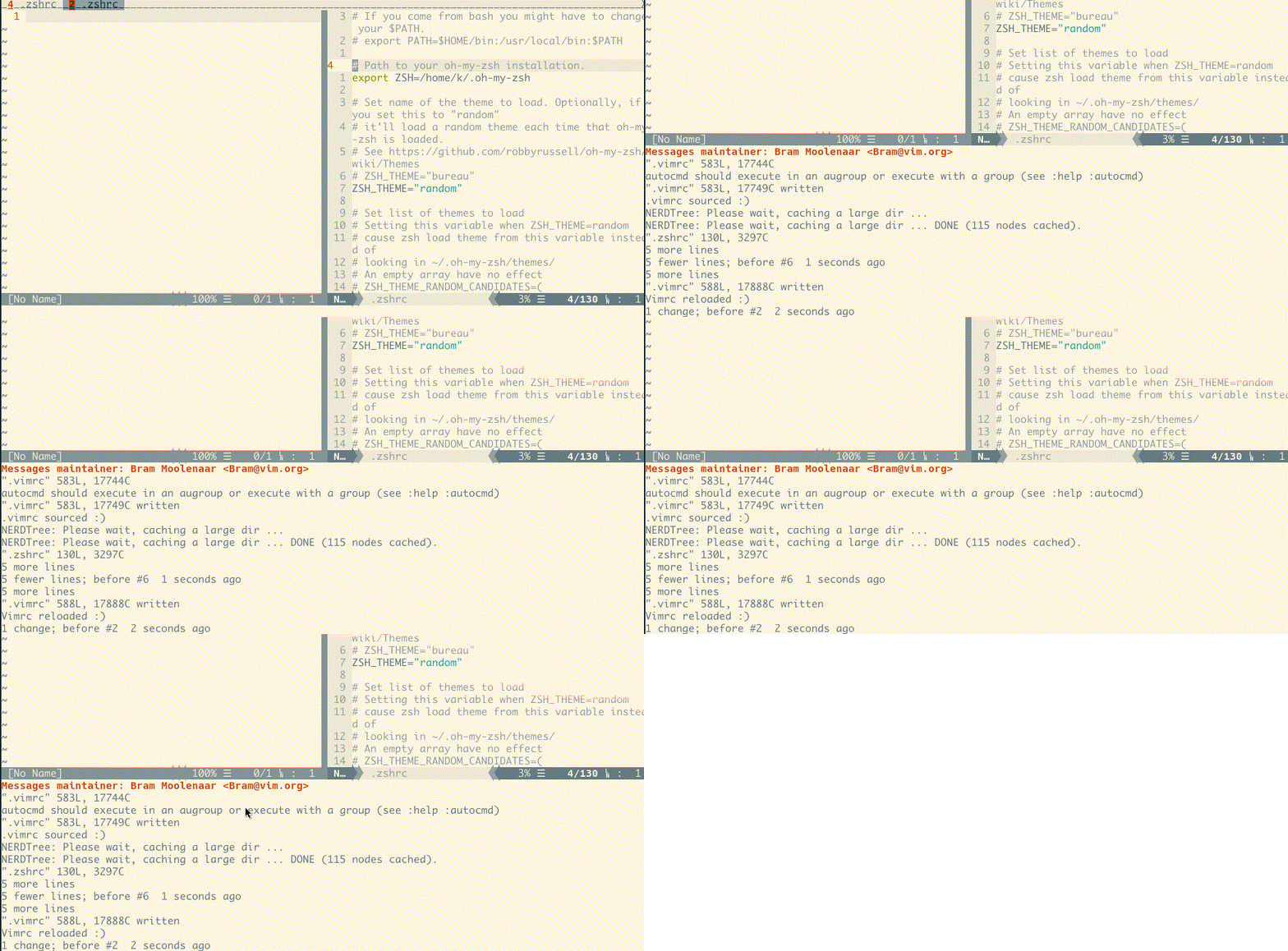
!break current buffer (move current buffer to new tabpage)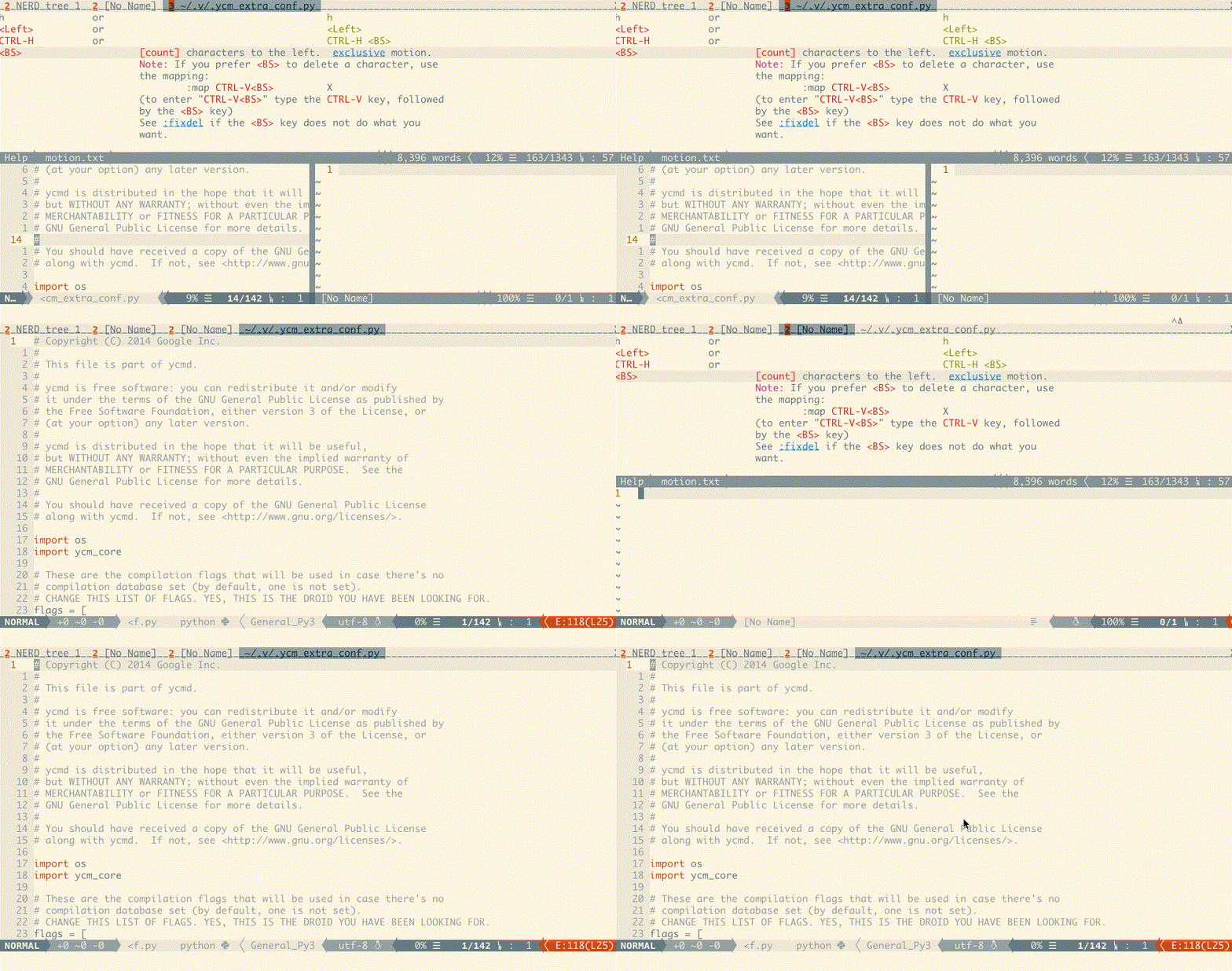
ddetach/suspend vim (the same as CTRL-Z)rredraw current buffer]paste [from register *];choose last buffer
These keymaps need t9md/vim-choosewin installed.
qs=enter choosewin mode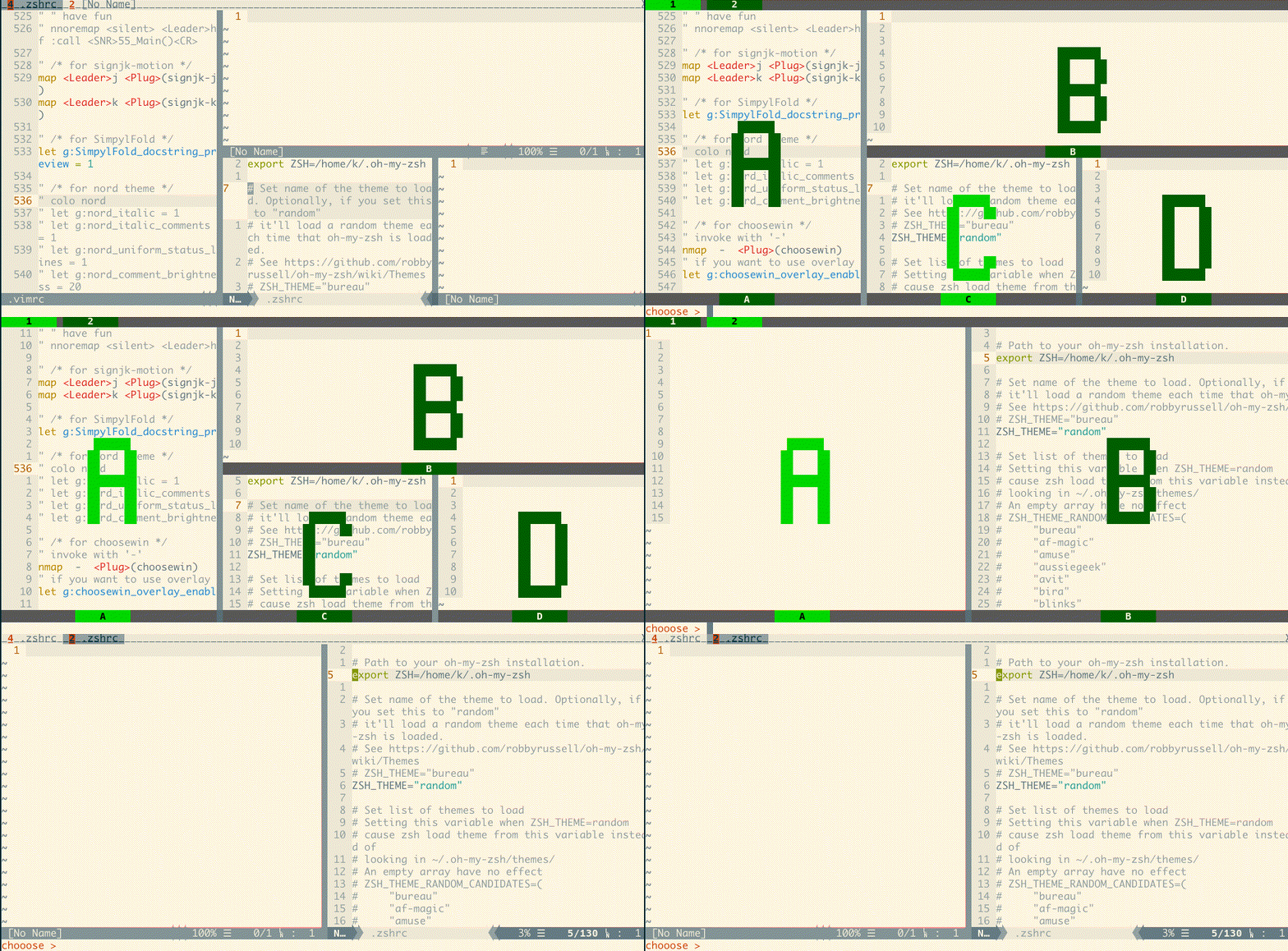
Installation
- use vim-plug:
Plug 'karmenzind/vim-tmuxlike'
Configuration
prefix key
Feel free to change the prefix key.
I recommend using a 'CTRL-' key combination which will be really convenient (e.g. with default prefix <c-a>, you just need to hold CTRL and type 'ah' for <prefix><c-h>).
" use CTRL-A (default)
nmap <c-a> <Plug>(tmuxlike-prefix)
" use CTRL-\
nmap <c-\> <Plug>(tmuxlike-prefix)
" use double leader (it will be `\\` if you haven't change the mapleader)
nmap <Leader><Leader> <Plug>(tmuxlike-prefix)
operation keymaps
" use <prefix> + <key> to split current buffer
let g:tmuxlike_key_vsplit = '\'  " default value: \| (slash is for escaping)
let g:tmuxlike_key_hsplit = '-'  " default value: _
others
" View :messages in a scratch buffer or a floating window. Options: float, scratch(default)
let g:tmuxlike_messages_container = 'scratch'
Others
TODO:
- (WIP) list and search tab/win with fzf/floating
- all keymaps configurable
If you have any problem or advice, please create an issue and I'll fix it ASAP.
Metadata
Owner
 Karmenzind
Metadata
A vim plugin that mimics the actions of tmux. Control buffers and tabs like tmux panes.