

 Kapeli
Allow changing the keyword to search dash
Currently the user must use the dash prefix to search dash.
I've modified the plugin to instead use the - keyword (it's a dash, get it 😄) and it works great. But the problem is that the modification gets overwritten because of the workflow's dynamic update feature.
It would be nice if the dash keyword were not overwritten so that my - keyword would persist.

I'm not able to replicate this issue. Dash doesn't change the keyword for the "main" script filter. Dash should only update the keyword below the "PLEASE README" sign.
What version of Dash are you using and what version of Alfred? Can you send a screenshot of which keyword you're editing?

@Kapeli I've been trying to reproduce, but I was not having any success... I thought I had gone mad and imagined the problem.
Then last night I updated to the latest macOS Big Sur beta and the shortcut reverted, so I guess it's either restarts or system updates which causes it.
Dash: 5.5.1
Alfred: 4.3
Keyword: change to -, uncheck "with space"
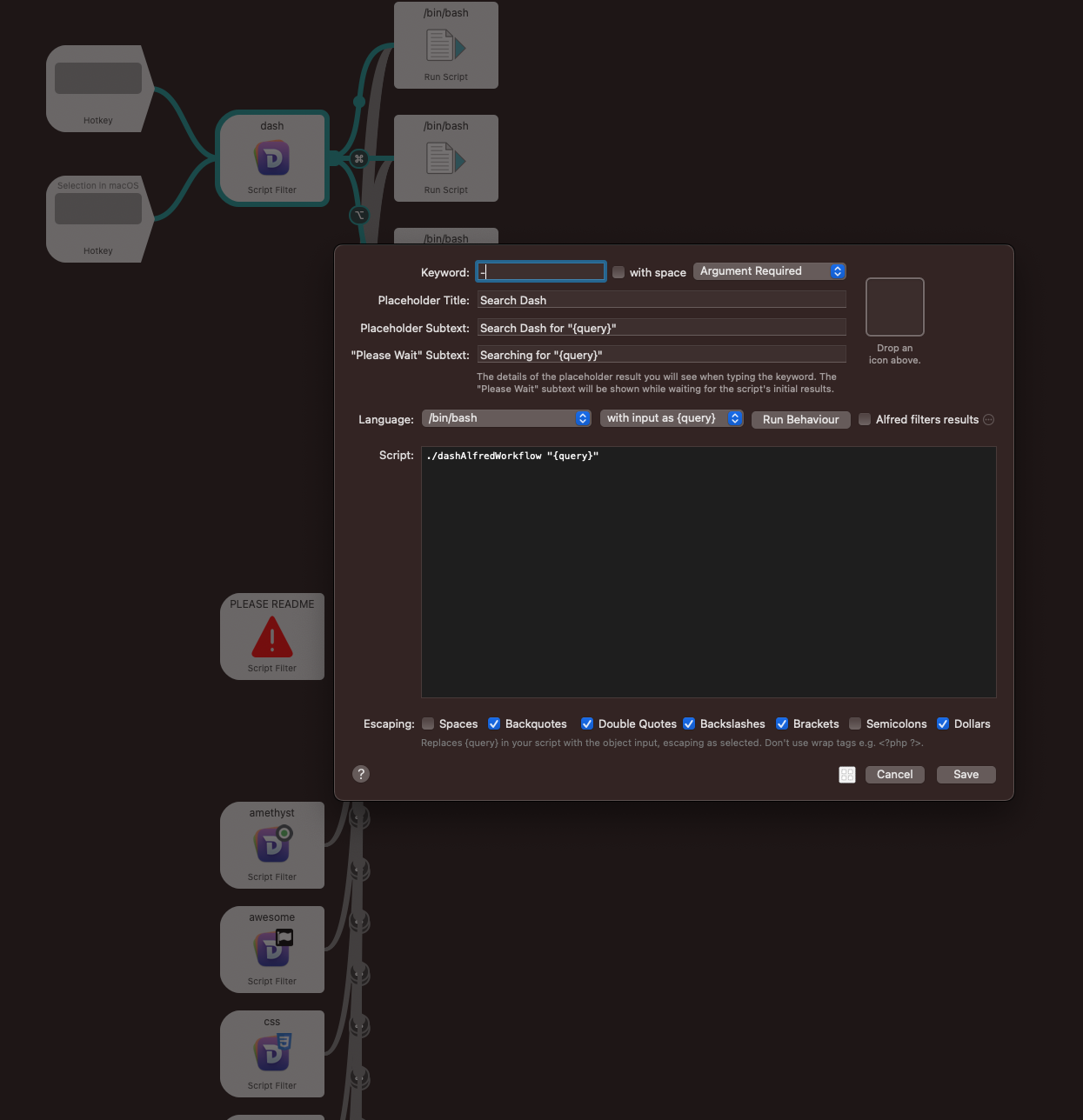
I'm able to reproduce this issue consistently.
Alfred: 4.3.2 Dash: 6.0.0
Steps:
-
Make sure Dash isn't running.
-
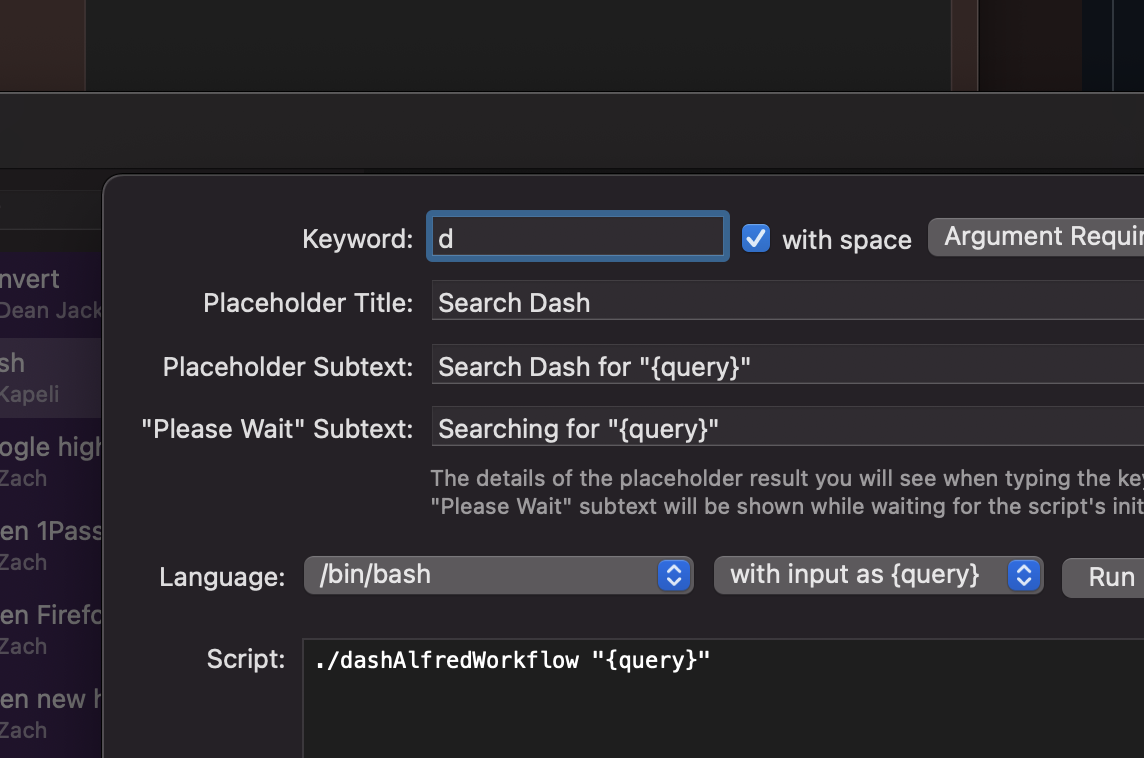
Change the keyword in the Alfred workflow to something other than "dash" and save it.
-
Launch Dash.
-
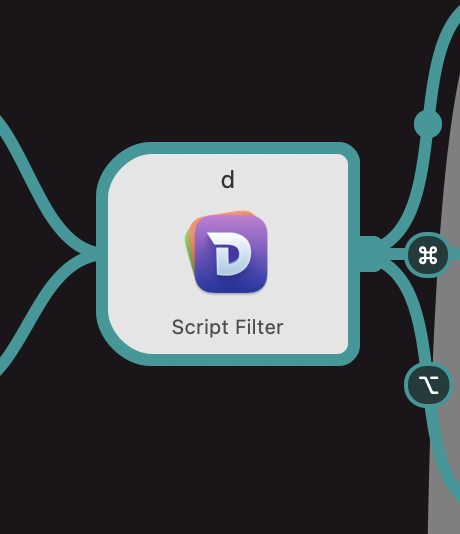
Switch back to Alfred and note that the keyword has been changed to "dash". Sometimes this takes a few seconds.


I'm not able to replicate the issue with Alfred 4.3.2 and Dash 6.0.3 by following your instructions.
Any chance you have 2 versions (or more) of Dash on your Mac? Make sure you have only 1 version of Dash (including on external drives).
Does Dash have any issue saving settings on your Mac? Can you try to repair disk permissions?
@Kapeli Appreciate the quick reply.
Any chance you have 2 versions (or more) of Dash on your Mac? Make sure you have only 1 version of Dash (including on external drives).
Nope, I just have the latest version installed.
Does Dash have any issue saving settings on your Mac? Can you try to repair disk permissions?
I haven't experienced any other issues. I ran first aid on all available disks just to be certain and it's still exhibiting the same behavior.
I'll play around with it some more. Let me know if you have any other ideas.