
klayout
 klayout copied to clipboard
 KLayout
Illegible overlapping Cell names
When multiple cells have overlapping origins, the title of the Cell is very difficulty to read. Although text is outlines in white, and clicking on the cell cycles which is in front, this still is rather difficult to read.
This is only 2 names overlapping, more gets even more difficult:
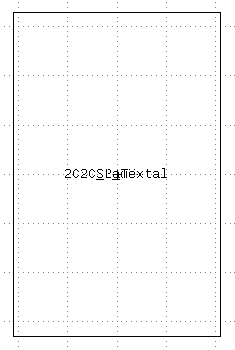
May I suggest to grey the background texts, and only the frontmost is black - perhaps that would make it easier to read. Hard to know unless you try it though.
This is a GUI issue that constantly crops up, and is difficult to circumvent. The best I've figure out is to click and watch the status bar which tells me what I'm clicking on - and make a mental list of the objects' names.

There are options to configure this already.
First you can configure the way, cell boxes are drawn (here: "Cell box colors")
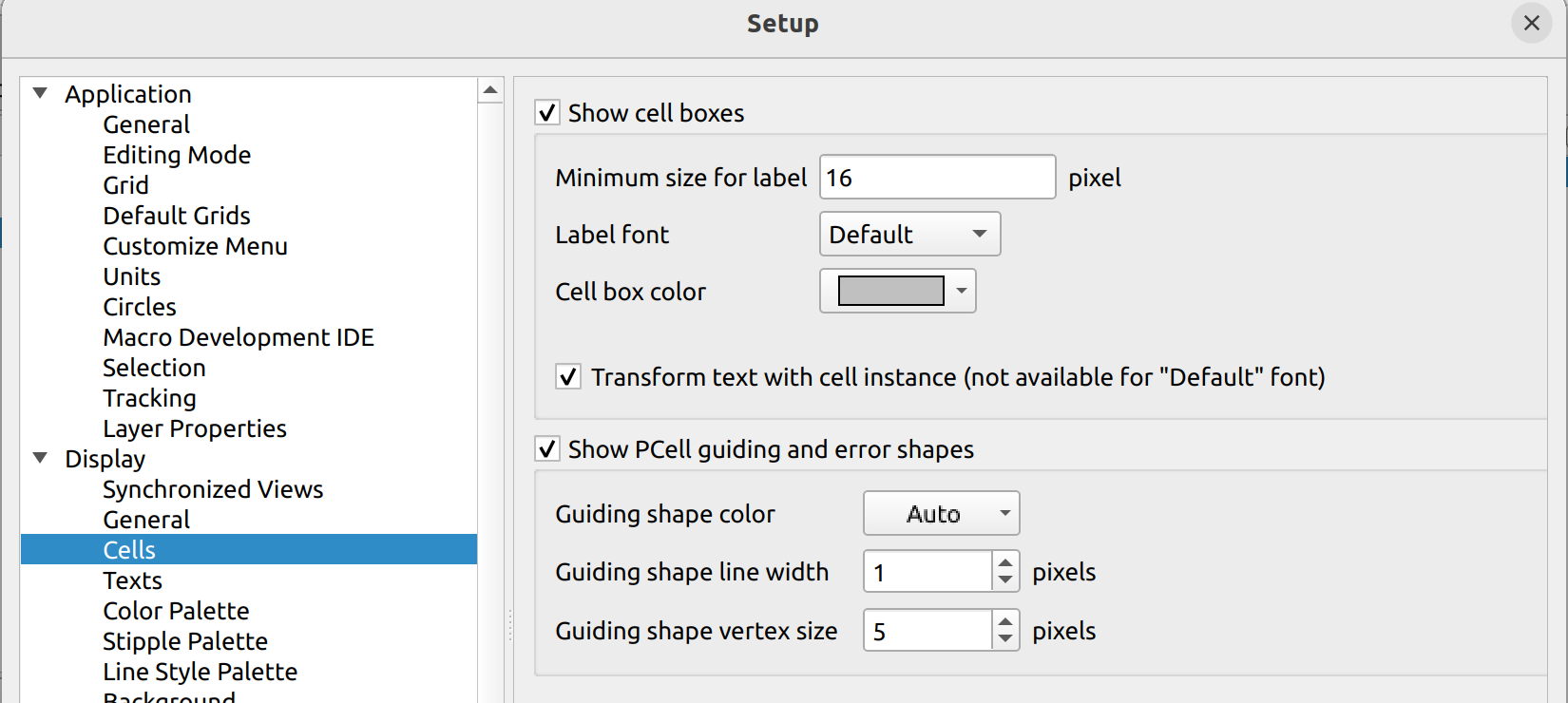
which gives you:
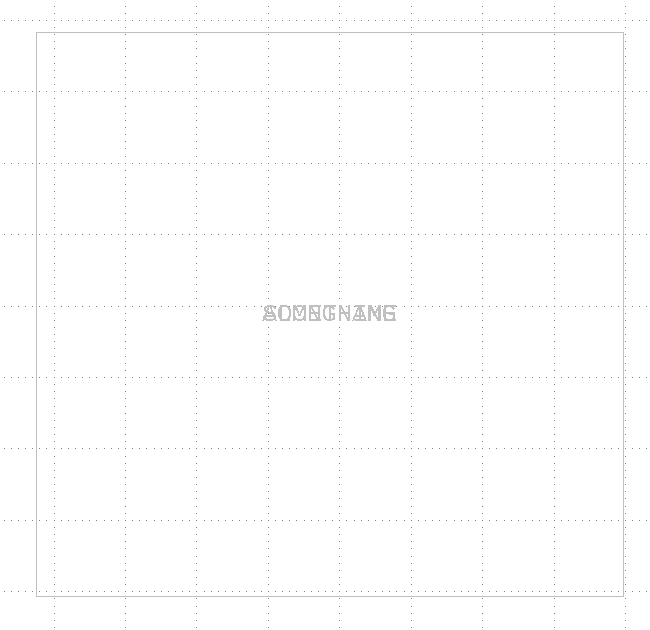
Then you can configure the selection color to some contrast color (here: "Marker color"):
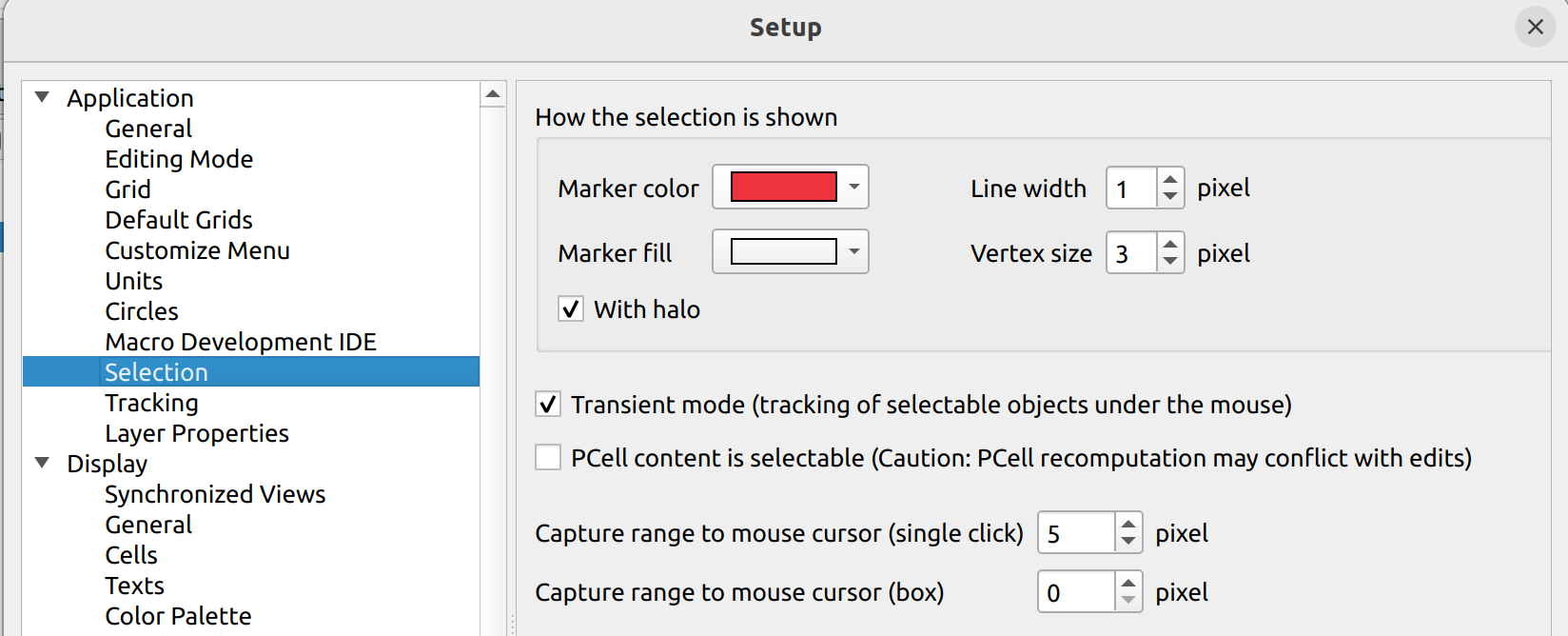
Which gives you that:
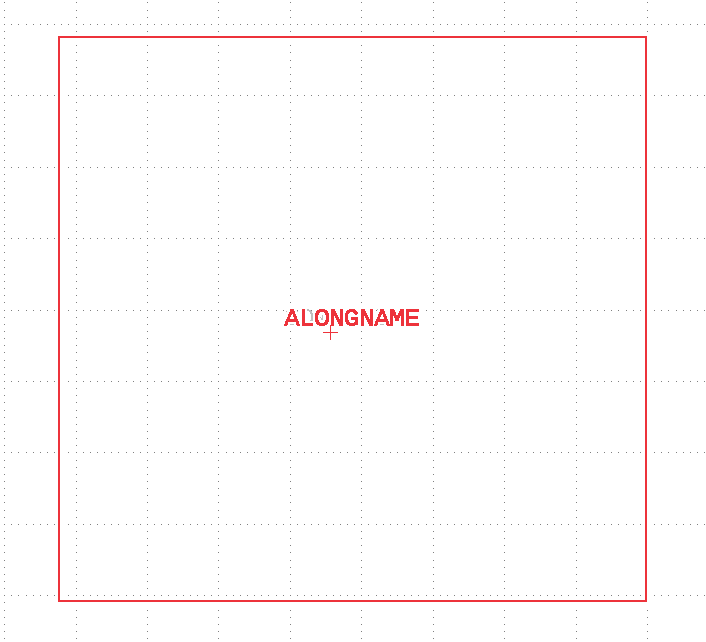
and
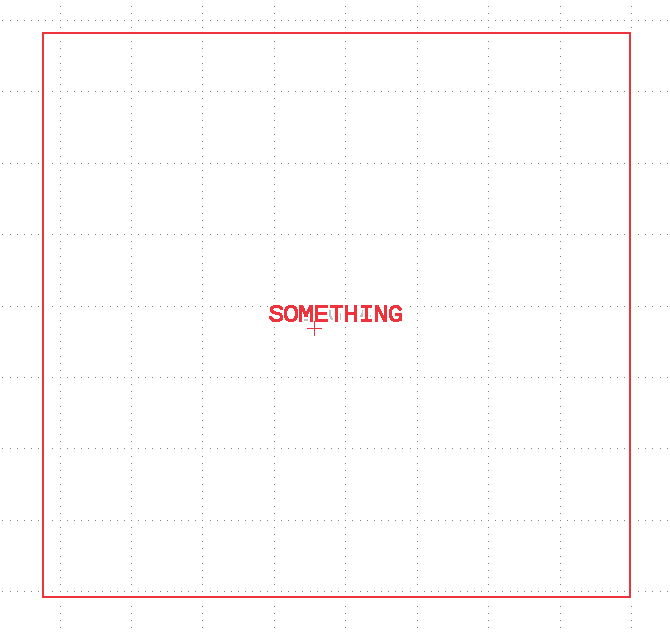
Matthias

@klayoutmatthias can we make your above settings the default for the app? That would indeed solve this issue - with the current selection’s text always being legible.
@demisjohn "default" is relativ - every user can basically change the settings. And once that's done, the application will no longer have default.
If you maintain a company-wide central KLayout installation, you can place a "klayoutrc" file with the default settings next to the KLayout binary. In that case, KLayout will use these settings as default.
Another option is to install a central, auto-executed script that forces a reset of certain configuration options whenever a user starts the tool. I am personally not in favour of such a scheme, but if you prefer support a la "leave it to us", this is your way to go.
Matthias