pyjulia

pyjulia copied to clipboard
 JuliaPy
Trouble getting this working on Windows 10
I have been writing code in Python 3 on Windows 10 and need to call a function which was written in Julia, so I have installed Julia and PyJulia. I have encountered a very strange problem, however: while I can import and call Julia modules just fine in Python terminal (though importing them can take an unexpected few seconds), trying to import any Julia module in a Python script will give an error.
I can run a line
import julia
just fine, but something as simple as
from julia import Base
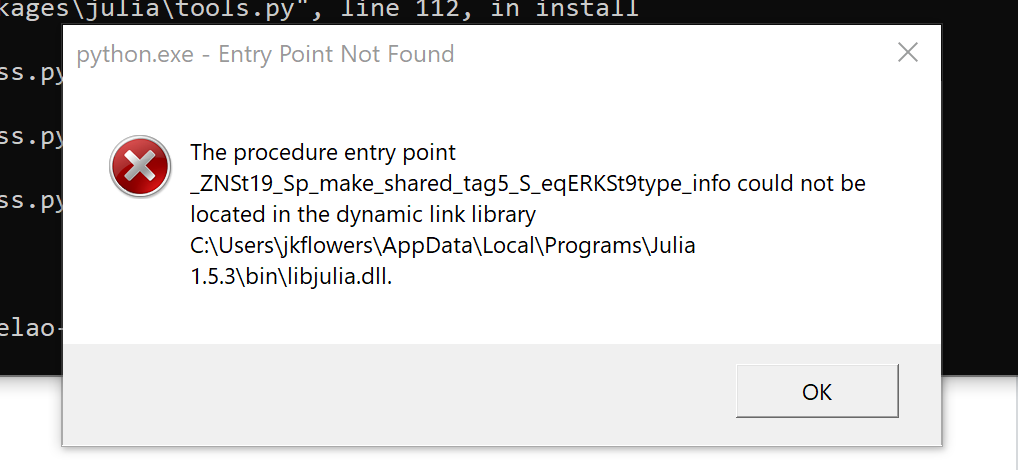
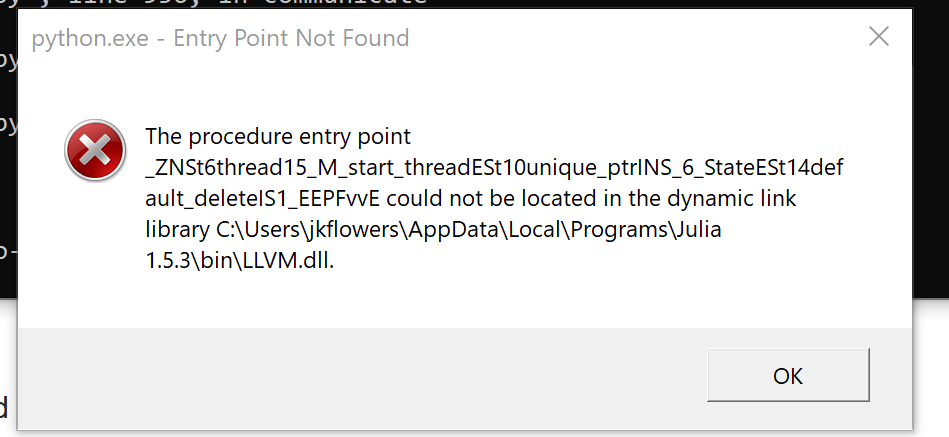
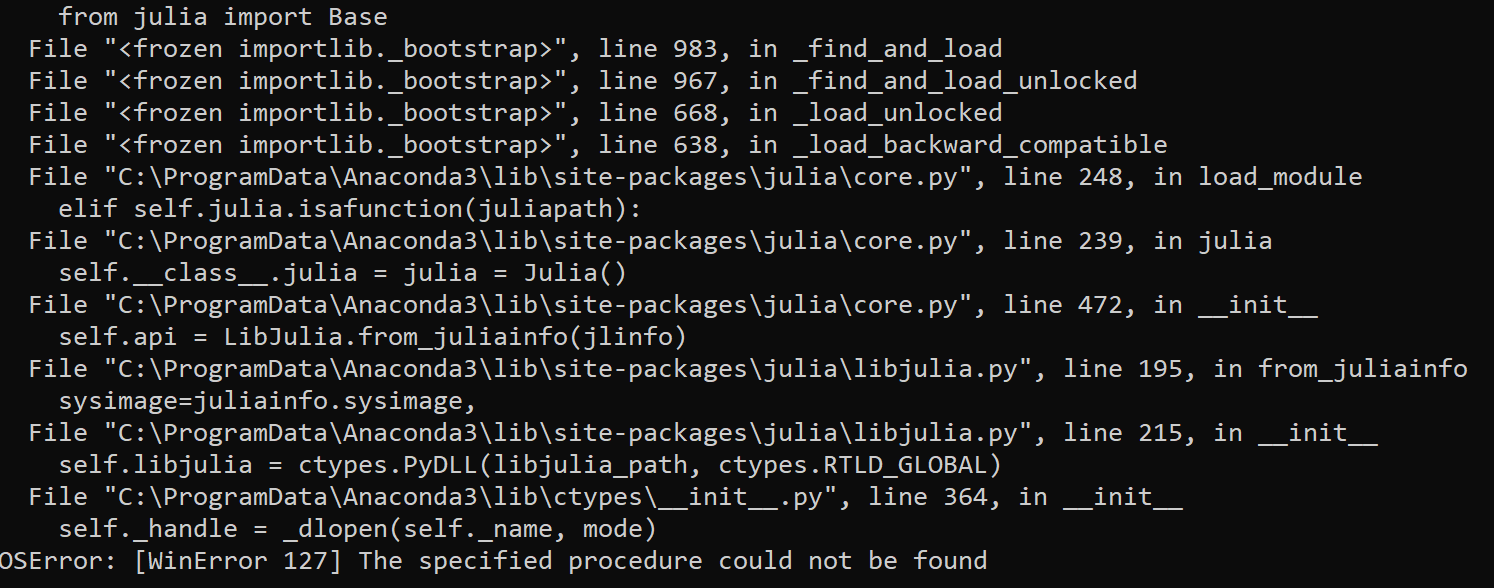
will give the two dialog boxes and error in terminal screenshotted below. Any clue what is going on here?