
Plots.jl
 Plots.jl copied to clipboard
 JuliaPlots
[BUG] Legend position broken on plotly(js)
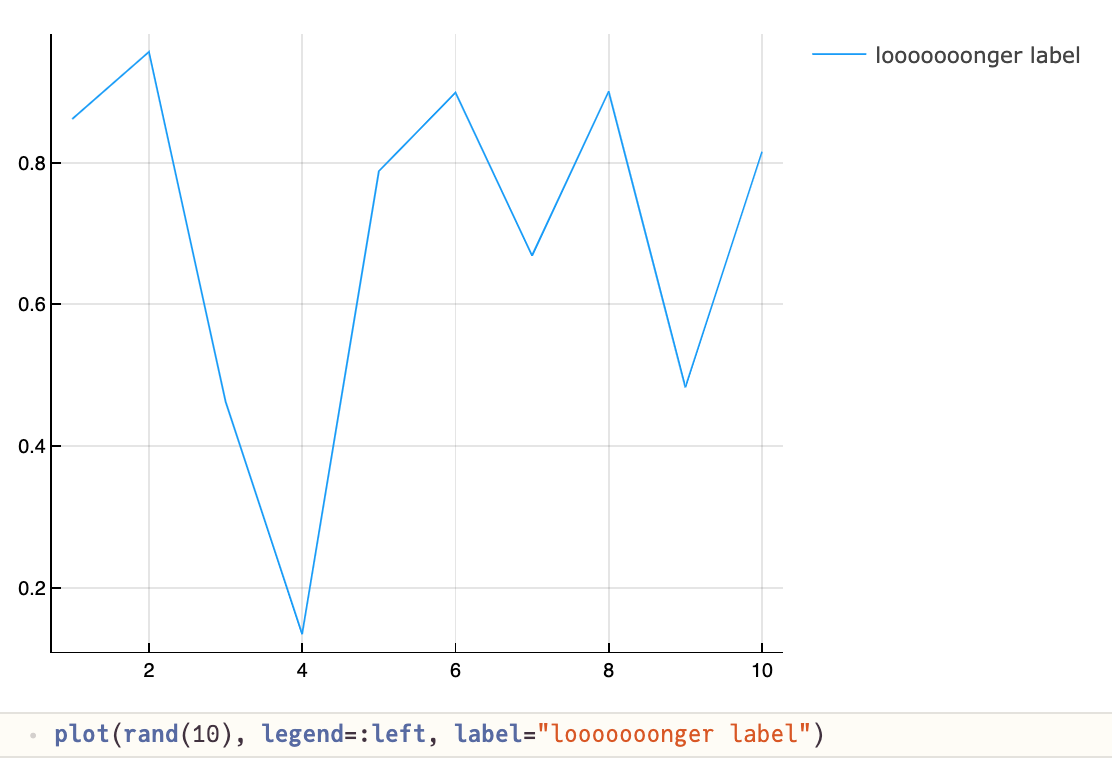
After a recent update, legend position on plotly/plotlyjs backend is somewhat broken.
Namely, the attribute legend_position seems to have no effect on the resulting plot, and the rendered legend position is unpredictable - usually it's in the outer upper right corner (not good for longer labels), sometimes it's in the inner right corner - in that case, the background is white, not transparent.
Possibly related to #574 (will find time to investigate the fix).
On gr, this is fine.
Illustration
Backends
| Backend | yes | no | untested |
|---|---|---|---|
| gr (default) | x | ||
| plotly | x | ||
| plotlyjs | x |
Versions
Plots v1.23.2 PlotlyBase v0.8.18, PlotlyJS v0.18.8 julia version 1.7.0-rc2


One step forward would be to Figure out how one changes the legend Position in PlotlyJS

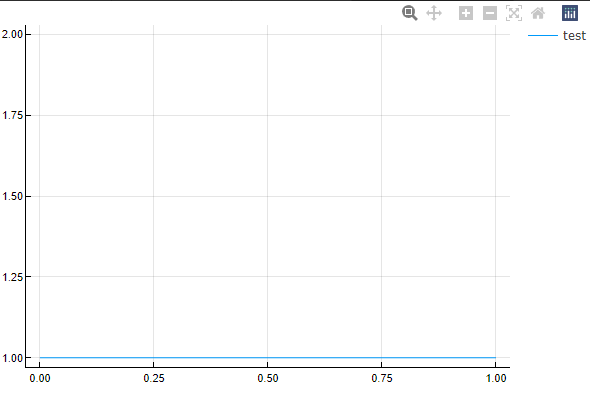
Looking only at the Julia side of things, I couldn't change the legend box. When I do
julia> plot(LinRange(0,1,10), ones(10), label = "test")
The final show command seems to be this JSON.print command, and the legend location seems to be stored in layout object. The legend position is stored in layout[:legend_position][:x], layout[:legend_position][:y]. However, even if change them there, nothing happens. That is, even after something crazy like
function plotly_show_js(io::IO, plot::Plot)
    data = plotly_series(plot)
     layout[:legend_position][:x] = 1000
     layout[:legend_position][:x] = 1000
    JSON.print(io, Dict(:data => data, :layout => layout))
end
the legend position still stays the same
Any suggestions on where to look next?
Any suggestions on where to look next?
I think the plotly documentation is the place to look for more Information
I think we should rename legend_position by legend
When I savefig as json, I found that everything that should be in layout.legend are in layout.legend_position
