TileIconifier
 TileIconifier copied to clipboard
 Jonno12345
No transparency option for background color
Tried to find a way to use no color as background and even tried using #ffffff00 (internet say's that html code for transparency) but the box doesn't let me type more than six digits and the initial #. Can't even type ffffff0, because it automaticaly erases the zero and create a # at the start.
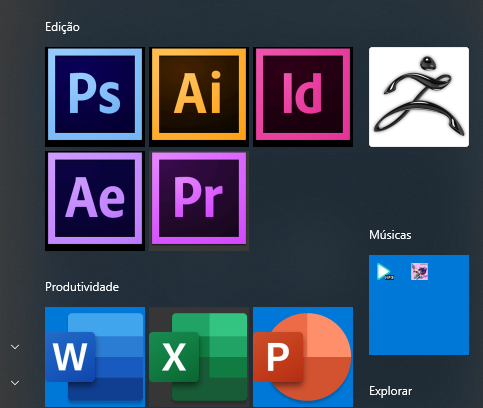
As Start Menu is a little transparent and has no perfect shade of gray, even using the same color it become strange, then using no color would be nice.

I second this, an option for transparency would make this already great and handy little tool even better!

This isnt possible, please see the previous tickets. https://github.com/Jonno12345/TileIconifier/issues/203 https://github.com/Jonno12345/TileIconifier/issues/105 https://github.com/Jonno12345/TileIconifier/issues/43

Like I said on an older issue, there's a way now, I Don't know if this was in the version OP was using seeing this issue is quite old, but you can set the color to "default" and it will use windows' color scheme, therefore using transparent effects