

 JonathanTreffler
New install, Backblaze goes white, unable to open settings or see the update progress
Hello,
I am able to start the docker in Unraid using the docker from CA.
I am able to click install on Mono
I am NOT offered or asked to install Gecko
I completed: docker exec --user app Backblaze_Personal_Backup ln -s /drive_d/ /config/wine/dosdevices/d:
And then restarted the docker as per the instructions.
Please note: I had to capitalize "Backblaze_Personal_Backup" when running the code snippets as they are lower case and do not work in my case.
When I reload the WebUI i can enter my email, and password. It then begins the drive scan. I have a fairly large setup so this took some time. It eventually finished, and I got the screen showing what would be backed up.
I clicked settings and added some file extension exclusions and hit ok.
Then it hangs, for about 12 hours while it completes the first backup.
Eventually I get to see the main screen with the settings button. But from this point I can no longer interact with backblaze, its there but none of the buttons click.
I then reboot the docker again and the only thing I can see is a blank backblaze app, with buttons that cannot be interacted with.
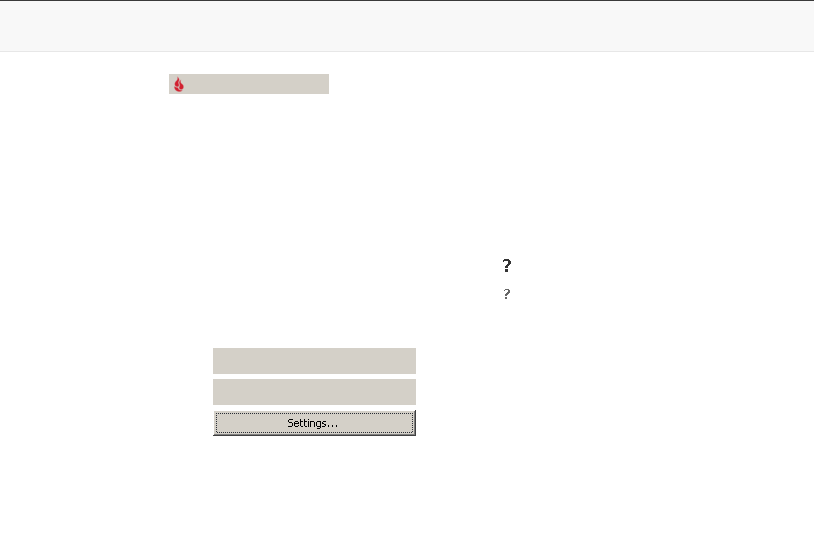 And thats it, I have been through this process several times with different steps each time, but they all lead to this eventual issue, blank screen and I cannot click anything. I have left it for several hours with no change.

I had this happen to me too. The background processes are still running.
To get around this, go to the command line of the docker app. Type "ps x" and look for the line that shows bzbui.exe in it. Find the process # associated to it on the left side of that process list.

Type "kill

Go back to your backblaze UI and at the top, you see the tool tray icon. Click it for the drop down and click "Backblaze Control Panel" and it will come back up.
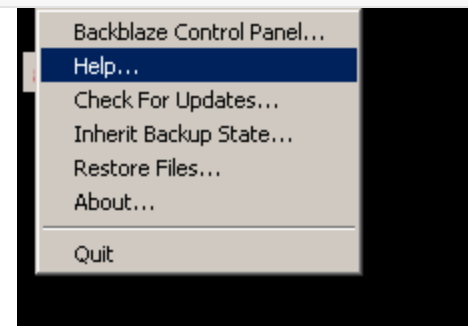
It seems to be an issue with Wine and this version 8.5 of their backup software. it will lock up quite often, but the background processes are still backing up data.
If you want to start it manually from the docker application shell you used to kill the stuck UI, just run:
wine64 "/config/wine/drive_c/Program Files (x86)/Backblaze/bzbui.exe" -noqiet &
This will bring up the UI.
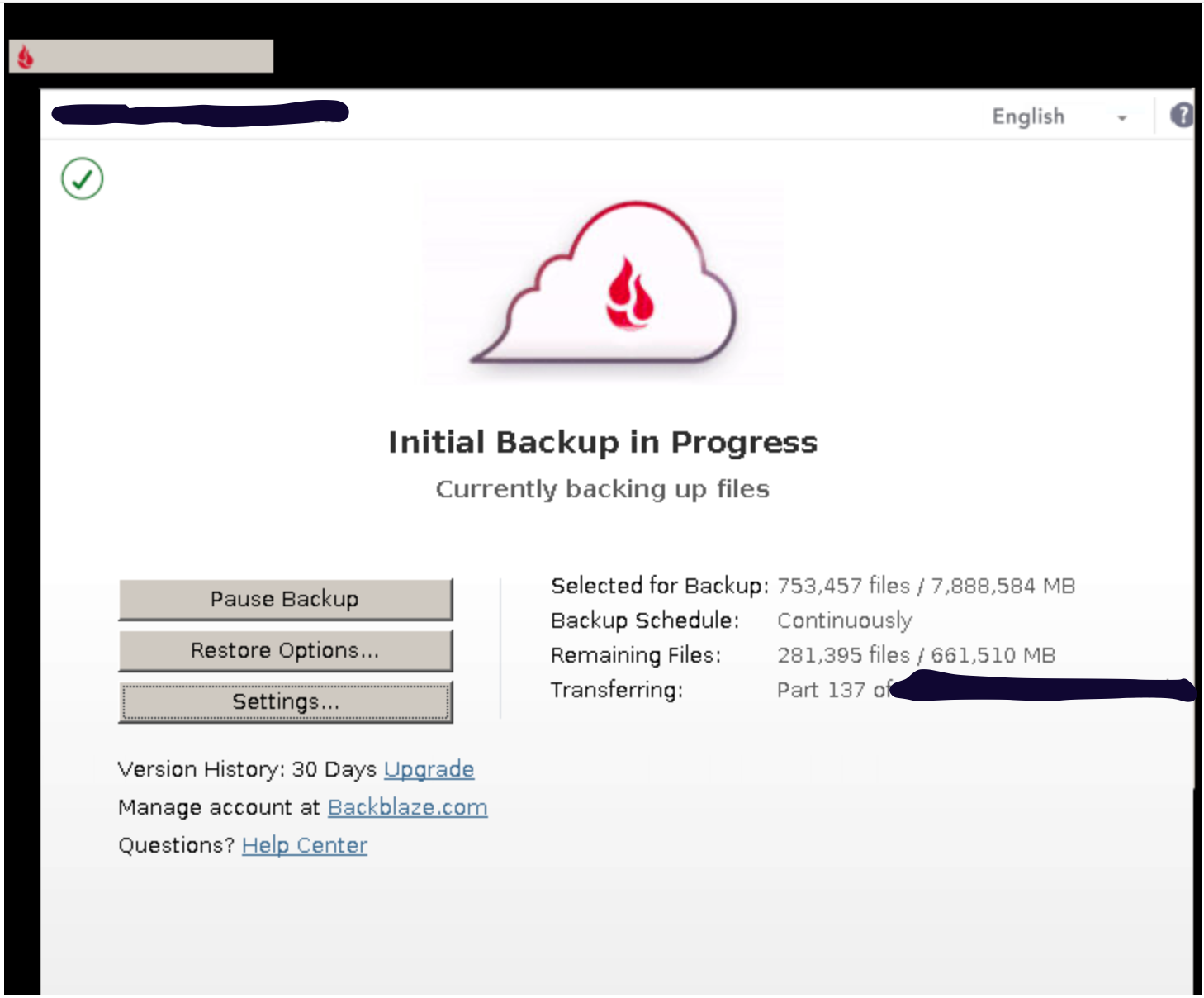

I was able to download the installer for version 8.0.1.595 from https://secure.backblaze.com/api/install_backblaze?file=bzinstall-win32-8.0.1.595.exe. I'll be using this version until they fix the bugs in the new one.

Were you able to install the old client over the new one in the Wine container or have to blow everything away and start from scratch. I was able to get the old client, but had no luck shoehorning it over the existing one.

I was starting from scratch, so I didn't have an existing install. I edited the download URL in startapp.sh to the one I mentioned and re-built the container.
However, you could maybe try to run the installer manually: back up your config folder, quit Backblaze using the tray icon in the VNC, then run docker exec --user app backblaze_personal_backup wine64 /path/to/install_backblaze.exe. Haven't tested this personally so idk if it would work.
Or, you could try to do a fresh install, and then "Inherit Backup State" from inside the Backblaze settings.
@blankcarrot I'm starting from scratch too and experienced the UI mostly white issue before even logging into Backblaze. You said that you edited the container to change the url in startapp.sh. Is there a way to download your edited version?

Tried installing it over the existing one, and I keep getting the following error:
Application could not be started, or no application associated with the specified file.
ShellExecuteEx failed: File not found.
@lightmaster check my fork: https://github.com/blankcarrot/backblaze-personal-wine-container
you probably don't want to use my fork directly because I changed up how volumes are mounted but you can see how i am determining which Backblaze version to download.
Looks like backblaze pulled the older version. Still an issue on unRAID and now there is not a workaround.

@M-MDev Check out https://github.com/JonathanTreffler/backblaze-personal-wine-container/issues/7#issuecomment-1242700880
I am currently using 8.0.1.581 and it's working well.
@blankcarrot I was trying to do your listed workaround however it looks like backblaze is no longer hosting the older client on their site.
@M-MDev Yeah, the comment I just linked to has a link to archived versions of the installer on archive.org. Just tested and they're still working.
@M-MDev Yeah, the comment I just linked to has a link to archived versions of the installer on archive.org. Just tested and they're still working.
I stand corrected. Thanks.
8.5.0.623 was released and it seems to have fixed the UI freezing issues. I updated mine by running the following commands from the console of the app:
cd /config/wine/dosdevices/c:/ curl -L "https://www.backblaze.com/win32/install_backblaze.exe" --output "install_backblaze.exe" wine64 "install_backblaze.exe"
Wait a moment or two for the UI to come up to install/upgrade.
Thanks for the tip, I upgraded to the latest version and it seems to be working well so far!
Somehow I completely missed this entire issue, I never saw it in my inbox. But great that you were able to figure it all out together :) From what I can tell there is currently no need to modify this docker, as the newest version, that this docker pulls for the install is working correctly, so I am closing this issue unless somebody has objections :)
