

 Jigsaw-Code
White screen on Android 9 and older (Android API 28 and older)
Hello.
I’m trying to build client for Android. There is an issue on Android 9.0 and older - white screen after I start the app. On Android 10 and newer there are no problems.
Looks like the problem is here:
[INFO:CONSOLE(101916)] "Uncaught ReferenceError: globalThis is not defined", source: file:///android_asset/www/main.js (101916)
But I have no ideas how to fix that. Can anybody help me solve this issue please?
To Reproduce Just follow the manual https://github.com/Jigsaw-Code/outline-client/blob/master/docs/android_development.md
Client System (please complete the following information): Mac OS 12.6 Android SDK Build-Tools 30.0.3 Android SDK Command-line Tools (latest) 7.0 Java 11 Gradle 7.5.1 Android studio 2021.1.1
Screenshots
| Android 9 | Android 10 |
|---|---|
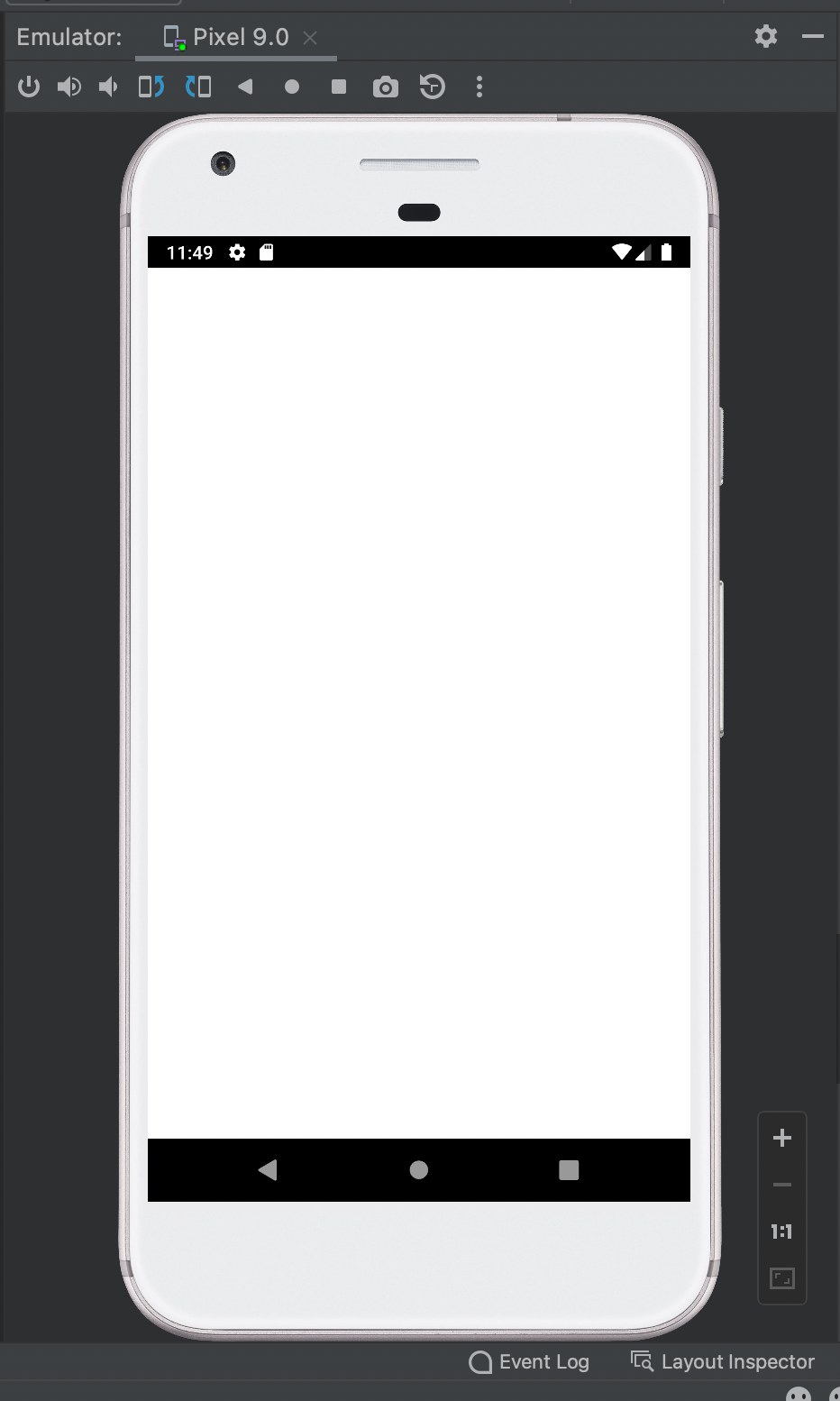 |
 |

Wow, apparently not much progress on this issue for 3+ years! So there is no point to even try to build? :-)

My phone has Android 10, but despite that I get the same problem of white screen. Is there any solution? The app is latest build of 1.17 v

Since the changes in https://github.com/Jigsaw-Code/outline-apps/pull/2217 which advanced android-minSdkVersion to 29 we only support android >=10 (link)
Here is our support matrix
However @sampriti026 it's unexpected that android 10 would fail. Could you include more information about the failure you're seeing? Do you have any debug output or more information about the model of android phone/version of android you're running?
I tested loading the latest SDK version from https://s3.amazonaws.com/outline-releases/client/android/stable/Outline-Client.apk onto an android emulator device (Pixel 4, Android v10, Android API v29) and it loaded correctly without a white screen.
