

 JiHong88
Some HTML sources are not displayed correctly
Describe the bug
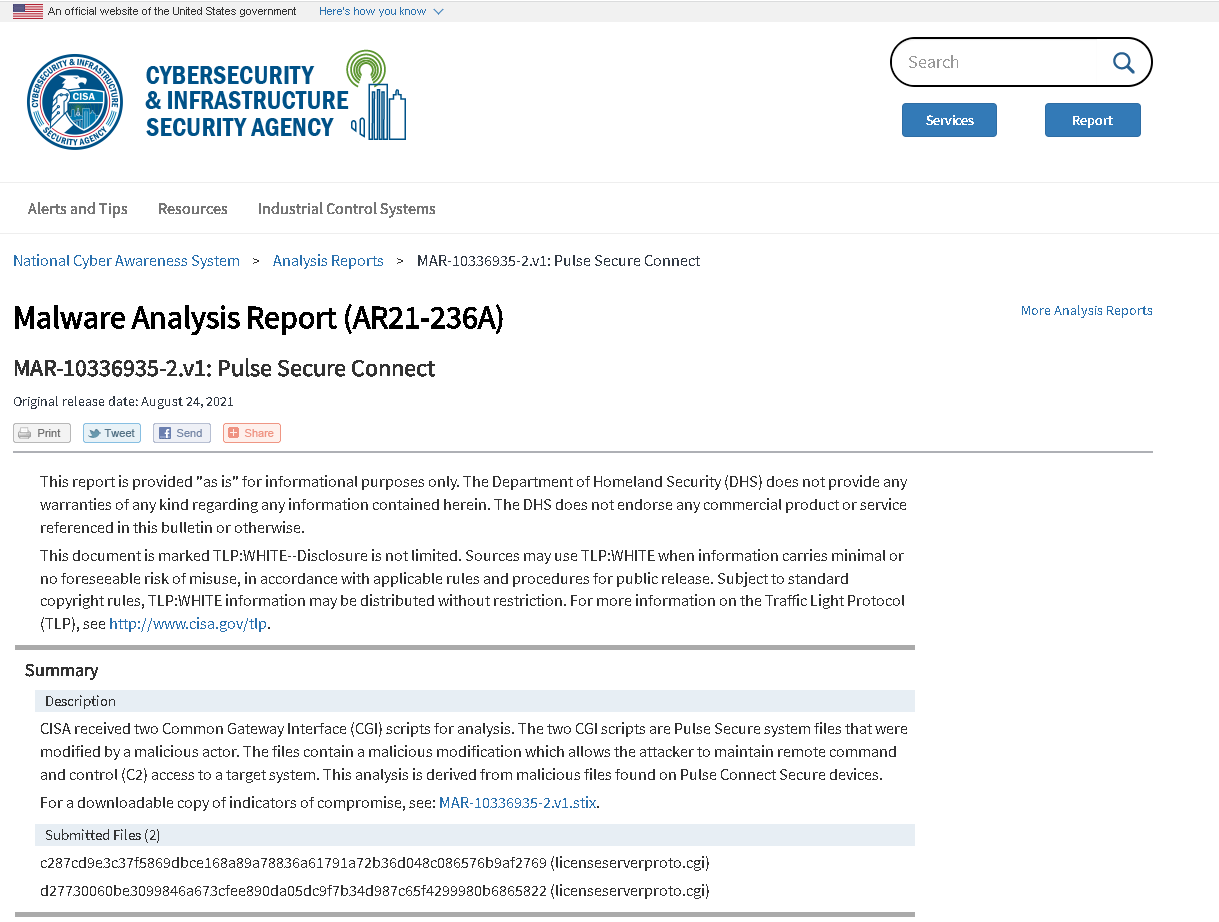
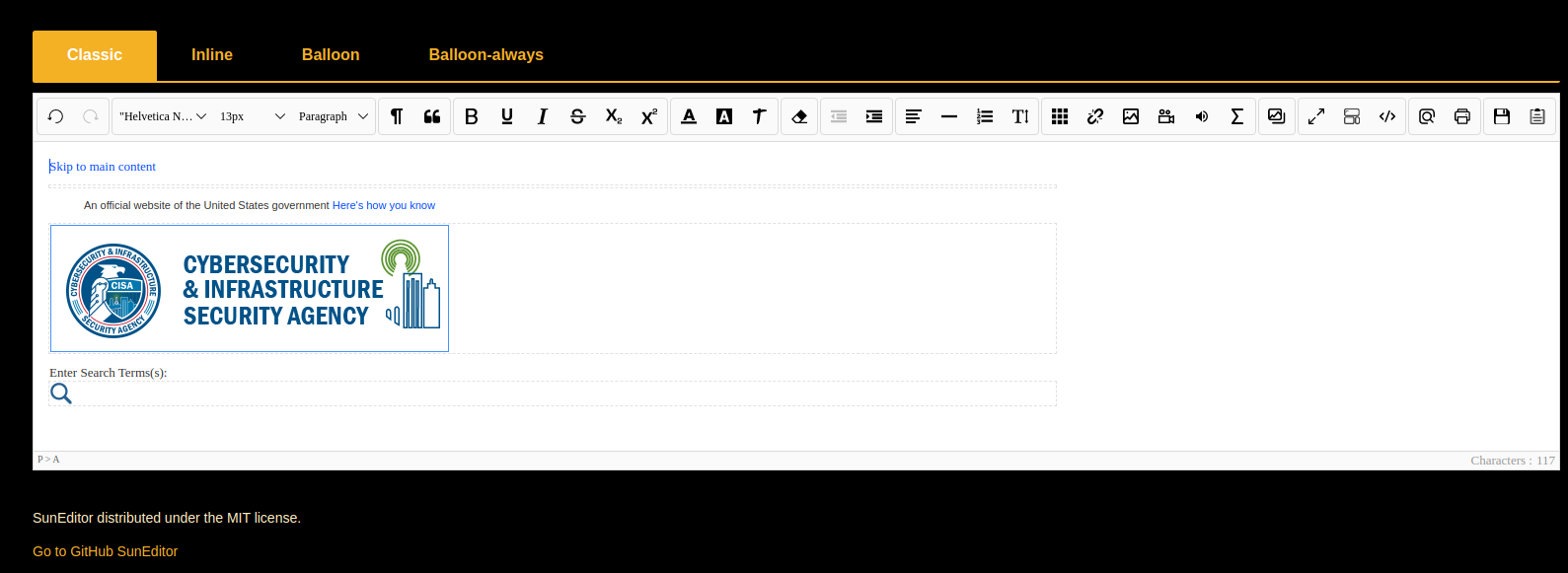
Some HTML sources are not displayed correctly
To Reproduce Steps to reproduce the behavior:
- Open the demo of SunEditor
- Go in the "code" view
- Paste the following source code: https://github.com/OpenCTI-Platform/opencti/files/7262222/MAR-10336935-2.v1_.Pulse.Secure.Connect._.CISA.30_09_2021.22_10_05.html.zip.
- Display is not correct
Expected behavior Correct display
Screenshots
Desktop (please complete the following information):
- OS: Ubuntu
- Browser Chrome
- Version Latest stable

@SamuelHassine Due to the nature of the text editor, it is not possible to render all "HTML" as it is. Many things are checked when changing from code view to WYSIWYG mode. Compare whitelist and blacklist to remove tags and attributes. Without these restrictions, typing in WYSIWYG mode will not work properly. Search for "Whitelist" in "options" to find out.

@JiHong88 I have built a mail client based on your editor. Everything works fine, but when I reply to complex HTML-Mails (I render the old mail in a blockquote inside the WYSIWYG editor) I get a similar result as @SamuelHassine. Is it possible to inject HTML elements as they are without making them editable?

@JiHong88 I have built a mail client based on your editor. Everything works fine, but when I reply to complex HTML-Mails (I render the old mail in a blockquote inside the WYSIWYG editor) I get a similar result as @SamuelHassine. Is it possible to inject HTML elements as they are without making them editable?
I resolved this issue by creating an image out of the HTML and then appending an image containing the HTML to the editor.