compose-multiplatform

compose-multiplatform copied to clipboard
 JetBrains
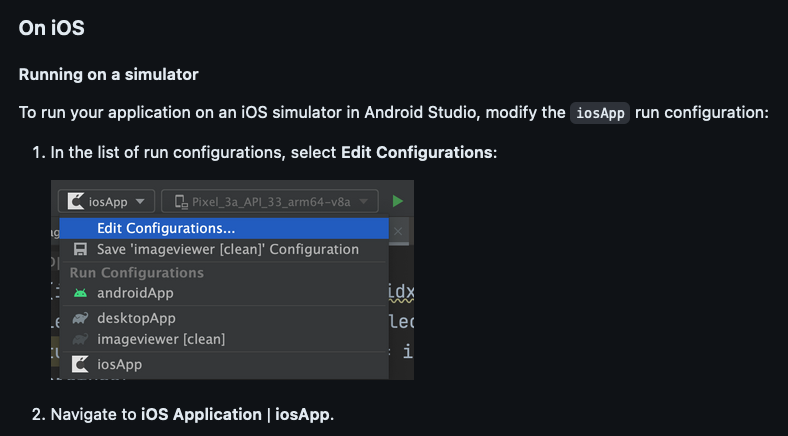
iosApp run configuration not found
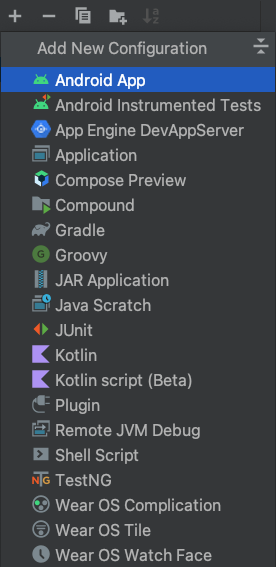
Describe the bug I cloned https://github.com/JetBrains/compose-multiplatform-ios-android-template/tree/dde60620de9f8e3ba4d82e08141712a467af5d86 and tried to run the demo on an iOS simulator from Android Studio as the README says. However, Android Studio does not show any iosApp run configuration and no option is available to create one.
Affected platforms
- iOS
Versions
- Kotlin version*:
kotlin.version=1.8.20 - Compose Multiplatform version*:
compose.version=1.4.0 - OS version(s)* (required for Desktop and iOS issues): macOS Ventura 13.3.1
- OS architecture (x86 or arm64): Apple M2 - arm64
- Android Studio Flamingo | 2022.2.1
To Reproduce Steps and/or the code snippet to reproduce the behavior:
- unzip https://github.com/JetBrains/compose-multiplatform-ios-android-template/archive/dde60620de9f8e3ba4d82e08141712a467af5d86.zip
- Open directory in Android Studio
- NB: there are warnings, see screenshot below
- As per the screenshots, there is no iosApp run configuration
Expected behavior It should be possible to run the iosApp in an iOS simulator from Android Studio.
Screenshots