

 JetBrains
macOS touch bar does not work with runtime version 17
I switched the runtime of IntelliJ IDEA to 17 to enable the Metal API and improve the performance on my Mac. However, I have found the the icons on the touch bar are all blank.

It works with default runtime (11.0.12).

About IntelliJ IDEA:
IntelliJ IDEA 2021.2.3 (Ultimate Edition) Build #IU-212.5457.46, built on October 12, 2021 Runtime version: 17.0.1+12-b164.8 aarch64 VM: OpenJDK 64-Bit Server VM by JetBrains s.r.o. macOS 12.0.1 GC: G1 Young Generation, G1 Old Generation Memory: 2048M Cores: 8 Non-Bundled Plugins: org.jetbrains.kotlin (212-1.6.0-release-799-IJ5457.46) Kotlin: 212-1.6.0-release-799-IJ5457.46
Custom VM Options:
-Xmx2048m -Xms128m -XX:ReservedCodeCacheSize=512m -XX:+UseG1GC -XX:SoftRefLRUPolicyMSPerMB=50 -XX:CICompilerCount=2 -XX:+HeapDumpOnOutOfMemoryError -XX:-OmitStackTraceInFastThrow -ea -Dsun.io.useCanonCaches=false -Djdk.http.auth.tunneling.disabledSchemes="" -Djdk.attach.allowAttachSelf=true -Djdk.module.illegalAccess.silent=true -Dkotlinx.coroutines.debug=off -XX:ErrorFile=$USER_HOME/java_error_in_idea_%p.log -XX:HeapDumpPath=$USER_HOME/java_error_in_idea.hprof
--illegal-access=warn -Dsun.java2d.metal=true --add-opens=java.desktop/java.awt.event=ALL-UNNAMED --add-opens=java.desktop/sun.font=ALL-UNNAMED --add-opens=java.desktop/java.awt=ALL-UNNAMED --add-opens=java.desktop/sun.awt=ALL-UNNAMED --add-opens=java.base/java.lang=ALL-UNNAMED --add-opens=java.base/java.util=ALL-UNNAMED --add-opens=java.desktop/javax.swing=ALL-UNNAMED --add-opens=java.desktop/sun.swing=ALL-UNNAMED --add-opens=java.desktop/javax.swing.plaf.basic=ALL-UNNAMED --add-opens=java.desktop/java.awt.peer=ALL-UNNAMED --add-opens=java.desktop/javax.swing.text.html=ALL-UNNAMED --add-exports=java.desktop/sun.font=ALL-UNNAMED --add-exports=java.desktop/com.apple.eawt=ALL-UNNAMED --add-exports=java.desktop/com.apple.laf=ALL-UNNAMED --add-exports=java.desktop/com.apple.eawt.event=ALL-UNNAMED

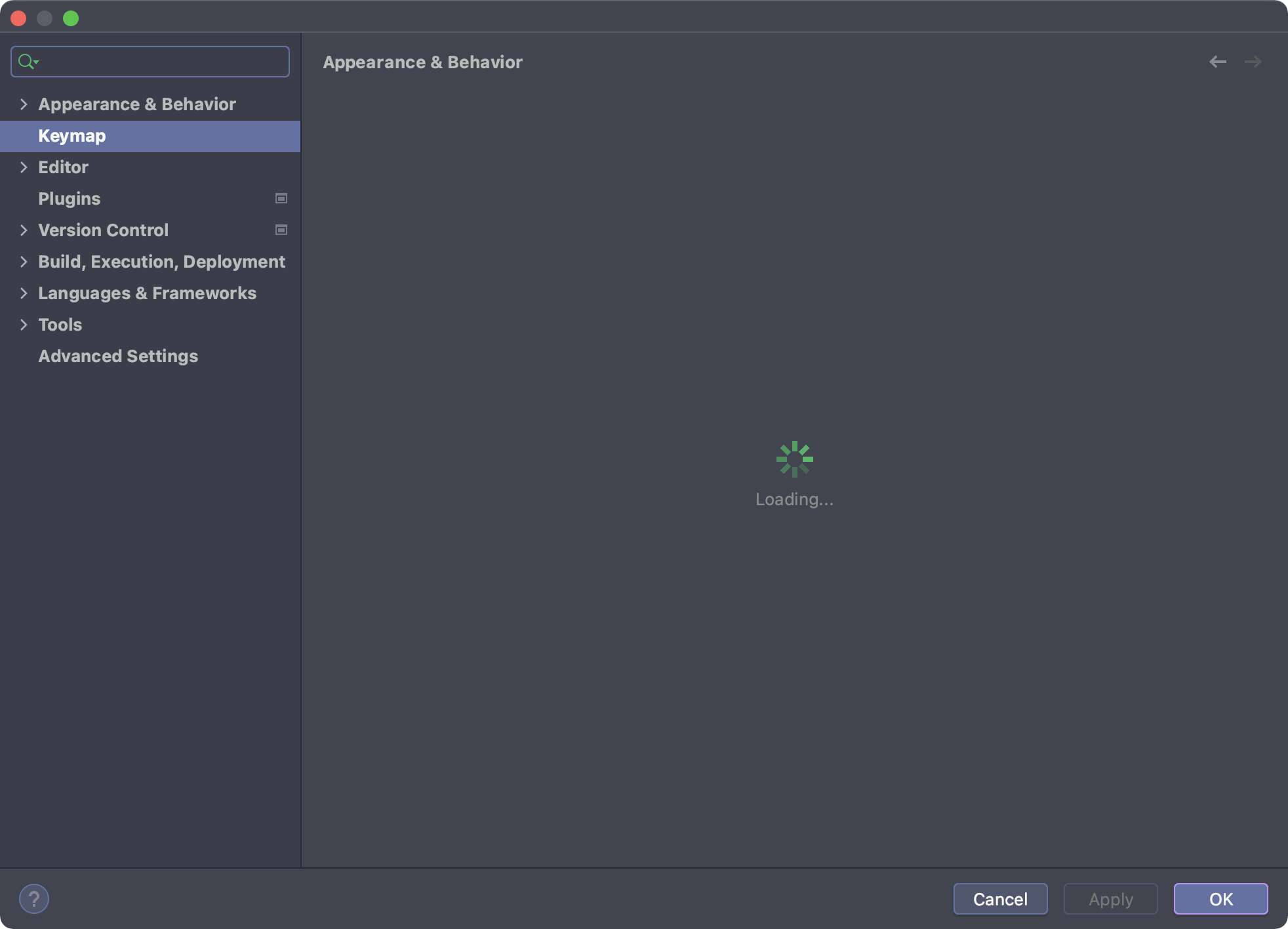
Another finding: I want to use tradtional function keys (F1-F12) as a workaround and tried to check the 'Preferences -> Keymap -> Always show function keys ...' option. Then I notice that the preference stucks and keeps loading. This also happens only on JDK 17.
Perhaps they share the same root cause from the runtime.