

 JannisX11
Textures not saving in the model
Since Tuesday, block textures are not saving in the model, i even did a simple block with one texture in all the sides and it is not working
Every single model as a block is failing, i installed the program in another computer and in a tablet, also i tried in the web, and it is same issue. With entities it is not any problem, only with blocks. (and i know how to use the program, so it must some kind of bug because with every single block i tried to create this week, it is happening this on and on)
Thanks!
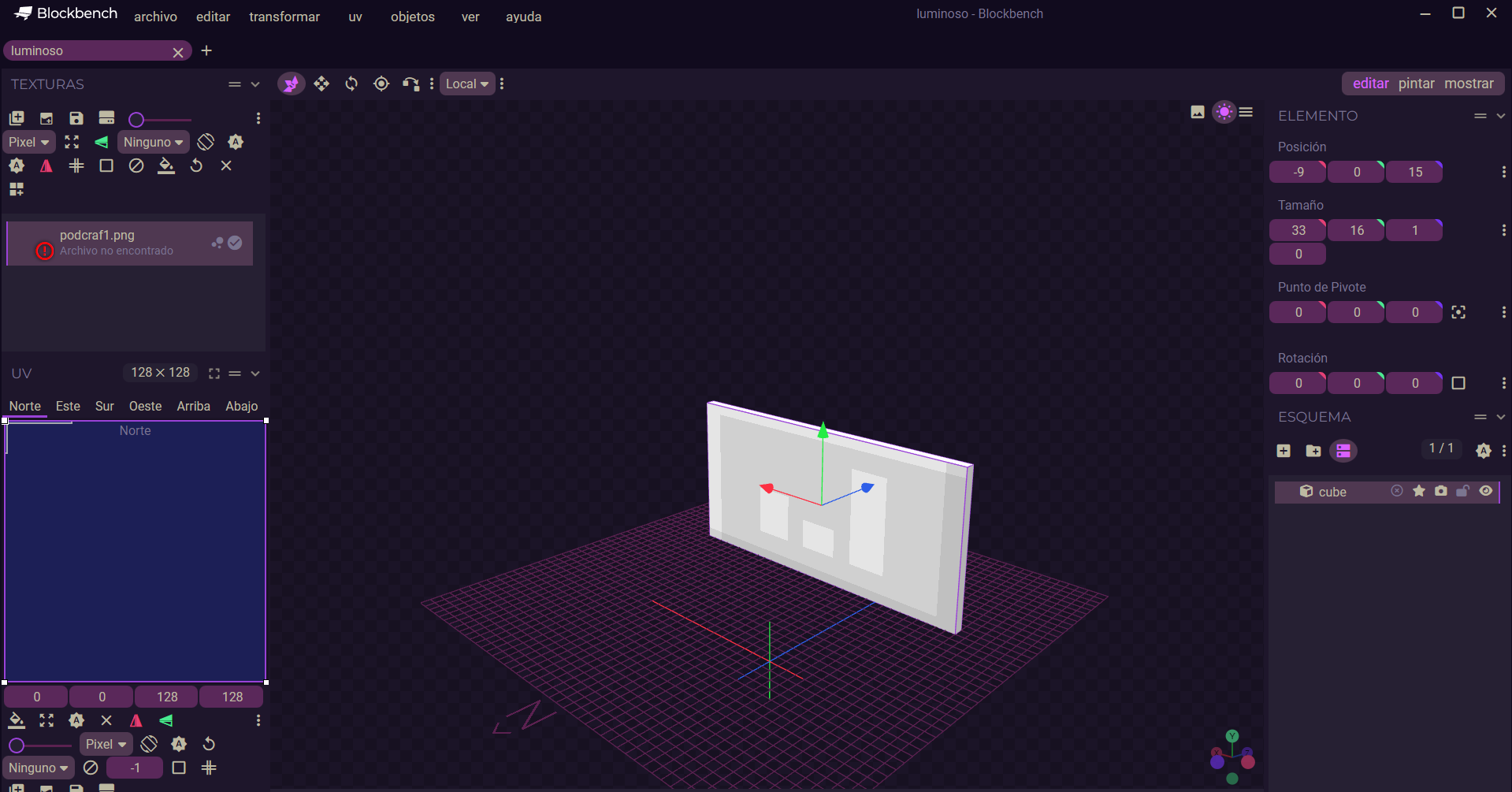


It is 3 different models, i attach every one of them, i did like 20 models just for see why it was happening and since Tuesday not even a single block it is working, sadly! Thanks for the reply
All models have texture files. They open fine for me. Are there any console errors (Help > Developer > Open Dev Tools)?
I still having same issue, as a model it has textures etc, but when i save the model as a json file, it lose the textures and when i take it to mcreator....it does not work, sadly!
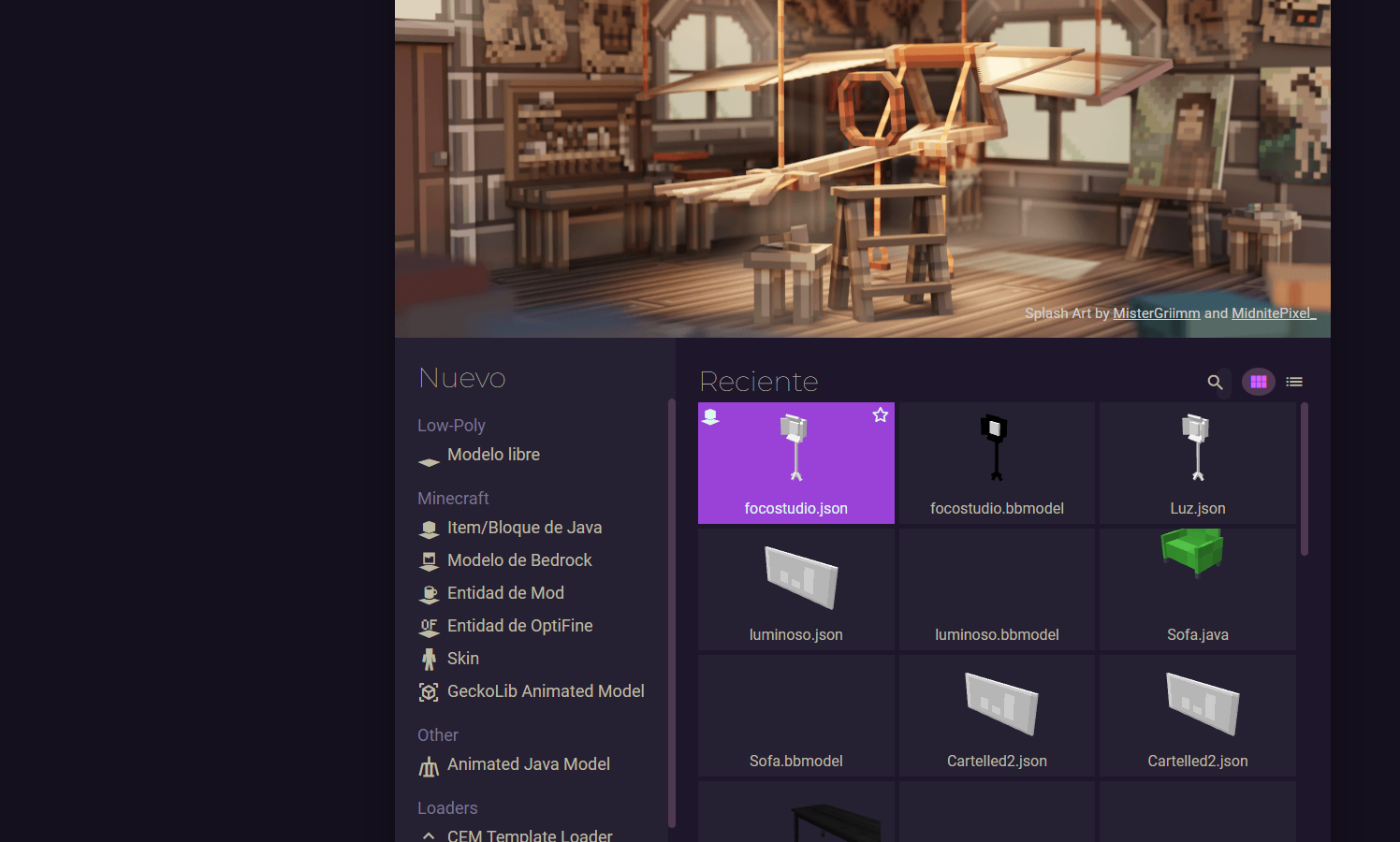
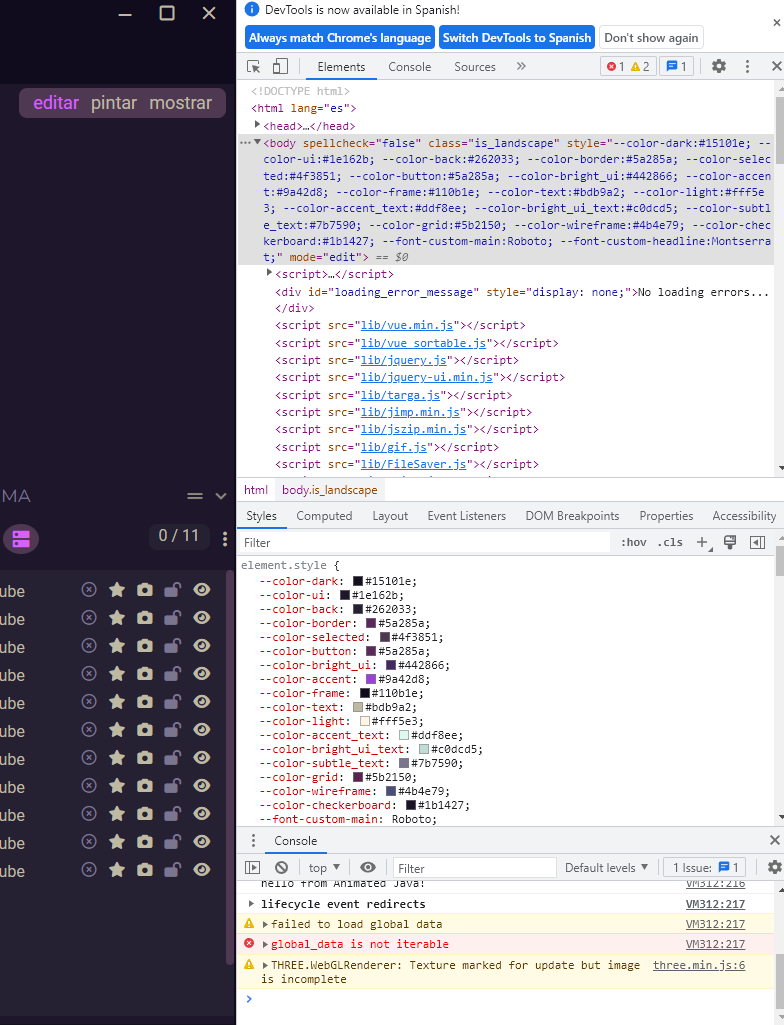 This is what it says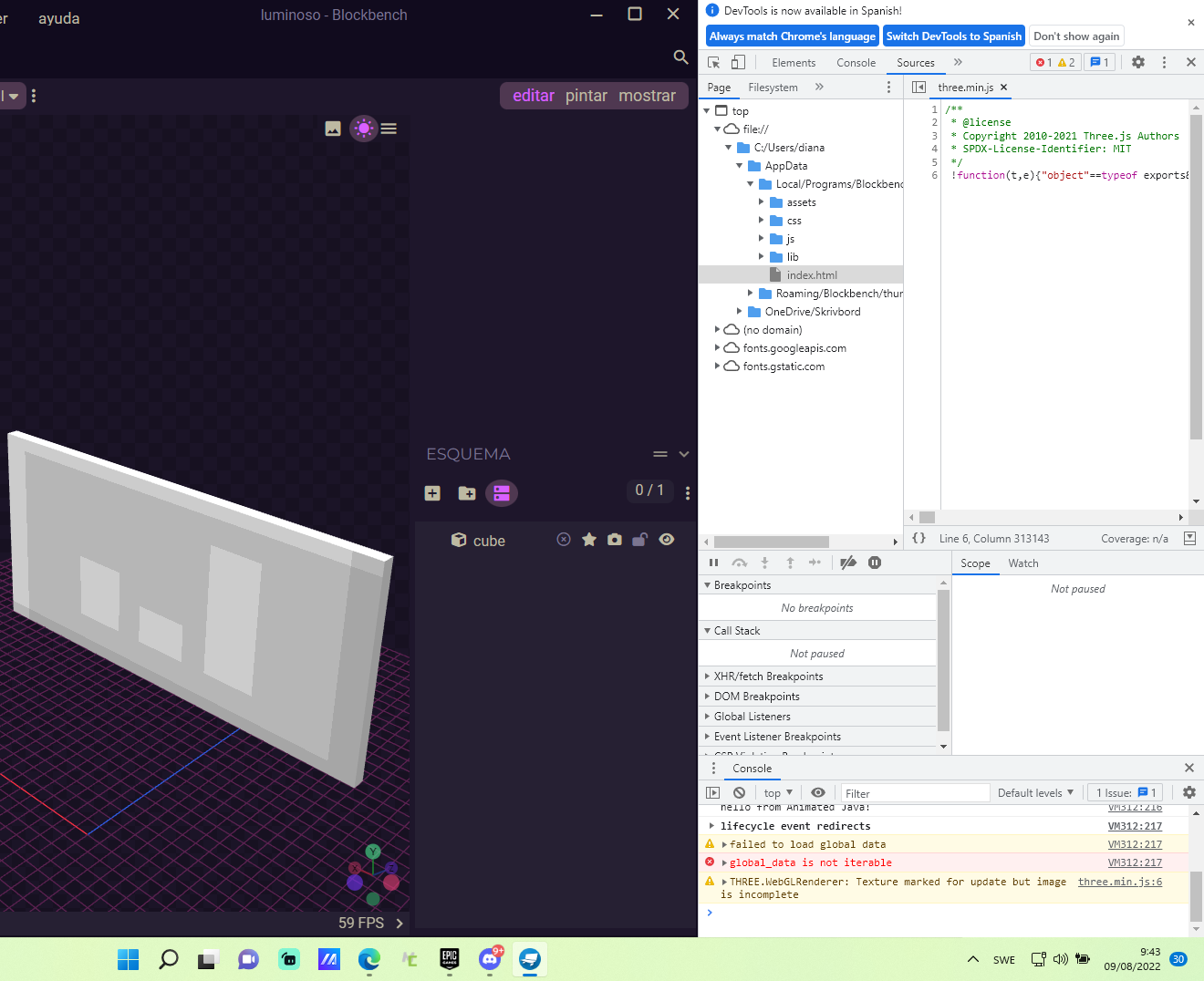
I gave as much information as i can......unless wanna know what´s the issue or if i need to download a new program, because this is still not working and getting same error in every model
Once you export your model to a JSON file, you need a valid Minecraft resource pack structure in order to load the texture automatically. It will also give you a warning about this when loading the texture. More info in this tutorial: https://www.youtube.com/watch?v=aaJ8XgMAOno
oh it is something new i guess, because in 6 months i was always doing this same way, okey, i will look at the video so, thanks!
This issue has been automatically marked as stale because it has not had recent activity. It will be closed if no further activity occurs. Thank you for your contributions.
![stale[bot] avatar](https://avatars.githubusercontent.com/in/1724?v=4 "Published by a pub.dev verified publisher")