

 JanisEst
Still having issues importing passwords from Firefox v64.0
Still having the issues described here: [https://github.com/JanisEst/KeePassBrowserImporter/issues/23] and here: [(https://github.com/JanisEst/KeePassBrowserImporter/issues/22.)] The hack still works
I have tried deleting signons.sqlite


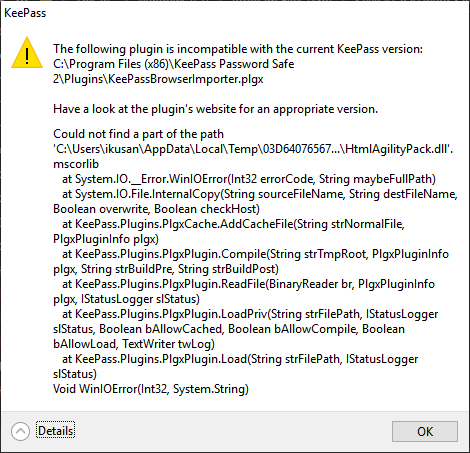 This test version throws this error when KeePass 2.4.1 starts.
I got this problem solved with thanks to the new version by @JanisEst and @zjw on issue #22. I'm using:
- FireFox 64.0.2 (64-bits)
- KeePass v2.41
Steps:
- Download the above Test version ( KeePassBrowserImporter.zip )
- Download a dummy signons.sqlite file from HERE. Place a copy of the file in your Firefox profile folder and replace your own existing file.
- (Re)start KeePass and import as described for this plugin.
Hope this helps other people with this problem and @JanisEst to solve this.

Work with Keypass 2.4.1. - same problem here. Zipped version of this thread: plugin is not accepted at all (same error msg as above, and will not integrate into keypass plugin manager).
Latest version from official repository is accepted, but then import doesnt work - with or without replaced signons file, and with or without FF master password.

I've got Firefox Quantum 65.0.1 (32-bit) With KeePass 2.41 and KeePassBrowserImporter 1.0.8.0
I'm experiencing the same issue in that it does not import and generates an error:
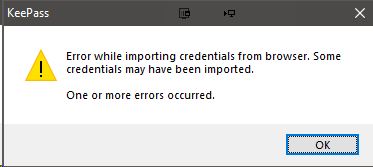 with nothing imported

Take it this never got fixed? I have the same issue above with or without signon file. Firefox being open or closed.
Using Firefox 94.0.2 & KeePass 2.49
