

 JabRef
Column name and entries disappear
JabRef version
5.9 (latest release)
Operating system
macOS
Details on version and operating system
No response
Checked with the latest development build
- [X] I made a backup of my libraries before testing the latest development version.
- [X] I have tested the latest development version and the problem persists
Steps to reproduce the behaviour
- Recloned jabref
- rm'ed preferences that starts with org.jabref
- re-runned the program

Appendix
...
Log File
Paste an excerpt of your log file here
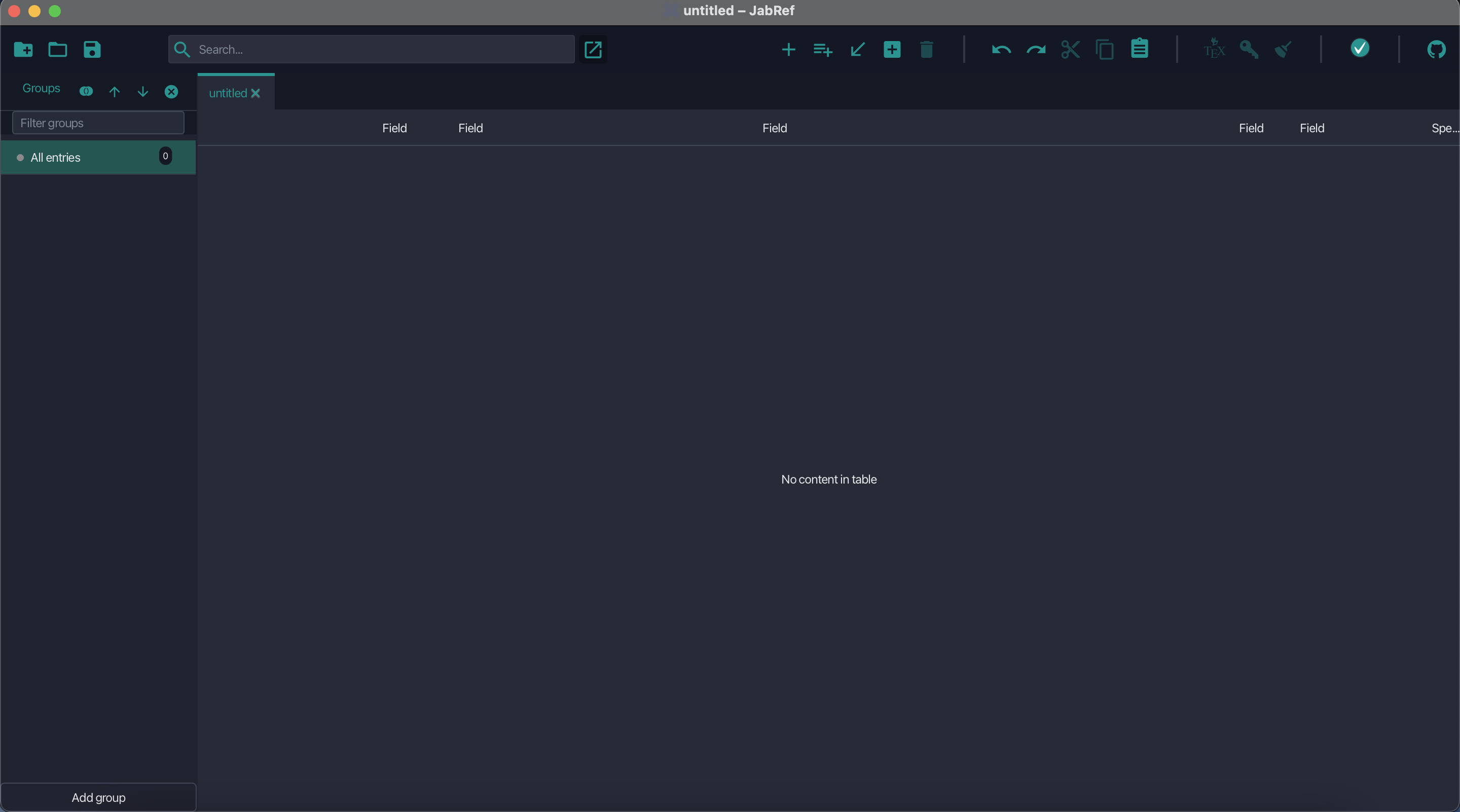

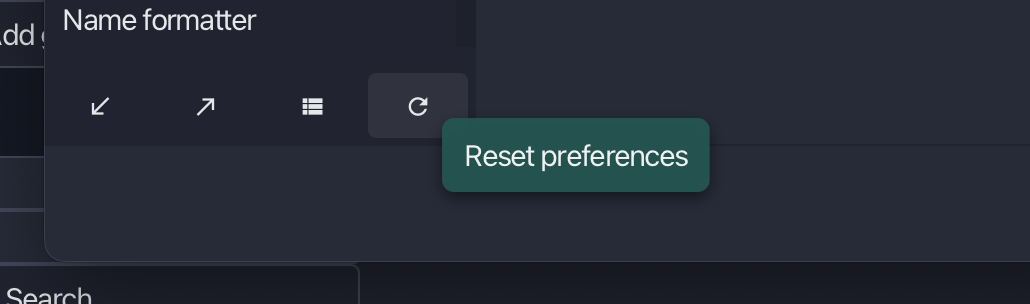
This looks odd. Using a mac myself. Can you try to reset your preferences in JabRef itself? Open prefs and click the button. A restart of JabRef might be needed
rm'ed preferences that starts with org.jabref
I don't understand this step


This looks odd. Using a mac myself. Can you try to reset your preferences in JabRef itself? Open prefs and click the button. A restart of JabRef might be needed
rm'ed preferences that starts with org.jabref
I don't understand this step
Yeah i tried resetting the preference but it still doesn't work.
I saw some Windows users also bumping into the problem that they could not see the entry (although isn't quite the same as mine). They solved the problem by deleting all the Reg entries in PC\HKEY_CURRENT_USER\Software\JavaSoft\Prefs\org\Jabref, so i tried to remove the preferences in ~/Library/Preferences/ that has the name org.jabref.xxxxx. but this still doesn't work
@eric052199 Does the issue still occur with the latest version? It might be that there was an error in your bibtex code somewhere that caused the issue
Closing this issue due to inactivity :zzz: Please reopen the issue with additional information if the problem persists.