

 IridiumIO
UI is too big to fit on low resolution monitors
If you run the 3.0 alpha versions of CompactGUI on a 1366x768 monitor, it is impossible for the window to properly fit onto the screen. This will leave the window's title bar inaccessible, unless you alt+right click on the window in the taskbar and move it down that way. This is defenitely a niche issue since most people are probably using 1080p+ monitors, but it does make the program very annoying to use for anyone on a lower-res screen
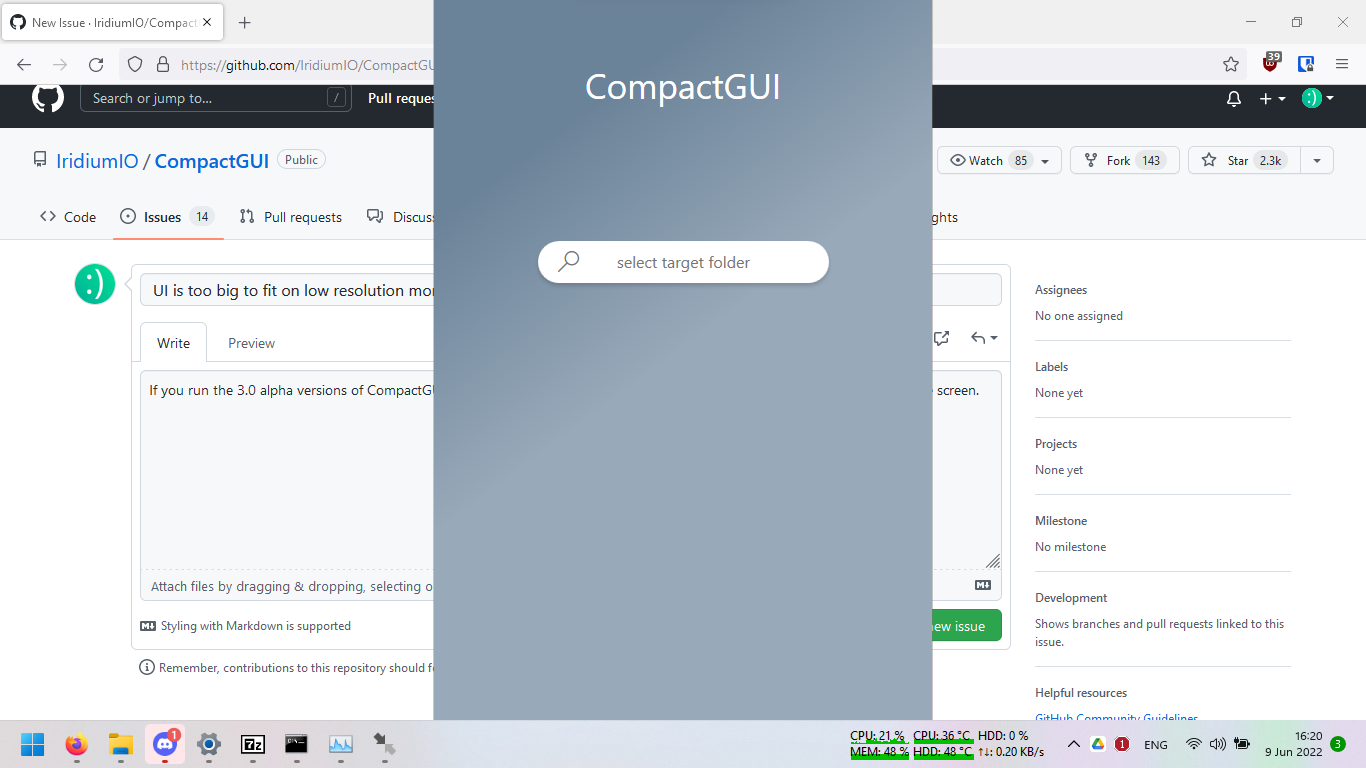

The issues with developing at 1440p hey. Most people do actually use 768p screens (vastly more popular due to laptop form factors; I actually even have a laptop with that resolution but barely use it)
I'll try to fix it :)

Reducing the height by about 50% to make it square-like would really fix most resolution issues.
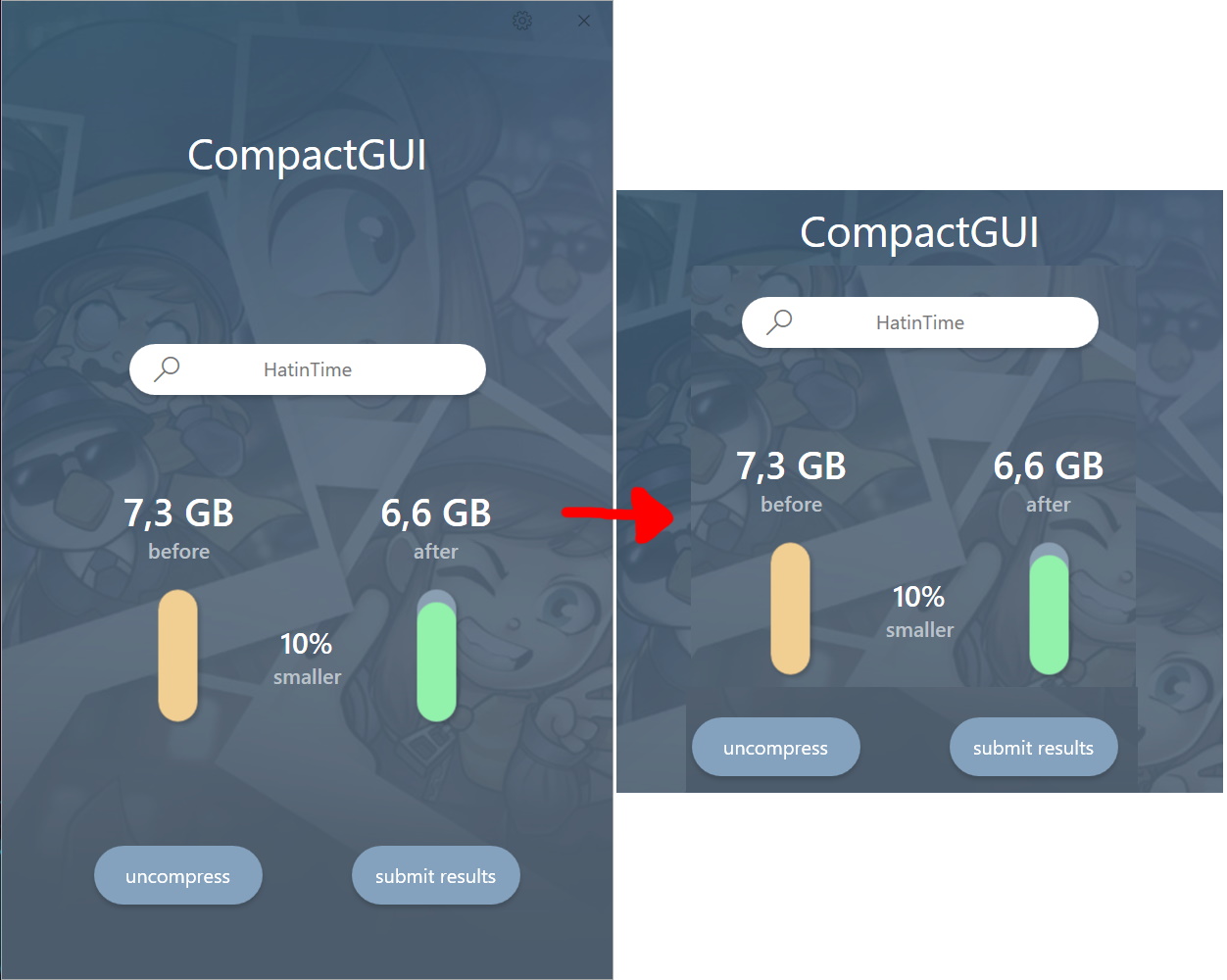

Just wanted to mention this also applies to zoomed and/or scaled display configurations.
For example my resolution itself is set to 1920x1080 which would be totally fine, but since the screen is only 13" it's also been set to 150% zoom in Windows 11 display settings because i'm getting old.
(Right-click on desktop -> Display Settings -> Scale & Layout heading -> Scale -> 150%)
That results in the same effect and experience as the screenshot here.

I did actually fix this at one point, and then without changing anything it broke again. As of now, I have lost designer control entirely in visual studio/blend so it's a pain to make any UI changes at all. I've had so many weird issues in trying to continue to use VB.NET with Visual Studio, it's such a pain that Microsoft has given up on it.