InnerSourceCommons
Image for workbooks on new site
See for example https://innersourcecommons.net/learn/learning-path/introduction/.
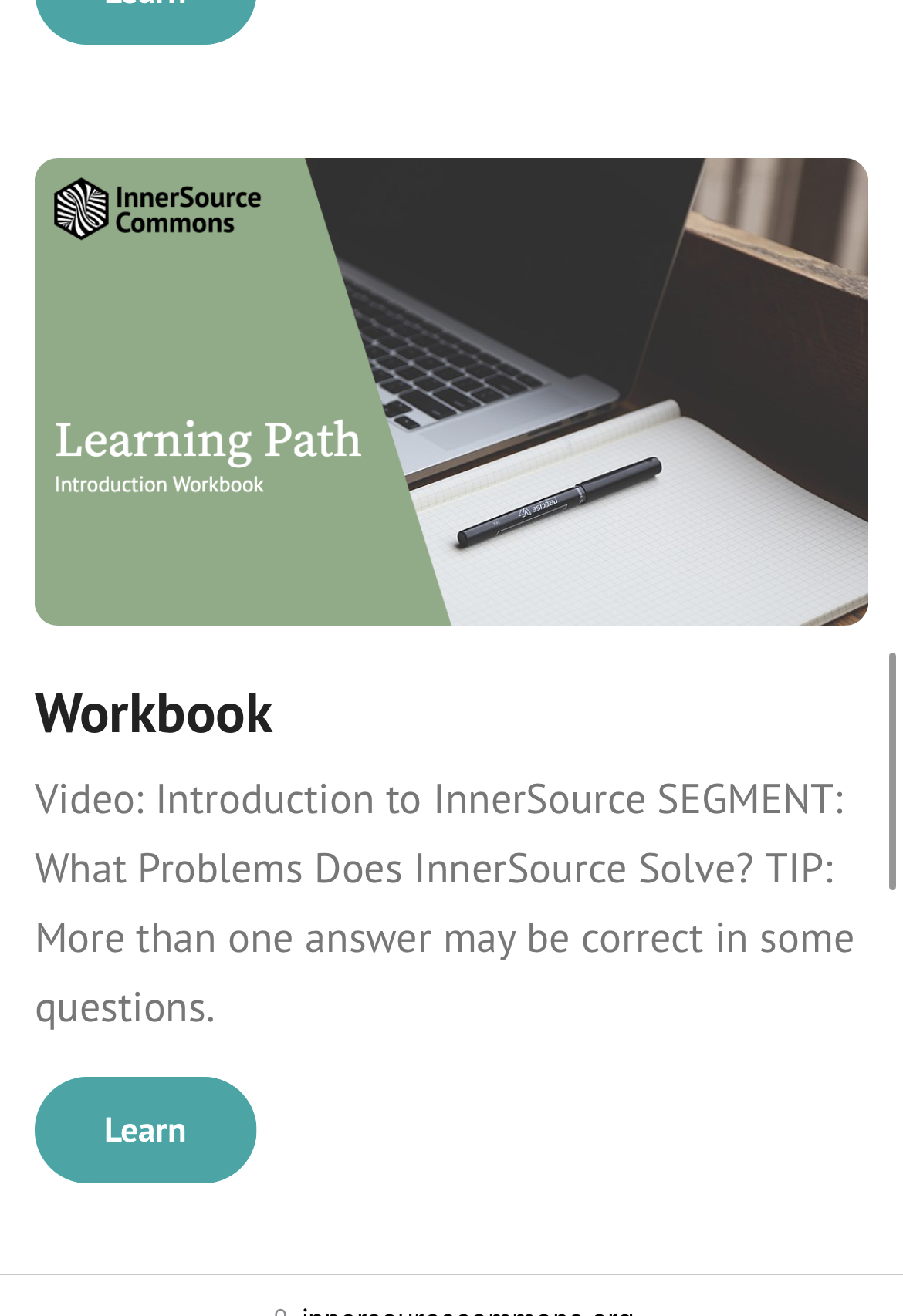
New website requires an image for a link to the workbook. We currently use the introduction video thumbnail, which isn't ideal.
Also introduces unwanted coupling.

Here's an idea that came up in the last learning path meeting:
- The workbook was supposed to supplement the articles and videos
- Could we split the workbook (e.g. scripted using some markup/structure in the workbook source file) into the slices required for the individual articles and include them below the rendered articles?
- This would remove the need for an image and make workbook more visible and useful.
- It would however generate a bit more work. We could split this out to a new ticket or repurpose this one.

If we want to go for the pure thumbnail approach then this contains the template to create YT frames like the ones @RJPlog created for the videos: https://github.com/InnerSourceCommons/InnerSourceLearningPath/blob/master/assets/thumbnails/thumbnail_template.odg
Opened https://github.com/InnerSourceCommons/innersourcecommons.org/pull/212

That attempt didn't work - updating the workbook tile in that way also updated the main landing tile. Will need to do the work to have a separate tile for the workbook checked in.

Sure - there has not been any work done that actually advances fixing this issue.
We'd like for the checked-in section image as well as the checked-in workbook image to be in the learning path repo (removed from the ".org" repo). These can be copied over in the copy script and the section data updated to reference the location of these copied images.
Hey ya'll! Would ya'll prefer:
- One generic background image, dynamically overlay text and generate thumbnails?
- Manually create four static thumbnails using the same background image?
I'm leaning towards the former, but, I have a habit of over engineering things. I want to make sure we are aligned on the path forward before I jump in and muck about.
Thanks!

Hey ya'll! Would ya'll prefer:
* One generic background image, dynamically overlay text and generate thumbnails?

* Manually create four static thumbnails using the same background image?
I'm leaning towards the former, but, I have a habit of over engineering things. I want to make sure we are aligned on the path forward before I jump in and muck about.
Thanks!
If the effort of doing the former is feasible (and understandable enough for posterity) and you want to do it, I think the first version is nicer. My 0,00$/€.
There's still the good template (LibreOffice Draw) @RJPlog made to generate us the nice thumbnails for the videos. Maybe that helps as a starter. Or to just do the 5 minute version of the latter suggestion. Template is here: https://github.com/InnerSourceCommons/InnerSourceLearningPath/blob/main/assets/thumbnails/thumbnail_template.odg
OK! I'll head that direction for now then. Thanks so much for your input!
Also, thank you for pointing out that template. I noticed while working on this issue that the template could use some work -- it doesn't use the same logo or font face as the website. We can talk about this in the Working Session tomorrow too.
Just wanted to post with a progress update. Image generation is working! Here's an example of the new overlay:
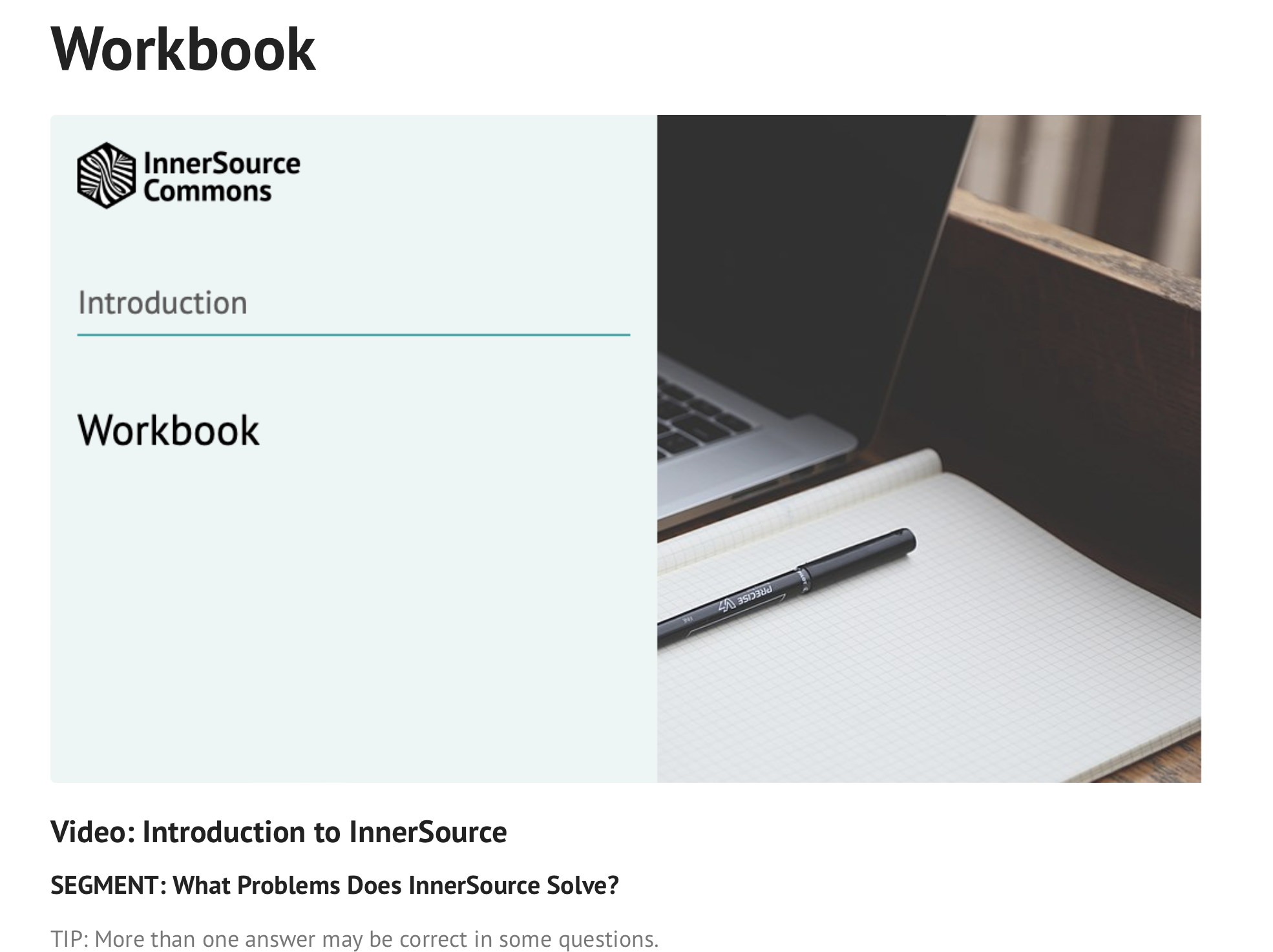 It is drastically different from the current images. But, it is in keeping with some styles I've seen in another section of the website.
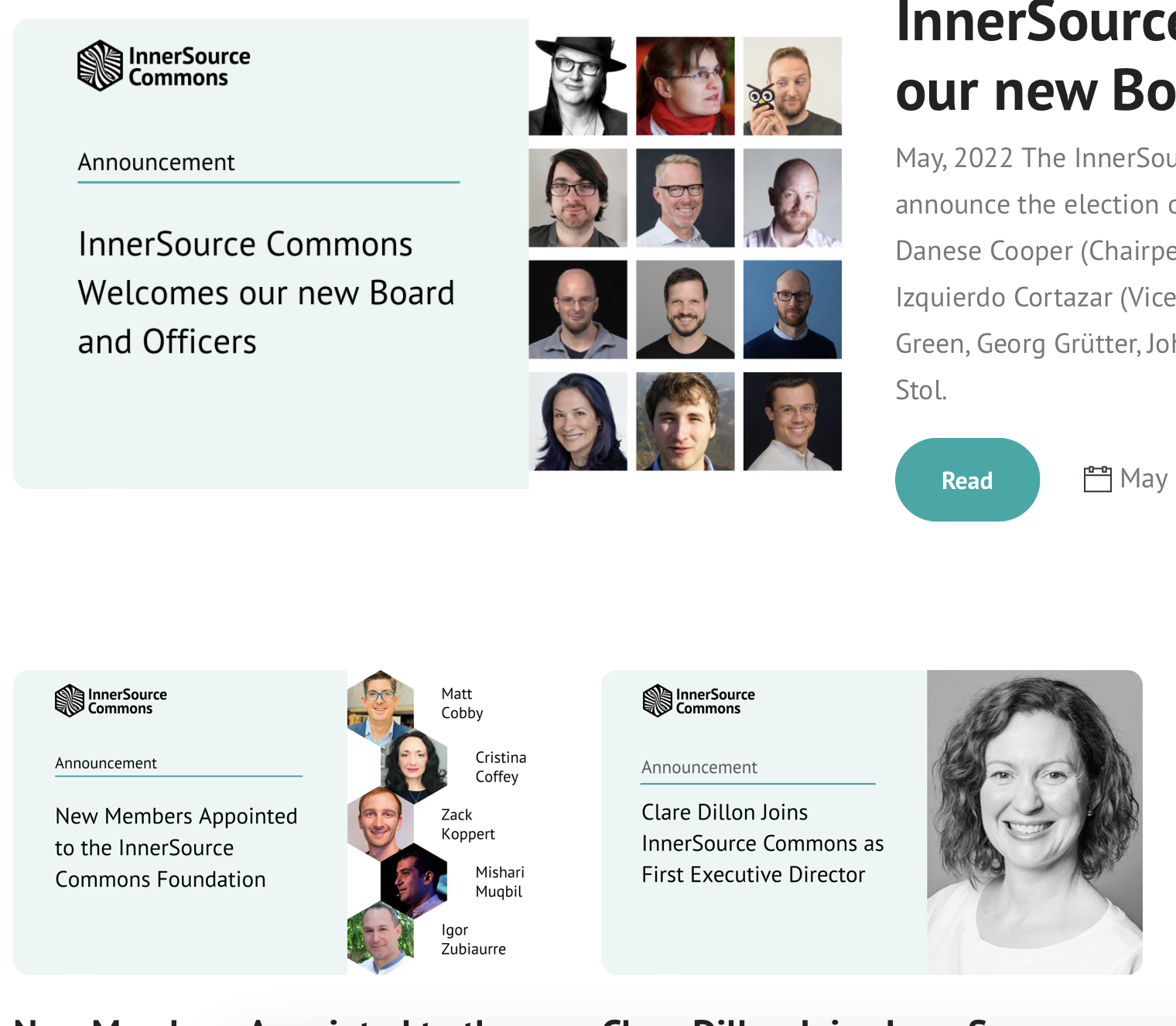
I'm open to y'alls feedbacks if you have any at this point. I'm happy to make any changes. Still have a couple of tweaks to make and have yet to look at deployment scripts.
It looks great! I think if we change one then we should change all, though. Some scope creep if that’s OK or we could just make a workbook tile with the old format and then migrate everything as a second step.
You are doing great work!
Amazing stuff @marshmallowrobot Is that running off of auto-generation or the Libreoffice Draw & manual approach? Visually very airy and light, Jonny Ive would be proud of you. :wink: (I think it looks cool)
Very German comment at the end: I'm sure the nice image with the workbook is PD, CC-0, own work or something else so we don't have to do attribution or anything else?
Thanks so much @rrrutledge and @lenucksi!
@rrrutledge I will follow your feedback and re-jigger the image to look more like the current ones. We can save this one for later when the rest of the thumbnails change.
@lenucksi Yes! I made sure to pull an image from Wikimedia Commons, with a public domain license. No attribution needed, and we shouldn't run up against any copyright issues. For everyone's peace of mind, here is the original: https://commons.wikimedia.org/wiki/File:A_laptop_and_a_notebook_on_the_wooden_table_(Pixabay).jpg
That’s great, @marshmallowrobot ❗️ Your contributions to the learning path have been amazing. If you have a moment please open a new issue on our board to track migrating the images to the new format? Thank you‼️
Here is a screenshot of the generated images, redesigned to look more like the old green style so as not to be so jarring in the layout.
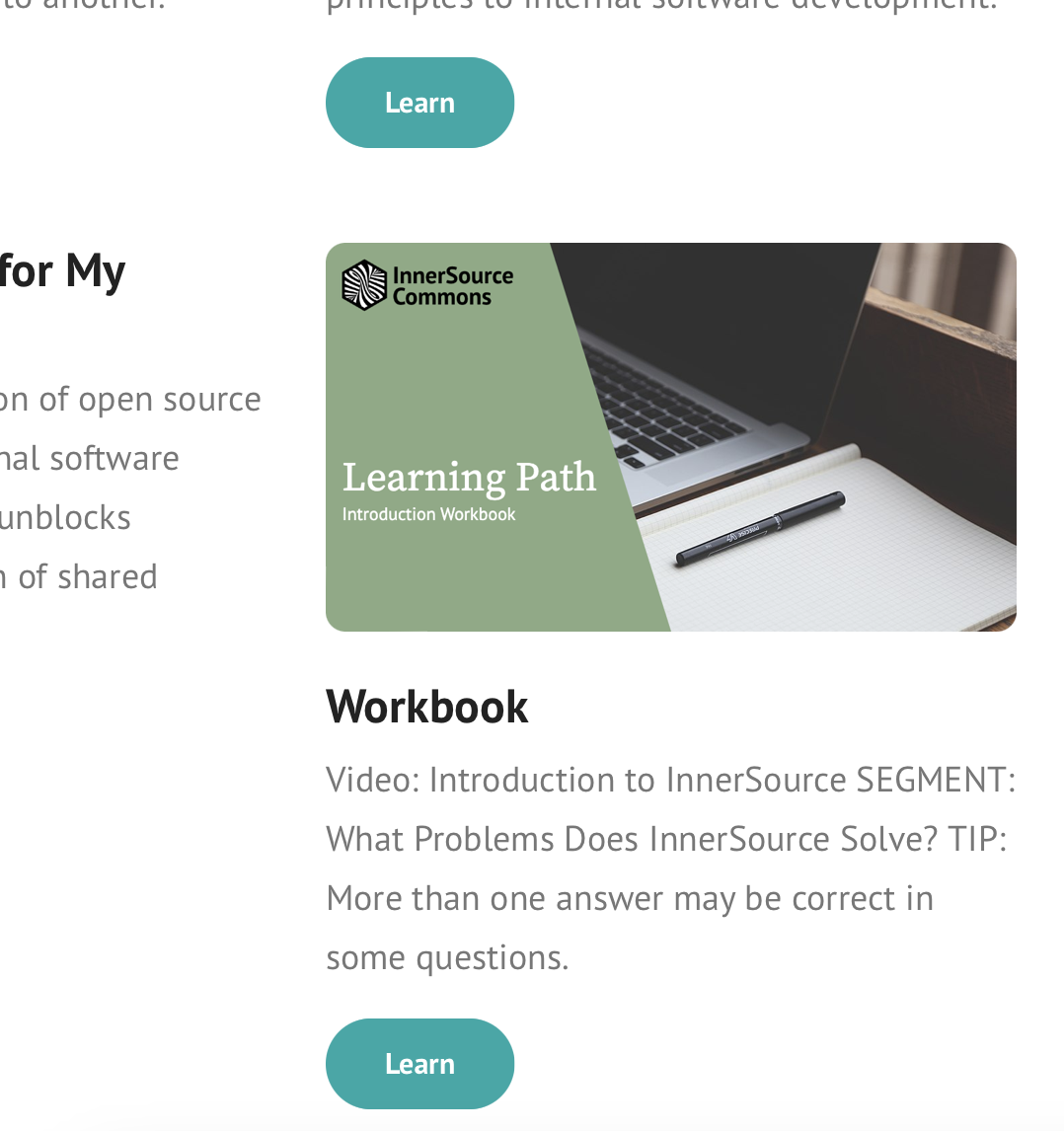
I have just submitted a PR for these changes.
Unrelated to this issue, we COULD use this same or similar process to "generate" images for articles that don't yet have a YouTube video, like Introduction/FAQ. If this is something ya'll might like, we can create a new issue for it and it should be quick to do.
Big :tada: and :+1: for the changes and PR!
Unrelated to this issue, we COULD use this same or similar process to "generate" images for articles that don't yet have a YouTube video, like Introduction/FAQ. If this is something ya'll might like, we can create a new issue for it and it should be quick to do.
Sounds good to me. I'd be all for it.