Imagick
smushImages fails to combine images
I'm trying to get the smushImages command to work, but it isn't generating the expected output. The image that is output is basically the same as the first image with white stripe on left edge, and blur on the right edge. https://imgur.com/9Y5vlGB I'm using the example code from https://www.php.net/manual/en/imagick.smushimages.php
The -smush command is working with ImageMagick. I updated to Imagick 3.4.4 and ImageMagick 7.0.8-66. I also tried version 6 of ImageMagick from the Ubuntu package manager with the same result on 2 different systems, and an earlier version of Imagick.

Can you put a downloadable code example with placeholder images somewhere please?

I'm not sure what more I can add, as I'm just using the example function by passing it the paths to 2 images from a POST request. I also wrote the image to file with the same result from command line, tested with many different images, and different offsets. Other Imagick functions such as distortImage() are working well.
function smushImages($imagePath, $imagePath2) {
    $imagick = new \Imagick(realpath($imagePath));
    $imagick2 = new \Imagick(realpath($imagePath2));
    $imagick->addimage($imagick2);
    $smushed = $imagick->smushImages(false, 50);
    $smushed->setImageFormat('jpg');
    header("Content-Type: image/jpg");
    echo $smushed->getImageBlob();
}
I'm not sure what more I can add,
http://www.sscce.org/
Self Contained It is important to ensure that the code given to others can be 'copied, pasted, compiled, run' so that they can help quickly and with a minimum of fuss.
The code you posted fails because the images aren't there.....it may seem trivial for someone else to make a reproducible example, but that can actually result in a significant amount of work as:
- sometimes bugs are only on your system, and no matter what I do, I won't see it on mine.
- sometimes bugs are only to do with the images, and unless I use the same as yours I won't see the issue.
And anyway, the less work I have to do to investigate a bug the more likely I am to look at it.
I can provide images, I thought you wanted some additional code. This is an example image from ImageMagick mountains.jpg, which I spliced into 4, then used +smush command on the last 2 images with an offset value of -300. Using Imagick the -smushImages() example neither 300 or -300 offsets worked as expected. I had to write them to file as attempting to save the ImageBlob by right clicking resulted in a zero bytes file.
Image 1: 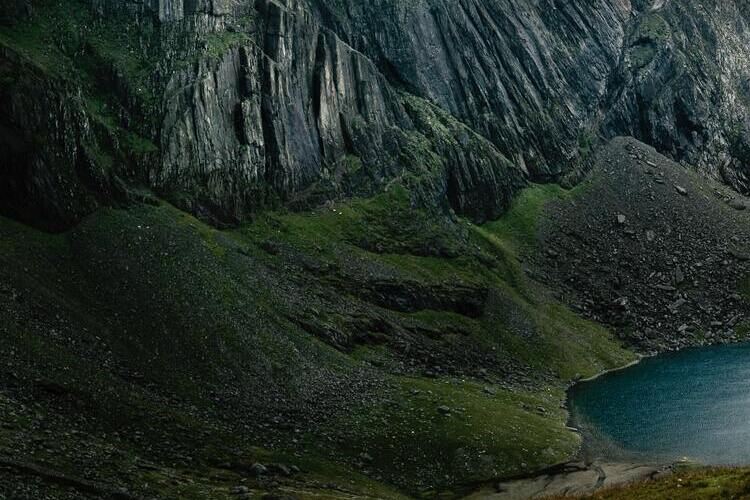 Image 2:
 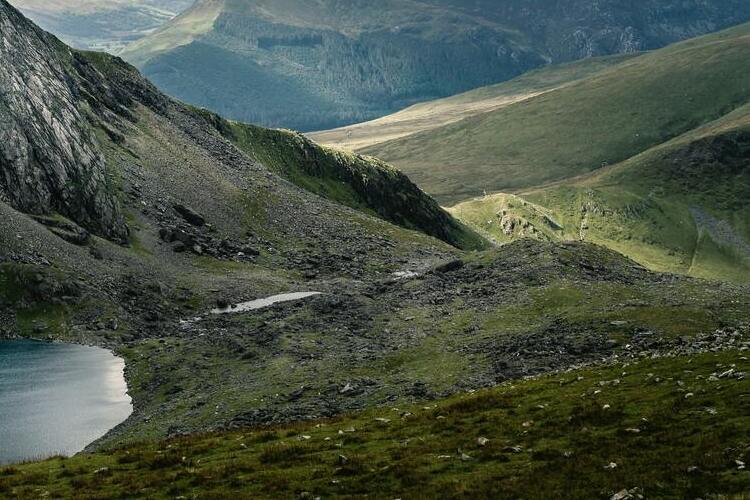 ImageMagick +smush -300
 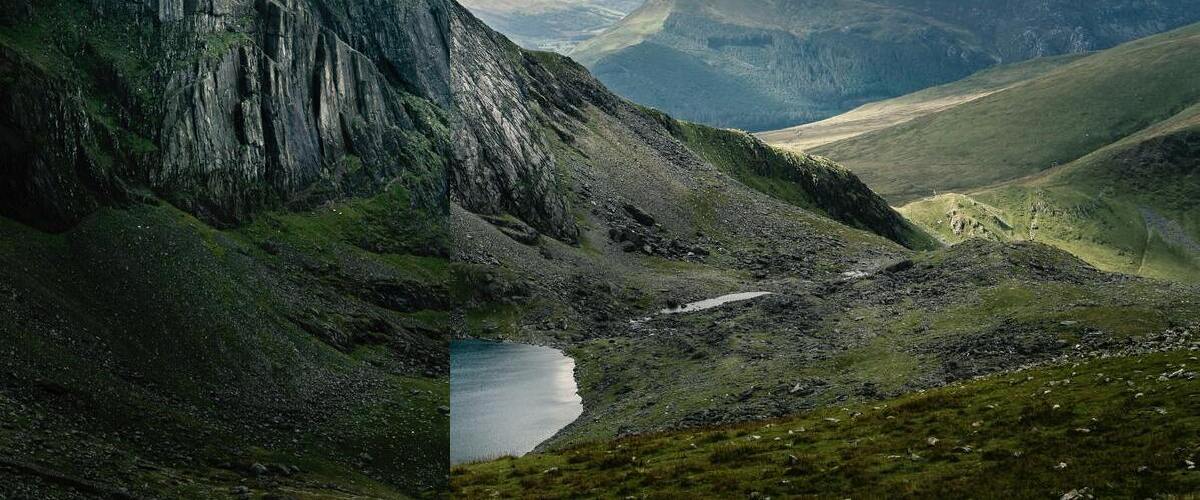 Imagick ->smushImages(false, 300)
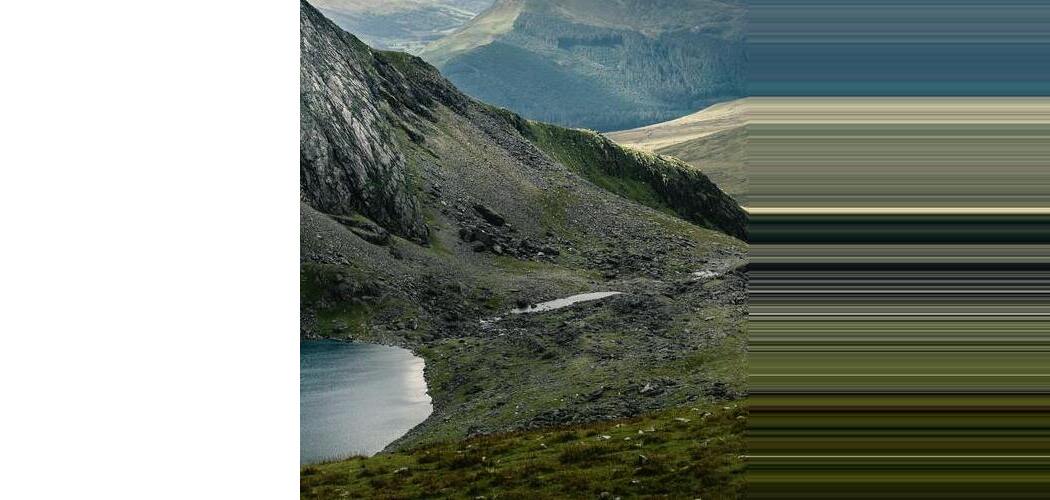 Imagick ->smushImages(false, -300)