
ImageMagick6

ImageMagick6 copied to clipboard
 ImageMagick
PDF->BMP results in black lines instead of text
ImageMagick version
6.9.10.23+dfsg-2.1+deb10u1
Operating system
Linux
Operating system, version and so on
Docker FROM python:3.8-buster
Description
When converting, sometimes I only get black rectangles instead of text.
Expected something like (screenshot):
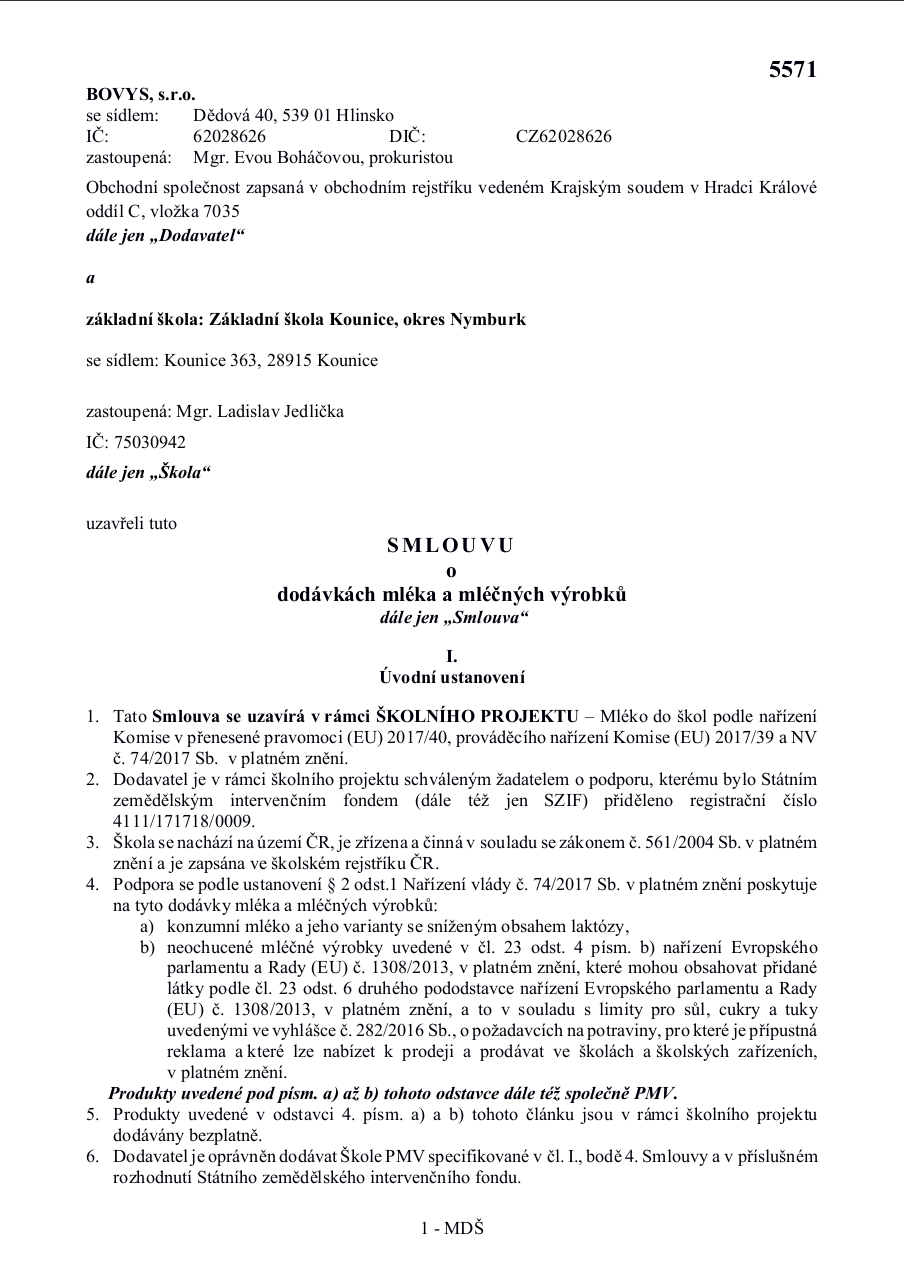
Got this:

I have tried to install many fonts packages (basically apt install fonts-*) but it didn't help.
Thank you for any help! Merry Christmas!
Steps to Reproduce
Dockerfile (hopefully working)
FROM python:3.8-buster

# Install OpenCV 4.5.5
WORKDIR "/install/opencv"
RUN apt update
RUN apt upgrade -y
RUN apt install -y locales build-essential cmake git pkg-config libgtk-3-dev libavcodec-dev \
    libavformat-dev libswscale-dev libv4l-dev libxvidcore-dev libx264-dev libjpeg-dev \
    libpng-dev libtiff-dev gfortran openexr libatlas-base-dev
RUN wget -O opencv.zip https://github.com/opencv/opencv/archive/4.5.5.zip
RUN wget -O opencv_contrib.zip https://github.com/opencv/opencv_contrib/archive/4.5.5.zip
RUN unzip opencv.zip
RUN unzip opencv_contrib.zip
WORKDIR "/install/opencv/build"
RUN cmake -DINSTALL_C_EXAMPLES=OFF -DINSTALL_PYTHON_EXAMPLES=OFF -DOPENCV_GENERATE_PKGCONFIG=ON \
    -DBUILD_EXAMPLES=OFF -DOPENCV_EXTRA_MODULES_PATH=../opencv_contrib-4.5.5/modules ../opencv-4.5.5
RUN cmake --install --parallel 8 .
WORKDIR "/install"
ENV QT_X11_NO_MITSHM=1

# Install ImageMagick tools for PDF->BMP conversions
RUN apt update
RUN apt install -y ghostscript imagemagick libmagickwand-dev
RUN sed -i '/disable ghostscript format types/,+6d' /etc/ImageMagick-6/policy.xml
RUN sed -i -r "s/(domain=\"resource\" name=\"memory\" value=\")[^\"]+\"/\13072MB\"/" /etc/ImageMagick-6/policy.xml

# Install Python packages
RUN pip install Wand==0.6.7
RUN pip install opencv-python==4.5.5.64
Docker compose file
version: "3.2"
services:
  mwe:
    build:
      context: .
      dockerfile: Dockerfile
    image: mwe
    container_name: mwe
    entrypoint: /bin/bash
    stdin_open: true
    tty: true
    environment:
      - DISPLAY=${DISPLAY}
    volumes:
      - /tmp/.X11-unix:/tmp/.X11-unix
      - .:/app:rw
Run this before runnning container to enable OpenCV imshow windows
xhost +local:docker &>/dev/null
docker compose up --build
MWE in Python (hopefully working)
import numpy as np
from wand.image import Image as WandImage
import cv2

# Height of showed images (width is compute with respect to images's aspect ratio)
CV_SHOW_IMAGE_HEIGHT = 1200

def load_pdf(pdf_file, resolution, page_numbers=[]):
    pdf = WandImage(filename=pdf_file, resolution=resolution) # https://stackoverflow.com/questions/31407010/cache-resources-exhausted-imagemagick
    pdf_pages = pdf.convert("bmp")

    page_numbers = page_numbers if len(page_numbers) != 0 else range(len(pdf_pages.sequence))
    if not all([page in range(len(pdf_pages.sequence)) for page in page_numbers]):
        return list()

    return [wand_to_cv(pdf_pages.sequence[p]) for p in page_numbers]


def wand_to_cv(wand_image):
    wand_image = WandImage(image=wand_image)
    wand_image.metadata["colorspace:auto-grayscale"] = "false"
    blob = wand_image.make_blob("bmp")
    blob = np.asarray(bytearray(blob), dtype=np.uint8)
    return cv2.imdecode(blob, cv2.IMREAD_UNCHANGED)


def show_image(label, cv_image, height=None, width=None):
    print(f"image \"{label}\", dimensions: {cv_image.shape}")
    cv2.namedWindow(label, cv2.WINDOW_NORMAL)

    # Resize showed image
    img_height, img_width, *_ = cv_image.shape
    show_height = CV_SHOW_IMAGE_HEIGHT if height == None else height
    show_width = (show_height / img_height) * img_width if width == None else width
    cv2.resizeWindow(label, int(show_width), int(show_height))

    cv2.imshow(label, cv_image)
    cv2.waitKey(0)
    cv2.destroyAllWindows()


cv_pages = load_pdf("test.pdf", 500)

for i, page in enumerate(cv_pages):
    show_image(f"Test {i}", page)
PDF file: test.pdf
Images
PDF file used in MWE: test.pdf
