
aframe-360-degree-photosphere
 aframe-360-degree-photosphere copied to clipboard
 IdeaSpaceVR
This theme is deprecated. Find the new one here:
WebVR Photosphere Viewer with Navigation Menu (deprecated)
This theme is deprecated. Find the new one here: https://github.com/IdeaSpaceVR/IdeaSpace-360
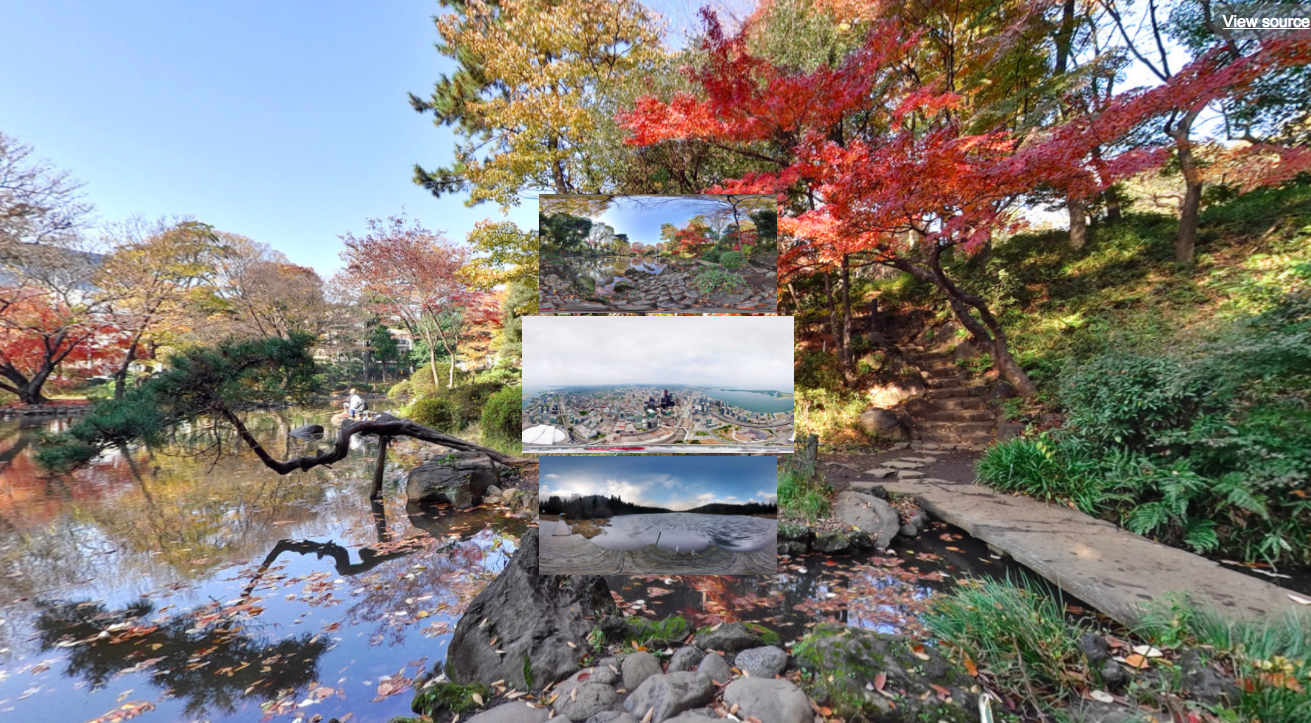
Support:
- Smartphone: Works best with Google Cardboard v2 (with button) on iPhone and Android devices using a standard Chrome web browser.
- Desktop PC: Oculus Rift with Firefox Nightly web browser or Google Chrome web browser (special WebVR build).
- Desktop PC: HTC Vive? (sorry, untested).
Instructions for Desktop PC (Oculus Rift / HTC Vive):
- Press SPACE bar on your keyboard to access the photo menu.
- Gaze at a photo and click your mouse button to select a photo.
Instructions for Smartphone (Google Cardboard v2):
- Press the Cardboard button to access the photo menu.
- Gaze at a photo and press the Cardboard button to select a photo.
Development:
- In order to dynamically load images, you need to set the url parameter of the isvr-photosphere-menu-navigation component to a JSON endpoint (paginated):
isvr-photosphere-menu-navigation="url:https://www.ideaspacevr.org/webvr-photosphere-viewer-equirectangular-images/field-data?key=images_upload&chunk-size=3&page=2"
IdeaSpace Open Source Content Management System
- This photosphere viewer is a standard theme of the IdeaSpace CMS on Github.
Credits:
- A-Frame: https://aframe.io
- Photo licenses: https://creativecommons.org/licenses/by/2.0/
Metadata
45
Stars
18
Forks
Watchers
Owner
 IdeaSpaceVR
Metadata
This theme is deprecated. Find the new one here: