
jellyfin-plugin-media-bar
 jellyfin-plugin-media-bar copied to clipboard
 IAmParadox27
A Jellyfin Featured Content Bar to show off your media collection
Jellyfin-Media-Bar - Now with Play Now Function
- Add
https://www.iamparadox.dev/jellyfin/plugins/manifest.jsonto your repositories - Install "File Transformation" at least 2.2.1.0
- Install latest "Media Bar"
- Restart Jellyfin
Original README.md from MakD
TODO - Design changes upcoming next release
Thanks to the Man, the Legend BobHasNoSoul for his work on the jellyfinfeatured and SethBacon and TedHinklater for their take on the Jellyfin-Featured-Content-Bar.
Here I present my version of the same with some code improvements, loading optimizations, and Security Enhancements. Works best with the Zombie theme (Shameless Plug @import url(https://cdn.jsdelivr.net/gh/MakD/zombie-release@latest/zombie_revived.css);, visit the repo for more color schemes), but it fits with every other theme the creators have put their hard work in. You should edit the color accents in the CSS to match yours.
For Release v1.0, existing users need to roll back to the stock home-html.xxxxxx.chunk.js, index.html & main.jellyfin.bundle.js. In order to do so, you can restore the files you have taken backup as instructed before, or just remove the edits made earlier.
Before Installing, please take a backup of your index.html, main.jellyfin.bundle.js and home-html.xxxxxx.chunk.js files
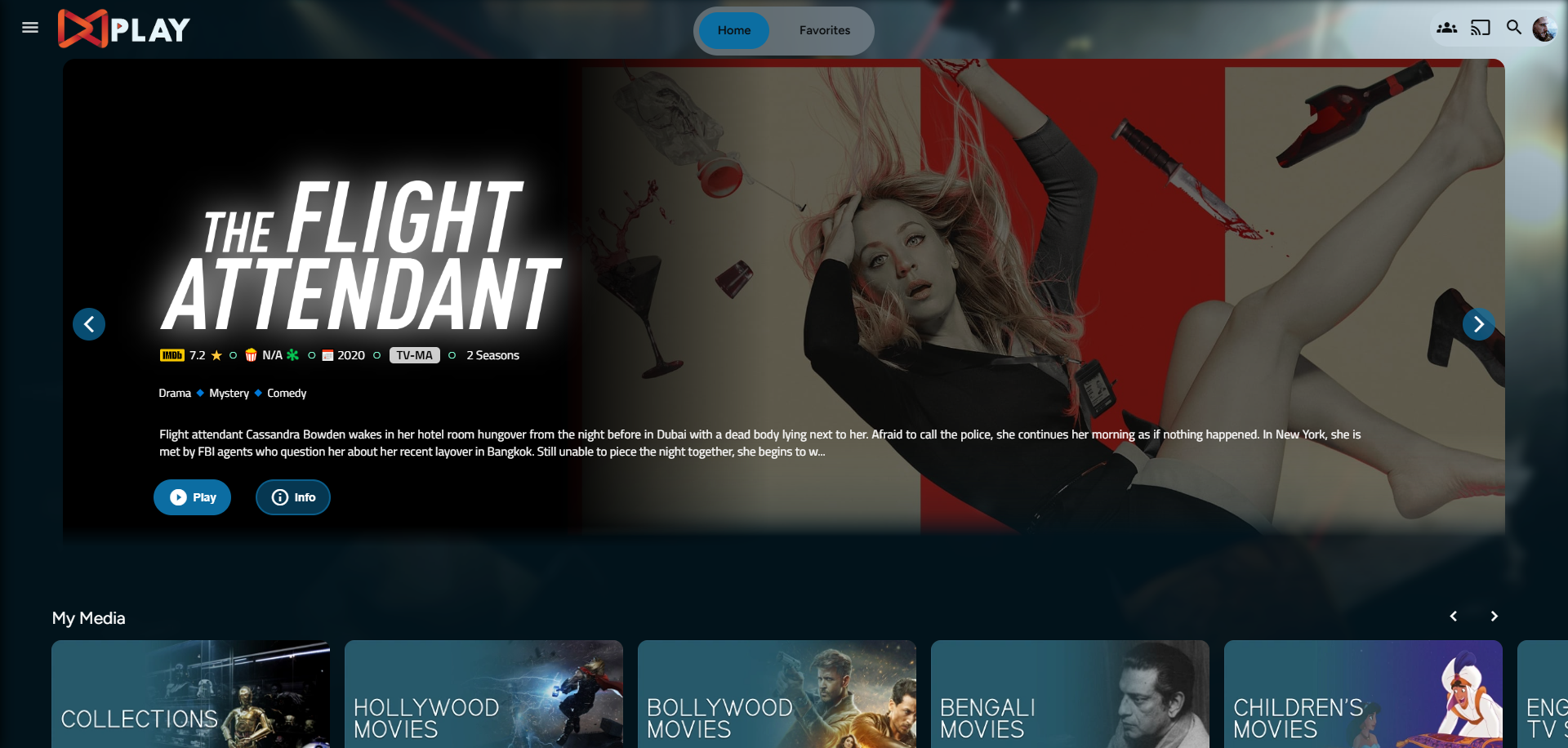
Desktop Layout - Normal
Desktop Layout - Fullscreen
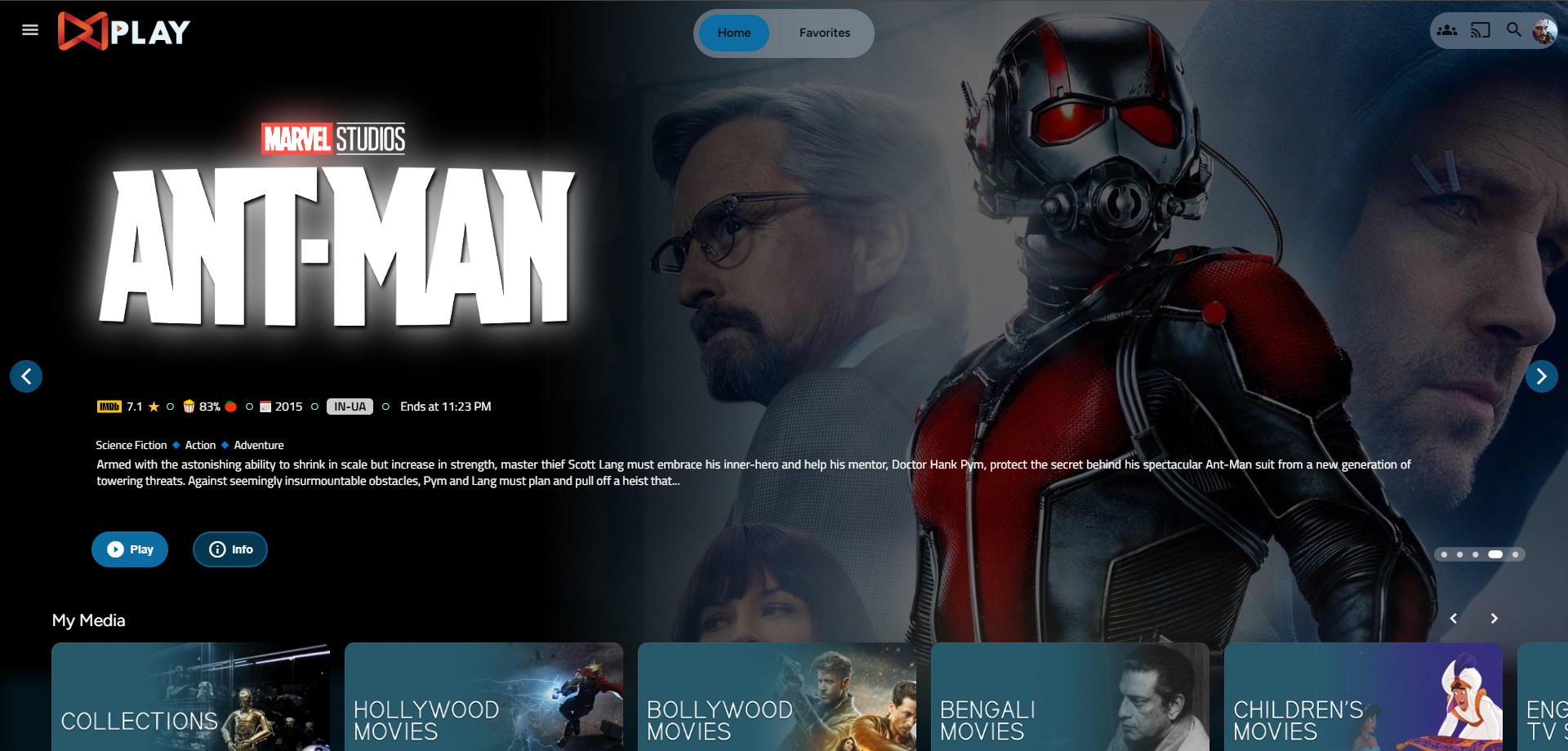
- Download the slideshowpure-fullsreen.css, rename it to
slideshowpure,css, and replace the default CSS with the full-screen one.
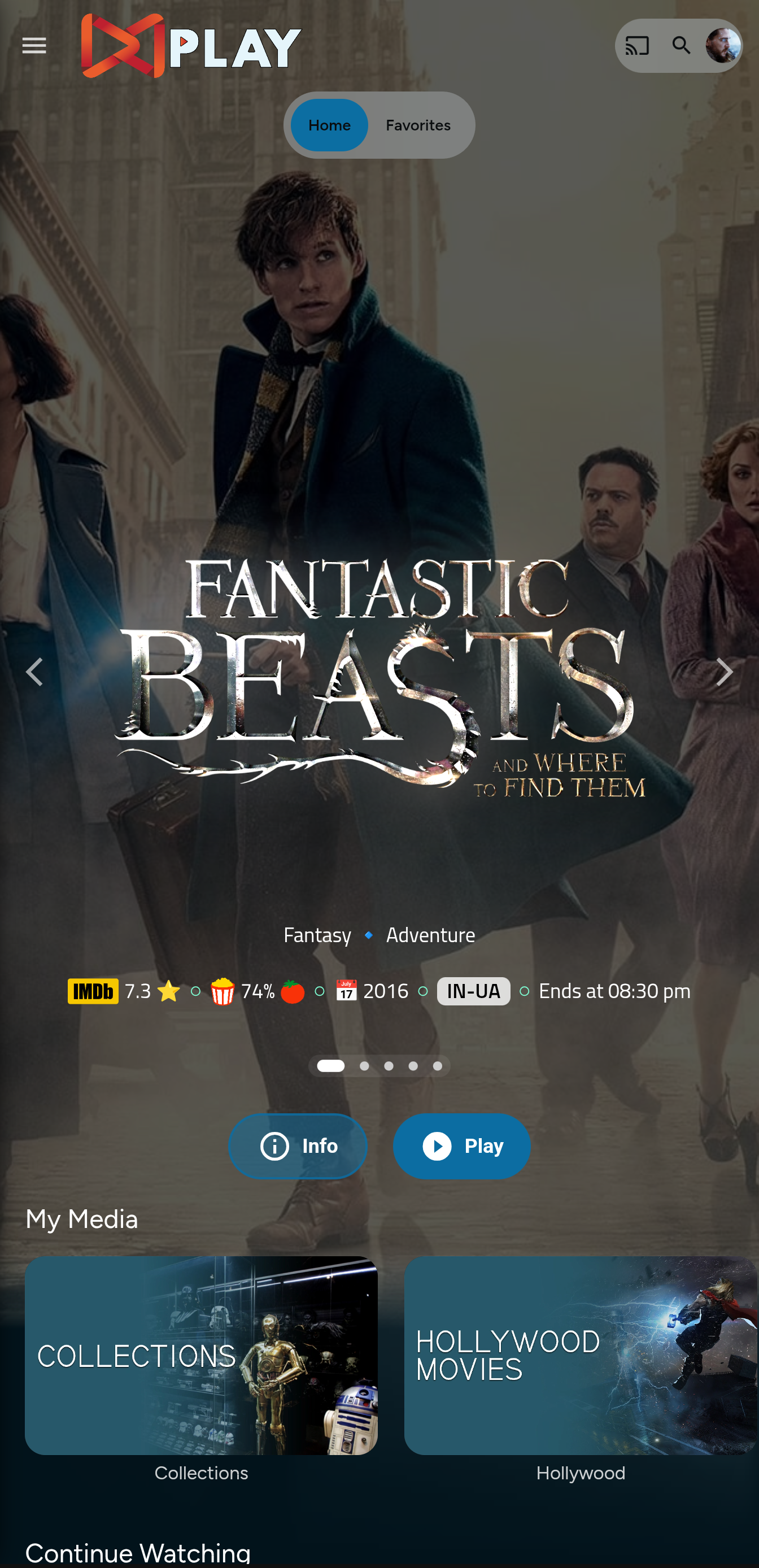
Mobile Layout - Fullscreen
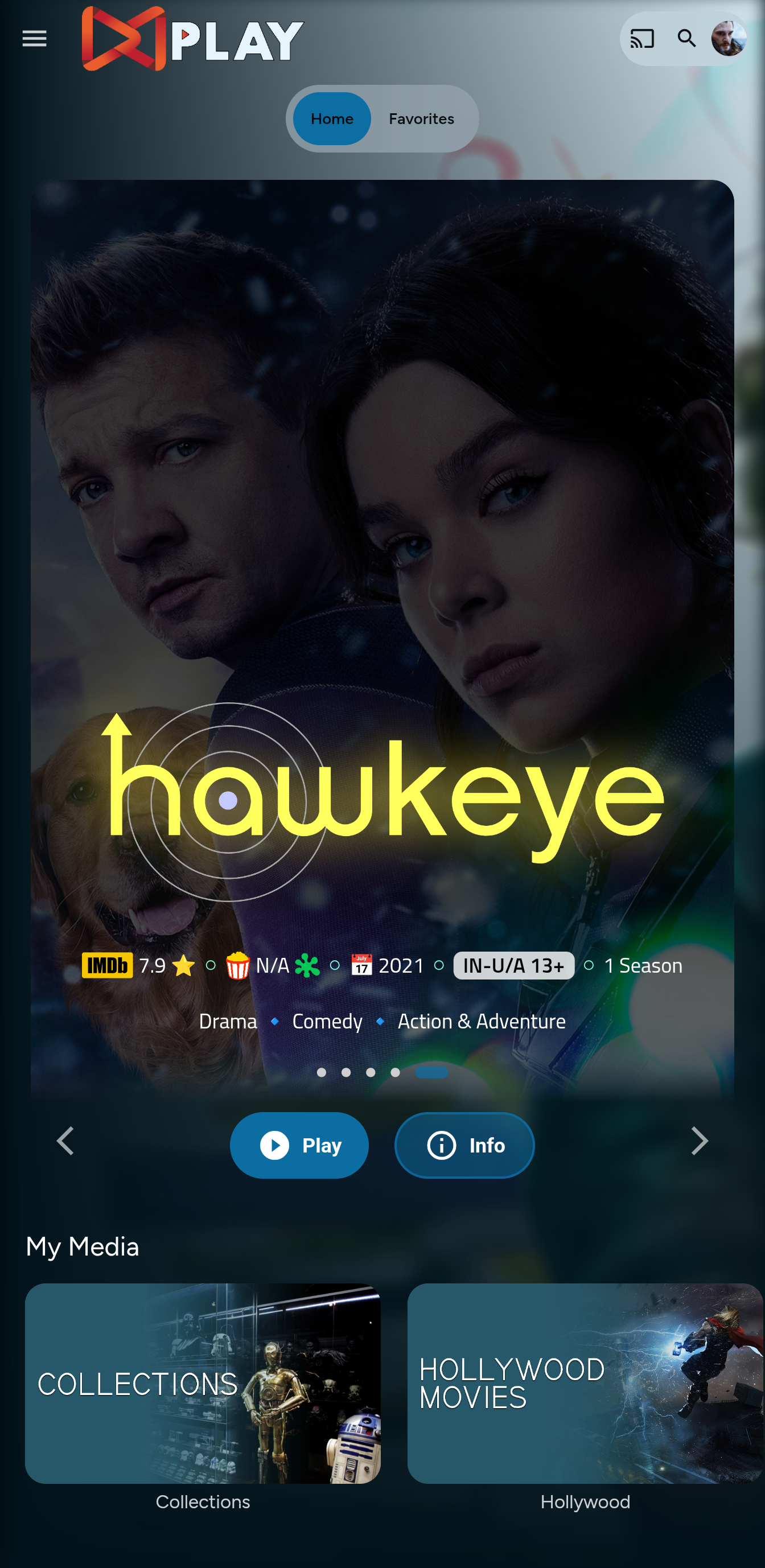
Mobile Layout - Normal
Before Installing, please take a backup of your index.html and home-html.xxxxxx.chunk.js files
Prepping the Environment
Steps
- Create a folder
avatarsin yourjellyfin-webfolder. (Usually in C:\Program Files\Jellyfin\Server) - Download the files
slideshowpure.jsandslideshowpure.css - Paste them inside the avatars folder created, and you are ready to venture down the rabbit hole.
Prepping the files
index.html
- Navigate to your
jellyfin-webfolder and search for the file index.html. (you can use any code editor, just remember to open with administrator privileges. - Search for
</head> - Just before the
</head>, plug the below code
    <link rel="preload" href="/web/avatars/slideshowpure.css" as="style" />
    <link rel="stylesheet" href="/web/avatars/slideshowpure.css" />
    <script defer src="/web/avatars/slideshowpure.js"></script>
And that is it. Hard refresh your web page (CTRL+Shift+R) twice, and Profit!
Want a Custom List to be showcased instead of random items??
No worries this got you covered.
Steps
- Create a
list.txtfile inside youravatarsfolder. - In line 1 give your list a name.
- Starting line 2, paste the item IDs you want to be showcased, one ID per line. For Example :
Awesome Playlist Name
ItemID1
ItemID2
ItemID3
ItemID4
ItemID5
The next time it loads, it will display these items.
Uninstall the Bar
Roll Back
Restore the index.html, home-html.xxxxxx.chunk.js, and main.jellyfin.bundle.js and you are good to go!!!
Metadata
Owner
 IAmParadox27
Metadata
A Jellyfin Featured Content Bar to show off your media collection