

 HumanSignal
OCR task panel disappears on switching to "Labels"
Labeling panel completely disappears in OCR by switching from regions to labels
To Reproduce Steps to reproduce the behavior:
- Go to OCR project and choose a task
- Click on "Labels" in the right menu
- Task view disappears
Expected behavior Regions view on the right switch to labels
Screenshots
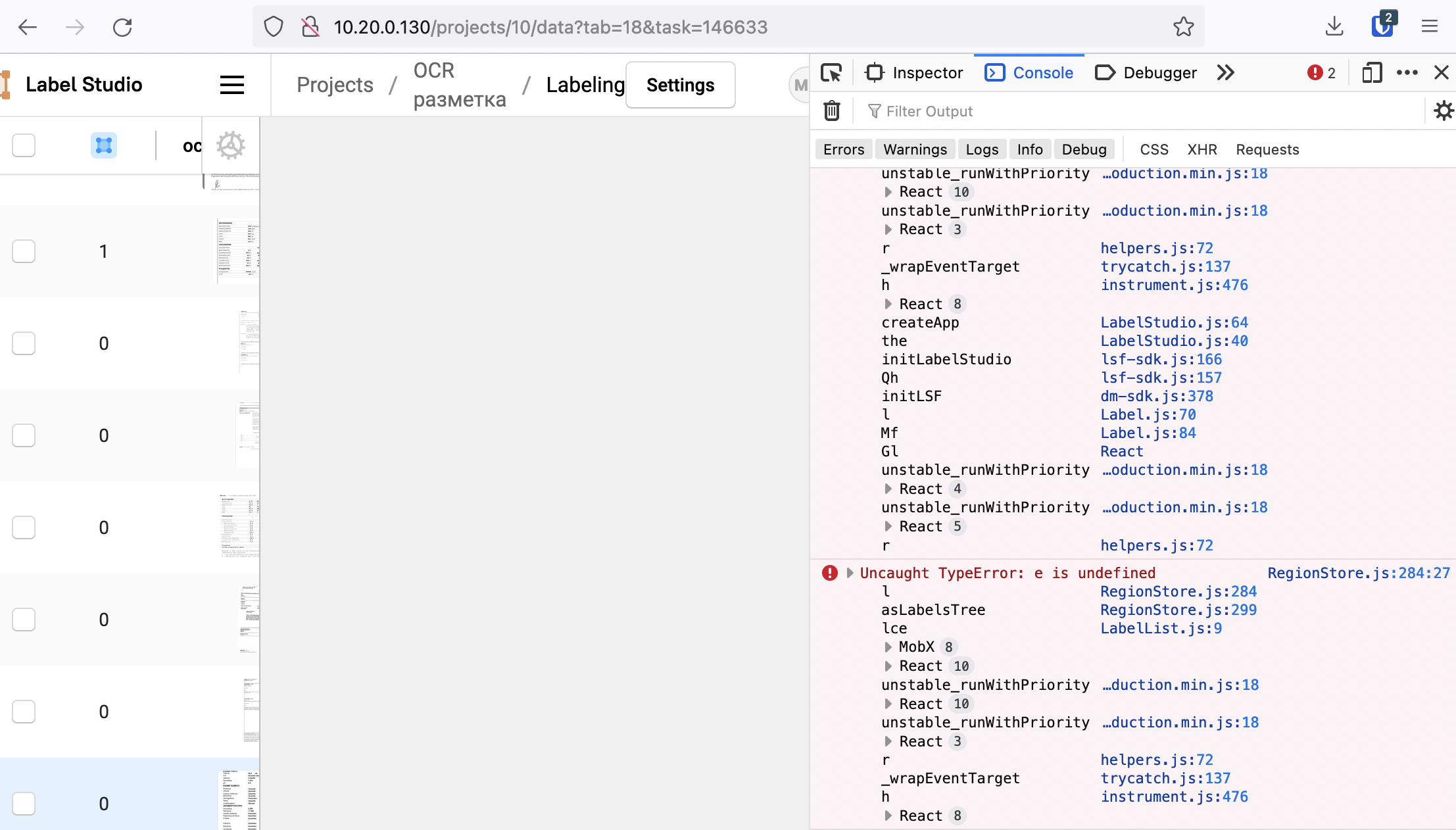
Environment (please complete the following information):
- OS: latest docker image
- Label Studio Version 1.5.0

I've been using docker-compose to setup the project and seems like the reason was in outdated frontend files
Still getting this error on some tasks, but can't reproduce it on tutorial example, don't know what might be the reason. I'm using predictions, so maybe there's something wrong with the format, but everything else works fine
Found a way to reproduce it - it's caused by unlabeled regions:
- Create a new project based on OCR template
- Import an image to label into it
- Go to the task and create a default (unlabeled) region
- Click on "Labels"
The task is now irrelevant due to layout changes in the latest version