

 Haptic-Apps
Links open in the wrong pane in the ipad split view
When using multi-pane view on ipad, if you click on the thumbnail, the link contents load in the narrow left pane (the one normally used to show all the posts): 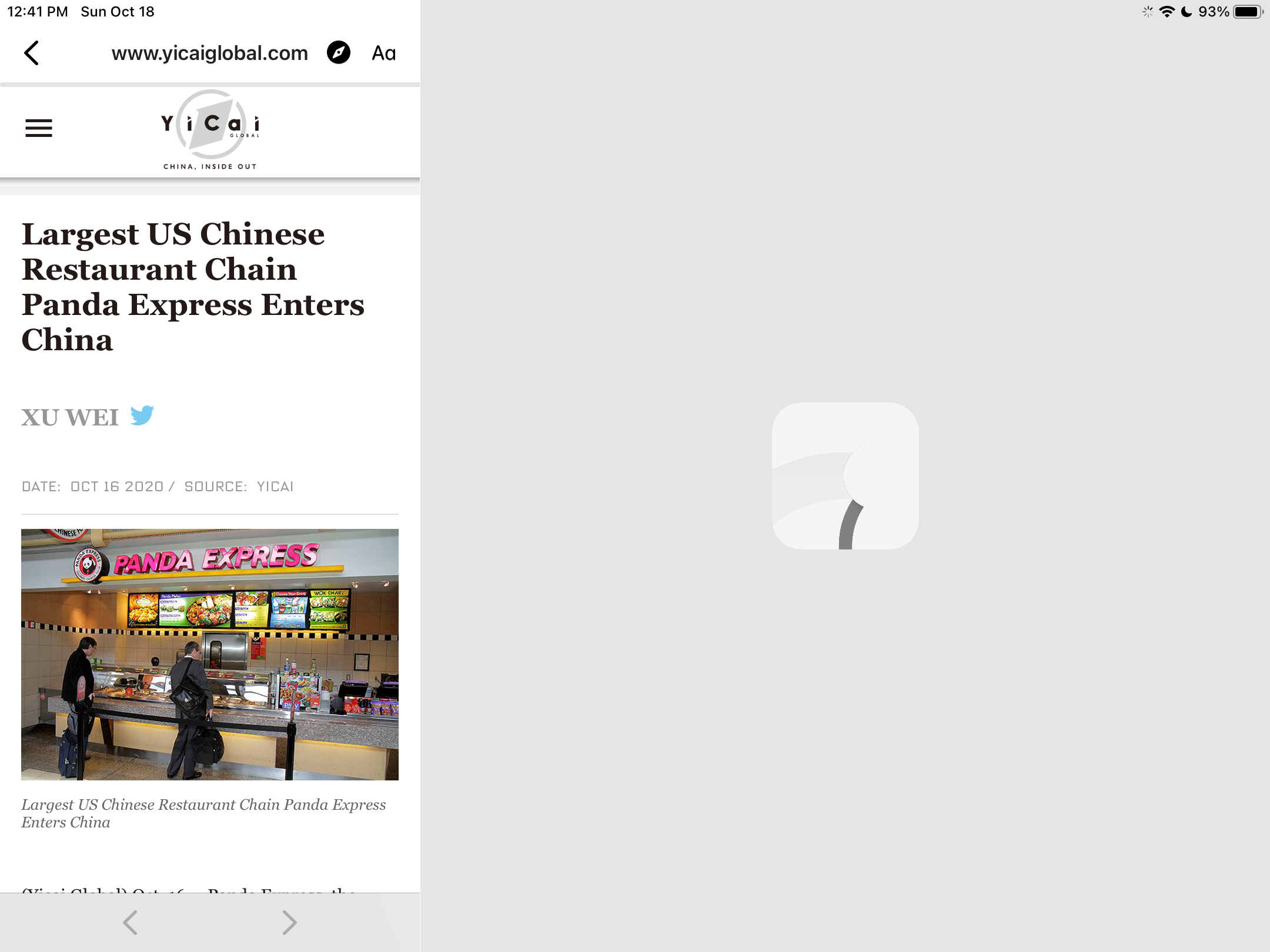
Normally you want them to open in the right pane like this (which happens when you click on the post title):

You can even open 2 different links at the same time which makes very little sense:
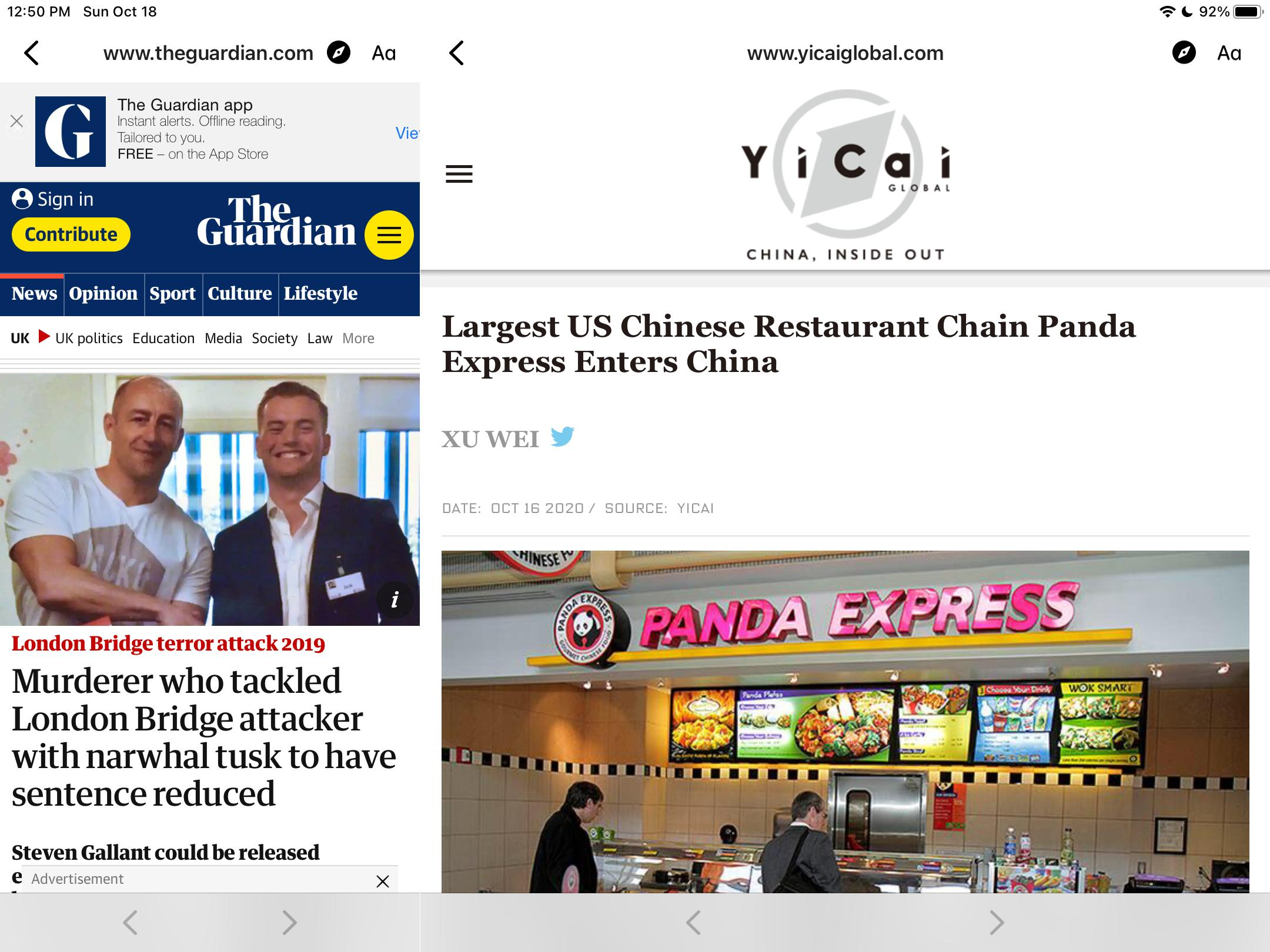


Note that this happens when "show comments full screen" option is enabled. Without it the links open in a popup.
I believe the reason is that when disablePopupIpad is true, opening a link hits the path that loads the new view in place of the parent
https://github.com/ccrama/Slide-iOS/blob/48684c8a10c4d581639ec7ba4ae90e12a2226775/Slide%20for%20Reddit/VCPresenter.swift#L102
instead of the path that explicitly loads it in in the detail pane
https://github.com/ccrama/Slide-iOS/blob/48684c8a10c4d581639ec7ba4ae90e12a2226775/Slide%20for%20Reddit/VCPresenter.swift#L51
The latter seems to be used only for comments, but not for links. I believe the fix would be to extend the first branch
https://github.com/ccrama/Slide-iOS/blob/48684c8a10c4d581639ec7ba4ae90e12a2226775/Slide%20for%20Reddit/VCPresenter.swift#L50
to work for WebsiteViewController as well, but I'm completely lost at all the conditions, overrides, etc and can't figure out how exactly to change it without breaking anything else.