
HM The Mister Techno



HM The Mister Techno
This bug also affects a few other projects
This bug affects two blocks: 
I got hit by that issue as well. Used the tool, Start Menu, Widgets, Task View, Search, Quick Settings, UWP apps broke. Fix it now.
> I'll fix it now.. just open Windows settings and choose a color until I remove "Blur" > […](#) > On Fri, Jun 10, 2022, 1:23 PM HM The Mister...
> Does the Windows Explorer work ? If it is that you can try applying Windows default theme "C:\Windows\Resources\Themes" and then apply one Applied one but still no change
Done that and worked. For users that encountered this, wait for a fix to come first
Installed, the stable release, issue still persists. Must be another issue behind this. But blur behind is no longer generated
Windows Build: 22621.1 ### Screenshots 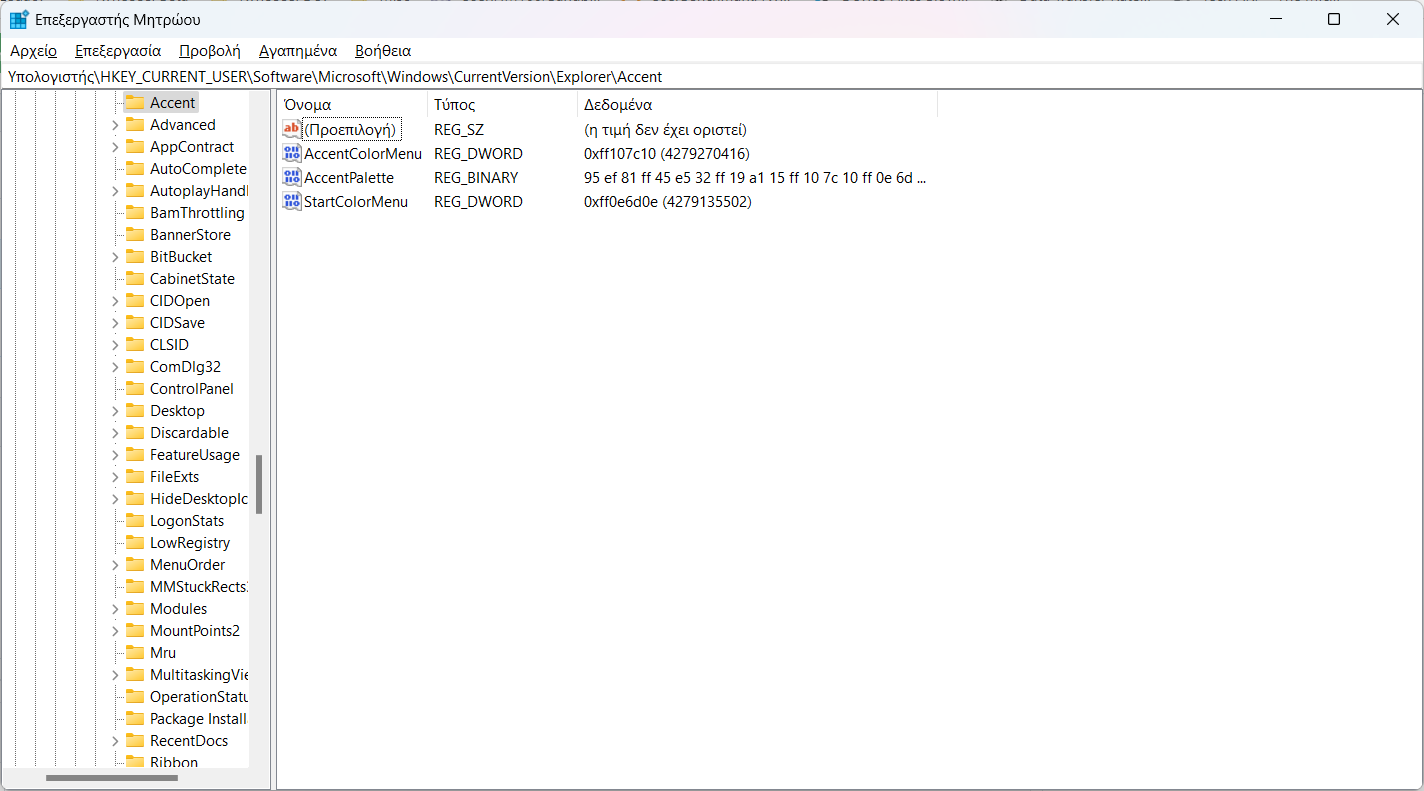 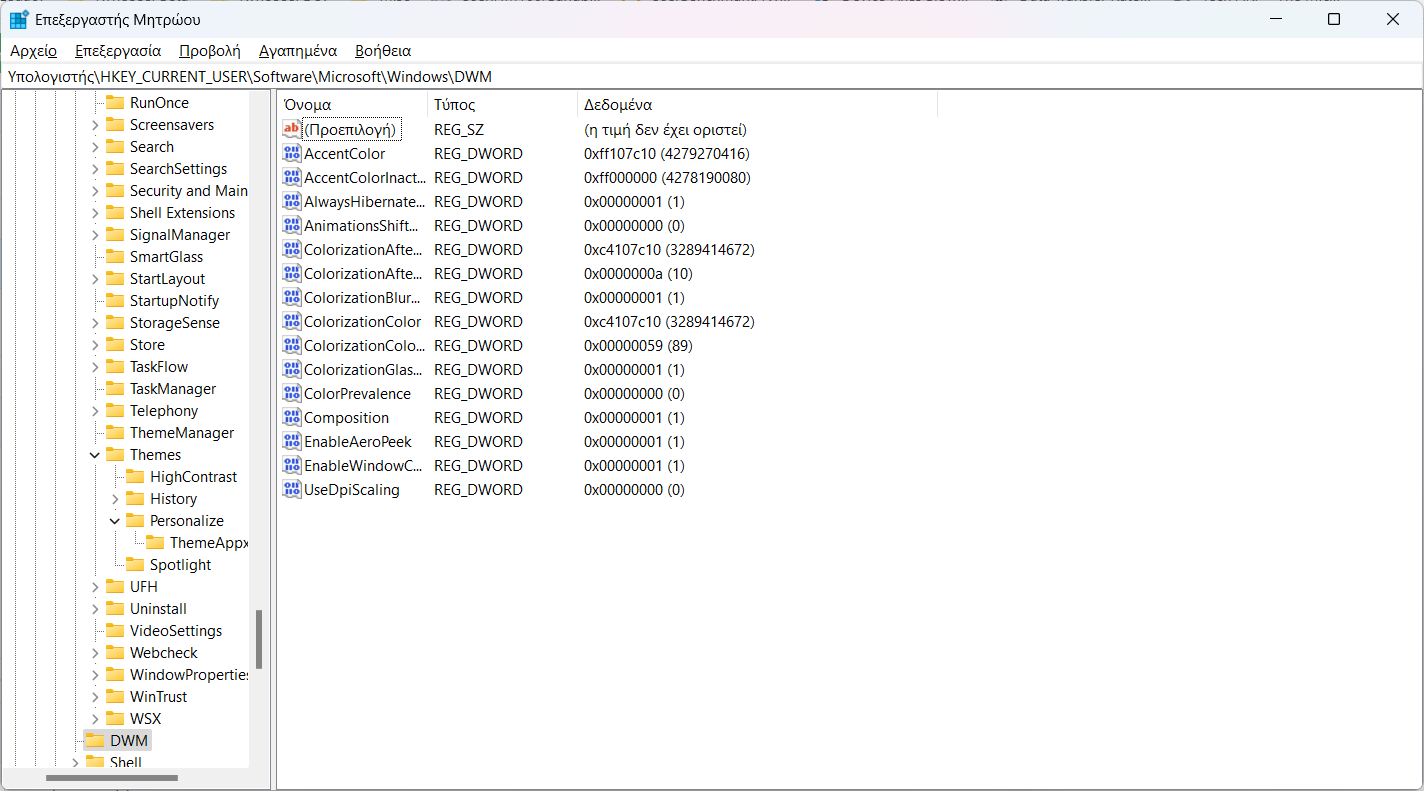 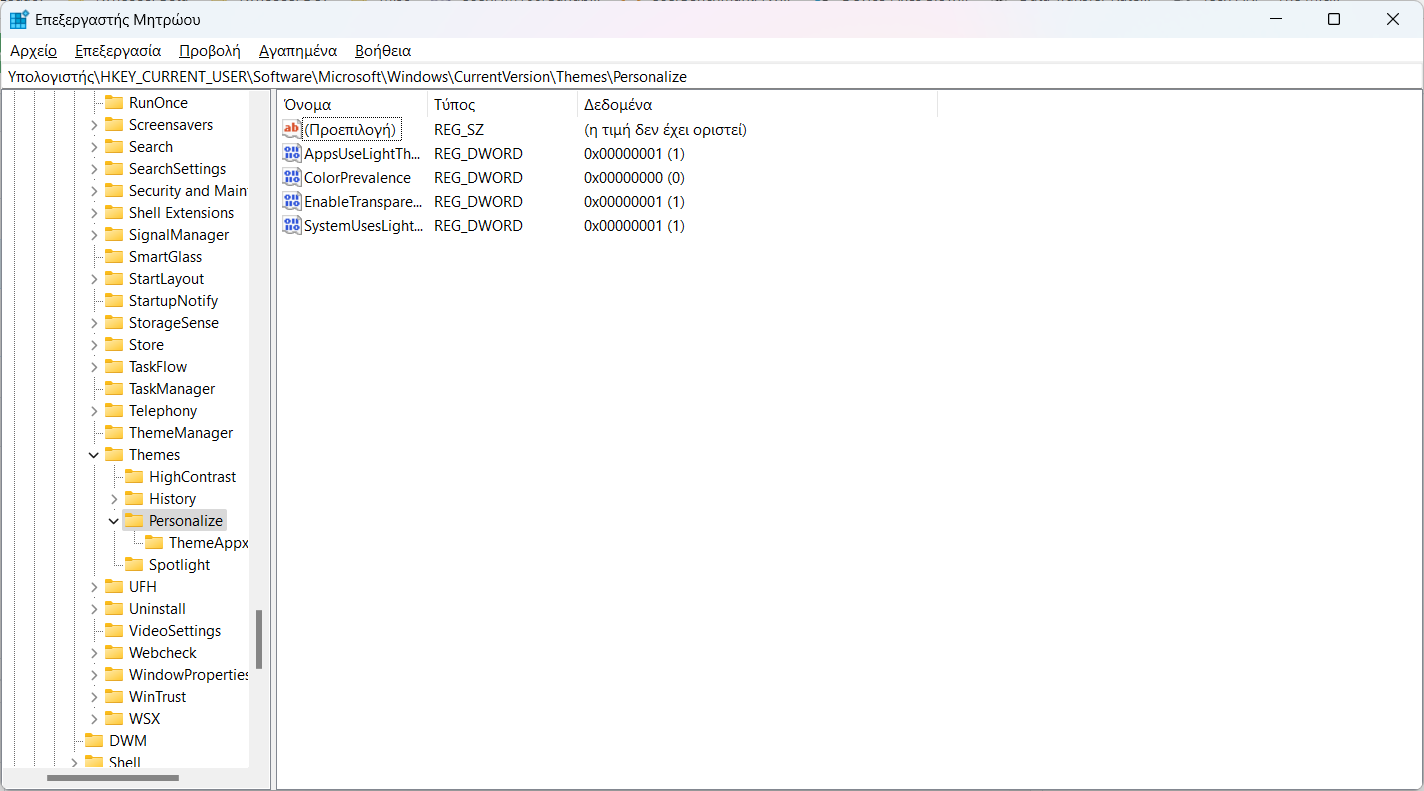
> Everything look normal to me, let me have a closer look at HKEY_CURRENT_USER\SOFTWARE\Microsoft\Windows\CurrentVersion\Explorer\Accent > AccentPalette > > or they may be issues with this build (22621.1), unfortunately I don't...